
Introduction

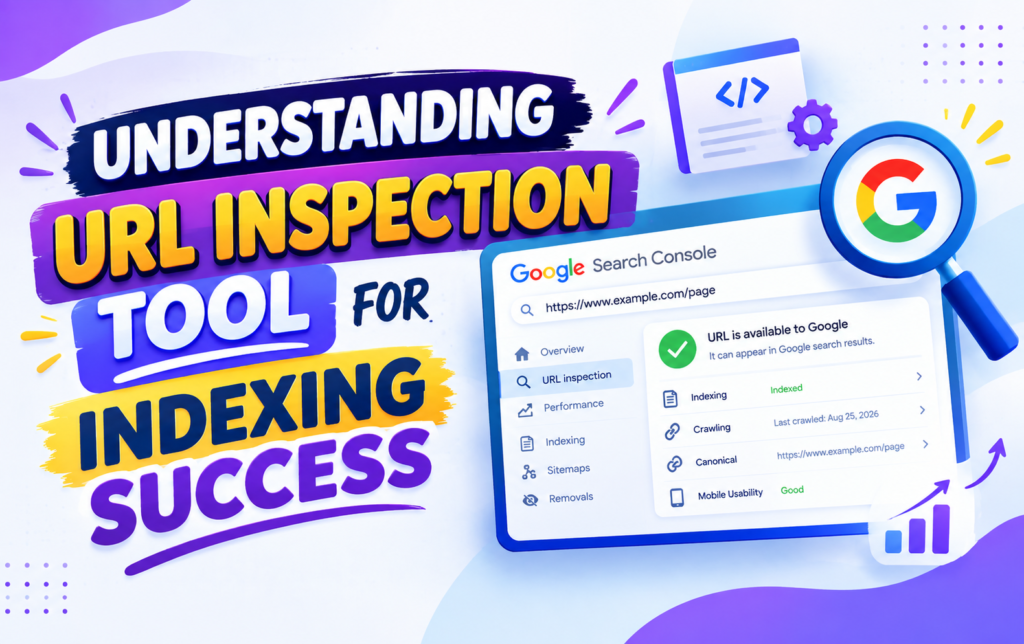
The URL Inspection Tool is an important feature in Google Search Console that helps website owners understand how Google processes individual web pages. Instead of analyzing an entire website at once, you can use this tool to examine a specific URL and check its crawling, indexing, and technical status.
When a newly published page does not appear in Google Search, URL Inspection can provide useful information about what may be happening. It can show whether Google has discovered the URL, crawled it, indexed it, or encountered an issue that could prevent it from appearing in search results.
For SEO beginners and experienced website owners alike, this tool can make indexing problems much easier to investigate.
What Is the URL Inspection Tool?
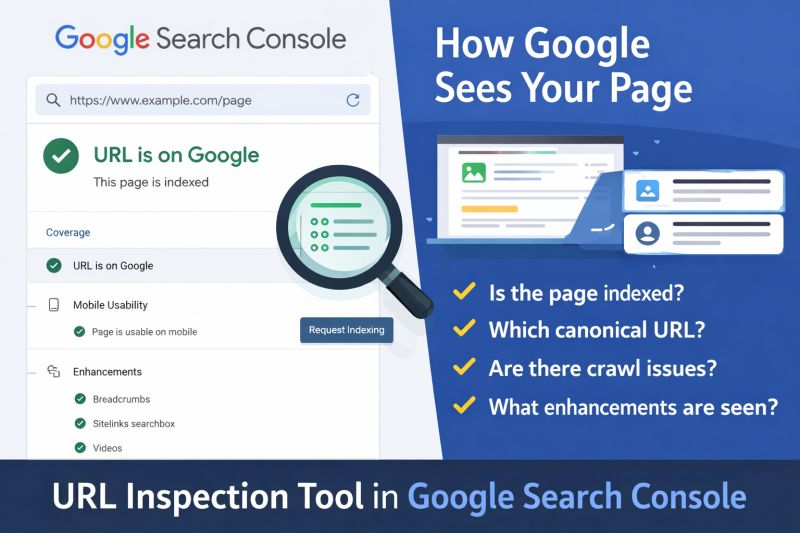
The URL Inspection Tool is a Google Search Console feature designed for checking individual URLs. After entering a webpage address, Google Search Console provides information about how Google understands and handles that particular page.
You can use it to investigate whether a URL is available to Google, whether it has been indexed, and whether certain technical problems are affecting its search visibility.
The tool is especially useful when you have published new content, updated an existing page, or noticed that an important URL is missing from Google Search.
Why Is URL Inspection Important for SEO?
Getting a webpage published is only one part of SEO. Search engines need to discover, crawl, process, and potentially index that content before it can become eligible to appear in search results.
URL Inspection helps you understand where an individual page stands in this process. It can save time because you do not have to guess whether Google has found your content.
For example, if an article is not appearing in Google, inspecting the URL may reveal an indexing status or technical issue that deserves further attention.
How to Use the URL Inspection Tool
Using URL Inspection is straightforward. Follow these steps:
1. Open Google Search Console
Sign in to your Google Search Console account and choose the website property you want to examine.
2. Enter the Webpage URL
Find the URL Inspection field in Search Console. Enter the complete address of the webpage you want to analyze.
3. Wait for Google to Check the URL
Search Console will retrieve available information about the URL and display its current status.
4. Review the Inspection Results
Carefully examine the information provided. Pay attention to indexing status, crawling details, canonical information, and any warnings or errors.
5. Request Indexing if Appropriate
If the page is new or has been significantly updated, Search Console may provide an option to request indexing. This can notify Google that the page is ready to be considered for crawling.
However, requesting indexing does not guarantee that Google will immediately index the page or give it a particular ranking.
What Information Can You Find?

The URL Inspection Tool can provide several useful details about a webpage.
Indexing Status
One of the most important parts of the report is the indexing status. It helps you determine whether Google currently has an indexed version of the URL.
If the page is not indexed, the report may provide information that helps explain the situation.
Crawling Details
Crawling information can help you understand whether Googlebot was able to access the webpage.
If Google cannot properly access a page, technical problems may need to be investigated before expecting normal indexing.
Canonical Information
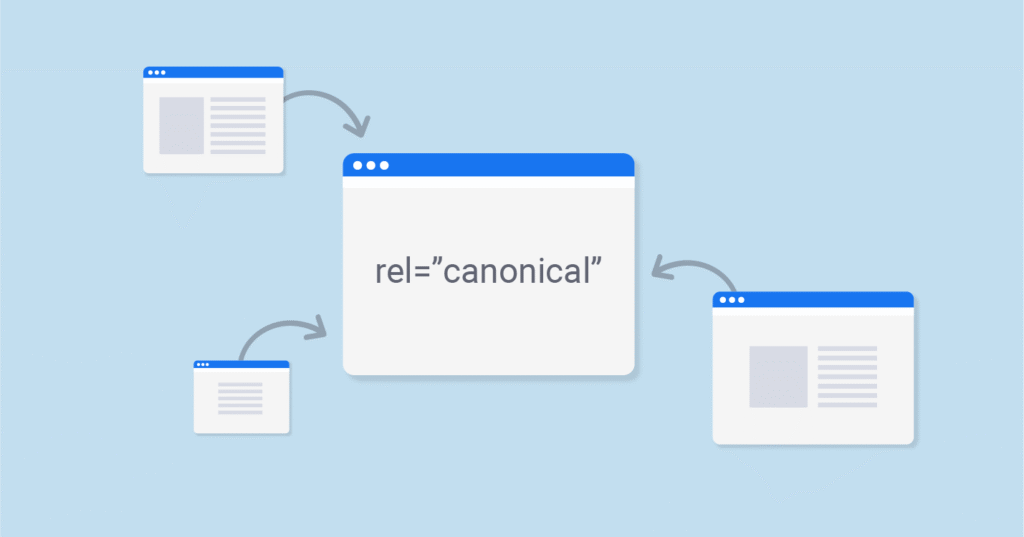
Search engines may identify a canonical URL when similar or duplicate URLs exist. Checking canonical information can help you understand which version Google considers representative.
Page Availability
The inspection report can also provide information about whether Google can access and process the page successfully.
This can be useful when troubleshooting pages that are missing from search results.
Common URL Inspection Issues
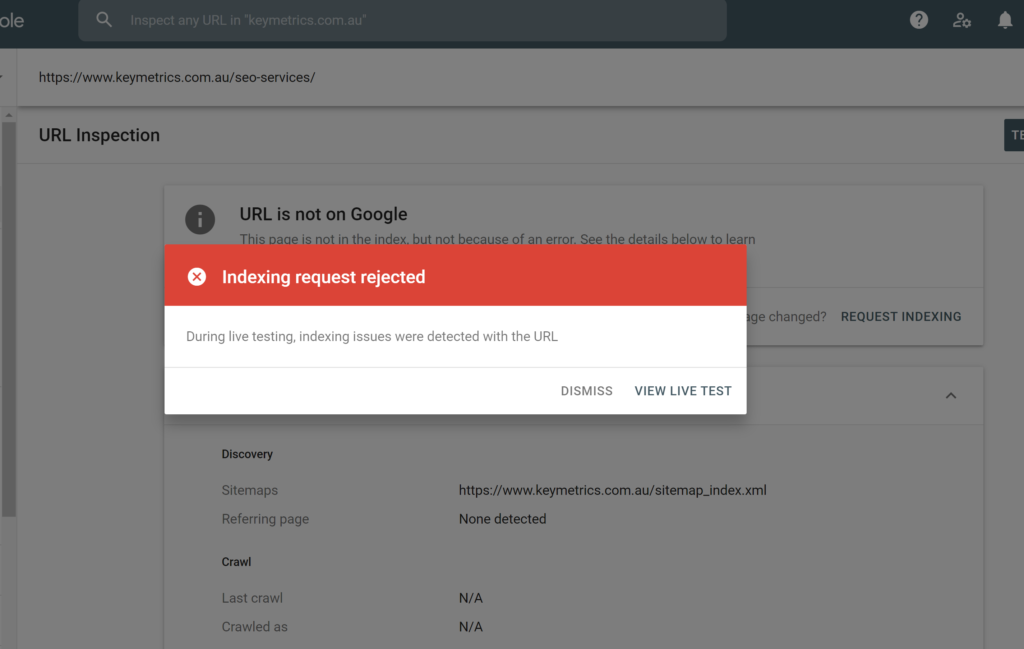
Website owners may encounter different statuses while inspecting their pages.
Crawled – Currently Not Indexed
This status means Google has crawled the page but has not included it in its index at that point.
It does not necessarily mean the page has a technical error. You should review the content quality, originality, search intent, internal links, and overall value of the page.
Discovered – Currently Not Indexed
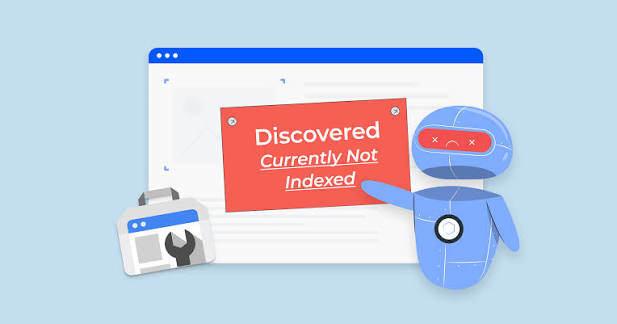
This generally indicates that Google knows about the URL but has not crawled it yet.
Improving internal linking, maintaining a useful sitemap, and making sure the website is technically accessible can support better discovery.
URL Is Not on Google
This message indicates that the inspected URL does not currently have an indexed version available in Google’s index.
The detailed inspection information can help you investigate why the URL is not appearing.
Page With Noindex
A noindex instruction tells search engines not to include a page in their index. If you want the page to appear in Google Search, check whether this directive has been added intentionally or accidentally.
URL Inspection and New Content
URL Inspection can be particularly useful after publishing a new article or webpage.
Before requesting indexing, make sure the page is complete and provides genuine value to visitors. Check that the content is accessible, the URL is correct, internal links are working, and the page is not accidentally blocked from search engines.
A strong website structure can also help Google discover important pages naturally.
URL Inspection for Updated Pages
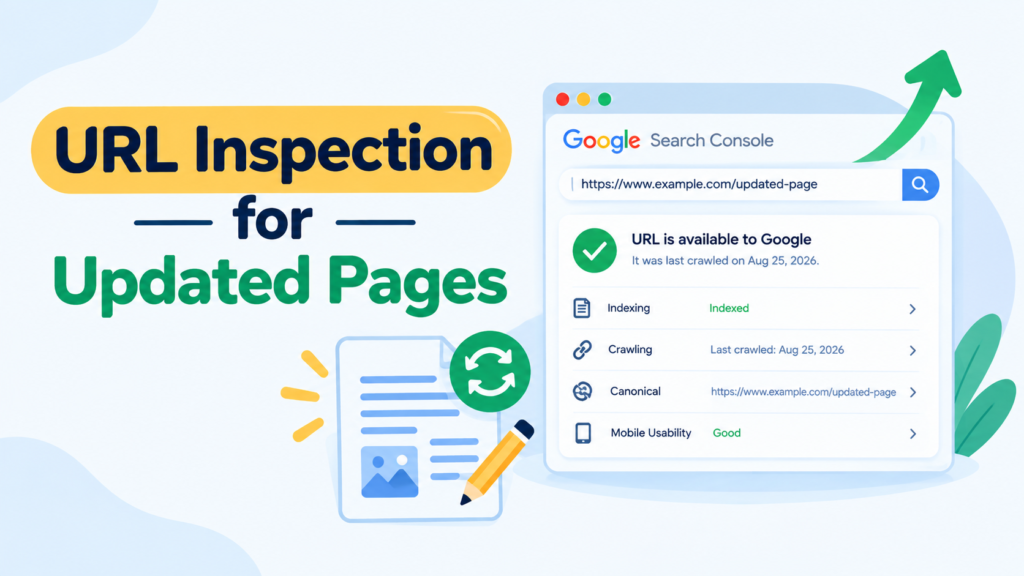
You can also use the tool when making substantial changes to an existing webpage.
For example, you may update outdated information, improve the article structure, add useful sections, or correct technical problems. After making meaningful changes, inspecting the URL can help you understand its current status.
Avoid repeatedly requesting indexing without making meaningful improvements. Indexing requests are not a shortcut to higher rankings.
Best Practices for URL Inspection
To get more value from this tool, consider these SEO practices:
Check important URLs: Focus on pages that target valuable keywords or contribute significantly to your website.
Improve content: Make sure every important page has a clear purpose and satisfies the searcher’s intent.
Create internal links: Link related pages together so visitors and search engines can discover useful content more easily.
Maintain your sitemap: Keep your XML sitemap accurate and include the important URLs you want Google to discover.
Check technical settings: Review robots.txt, noindex directives, canonical URLs, redirects, and accessibility when problems occur.
Avoid duplicate content: Multiple pages offering almost the same information can make it harder for search engines to determine which URL should be prioritized.
Does URL Inspection Improve Rankings?
The URL Inspection Tool does not directly increase rankings.
Its main purpose is to provide information about crawling and indexing. Ranking depends on many other factors, including content relevance, quality, competition, website authority, user experience, links, and technical performance.
Therefore, URL Inspection should be considered a diagnostic SEO tool rather than a ranking tool.
Final Thoughts
The URL Inspection Tool is a valuable part of Google Search Console for anyone managing a website. It provides a practical way to investigate individual pages and understand whether Google can discover, crawl, and index them.
Whether you are checking a newly published article, troubleshooting an indexing problem, or reviewing an updated page, URL Inspection can give you useful information for making better SEO decisions.
Remember that indexing is not the same as ranking. A page may be successfully indexed and still need stronger content, better optimization, or greater authority to compete effectively in Google Search.
FAQs
What is the URL Inspection Tool?
The URL Inspection Tool is a Google Search Console feature that lets you check the crawling and indexing status of an individual webpage.
Can URL Inspection index my page immediately?
No. You can request indexing when the option is available, but Google decides when and whether a page will be indexed.
Why is my page crawled but not indexed?
A page may remain unindexed for different reasons. Review its content quality, uniqueness, search intent, internal links, and technical accessibility.
Is URL Inspection free?
Yes. URL Inspection is available as part of Google Search Console, which website owners can use without paying for the tool.
Can I use URL Inspection for every webpage?
Yes, individual URLs can be inspected. However, there is generally no need to repeatedly inspect every page unless you are troubleshooting a specific issue.
Does URL Inspection help SEO?
Yes, indirectly. It helps identify crawling and indexing problems, allowing you to make technical and content improvements that can support better search visibility.
What should I do after requesting indexing?
Make sure the page is useful, accessible, internally linked, and technically sound. Then allow Google time to process the URL rather than repeatedly submitting the same request.