

If you own a website, blog, Shopify store, or online business, understanding how your website performs on Google is essential. Many website owners publish content regularly but never know whether Google has indexed their pages or if users can actually find them.
This is where Google Search Console (GSC) becomes one of the most valuable free SEO tools available. It helps you monitor your site’s visibility, discover technical SEO problems, track search performance, and improve your rankings.
Whether you’re a beginner or an experienced website owner, this complete guide explains everything you need to know about Google Search Console and how to use it effectively.
What Is Google Search Console?
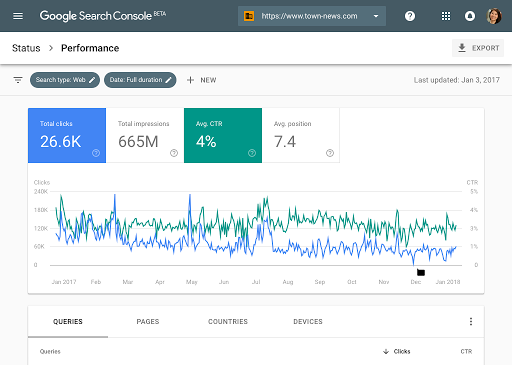
Google Search Console is a free platform created by Google that helps website owners understand how their websites appear in Google Search.
Instead of guessing how Google views your website, Search Console provides real data about:
- Search clicks
- Impressions
- Average ranking positions
- Indexed pages
- Crawl errors
- Mobile usability
- Core Web Vitals
- Security issues
- Sitemap status
Using these reports allows you to improve your website’s SEO and ensure Google can crawl and index your content correctly.
Why Google Search Console Matters for SEO
Many SEO tools estimate rankings or traffic, but Google Search Console provides data directly from Google.
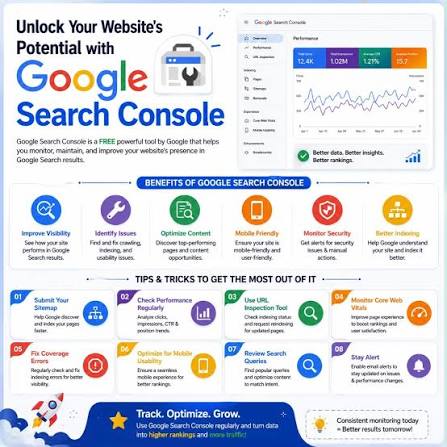
Some of its biggest benefits include:
- Monitor website performance in Google Search
- Find pages that are not indexed
- Discover keywords bringing traffic
- Fix crawl and indexing errors
- Submit XML sitemaps
- Check mobile usability
- Improve technical SEO
- Monitor backlinks
- Identify Core Web Vitals issues
- Receive alerts for manual actions or security problems
Because the data comes directly from Google, it is one of the most trusted resources for SEO professionals.
Key Features of Google Search Console
Performance Report
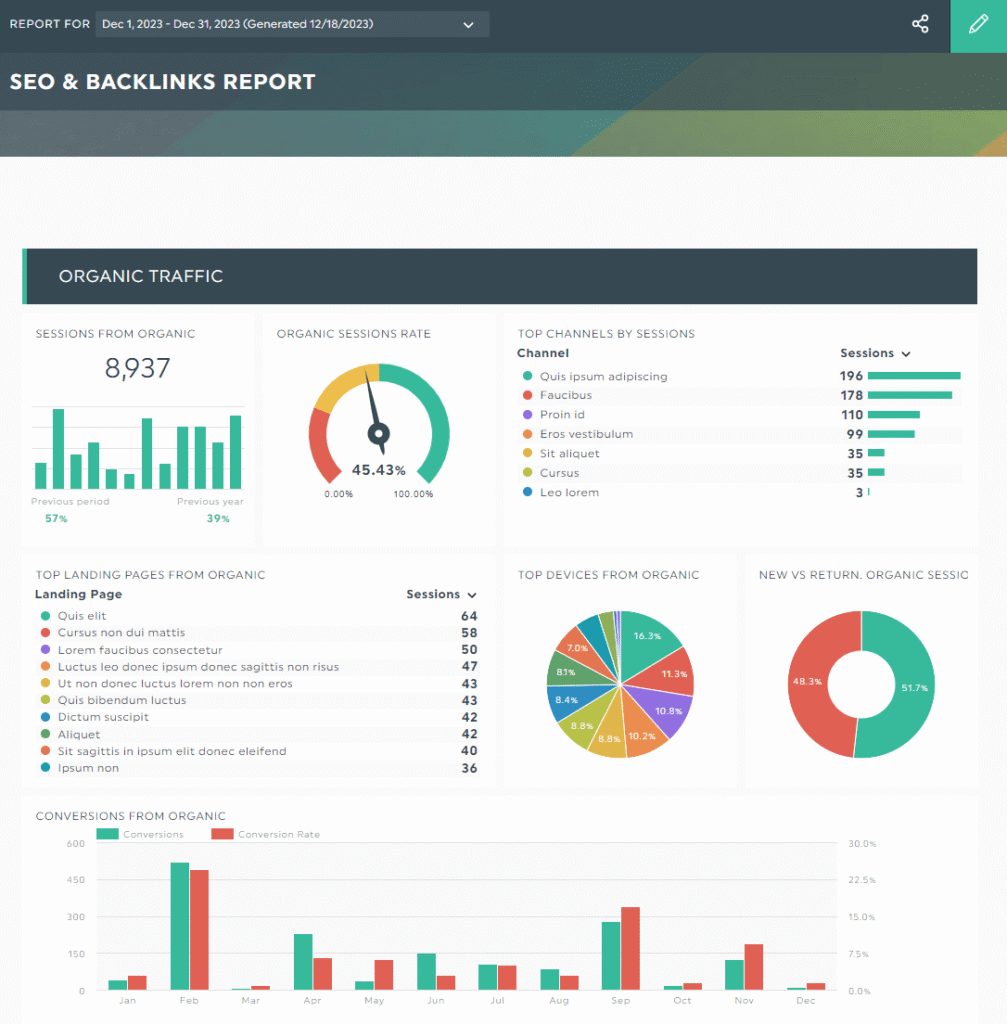
The Performance report shows how your website performs in Google Search.
It includes:
- Total clicks
- Total impressions
- Average CTR
- Average position
- Search queries
- Top-performing pages
- Countries
- Devices
This information helps identify which pages are attracting visitors and which ones need optimization.
URL Inspection Tool
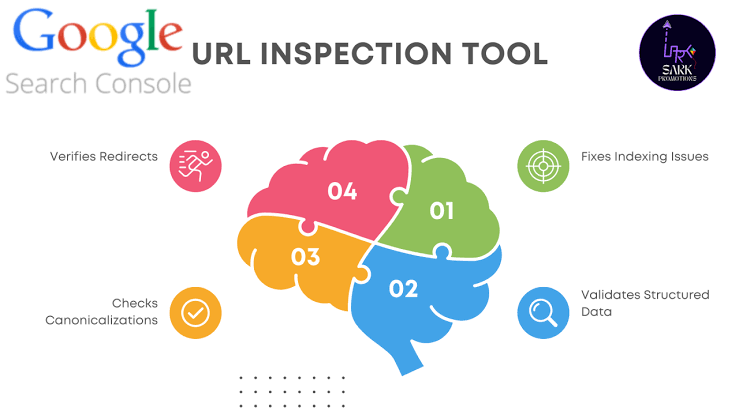
The URL Inspection Tool allows you to check whether a specific page has been indexed by Google.
You can also:
- Request indexing
- View crawl information
- Check canonical URLs
- Identify indexing issues
This tool is especially useful after publishing new content.
Indexing Reports
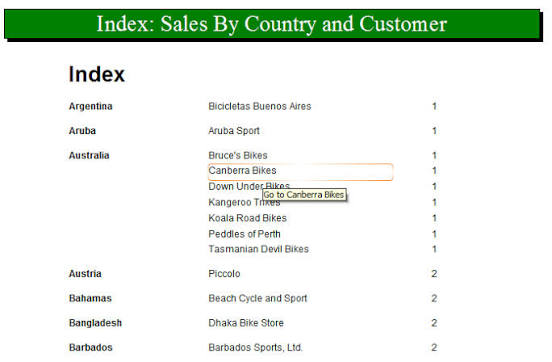
The indexing section tells you which pages Google has indexed and which pages have problems.
Common issues include:
- Crawled – Currently Not Indexed
- Discovered – Currently Not Indexed
- Duplicate pages
- Noindex pages
- Redirect pages
- Server errors
Fixing these problems improves your site’s visibility.
XML Sitemap Submission
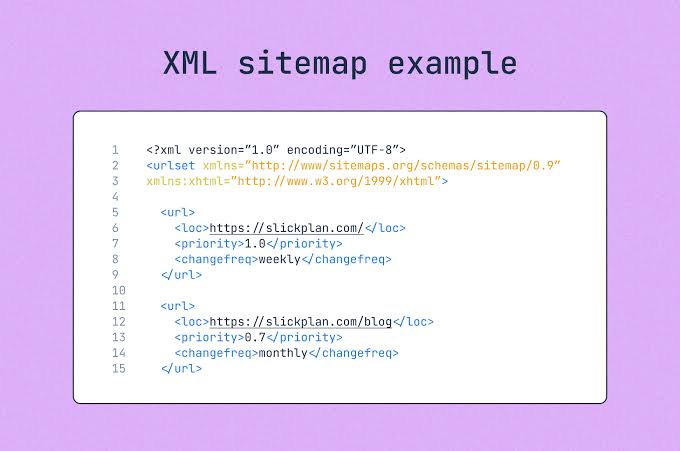
Submitting an XML sitemap helps Google discover your important pages more efficiently.
A sitemap should include:
- Blog posts
- Product pages
- Collections
- Categories
- Important landing pages
Keeping your sitemap updated improves crawling efficiency.
Core Web Vitals
Website speed and user experience influence SEO.
Google Search Console measures:
- Loading performance
- Visual stability
- User interaction speed
Improving these metrics creates a better experience for visitors.
Mobile Usability
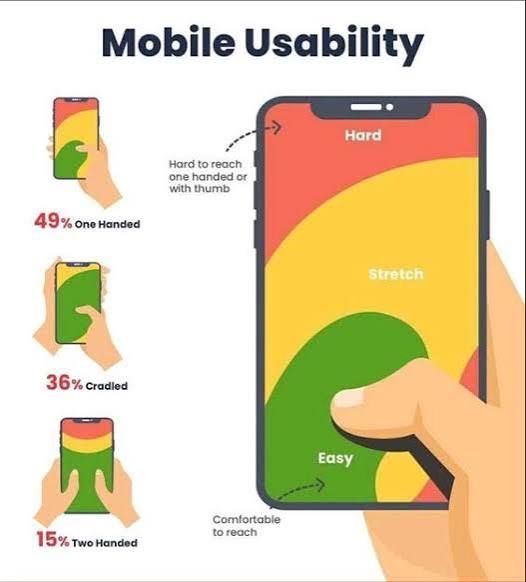
Since most searches happen on mobile devices, Google checks whether your website works properly on smartphones.
The Mobile Usability report helps identify pages that need improvement.
How to Set Up Google Search Console
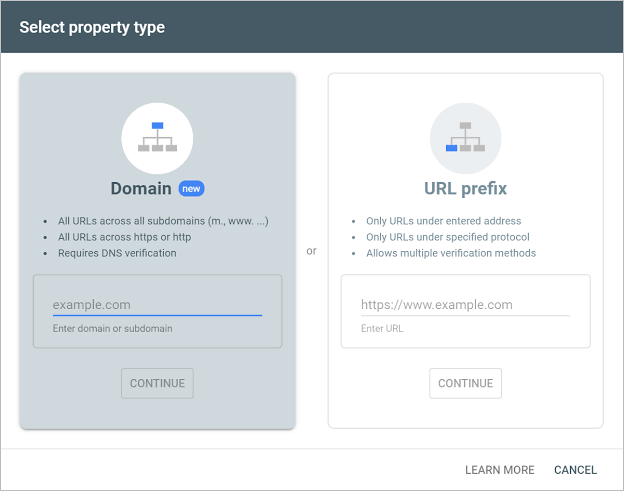
Setting up Google Search Console only takes a few steps:
- Sign in with your Google account.
- Add your website as a property.
- Verify ownership using DNS, HTML file, HTML tag, or another supported method.
- Submit your XML sitemap.
- Wait for Google to collect data.
- Monitor your reports regularly.
Once verified, you’ll start receiving valuable information about your website’s search performance.
Best Practices for Using Google Search Console
To get the most value from Search Console, follow these best practices:
- Check reports every week.
- Fix indexing errors quickly.
- Monitor keyword performance.
- Improve pages with high impressions but low click-through rates.
- Update old content regularly.
- Submit new URLs after publishing.
- Remove unnecessary redirect chains.
- Improve website speed.
- Keep your sitemap updated.
- Review security notifications immediately.
These habits help maintain a healthy website and improve long-term SEO performance.
Common Google Search Console Mistakes
Many website owners make mistakes that limit their SEO success.
Avoid these common problems:
- Ignoring indexing errors
- Never checking Performance reports
- Forgetting to submit a sitemap
- Publishing duplicate content
- Not monitoring Core Web Vitals
- Ignoring mobile usability issues
- Leaving broken pages unresolved
- Failing to optimize pages with low CTR
Fixing these issues can improve your site’s overall search visibility.
Final Thoughts
Google Search Console is one of the most powerful free SEO tools available. It provides accurate insights directly from Google, helping website owners improve search visibility, monitor website health, and solve technical SEO issues.
Whether you manage a personal blog, a business website, or an online store, regularly reviewing Search Console reports can help you identify opportunities, fix problems early, and make informed SEO decisions.
Success in search engines isn’t just about publishing content—it’s about understanding how Google sees your website. By using Google Search Console consistently, you’ll be better equipped to improve rankings, increase organic traffic, and build a stronger online presence over time.
Frequently Asked Questions (FAQs)
1. How often should I check Google Search Console?
Checking it at least once a week is recommended so you can monitor performance and address any issues promptly.
2. Does Google Search Console improve rankings?
The tool itself does not increase rankings, but the insights it provides help you optimize your website, which can lead to better SEO results.
3. What is the difference between Google Search Console and Google Analytics?
Google Search Console focuses on how your website performs in Google Search, while Google Analytics tracks user behavior after visitors arrive on your website.
4. Why are some pages not indexed?
Pages may not be indexed due to crawl issues, duplicate content, noindex tags, poor content quality, or other technical SEO problems. Reviewing the Indexing report can help identify the exact reason.