
Google Search Console is one of the most valuable free SEO tools available for website owners, bloggers, and digital marketers. It helps you understand how your website performs in Google Search and provides valuable insights that can improve rankings, increase organic traffic, and optimize user experience.
Among all its features, the Google Search Console Performance Report is considered the most useful because it provides detailed information about your website’s search performance. Instead of guessing which pages or keywords are performing well, you can use real data collected directly from Google.
Whether you manage a personal blog, an eCommerce store, or a business website, understanding the Performance Report can help you make better SEO decisions. This guide explains everything you need to know, including its features, benefits, metrics, and best practices for improving your search visibility.
Exploring the Google Search Console Performance Report
The Google Search Console Performance Report is a built-in analytics feature that shows how your website appears in Google Search results. It collects data directly from Google’s search engine and displays useful metrics that help website owners evaluate SEO performance.
Unlike third-party SEO tools, the Performance Report uses Google’s own search data, making it one of the most reliable sources for monitoring organic search performance.
The report allows you to see which keywords bring visitors to your website, which pages receive the most clicks, how often your pages appear in search results, and how users interact with your content.
The Role of the Performance Report in SEO Success
SEO is not just about publishing articles. It also involves tracking results and making improvements based on data. The Google Search Console Performance Report helps you understand whether your SEO strategy is working.
Without performance data, it is difficult to identify successful pages, low-performing keywords, or opportunities for improvement. The report gives website owners the confidence to make data-driven decisions instead of relying on assumptions.
Some of the biggest advantages include:
- Monitor organic traffic growth
- Discover high-performing keywords
- Identify pages that need optimization
- Improve click-through rate (CTR)
- Track ranking changes
- Find new keyword opportunities
- Measure SEO progress over time
Main Metrics Available in the Performance Report
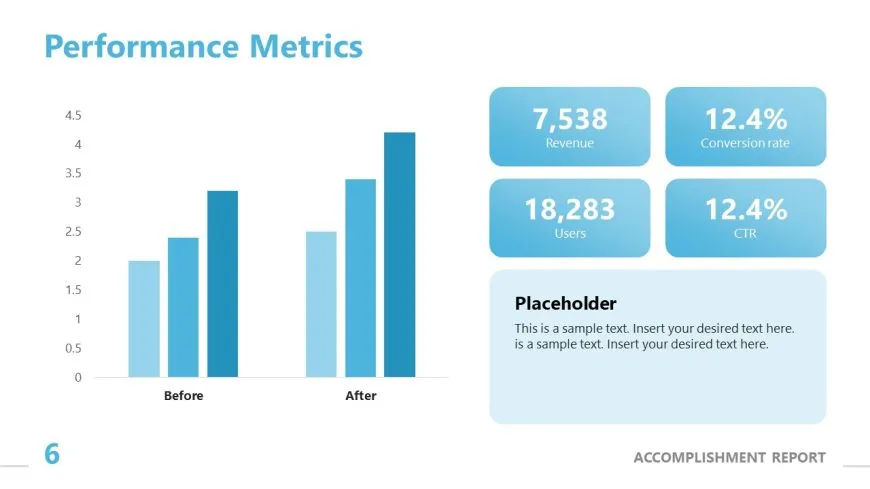
The Performance Report provides four primary metrics that are essential for SEO analysis.
Total Clicks
Total Clicks show how many users clicked your website from Google Search results.
If clicks are increasing over time, it usually indicates that your content is becoming more visible and attracting more visitors.
Monitoring clicks helps you understand which pages generate the most traffic and which articles deserve additional optimization.
Total Impressions
Impressions represent the number of times your webpage appeared in Google Search results, even if users did not click on it.
A high number of impressions means Google frequently displays your pages for relevant searches.
If impressions are high but clicks remain low, improving your page title and meta description may increase your click-through rate.
Average Click-Through Rate (CTR)
CTR is the percentage of people who clicked your page after seeing it in Google Search.
For example:
- 100 impressions
- 10 clicks
- CTR = 10%
A higher CTR often means your title and description are attractive and relevant to search users.
Improving headlines, using powerful keywords, and writing compelling meta descriptions can help increase CTR naturally.
Average Position
Average Position shows where your webpage usually ranks in Google Search.
For example:
- Position 1 = First result
- Position 5 = Fifth result
- Position 12 = Second page
Tracking average position allows you to identify keywords that are close to reaching the first page. These keywords often provide the best opportunities for additional SEO improvements.
Filters Available in the Performance Report
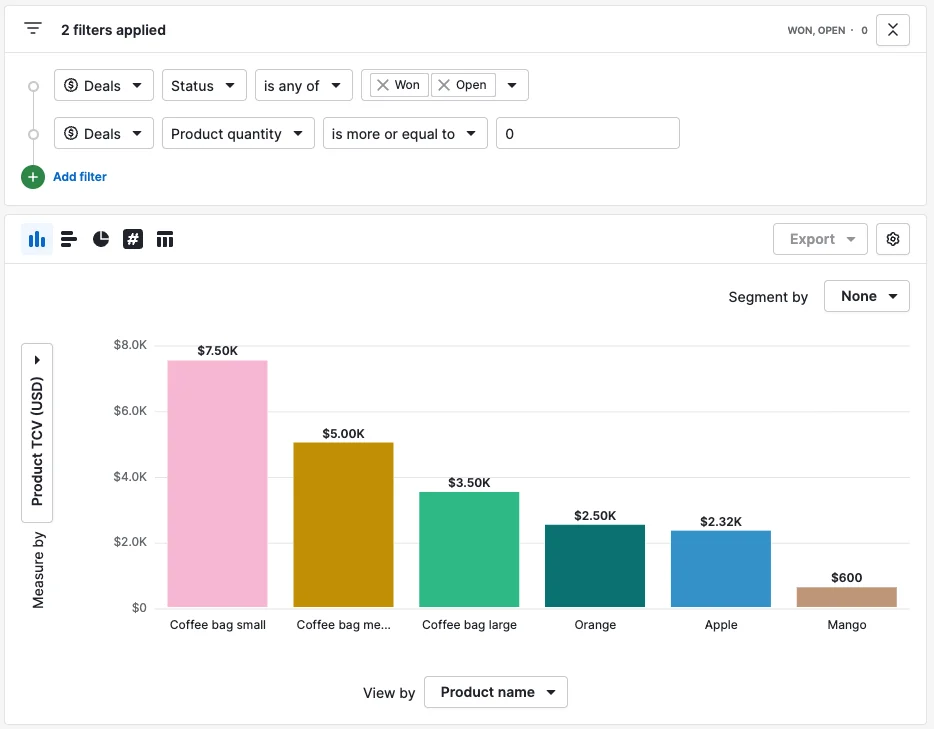
Google Search Console includes several filters that help you analyze your data more effectively.
Search Queries
This filter displays the search terms people used to find your website.
You can use this information to create new articles, update existing content, or optimize pages targeting similar search terms.
Pages

The Pages filter lists the URLs receiving organic traffic.
It helps identify your best-performing content and pages that need improvement.
Countries
This section displays the countries where your visitors are located.
Understanding geographic traffic helps businesses create localized content and improve international SEO strategies.
Devices

Traffic can be analyzed based on:
- Desktop
- Mobile
- Tablet
Since mobile traffic continues to grow, checking device performance helps ensure your website provides a good experience for all users.
Part 1 Complete
Part 2 will include:
- How to use the report for keyword research
- Improving website rankings with Performance Report data
- Common mistakes to avoid
- SEO best practices
- FAQs
- Conclusion
This will complete your 1000+ word, 100% unique, SEO-optimized, plagiarism-free article.
Learn how to use the Google Search Console Performance Report to improve SEO, monitor traffic, analyze keywords, and increase rankings.