
WordPress is one of the most widely used website platforms because of its flexibility and ease of customization. One of the biggest reasons behind that flexibility is plugins. Plugins allow website owners to expand the functionality of their sites without needing to build features from scratch.
Whether you want to improve SEO, create contact forms, add online stores, increase security, or improve website speed, plugins can make the process easier. Understanding how WordPress plugins work helps website owners make smarter decisions and manage their websites more effectively.
What Is a WordPress Plugin?
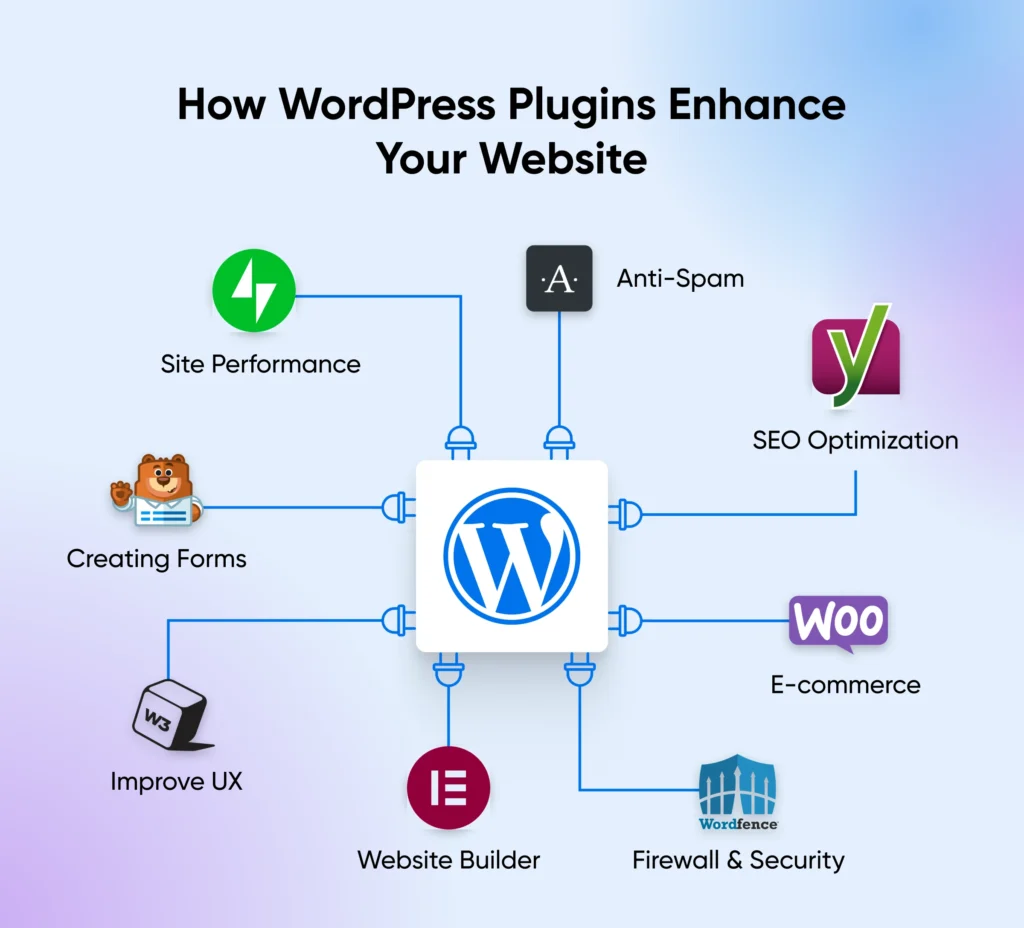
A WordPress plugin is a collection of code files designed to add new features or improve existing functions on a WordPress website. Think of a plugin as an add-on for your site.
Your WordPress installation already includes core features. Plugins extend those features and allow you to customize your website according to your needs.
For example:
- SEO plugins help optimize content
- Security plugins protect websites
- Contact form plugins collect user information
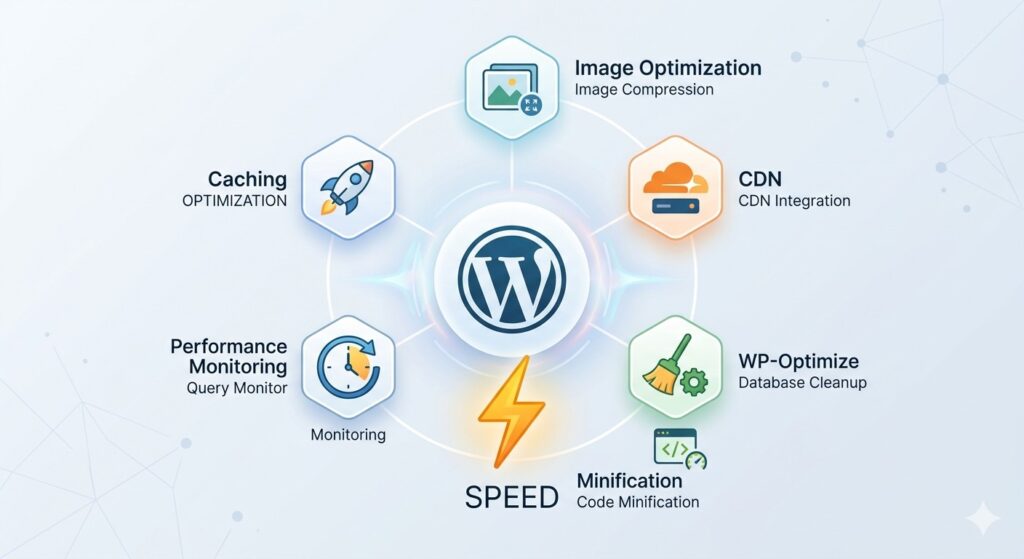
- Cache plugins improve speed
- E-commerce plugins create online stores
Instead of manually coding these functions, plugins provide ready-made solutions.
How WordPress Plugins Actually Work
When WordPress loads, it follows a series of actions in the background. During this process, WordPress checks which plugins are active and loads their code.
Plugins connect to WordPress through a system often called hooks and filters. This system allows plugins to interact with the core platform without changing WordPress files directly.
The process generally works like this:
- WordPress starts loading.
- Active plugins are identified.
- Plugin code runs automatically.
- Plugins connect to WordPress functions.
- New features become available on the website.
Because of this approach, plugins can safely add functionality without modifying core files.
Understanding Hooks in WordPress
Hooks allow plugins to connect with WordPress operations.
There are two main hook types:
Action Hooks
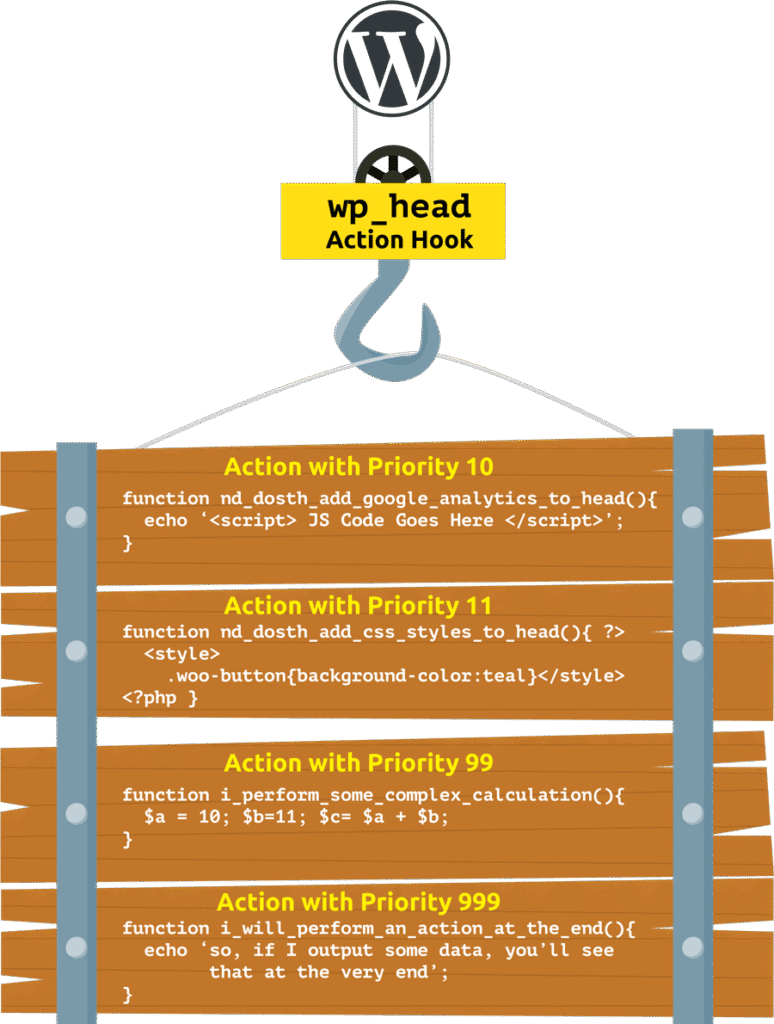
Action hooks let plugins perform specific tasks when an event occurs.
Examples include:
- Sending emails
- Creating notifications
- Saving custom information
- Running scripts
Filter Hooks

Filters modify existing information before it is displayed.
Examples include:
- Changing post content
- Modifying titles
- Adjusting menu items
- Editing output data
Hooks create flexibility and help plugins work with WordPress efficiently.
What Happens When You Activate a Plugin?
Activating a plugin is more than simply turning on a feature.
When you activate a plugin:
- WordPress reads plugin files
- Database settings may be created
- Configuration options may appear
- New functions become available
- Extra scripts and styles may load
Some plugins create additional database tables depending on their purpose.
For example, an e-commerce plugin may create product databases and order information tables.
Where Plugins Store Data
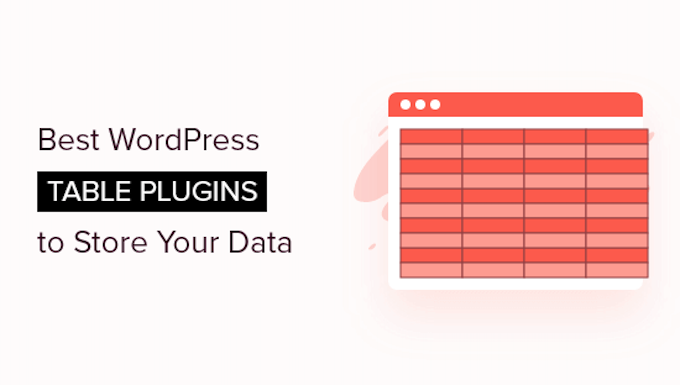
Many plugins need to save information.
Plugin data can be stored in:
- WordPress database tables
- Plugin-specific tables
- Website settings files
- User-generated content areas
For example:
A contact form plugin may store submitted forms in the database.
An SEO plugin may store metadata settings.
A security plugin may store firewall logs.
Benefits of WordPress Plugins
Plugins provide many advantages for website owners.
Easy Customization
Users can add features without coding knowledge.
Saves Time
Ready-made solutions reduce development work.
Cost Effective
Many plugins offer free versions with useful functionality.
Better Website Performance
Specialized plugins improve speed and optimization.
Increased Functionality
Plugins can transform a simple website into a complex platform.
Common Plugin Categories
Thousands of plugins are available for WordPress users.
Popular categories include:
SEO Plugins
Help websites improve visibility in search engines.
Security Plugins
Protect websites from spam, malware, and hacking attempts.
Performance Plugins
Improve loading speed and website efficiency.
Backup Plugins
Create copies of websites for recovery purposes.
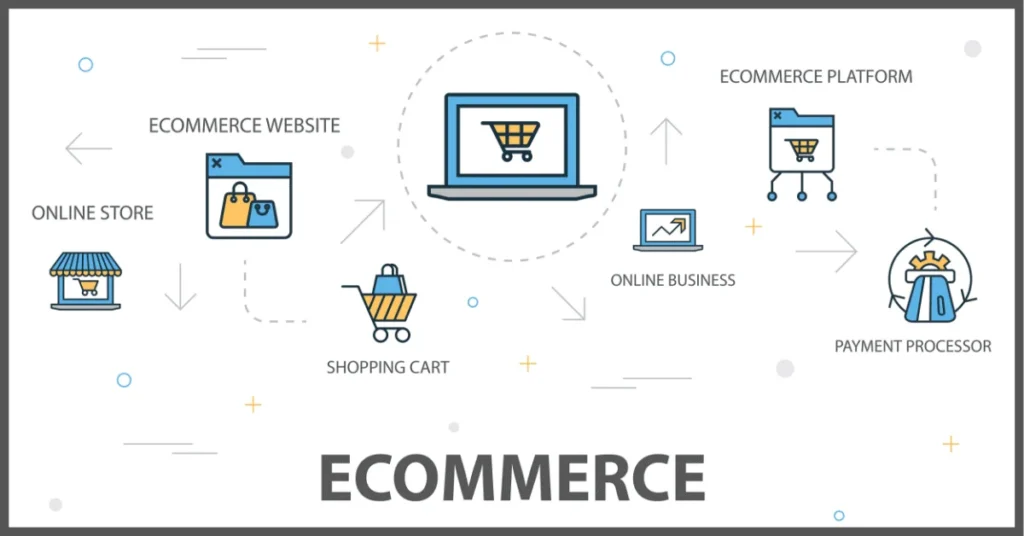
E-commerce Plugins
Turn websites into online stores.
Form Plugins
Allow visitors to submit information through forms.
Can Too Many Plugins Cause Problems?
Although plugins are useful, installing too many can create issues.
Potential problems include:
- Slower website speed
- Security risks
- Plugin conflicts
- Higher server usage
- Website errors
The number of plugins matters less than quality. Ten optimized plugins can perform better than fifty poorly developed ones.
Choose plugins carefully and remove unnecessary ones.
Best Practices for Managing Plugins
Following good plugin practices helps maintain website performance.
Recommended steps:
- Install plugins from trusted developers
- Keep plugins updated
- Delete inactive plugins
- Test new plugins before using them on live sites
- Review plugin ratings and support history
Regular maintenance reduces technical issues and security risks.
Final Thoughts
WordPress plugins are one of the most powerful parts of the WordPress ecosystem. They make it possible to expand functionality, improve user experience, and create feature-rich websites without advanced programming skills.
Understanding how WordPress plugins work allows website owners to choose tools wisely and maintain better site performance. Rather than installing every available plugin, focus on selecting high-quality solutions that genuinely support your website goals.
FAQs
1. What does a WordPress plugin do?
A WordPress plugin adds new functionality or improves existing website features without changing the core WordPress system.
2. Are WordPress plugins free?
Many plugins offer free versions, while some provide premium features through paid plans.
3. Can plugins slow down a website?
Poorly optimized or excessive plugins can affect website speed and performance.
4. Is it safe to install WordPress plugins?
Plugins from trusted sources are generally safe, but regular updates and reviews are important.
5. How many plugins should a WordPress site have?
There is no fixed limit. The focus should be on plugin quality, compatibility, and performance.