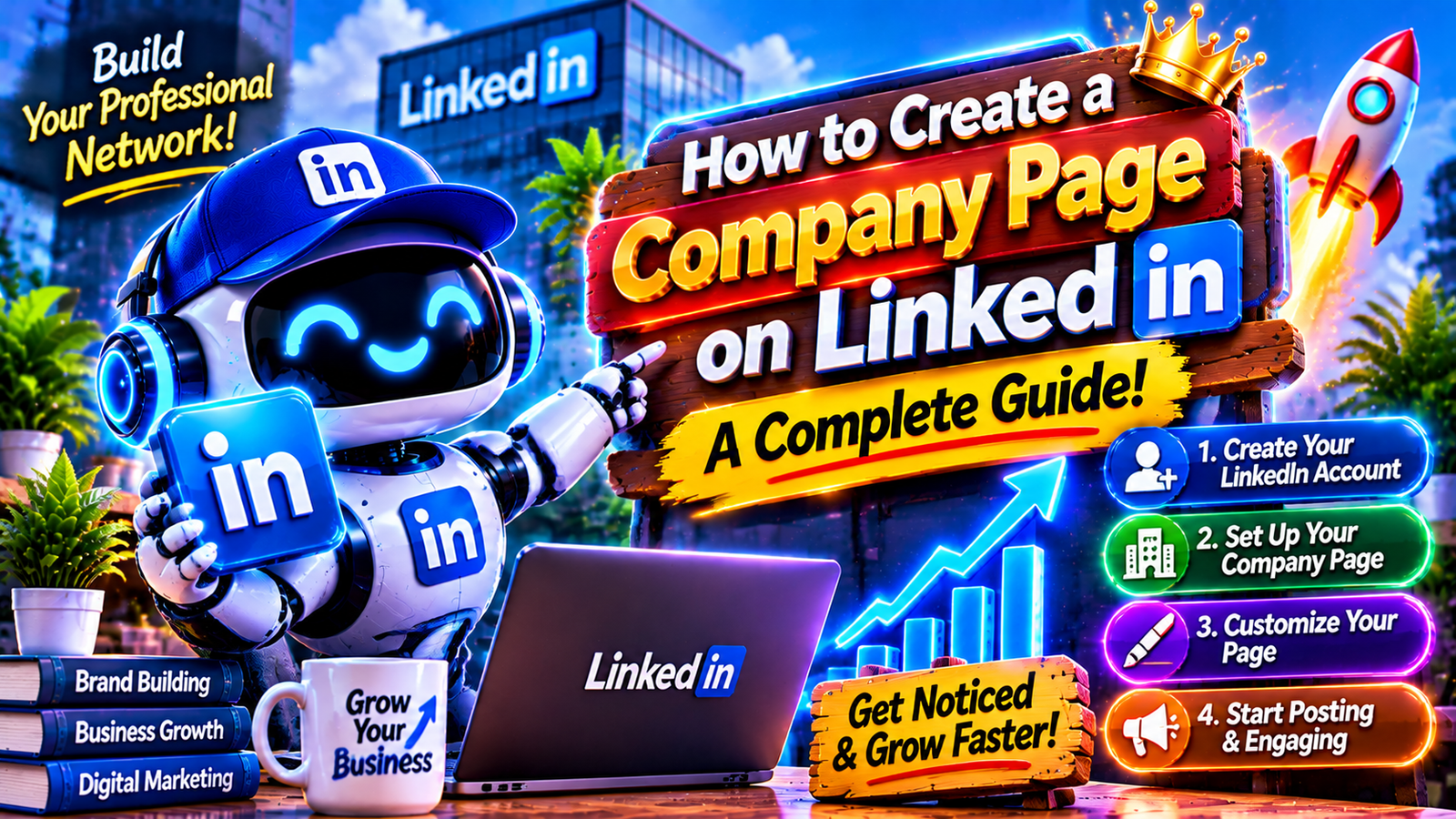

Introduction
LinkedIn has become an important platform for businesses that want to establish a professional online presence, connect with potential customers, and build relationships with other organizations. Whether you operate a small business, startup, agency, or established company, having a dedicated LinkedIn Company Page can help people discover your brand and understand what your organization offers.
Learning how to create a company page on LinkedIn is a straightforward process. You need an existing personal LinkedIn account, accurate company information, a professional logo, and a clear description of your business.
A well-developed Company Page also gives organizations a place to share announcements, publish industry-related content, highlight services, and communicate with their professional audience.
This guide explains the complete setup process, important optimization techniques, useful content strategies, and common mistakes to avoid when building your LinkedIn business presence.
1. What Is a LinkedIn Company Page?
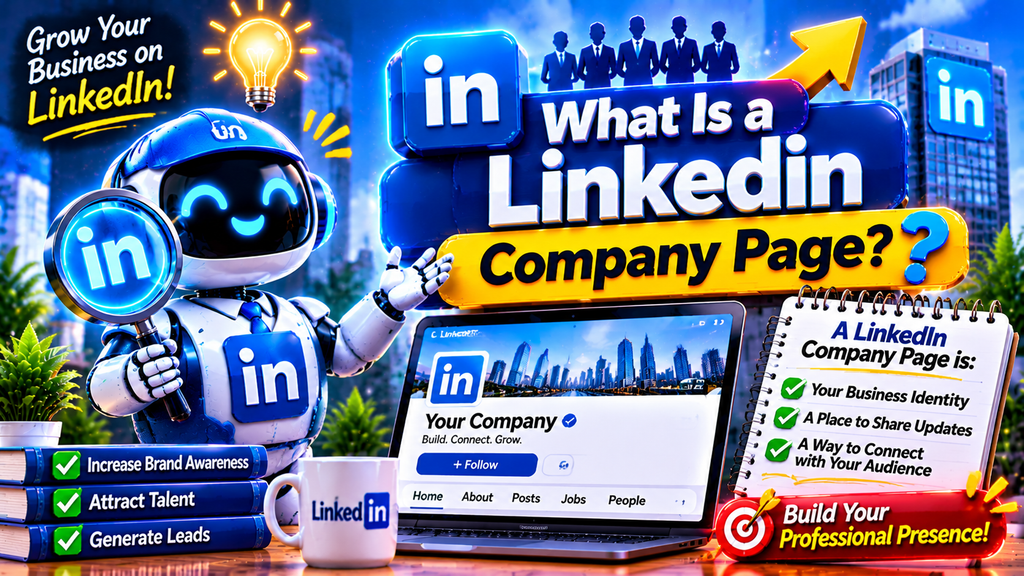
A LinkedIn Company Page is an official business profile that represents an organization on LinkedIn. Unlike a personal profile, which highlights an individual’s professional experience and skills, a Company Page focuses on an organization’s identity, services, products, achievements, and workplace opportunities.
Businesses can use their pages to introduce their brand, publish company updates, share educational information, and communicate with followers.
For example, a digital marketing agency can use its LinkedIn Page to showcase marketing services, publish SEO insights, share successful projects, and connect with potential business partners.
Important features include:
- Business name and company description.
- Professional logo and cover image.
- Website and contact information.
- Industry and company size.
- Company updates and articles.
- Follower engagement and page analytics.
A Company Page is free to create, although LinkedIn also offers optional paid features for organizations that need additional marketing capabilities.
2. What Do You Need Before Creating a LinkedIn Company Page?

Before starting the setup process, prepare the basic information required to represent your organization professionally. Having these details ready can make the creation process easier and reduce the possibility of incomplete information.
Here are the main requirements:
Personal LinkedIn Account: You need an existing LinkedIn profile to create and manage a Company Page. The person creating the page becomes its administrator.
Company Name: Choose the official business name that customers and professional contacts recognize.
Business Website: Prepare your organization’s website URL so visitors can learn more about your products or services.
Company Logo: Use a recognizable, high-quality logo that represents your brand.
Industry Information: Select the category that most accurately describes your business activities.
Company Description: Prepare a clear introduction explaining what your organization does, whom it serves, and what makes its services valuable.
Professional Tagline: Write a short statement that communicates your company’s purpose.
You should also decide on a suitable public LinkedIn URL. A simple URL that matches your business name makes your page easier to recognize and share.
- 3. A Complete Guide to Setting Up a LinkedIn Company Page
Creating a LinkedIn Company Page does not require advanced technical knowledge. You can complete the process using LinkedIn’s desktop website or its supported iOS application.
Step 1: Sign In to LinkedIn
Open LinkedIn in your desktop browser and sign in using your personal account. Make sure your profile contains accurate professional information.
Step 2: Open the For Business Menu
After reaching your LinkedIn homepage, locate the For Business icon in the upper-right corner. Click it to open the available business-related options.
Step 3: Select Create a Company Page
Scroll through the menu and select the option labeled Create a Company Page. LinkedIn will display different page categories.
Step 4: Choose Your Page Type
Select the Company option if you want to represent a regular business or organization. Other available options include Showcase Pages and educational institution pages.
Step 5: Enter Your Company Information
Provide your business name, public LinkedIn URL, website address, industry, company size, and organization type.
Step 6: Add Your Logo and Tagline
Upload your company’s logo and enter a short tagline that explains your organization’s purpose.
Step 7: Confirm Your Authorization
Select the confirmation checkbox to verify that you have the authority to create a LinkedIn Page on behalf of the organization.
Step 8: Create Your Page
Review the information carefully and click Create Page. Once LinkedIn successfully creates your page, you can begin adding additional business information and customizing its appearance.
4. How to Customize Your LinkedIn Company Page

Creating your page is only the beginning. Customization helps visitors recognize your business and understand what it offers.
Start by uploading a professional company logo. Your logo should be clear, recognizable, and consistent with your website and other social media profiles.
Next, add a suitable cover image. This visual area can communicate your company’s services, brand personality, or professional mission.
Your company description should explain your organization’s background, expertise, target audience, and main offerings. Avoid writing a generic description that could represent almost any business.
You should also complete the available profile information, including:
- Company website.
- Industry category.
- Business location.
- Organization size.
- Company type.
- Contact information.
- Company tagline.
Use consistent branding across your LinkedIn Page and website. Matching colors, logos, and messaging can make your organization easier to recognize.
5. How to Improve Your LinkedIn Business Page for Better Search Visibility
Search optimization helps people discover your business through relevant searches. LinkedIn Pages can also appear in external search engine results, making accurate company information important.
Start with your company name and description.
For example, a web development company might mention website development, custom software, and digital solutions where these terms accurately describe its services.
Follow these optimization practices:
Use Relevant Keywords: Include meaningful business-related phrases in your company description and tagline without repeating them unnecessarily.
Create a Recognizable URL: Select a short public URL that reflects your company name.
Complete Your Profile: Fill in available business information instead of leaving important sections empty.
Add Website Links: Connect your LinkedIn Page to your official website.
Publish Helpful Content: Share original updates, industry information, educational posts, and company announcements.
Use Descriptive Visuals: Add meaningful image descriptions where the platform provides an appropriate field.
You can also improve your website’s search performance by learning about technical optimization and website structure. For additional reading, explore this previously used DevFreeHub resource:
Remember that optimization improves discoverability but does not guarantee search rankings or follower growth.
6. How to Grow Your LinkedIn Company Page Audience

After publishing your Company Page, focus on attracting relevant followers and developing meaningful professional relationships.
Start by inviting your existing professional connections to follow the page. Employees, business partners, customers, and colleagues may also help introduce your organization to their networks.
Publish useful content consistently rather than sharing promotional messages every day.
Consider these content ideas:
- Company announcements and achievements.
- Educational industry tips.
- New product and service introductions.
- Behind-the-scenes business updates.
- Professional guides and tutorials.
- Customer success stories, with permission.
- Industry news and useful observations.
Use clear images and relevant videos when they genuinely improve your message.
Respond to comments and questions professionally. Meaningful interaction helps create a more active business community.
You can also encourage employees to engage with relevant company updates, provided their participation is voluntary and authentic.
7. Common LinkedIn Company Page Mistakes to Avoid
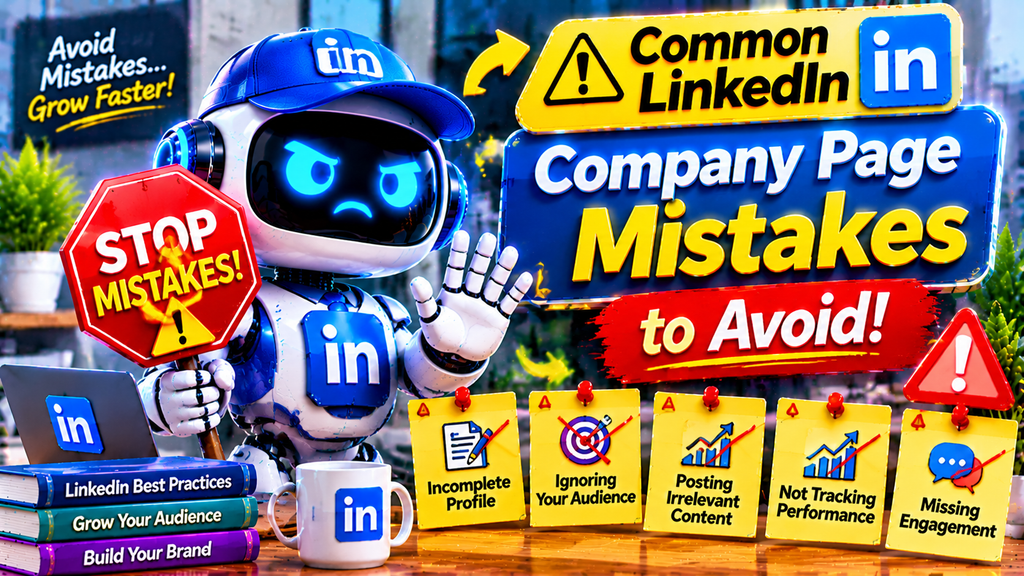
Many businesses create a LinkedIn Page but fail to maintain it properly. An incomplete or inactive profile may leave visitors uncertain about the organization’s credibility and services.
Avoid these common mistakes:
Leaving Important Details Empty: Missing descriptions, logos, websites, and contact information make your page less informative.
Using Low-Quality Images: Blurry logos and poorly designed cover images can weaken your brand presentation.
Keyword Stuffing: Repeating the same search phrases excessively makes descriptions difficult to read.
Publishing Only Advertisements: Constant promotional content offers limited educational value to followers.
Ignoring Comments: Leaving genuine questions unanswered can reduce opportunities for professional communication.
Using Inconsistent Branding: Different logos, colors, and business descriptions can confuse visitors.
Avoiding Performance Analysis: Without reviewing analytics, you may struggle to understand which content attracts attention.
Maintaining a complete, accurate, and regularly updated page is more valuable than simply creating a profile and leaving it inactive.
8. How to Manage and Measure Your LinkedIn Company Page Performance

Managing a Company Page requires regular attention. Once your page is active, review its content, audience engagement, and overall performance.
LinkedIn provides Page analytics that help eligible administrators understand how people interact with their organization’s presence.
Important performance areas include:
Page Visitors: Review how many people visit your company profile and identify changes in visitor activity.
Follower Growth: Monitor how your audience develops over time and whether your content attracts relevant professionals.
Content Engagement: Evaluate reactions, comments, reposts, and other available engagement measurements.
Audience Insights: Understand the professional characteristics of your followers where LinkedIn provides this information.
Website Traffic: Use appropriate tracking tools to evaluate visits coming from your LinkedIn Page.
Create a simple publishing schedule so your organization can maintain a consistent presence.
For example, a business could publish educational content, company updates, and service-related information throughout the week.
Review the results regularly and adjust your content approach based on audience interests.
Conclusion
Creating a LinkedIn Company Page is a practical way to establish your organization’s professional identity and improve its online visibility. The process involves signing into LinkedIn, selecting the Company Page option, entering business details, uploading branding materials, and completing the profile.
However, successful page management requires more than completing the initial setup. Businesses should publish useful information, maintain consistent branding, interact with their audience, and review performance regularly.
By following the steps and optimization practices explained in this guide, organizations can develop a professional LinkedIn presence that supports brand awareness, networking, and long-term business development.
Frequently Asked Questions (FAQs)
1. How do I create a company page on LinkedIn?
Sign in to your personal LinkedIn account, open the For Business menu, select Create a Company Page, enter your business information, and click Create Page.
2. Is creating a LinkedIn Company Page free?
Yes. LinkedIn allows eligible users to create a basic Company Page for free. Some additional promotional and premium features may require payment.
3. Can I create a LinkedIn Company Page without a personal account?
No. You need a personal LinkedIn profile to create and administer an organization’s Company Page.
4. Can I create a LinkedIn Company Page on my mobile phone?
LinkedIn supports Company Page creation through its iOS application. However, creating a new Page is not supported through the Android application. Android users can use a desktop browser.
5. What information is required to create a LinkedIn Company Page?
You generally need a company name, public LinkedIn URL, website, industry, company size, company type, logo, and tagline.
6. How many LinkedIn Company Pages can I create?
LinkedIn does not provide a universal public number that applies to every account. Page creation eligibility and account permissions may affect your ability to create additional pages.
7. Can I change my LinkedIn Company Page name later?
Page administrators can edit certain company details, including the organization name, subject to LinkedIn’s policies and available editing permissions.
8. How can I get followers on my LinkedIn Company Page?
Invite relevant connections, publish helpful content, encourage genuine employee participation, and interact with professionals in your industry.
9. Does a LinkedIn Company Page help with SEO?
Yes. A complete Company Page can improve business discoverability through LinkedIn searches and may appear in external search results. However, visibility and rankings are not guaranteed.
10. How often should I post on a LinkedIn Company Page?
Posting consistently is more important than publishing excessive updates. Start with a manageable schedule, such as two or three useful posts per week, and adjust according to audience engagement.