
Introduction

Artificial intelligence is now widely used to simplify and improve many everyday digital tasks. . From writing and research to graphic design, coding, education, and content creation, AI tools can help users complete tasks faster and more efficiently. The good news is that many powerful AI platforms provide free plans or free usage options.
The best free AI tools are not necessarily the ones with the largest number of features. A useful tool should match your specific needs, provide reliable results, and offer enough free access for regular tasks. In 2026, users can choose from a wide range of AI assistants, research platforms, design tools, coding assistants, and productivity applications.
What Are Free AI Tools?
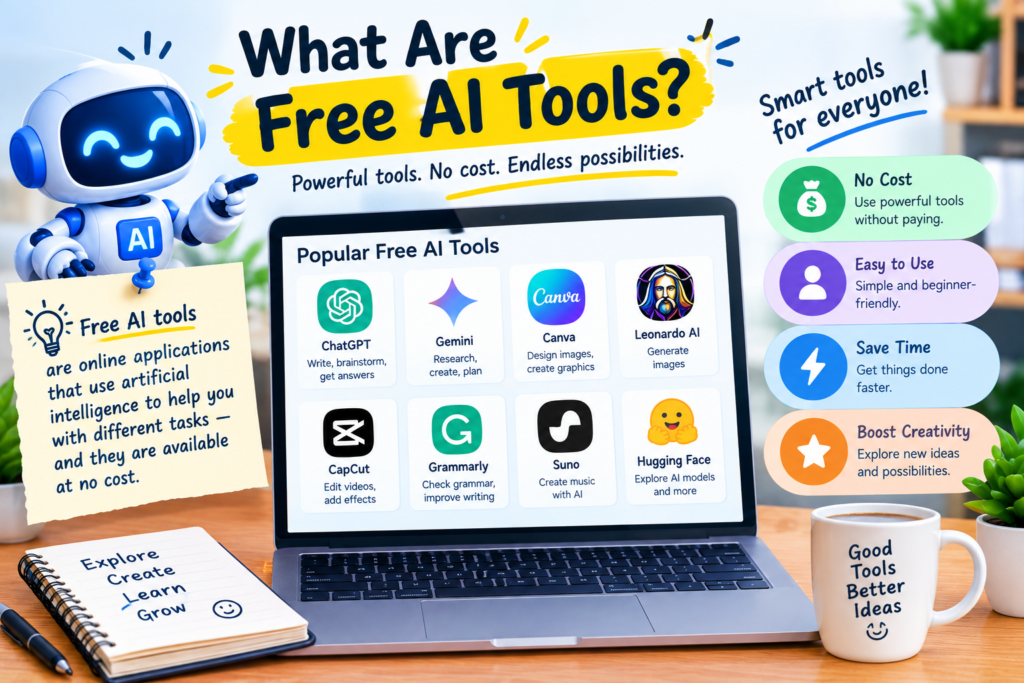
Free AI tools are applications or online platforms that use artificial intelligence while allowing users to access some or all of their features without paying for a subscription. Some services are completely free, while others use a freemium model that provides basic features at no cost.
Free plans commonly include limitations such as daily usage caps, fewer advanced features, slower processing, or restricted access to premium models. However, these limitations do not mean free AI tools are useless. For students, beginners, freelancers, and small businesses, free versions can be more than enough for many everyday tasks.
1. ChatGPT
ChatGPT is one of the most versatile AI assistants available. It can help users write articles, generate ideas, summarize information, explain difficult concepts, create outlines, assist with coding, and perform many other tasks.
For students, it can be useful for understanding subjects and preparing study material. Writers can use it for brainstorming and editing, while digital marketers can use it to develop content ideas and SEO-related drafts.
Its free version makes it a practical starting point for people who want to explore AI without immediately purchasing a subscription.
2. Google Gemini
Google Gemini is another useful AI assistant for everyday work, research, writing, and brainstorming. Its connection with Google’s ecosystem can make it particularly useful for people who already use Google services.
Users can ask Gemini questions, generate written content, summarize information, and work through different types of tasks. Its free access makes it a strong option for people who want an AI assistant without an initial investment.
3. Claude
Claude is well known for writing, analysis, and handling longer pieces of text. It can help users improve articles, summarize documents, brainstorm ideas, and explain complicated subjects in a conversational way.
For content creators and students, Claude can be useful when a task requires clear organization and detailed written responses. Its free plan has usage limitations, but casual users can still benefit from it without paying.
4. Perplexity
Perplexity is particularly useful for research. Unlike a traditional chatbot, it focuses strongly on finding information and presenting sources alongside answers.
Students, writers, researchers, and SEO professionals can use it to explore topics and locate supporting information. However, AI-generated research should still be checked against reliable sources before being used in important work.
5. Canva AI
Canva is widely used for graphic design, and its AI features make content creation easier for beginners. Users can create social media graphics, presentations, posters, thumbnails, and other visual content.
Canva’s free features can be useful for bloggers, YouTubers, freelancers, and small businesses that need attractive designs without hiring a professional designer for every project.
6. Grammarly
Grammarly is useful for improving written communication. Its AI-powered features can help identify grammar problems, spelling mistakes, unclear sentences, and other writing issues.
Students can use it for assignments, while professionals can use it for emails, reports, website content, and social media posts. The free version provides basic writing assistance, making it suitable for everyday proofreading.
7. GitHub Copilot
For programmers, AI coding assistants can save considerable time. GitHub Copilot helps developers generate code suggestions, understand programming concepts, and work through coding problems.
Beginners can use AI coding assistants to learn how different programming concepts work, while experienced developers can use them to speed up repetitive development tasks. Users should always review generated code instead of accepting it without checking.
8. DeepSeek
DeepSeek has gained attention as an AI assistant that can help with reasoning, writing, coding, and general questions. Its free accessibility makes it an option for users who want to experiment with another AI model.
It can be useful for brainstorming, technical questions, programming assistance, and educational tasks. As with other AI platforms, users should verify important information before relying on the output.
9. CapCut AI

CapCut provides several AI-assisted features for video creators. These can help with editing, captions, effects, scripts, and other parts of the video-production process.CapCut AI
For social media creators and beginners, AI-assisted editing can reduce the amount of manual work required to produce short-form videos. Free features can be especially useful for users creating content for platforms such as YouTube, TikTok, and Instagram.
10. NotebookLM
NotebookLM is designed around working with information supplied by the user. It can be useful for studying notes, documents, research material, and other sources.
Students can use it to organize learning material and understand large amounts of information more efficiently. It is especially helpful when you want AI responses to be based on your own uploaded or provided sources rather than only general knowledge.
Benefits of Using Free AI Tools
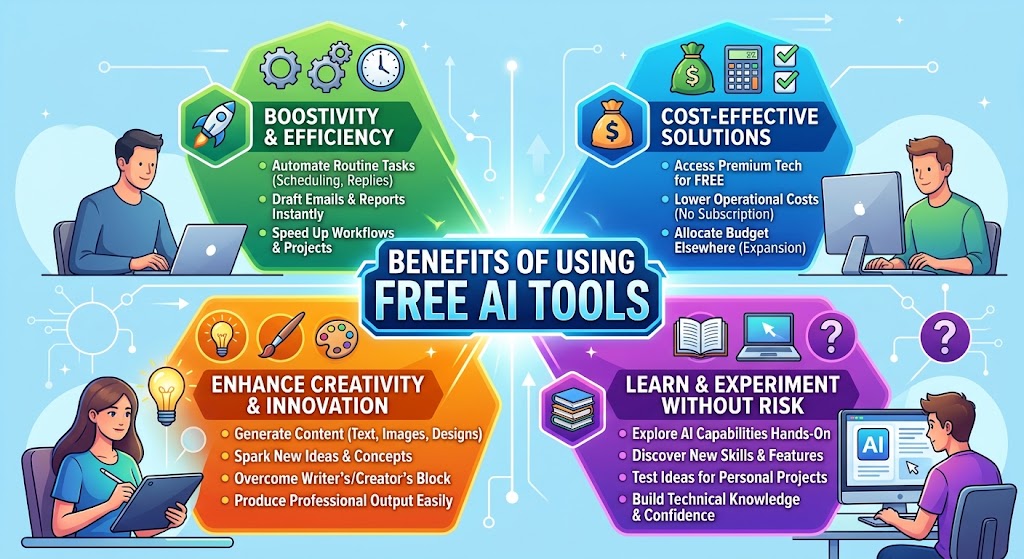
Free AI tools provide several advantages for beginners and professionals.
Lower cost: Users can experiment with AI without immediately paying for a subscription.
Better productivity: AI can help automate repetitive writing, research, design, and coding tasks.
Easy learning: Beginners can use AI explanations to understand new subjects and software.
Content creation: Bloggers, YouTubers, and social media creators can generate ideas and improve their workflows.
Time savings: AI can complete certain repetitive tasks within seconds, allowing users to focus on more important work.
How to Choose the Right Free AI Tool
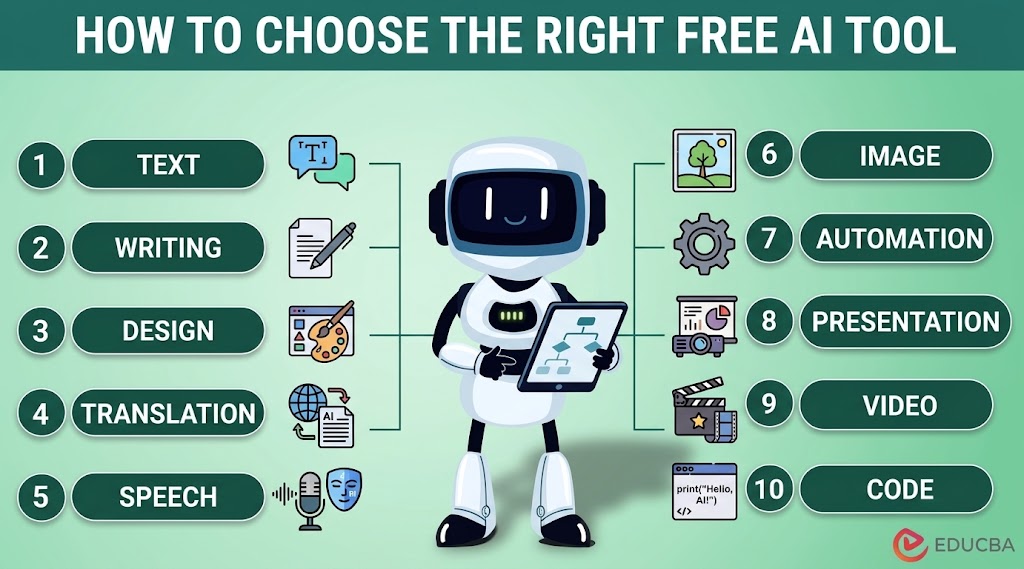
Choosing the right tool depends on your objective. If you need general assistance, an AI chatbot may be the best choice. For research, a source-focused platform can be more appropriate. Designers may prefer Canva, while programmers can benefit from an AI coding assistant.
You should also consider the free plan’s limitations. Some platforms restrict the number of messages, generations, searches, or advanced features available to free users.
Privacy is another important consideration. Avoid entering confidential business information, passwords, financial details, or other sensitive data into AI platforms unless you understand their data policies and have permission to do so.
Are Free AI Tools Good Enough?

For many everyday tasks, yes. Free AI tools can provide substantial value for students, freelancers, marketers, content creators, and small businesses.
However, free plans usually have limitations. Heavy users may eventually need a paid subscription for higher limits, advanced models, faster processing, or additional features.
The best approach is to start with free tools and determine which ones actually improve your workflow. There is no reason to pay for several AI subscriptions if free alternatives already meet your requirements.
Conclusion
The growing number of best free AI tools gives users more opportunities to improve productivity without spending money. ChatGPT, Gemini, Claude, Perplexity, Canva, Grammarly, GitHub Copilot, DeepSeek, CapCut, and NotebookLM can each serve different purposes.
Instead of trying to use every available AI platform, choose a few tools that match your goals. Start with their free features, learn how to use them effectively, and upgrade only when the free limitations begin affecting your work.
AI should be treated as an assistant rather than a replacement for human judgment. Always review important information, check generated content, and use your own knowledge before publishing or submitting AI-assisted work.
FAQs
1. What are the best free AI tools in 2026?
Some useful free AI options include ChatGPT, Gemini, Claude, Perplexity, Canva, Grammarly, DeepSeek, and NotebookLM. The best choice depends on the task you want to complete.
2. Can I use AI tools without paying?
Yes. Many popular AI platforms provide free plans. However, free accounts may have usage limits or fewer features than paid subscriptions.
3. Which free AI tool is best for writing?
ChatGPT and Claude are strong options for writing, brainstorming, rewriting, summarizing, and editing. The best choice depends on your preferred workflow.
4. Which free AI tool is best for research?
Perplexity is designed specifically around research and source-based answers. NotebookLM can also be useful when you want to work with your own documents and notes.
5. Are free AI tools safe to use?
Free AI tools can be useful, but users should avoid sharing confidential or sensitive information. Always review the platform’s privacy and data-handling policies.
6. Can students use free AI tools?
Yes. Students can use free AI tools for explanations, brainstorming, research, summarization, study planning, and learning. They should follow their school’s or institution’s rules regarding AI use.
7. Are free AI tools better than paid tools?
Not always. Free tools can handle many everyday tasks, but paid plans often provide higher limits, advanced models, and additional features. Start with free options and upgrade only when necessary.