
Introduction

WordPress website owners often look for backup and migration tools that can simplify website management. Duplicator Pro is designed for tasks such as website backups, migrations, and moving WordPress installations between hosting environments. Some users may search online for a “Duplicator Pro crack” because they want to access premium features without purchasing a license.
Although this may appear to be an easy way to save money, using modified or unauthorized software can create significant security, compatibility, and reliability problems. A safer approach is to use an official license or choose a legitimate backup solution that matches your website’s requirements.
What Is Duplicator Pro?
Duplicator Pro is a WordPress-focused tool intended to help website owners manage backups and migrations. Depending on the available features and version, such tools can make it easier to package website files and databases and move a WordPress installation to another server or domain.
Backup and migration plugins are especially useful when changing hosting providers, creating staging environments, or maintaining copies of important website data.
For businesses and website owners, reliability is important because a backup is only useful if it can actually be restored when needed.
What Does Duplicator Pro Crack Mean?
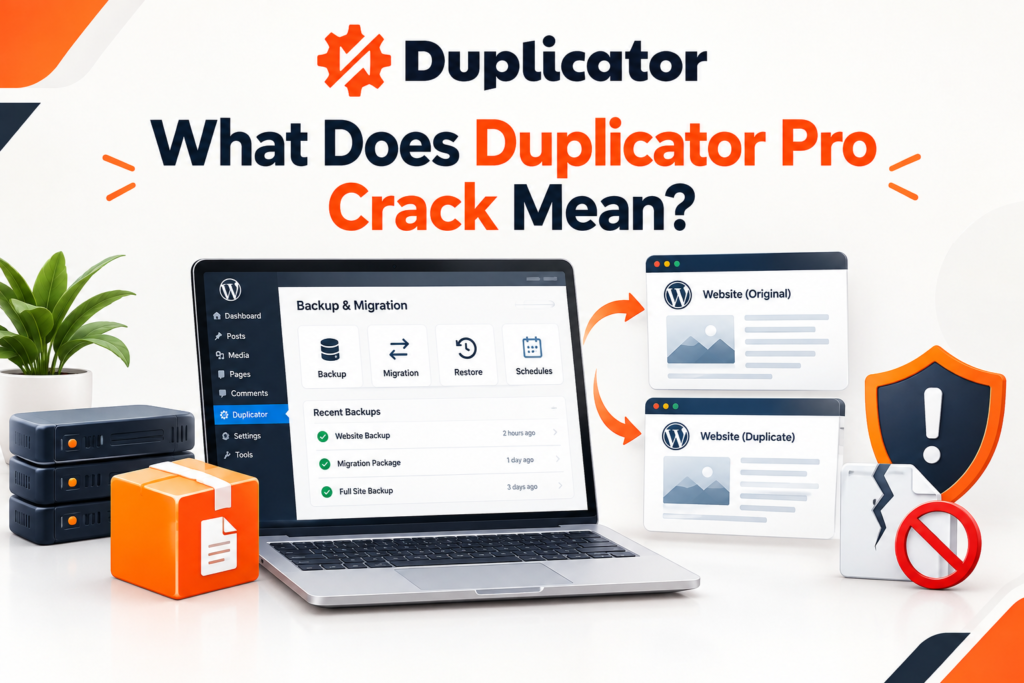
The term “Duplicator Pro crack” generally refers to an unauthorized or modified copy of premium software that attempts to bypass its normal licensing requirements.
These files may be distributed through unofficial websites, file-sharing platforms, or other sources. Because the software has been modified outside the official development process, users cannot easily verify what changes have been made to the original package.
This creates an important security concern for WordPress websites.
Risks of Using a Cracked WordPress Plugin
1. Security Problems
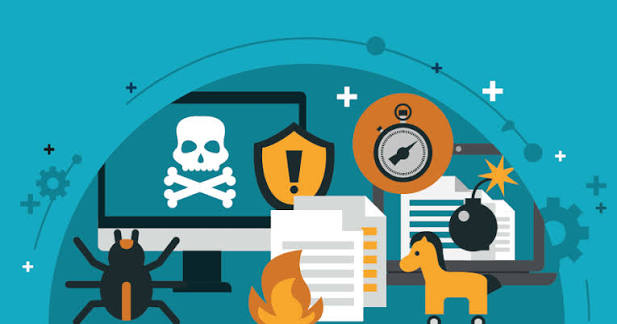
One of the biggest concerns with unauthorized WordPress plugins is security. A modified plugin may contain malicious code, hidden scripts, or other unwanted changes.
If malicious code is executed on a website, it can potentially affect website files, user information, administrator accounts, or other parts of the hosting environment.
2. No Reliable Updates
Official software normally receives updates that can improve functionality, compatibility, and security. A cracked version may not provide access to legitimate updates.
Running outdated WordPress plugins can increase maintenance problems and may create compatibility issues with newer versions of WordPress.
3. Website Compatibility Issues
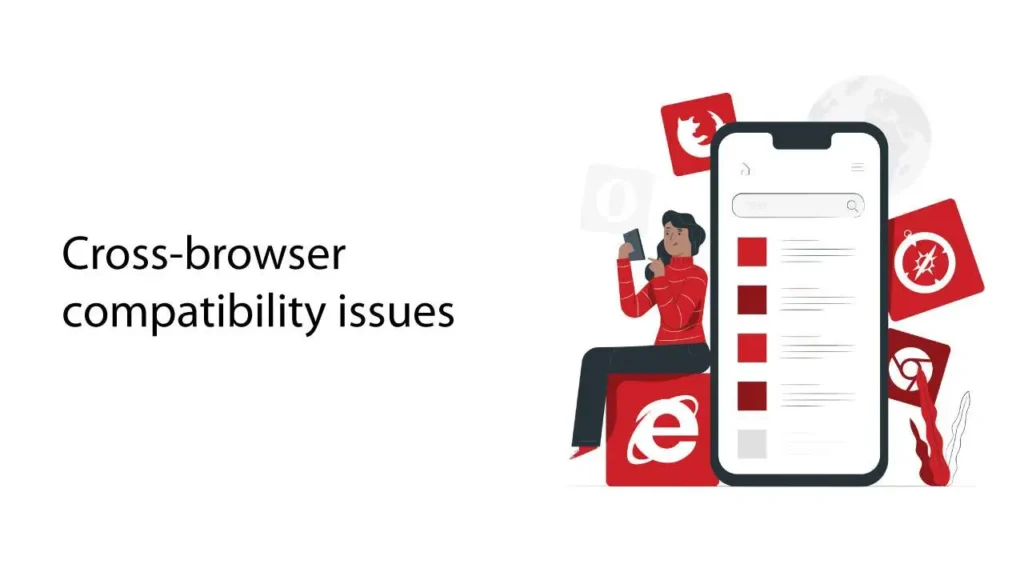
WordPress websites commonly use several plugins and themes together. A modified plugin may behave differently from the official version and could conflict with another component of the website.
This can result in errors, broken features, unexpected behavior, or even website downtime.
4. Backup Reliability Concerns
A backup plugin should be one of the most trustworthy components of a website because it is responsible for protecting important data.
If an unauthorized version fails during the backup or restoration process, a website owner may discover the problem only when the backup is actually needed.
5. Lack of Official Support
Licensed software users can normally access official documentation and support resources according to the provider’s terms.
Users of unauthorized copies cannot depend on the same level of assistance. Troubleshooting can therefore become more difficult when a migration or restoration fails.
Why Legal Software Is Safer

Using legitimate WordPress software provides a more dependable foundation for website management. It allows users to receive official updates and use features according to the software provider’s licensing terms.
For businesses, agencies, and websites containing valuable content, paying for a reliable tool can be considered part of website maintenance rather than an unnecessary expense.
The cost of recovering a compromised or broken website can be much higher than the original software cost.
Free and Legal Alternatives
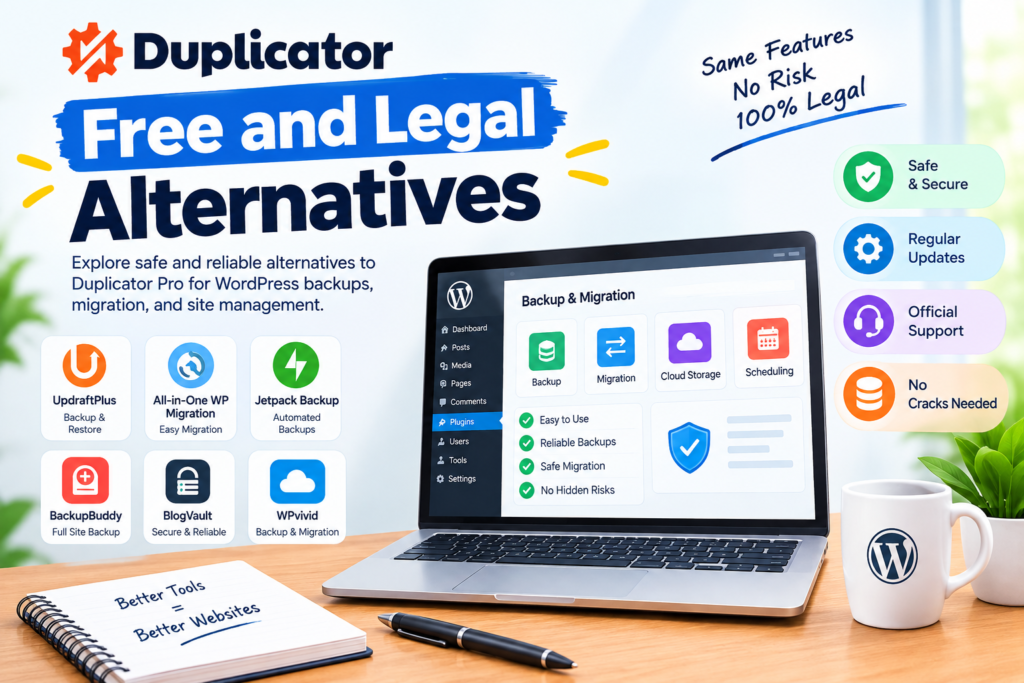
If a premium backup or migration plugin is outside your budget, consider legitimate free solutions instead of downloading cracked software.
Depending on your requirements, you can explore reputable WordPress backup plugins, hosting-provider backup systems, manual database backups, and other legitimate migration tools.
Before selecting a solution, check whether it supports the features you actually need, such as scheduled backups, database restoration, full-site migration, cloud storage, or staging-site workflows.
How to Choose a WordPress Backup Solution
Start by identifying what you need the tool to accomplish.
If you only need occasional backups, a simple backup solution may be sufficient. If you regularly migrate websites, you may need more advanced migration functionality.
Also consider:
- Backup scheduling
- Full website backups
- Database restoration
- File restoration
- Migration features
- Cloud storage support
- Compatibility with your WordPress version
- Documentation and support
- Security reputation
- Ease of restoration
A good backup strategy should focus not only on creating backups but also on successfully restoring them.
Best Practices for WordPress Backups
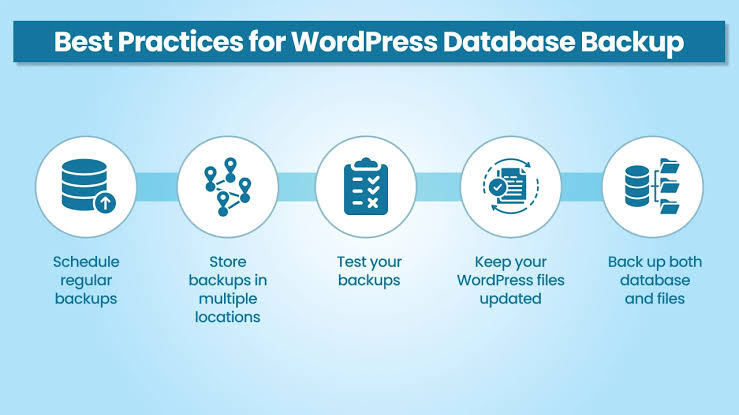
Regardless of which legitimate solution you choose, follow basic backup practices.
Keep multiple backup copies instead of relying on a single file. Store important backups separately from the main website when possible. Test restoration procedures periodically to confirm that your backups are usable.
You should also keep WordPress, themes, and plugins updated and remove unused software from your website.
For important websites, maintaining a regular backup schedule can reduce the impact of accidental changes, technical failures, or security incidents.
Is Duplicator Pro Crack Worth the Risk?
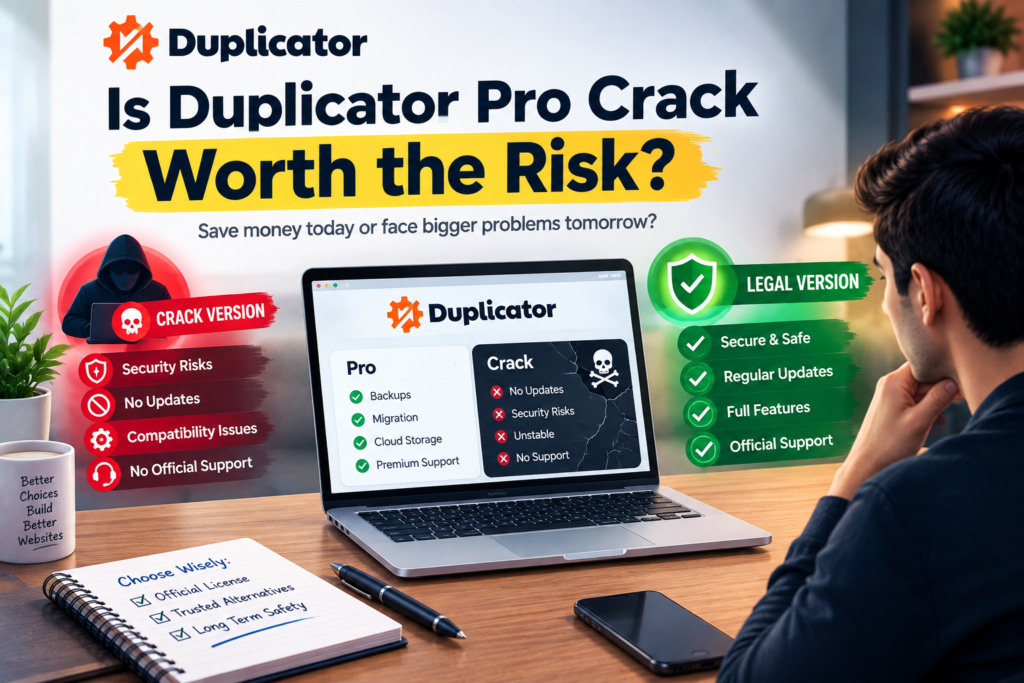
A cracked plugin may appear attractive because it avoids the normal purchase cost. However, the potential security, compatibility, update, and reliability problems make unauthorized software a poor foundation for managing important WordPress data.
Website owners should instead choose the official version of the software or a legitimate alternative that provides the required functionality within their budget.
Conclusion
Searching for Duplicator Pro Crack may seem like a quick way to access premium WordPress features without paying for them. However, unauthorized software can introduce security risks, compatibility problems, unreliable backups, and maintenance difficulties.
For a WordPress website, especially one containing valuable business or customer information, reliability should be a priority. Using legitimate software or a reputable free alternative provides a safer approach to backups and website migration.
A dependable backup system should protect your website rather than introduce another potential source of problems.
FAQs
Is Duplicator Pro crack safe?
Unauthorized or modified software cannot be considered reliably safe because its contents may have been changed from the official version. Using the official software or a reputable alternative is safer.
Can a cracked WordPress plugin damage a website?
A modified plugin can potentially cause compatibility, security, or functionality problems. The exact risk depends on what has been changed in the unauthorized package.
What should I use instead of a cracked plugin?
Consider the official plugin, a legitimate free backup solution, or backup functionality provided by your hosting company.
Why are WordPress backups important?
Backups provide a way to recover website files and databases after accidental changes, technical problems, or certain security incidents.
Should I test my WordPress backups?
Yes. Creating a backup is not enough. Testing restoration helps confirm that the backup can actually be used when required.