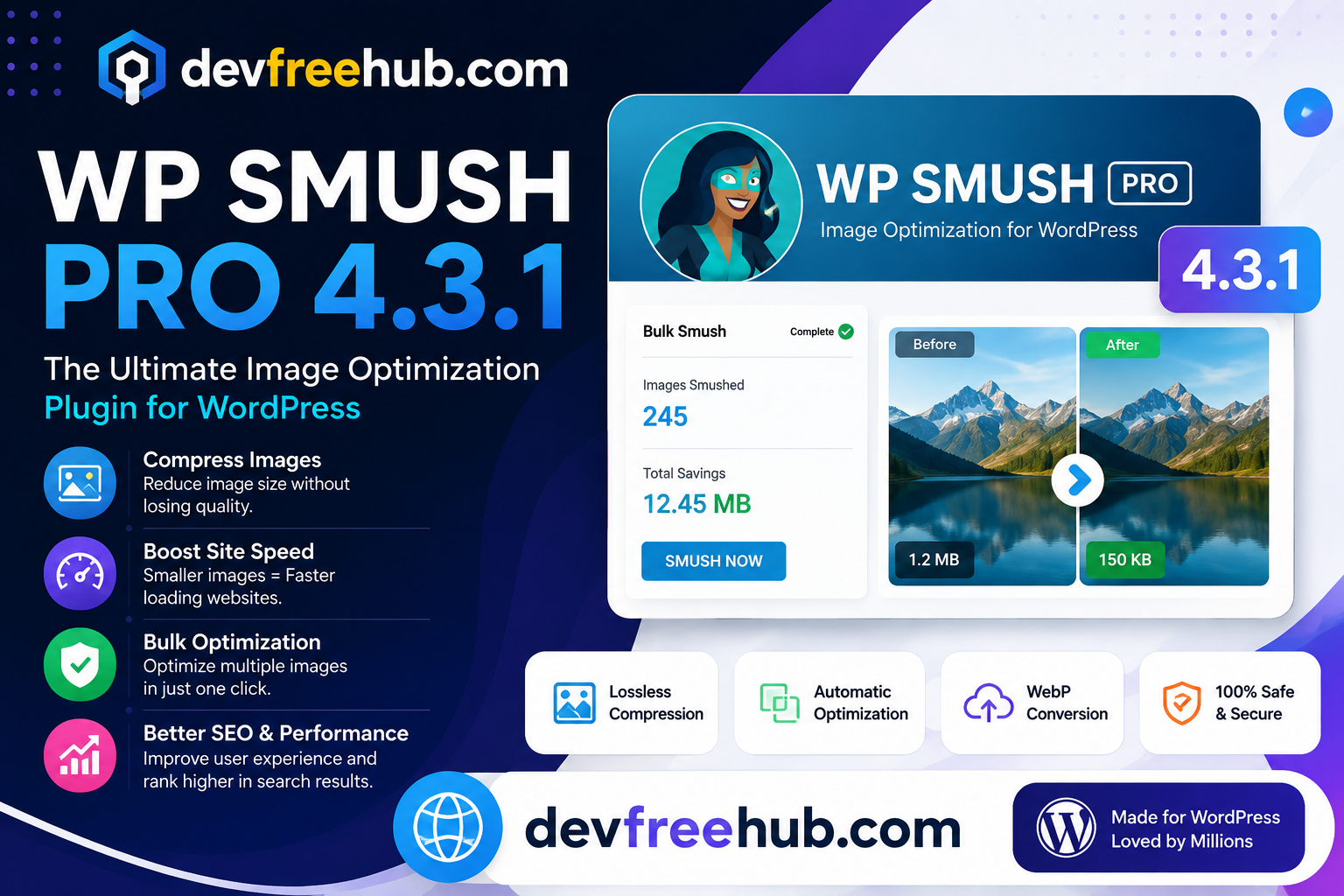

Images are an important part of modern websites. They can make articles more attractive, improve product pages, and help visitors understand information faster. However, large and poorly optimized images can also increase page weight and slow down a WordPress website.
WP Smush Pro 4.3.1 is designed to help WordPress users optimize images without relying entirely on manual image editing. It provides tools for compression, resizing, WebP delivery, lazy loading, bulk processing, CDN functionality, and image management.
This guide explains what WP Smush Pro 4.3.1 does, how its major features work, and how image optimization can contribute to a faster and more efficient WordPress website.
What Is WP Smush Pro 4.3.1?
WP Smush Pro 4.3.1 is a WordPress image optimization solution focused on reducing unnecessary image file size while maintaining an appropriate level of visual quality.
Images straight from cameras, design software, or stock websites can be much larger than necessary for web use. Uploading hundreds of these files can gradually increase the size of a WordPress media library.
An image optimization tool can help reduce this overhead by processing images before or after they are added to the website.
The result can be lighter pages, more efficient media delivery, and a better experience for visitors using slower connections.
Why Image Optimization Matters for WordPress

Consider a page containing several large photographs.
If every image is several megabytes, the browser may need to download a significant amount of data before the page becomes fully usable.
Image optimization can address several common problems:
- Excessive image file sizes
- Unnecessary image dimensions
- Unsupported or inefficient formats
- Images loading before they are needed
- Large media libraries
- Slow image delivery
This does not mean every image should be compressed as aggressively as possible. Excessive compression can reduce visual quality.
The goal is to find a sensible balance between file size and image quality.
Automatic Image Optimization
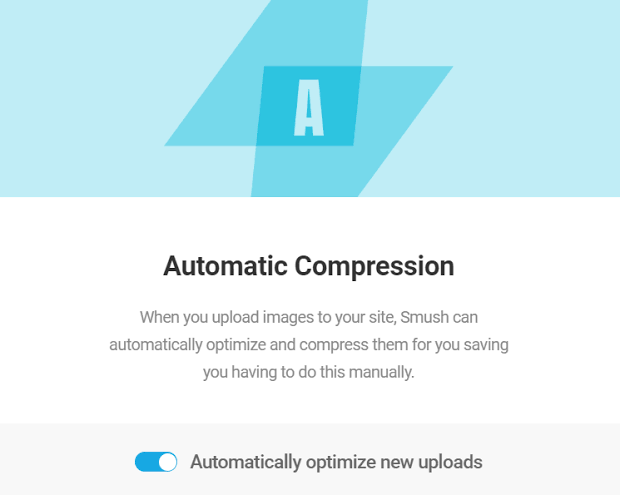
One useful capability is automatic optimization when images are uploaded.
This can reduce the need to manually process every new image before publishing it.
For websites where multiple people upload content, automatic optimization can be particularly helpful because it creates a more consistent media workflow.
For example, a content team may upload product images, blog graphics, screenshots, and featured images throughout the week. Automatic processing can help prevent unnecessarily large files from accumulating.
Bulk Image Compression

Older websites often contain hundreds or thousands of images.
Optimizing them individually can take considerable time.
WP Smush Pro provides bulk optimization functionality that allows multiple existing images to be processed together.
This can be useful after:
- Moving to a faster hosting provider
- Redesigning a website
- Discovering oversized images
- Migrating from another platform
- Installing an image optimization solution
Bulk processing is particularly valuable for established websites with large media libraries.
Large Image Optimization
WordPress websites can contain very large images, especially when users upload original photographs.
WP Smush Pro provides functionality for handling large image files and optimizing them for web delivery.
Before uploading extremely large images, however, it is still a good practice to resize them when their original dimensions are unnecessary.
For example, displaying a 6000-pixel-wide photograph inside a 1200-pixel content area usually does not provide a practical benefit.
Reducing dimensions before delivery can significantly reduce the amount of data the browser needs to download.
WebP Image Support
Modern image formats can provide better compression than traditional formats in many situations.
WP Smush Pro supports WebP conversion and delivery options.
WebP can reduce file sizes while maintaining good visual quality, making it useful for websites containing many images.
A typical workflow might look like:
Original Image → Optimization → WebP Version → Browser Delivery
The website can then serve an appropriate format depending on the configured delivery method and browser support.
Local WebP Delivery
Another useful capability is serving WebP files locally.
This means the optimized image files can be stored and delivered as part of the website’s media structure rather than depending entirely on an external image service.
For WordPress administrators, this can make WebP management easier because image optimization remains integrated into the existing media workflow.
Smush CDN

Image delivery is not only about compression.
Where the visitor is located and where the server is located can also influence how quickly media is delivered.
A CDN can distribute or serve website assets through infrastructure designed to deliver files efficiently to users in different geographic locations.
WP Smush Pro includes CDN functionality for image delivery, giving websites another option for improving how media reaches visitors.
For websites with an international audience, a CDN can be particularly useful.
Lazy Loading
Not every image needs to load immediately.
Imagine a long blog article containing twenty images. A visitor viewing the first section does not necessarily need all twenty images downloaded at once.
Lazy loading allows suitable images to load closer to when they become relevant to the visitor.
This can reduce the initial amount of data loaded when the page opens.
It can be especially useful for:
- Long articles
- Image galleries
- Portfolio pages
- Product listings
- Media-heavy landing pages
Lazy loading should still be configured carefully for important above-the-fold images, because delaying critical visual content unnecessarily can hurt performance.
Automatic Image Resizing
Uploading an image that is significantly larger than its display area wastes resources.
WP Smush Pro includes image resizing functionality that can help prevent oversized images from being delivered.
For example, if a website’s content area is designed for images around 1400 pixels wide, uploading a 5000-pixel image may be unnecessary.
Proper resizing can reduce both storage requirements and page weight.
Lossy and Quality-Based Compression
Image compression generally involves a trade-off.
Lossless compression attempts to reduce file size while preserving the original image information.
Lossy compression removes some information to achieve a greater reduction in file size.
For many websites, carefully configured lossy compression can produce a useful balance between appearance and performance.
The ideal setting depends on the type of image. A photograph may tolerate more compression than a graphic containing small text or sharp interface elements.
EXIF Data Management
Images can contain metadata such as camera information, location-related details, and other EXIF information.
Depending on the website’s requirements, some metadata may not be necessary for web delivery.
WP Smush Pro provides options related to preserving or removing EXIF information.
Removing unnecessary metadata can reduce file size slightly while also helping website owners avoid publishing metadata that is not needed.
Backup and Image Restoration
Image optimization changes media files, so having the ability to restore originals can be valuable.
WP Smush Pro provides backup and restoration functionality for optimized images.
This gives website administrators greater flexibility when testing different optimization settings.
A separate website backup should still be maintained. Image restoration features should not replace a complete WordPress backup strategy.
Optimizing Existing Folders and Images
Not every image used by a website necessarily follows the same upload workflow.
Some projects contain media stored in additional folders or assets introduced by themes and plugins.
WP Smush Pro provides functionality for optimizing supported images beyond the standard WordPress media workflow.
This can help identify and reduce unnecessary image weight across a broader part of a website.
Compatibility With WordPress Tools
Image optimization should work alongside the rest of the WordPress ecosystem.
WP Smush Pro supports integrations and compatibility with various WordPress solutions, including page builders, galleries, forms, and media storage systems.
This matters because a website’s images may come from multiple sources.
For example, an online store could use:
WooCommerce + WordPress Media Library + Page Builder + Gallery Plugin
A good optimization workflow should avoid creating unnecessary conflicts between these systems.
Multisite Image Optimization
WordPress Multisite allows multiple websites to operate within a single WordPress installation.
Managing images across multiple sites can become complicated.
WP Smush Pro includes multisite-related controls that can help administrators manage image optimization across networks and individual sites.
This can be useful for organizations operating several WordPress websites from a centralized installation.
Image SEO and Website Performance
Image optimization is not only a performance task. It can also support image SEO when implemented correctly.
Important image SEO practices include:
- Descriptive file names
- Useful alt text
- Appropriate image dimensions
- Modern formats
- Compression
- Responsive images
- Proper placement
- Relevant surrounding content
For example:
Poor filename:
IMG_48392.jpg
Better filename:
wordpress-image-optimization-guide.jpg
Alt text should describe the actual image rather than stuffing keywords into it.
The purpose is to make the image understandable to users who cannot see it and to provide useful contextual information.
WP Smush Pro and Core Web Vitals
Large images can influence website performance metrics, particularly when an oversized image becomes a major visual element near the top of a page.
Image optimization can help reduce unnecessary data transfer, but it is only one part of performance optimization.
A complete Core Web Vitals strategy may also involve:
- Server response time
- CSS optimization
- JavaScript execution
- Font loading
- Caching
- CDN configuration
- HTML structure
- Third-party scripts
Therefore, installing an image optimization plugin alone should not be considered a complete speed optimization strategy.
Who Can Benefit From WP Smush Pro 4.3.1?
The plugin can be useful for several types of WordPress websites.
Bloggers
Image-heavy articles can benefit from compression and lazy loading.
Online Stores
Product images often make up a significant portion of page weight, making optimization particularly important.
Photographers
Large image collections require careful balance between visual quality and file size.
Agencies
Agencies managing multiple WordPress websites can benefit from centralized image optimization workflows.
Businesses
Business websites can improve media performance without requiring staff to manually optimize every image.
Is WP Smush Pro 4.3.1 Enough to Speed Up WordPress?
No single plugin can solve every performance problem.
WP Smush Pro focuses primarily on image-related optimization. A fast WordPress website may also require:
- Page caching
- Good hosting
- CDN
- CSS optimization
- JavaScript optimization
- Database maintenance
- Font optimization
- Proper theme configuration
- Lightweight plugins
The best results come from looking at the complete performance picture rather than focusing on one optimization technique.
Final Thoughts
WP Smush Pro 4.3.1 provides a broad set of tools for managing and optimizing WordPress images. Compression, resizing, WebP support, lazy loading, CDN delivery, bulk processing, and restoration features can simplify image management for websites with large media libraries.
For SEO and performance, the most important principle is to deliver images that are appropriately sized, efficiently compressed, and relevant to the page.
Using an optimization tool can make that process easier, but it should be combined with good image practices, responsive design, caching, and broader technical SEO work.
When image optimization becomes part of the regular WordPress workflow, websites can maintain better media performance as their content library grows.
FAQs
1. What is WP Smush Pro 4.3.1?
WP Smush Pro 4.3.1 is a WordPress image optimization solution that provides features for compressing, resizing, converting, and efficiently delivering website images.
2. Does WP Smush Pro support WebP?
Yes. WP Smush Pro provides WebP conversion and delivery options, allowing websites to use a modern image format where appropriate.
3. Can WP Smush Pro optimize existing images?
Yes. Its bulk optimization tools can process existing images in a WordPress media library, making it useful for older websites with large collections of unoptimized files.
4. Does WP Smush Pro improve website speed?
It can help reduce image-related page weight, which may contribute to better loading performance. However, overall website speed also depends on hosting, caching, code, scripts, fonts, and other technical factors.
5. Is image optimization important for SEO?
Yes. Properly sized and optimized images can support page performance and user experience, while descriptive filenames and meaningful alt text can provide additional image SEO benefits.