
Publishing a page does not automatically mean it will appear in Google search results. Many website owners create content, press the publish button, and expect traffic to start arriving immediately. After checking Google Search Console, they discover a frustrating message: the page is not indexed.
This situation is common for new websites and even established sites. Google constantly discovers billions of pages across the internet, and its systems decide which pages deserve crawling, processing, and indexing.
If Google is not indexing your pages, it usually means there is a reason behind it. Understanding these reasons can help you solve the issue faster and improve website visibility.
This guide explains why pages may not get indexed and what actions can help.
What Does Google Indexing Mean?
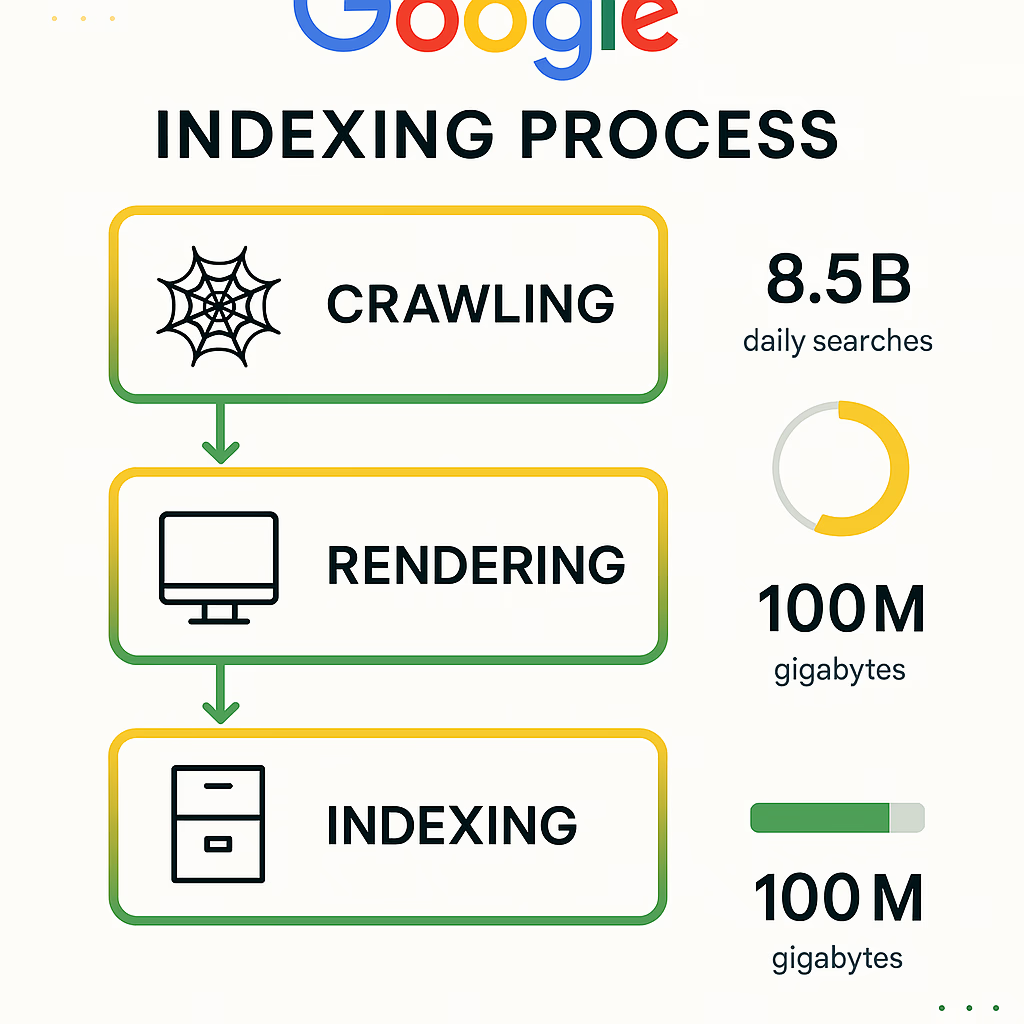
Indexing is the process where Google discovers, analyzes, and stores website pages in its database.
The process usually works like this:
Discover → Crawl → Process → Index → Rank
If a page does not enter Google’s index, users cannot normally find it through search results.
Without indexing:
- pages receive limited visibility
- organic traffic becomes difficult
- rankings cannot improve properly
Why Google May Not Index Your Pages
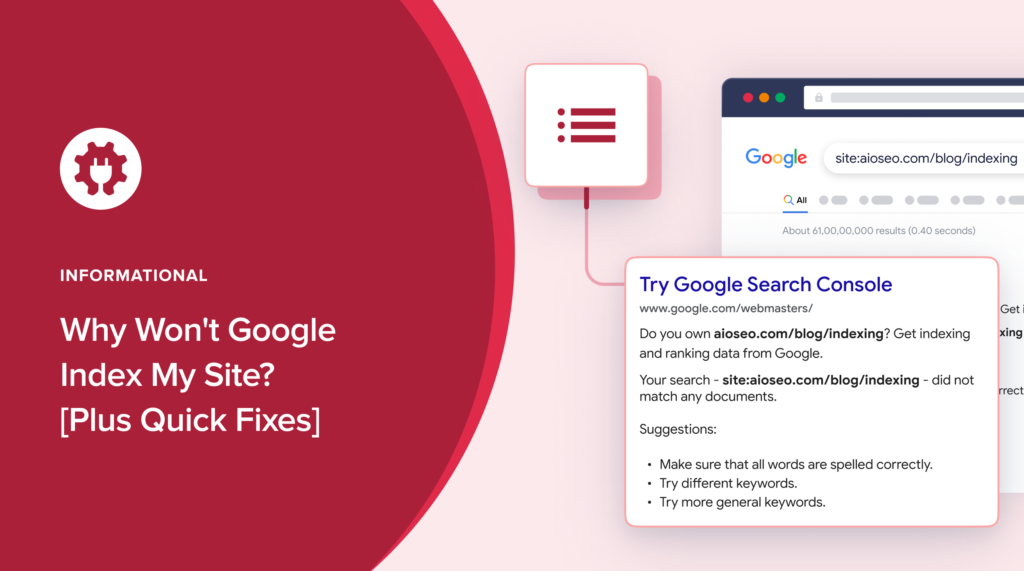
There are multiple reasons why this happens.
Some problems are technical while others relate to content quality.
Common causes include:
- weak content quality
- noindex settings
- crawl limitations
- duplicate pages
- internal linking problems
- slow websites
- low website authority
Your Website Is Still New
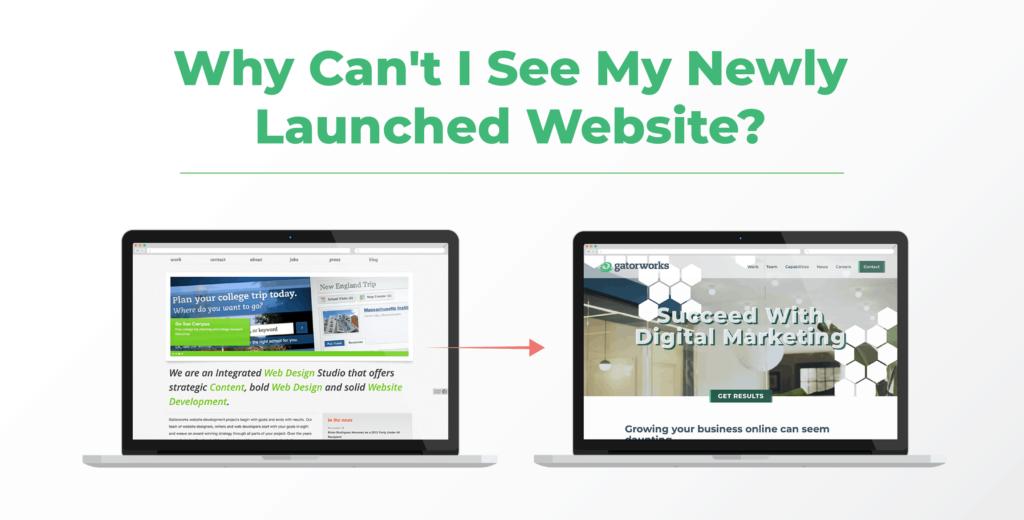
New websites often experience slower indexing.
Google usually takes time to understand:
- website structure
- content quality
- publishing patterns
- overall trust signals
A brand-new website with only a few pages may not receive immediate attention.
This is normal in many situations.
Low Quality or Thin Content
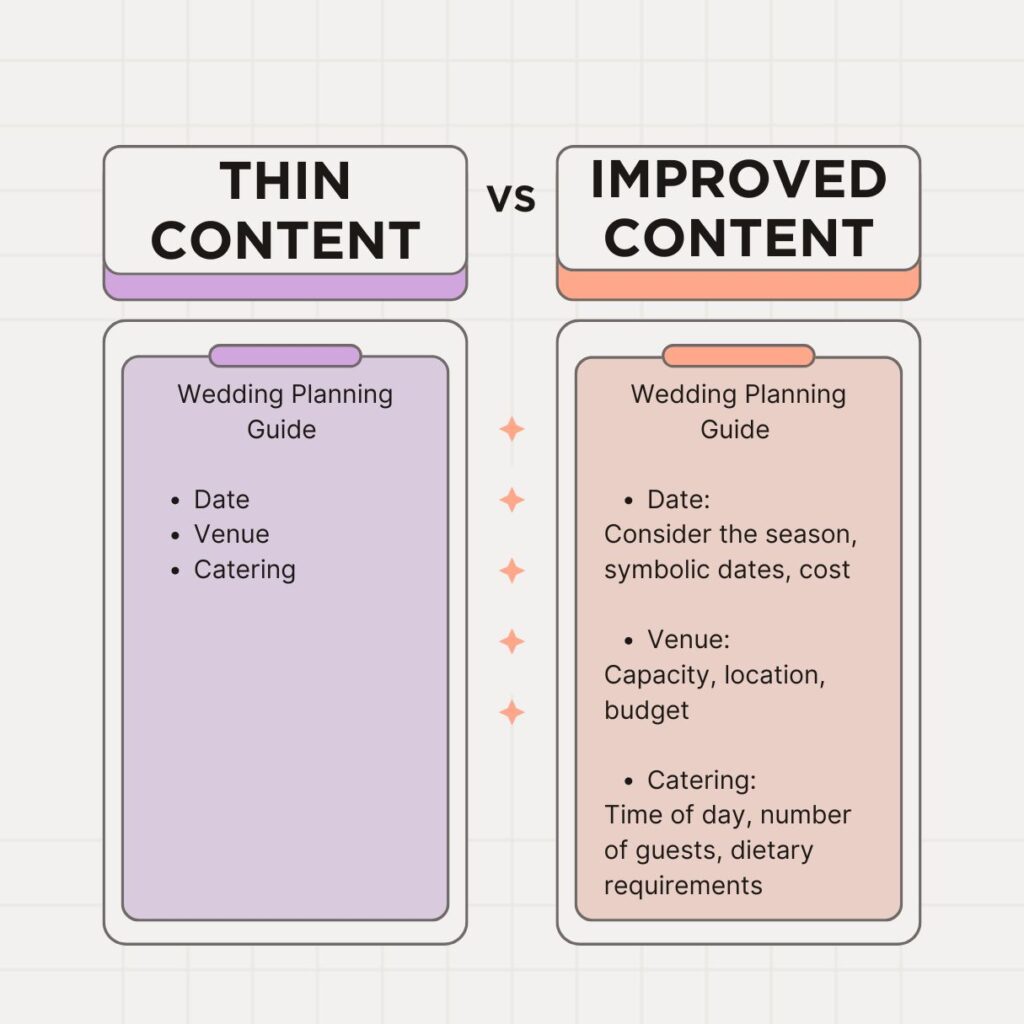
Google prefers pages that provide value.
Pages with:
- limited information
- copied content
- repetitive wording
- very short text
may struggle to enter the index.
For example:
A page with only a few sentences and no useful information gives search engines limited value.
Try creating content that answers user questions completely.
Missing Internal Links
Internal links help Google discover pages.
Without internal connections, some pages become difficult for crawlers to find.
Examples:
- orphan pages
- hidden pages
- isolated content
Add links naturally from related articles.
This improves content discovery.
Noindex Settings Blocking Pages
Sometimes websites accidentally tell search engines not to index content.
Common locations include:
- SEO plugin settings
- page settings
- robots instructions
If noindex settings exist, Google may skip the page completely.
Review your SEO plugin carefully.
Robots File Restrictions
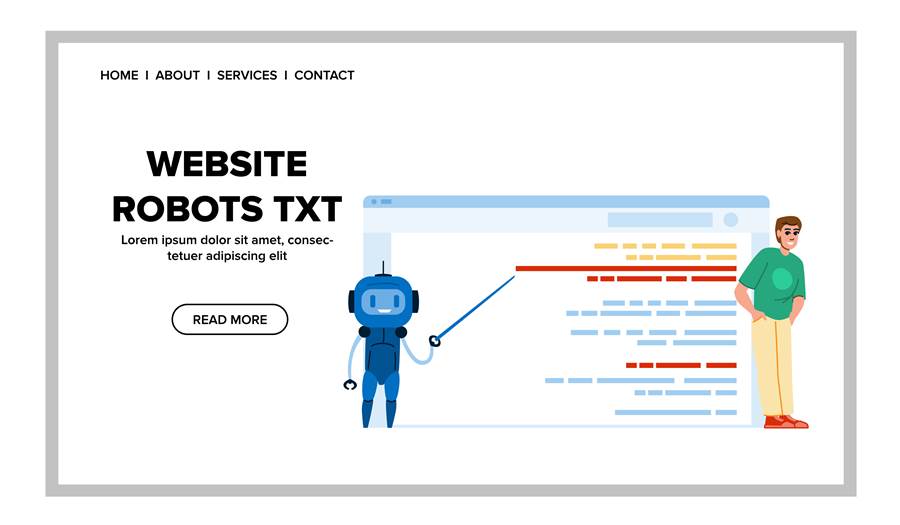
The robots file controls crawler access.
If important pages are blocked, Google may not process them correctly.
A problematic rule could prevent search engines from visiting content.
Review your robots settings and confirm important pages remain accessible.
Duplicate Content Problems
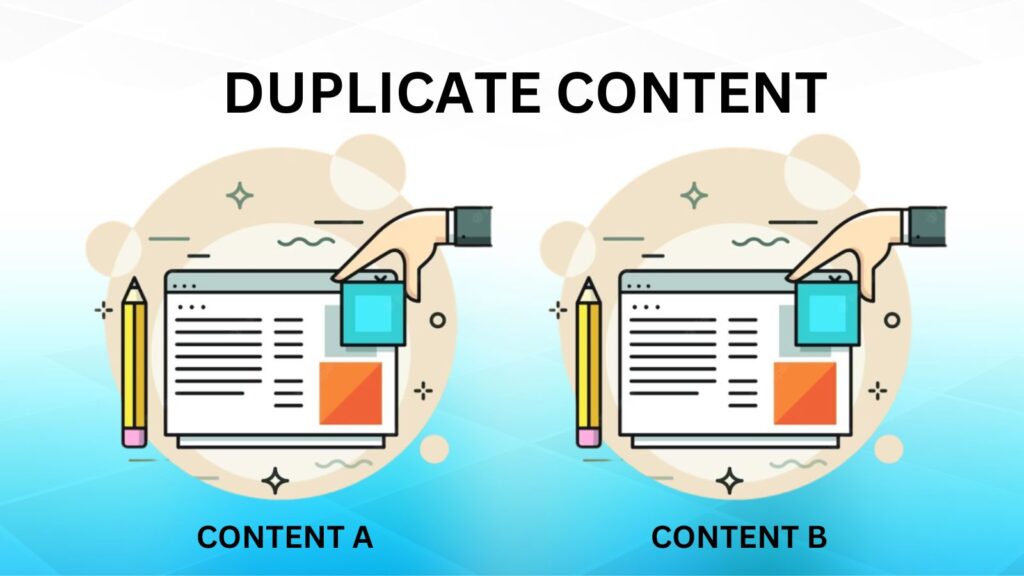
Search engines try to avoid indexing multiple versions of nearly identical content.
Examples include:
- repeated articles
- duplicate URLs
- similar pages with minor changes
When Google sees multiple copies, it often selects only one version.
Create unique content for each page.
Slow Website Performance
Website speed can affect crawling efficiency.
When websites respond slowly, search engines may process fewer pages.
Performance issues may include:
- large images
- slow hosting
- excessive scripts
- heavy page elements
Improving speed creates a better experience for both users and crawlers.
Weak Website Authority
Websites with little activity or limited trust signals may experience slower indexing.
- content consistency
- user engagement
- backlinks
- website quality
Building trust takes time.
How to Improve Indexing Faster
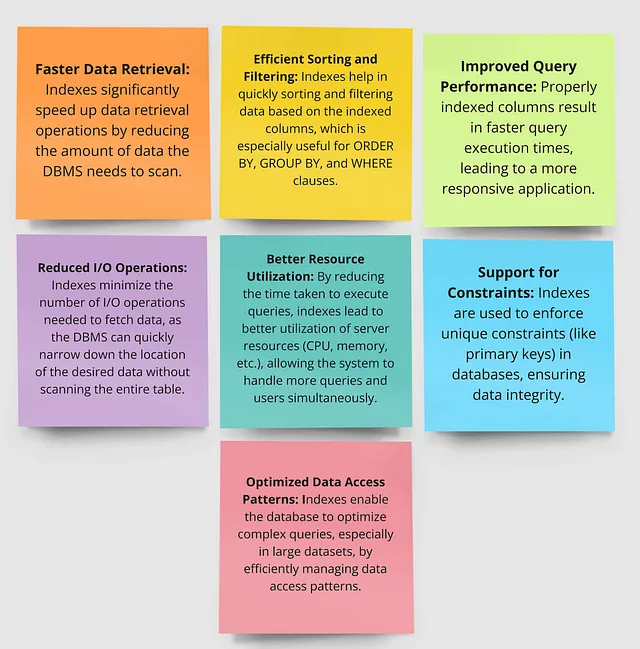
Several practical steps can help pages receive attention.
Create valuable content
Write content that:
- answers questions
- solves problems
- provides useful information
Improve internal linking
Connect related pages together naturally.
This helps crawlers understand website structure.
Submit sitemap files
Sitemaps help search engines discover pages.
Most SEO plugins generate them automatically.
Request indexing manually
Inside Search Console:
- open URL inspection
- enter page address
- request indexing
This does not guarantee immediate indexing, but it can help discovery.
Publish consistently
Regular updates show search engines that your website remains active.
Consistency often performs better than publishing many pages at once.
Signs That Indexing Is Improving
Positive signs include:
- impressions increasing
- pages appearing in Search Console
- Google discovering new URLs
- crawl activity increasing
Indexing often improves gradually rather than instantly.
Final Thoughts
Seeing pages remain outside Google’s index can feel discouraging, especially after spending time creating content.
However, indexing problems usually have identifiable causes.
Improving content quality, strengthening internal links, checking technical settings, and maintaining a healthy website can help search engines understand your content better.
Strong websites are rarely built overnight. Consistent improvements often create better long-term results.
FAQs
Why does Google crawl pages but not index them?
Google may discover pages but decide they offer limited value, contain duplicate information, or require further evaluation.
Can new websites experience indexing delays?
Yes. Newly launched websites often need additional time before search engines process content regularly.
Do internal links help indexing?
Yes. Internal links help search engines find and understand page relationships.
Can website speed influence indexing?
Slow websites can reduce crawling efficiency and affect how pages are processed.
How long does Google take to index pages?
The timeline varies and can range from several hours to multiple weeks depending on website quality and signals.