
Search engine optimization has become one of the most important parts of building a successful website. Even if a website has excellent content, rankings can remain limited when important SEO elements are ignored.
WordPress gives users flexibility through plugins that help improve optimization without requiring advanced technical knowledge.
Today, SEO plugins do more than edit titles and descriptions. They help website owners optimize content structure, generate sitemaps, manage indexing settings, improve technical SEO, and monitor website performance.
If you are building a blog, business website, or online store, choosing the right SEO plugin can simplify many tasks.
This guide explains some of the best WordPress SEO plugins to consider in 2026.
Why SEO Plugins Matter
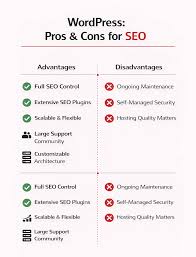
SEO plugins help website owners manage optimization tasks more efficiently.
Without optimization tools, users may need to manually handle:
- meta titles
- descriptions
- XML sitemaps
- indexing controls
- schema settings
- technical adjustments
Plugins simplify these processes and help users maintain organized SEO settings.
Features to Look for in SEO Plugins
Before installing an SEO plugin, it helps to understand which features matter most.
Useful features often include:
- XML sitemap generation
- schema support
- content analysis
- indexing controls
- redirect management
- keyword optimization tools
- social media integration
The ideal plugin depends on website goals and user preferences.
1. Yoast SEO
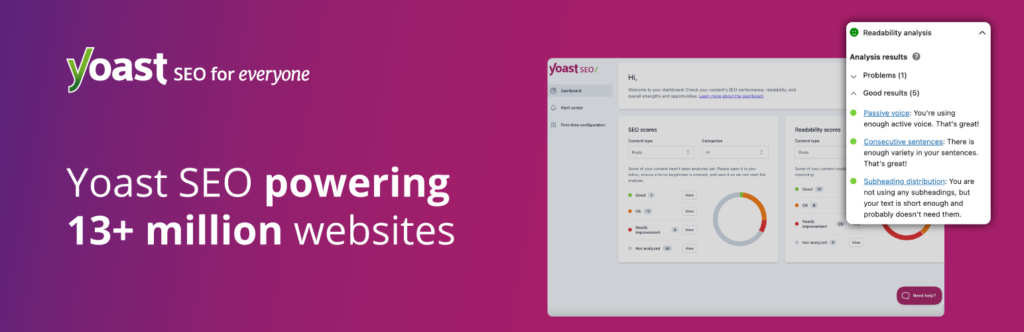
Yoast SEO has remained one of the most widely used SEO tools for WordPress websites.
Popular features include:
- content readability analysis
- XML sitemap creation
- title and meta description controls
- indexing settings
- schema functionality
Many beginners choose Yoast because its interface feels straightforward.
Best for
- beginners
- blogs
- informational websites
2. Rank Math
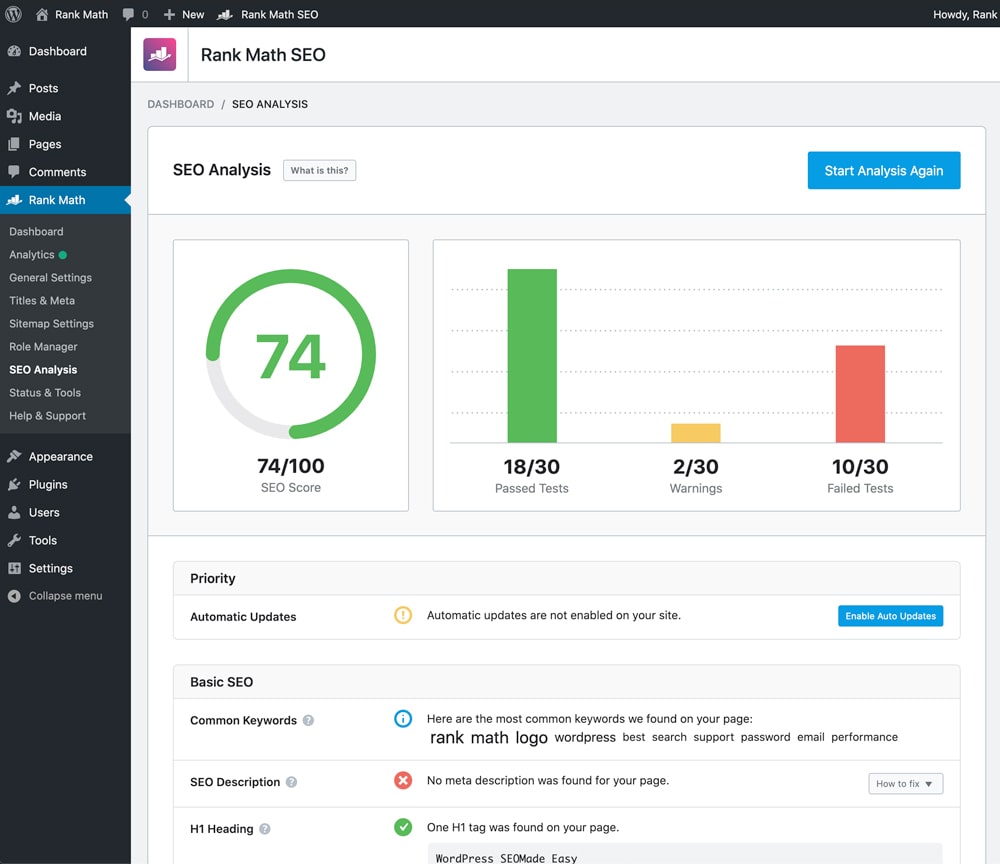
Rank Math has become increasingly popular because it combines multiple SEO functions in one plugin.
Features include:
- keyword optimization tools
- schema settings
- redirect management
- XML sitemaps
- SEO analysis features
Many users appreciate having multiple optimization tools inside a single dashboard.
Best for
- content creators
- affiliate websites
- advanced users
3. All in One SEO
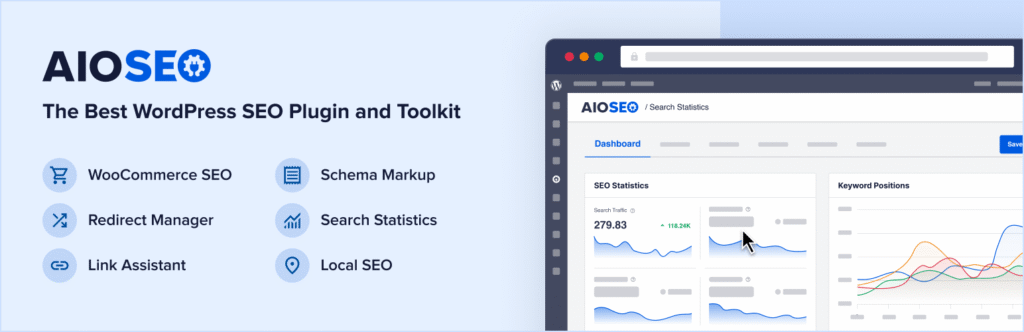
All in One SEO focuses on simplifying optimization tasks.
It includes:
- sitemap generation
- social media settings
- technical SEO features
- schema support
- local SEO options
Its setup process is often beginner friendly.
Best for
- business websites
- local websites
- small businesses
4. SEOPress
SEOPress continues attracting users because of its clean interface and flexible options.
Features include:
- metadata management
- schema settings
- redirects
- XML and HTML sitemaps
Many users prefer its lightweight structure.
Best for
- agencies
- developers
- users wanting customization
5. Slim SEO

Slim SEO focuses on automation.
Instead of requiring many settings, it attempts to handle optimization tasks automatically.
Features include:
- automatic meta generation
- XML sitemaps
- schema support
- redirection tools
Best for
- beginners
- users wanting simpler management
Comparing SEO Plugin Strengths
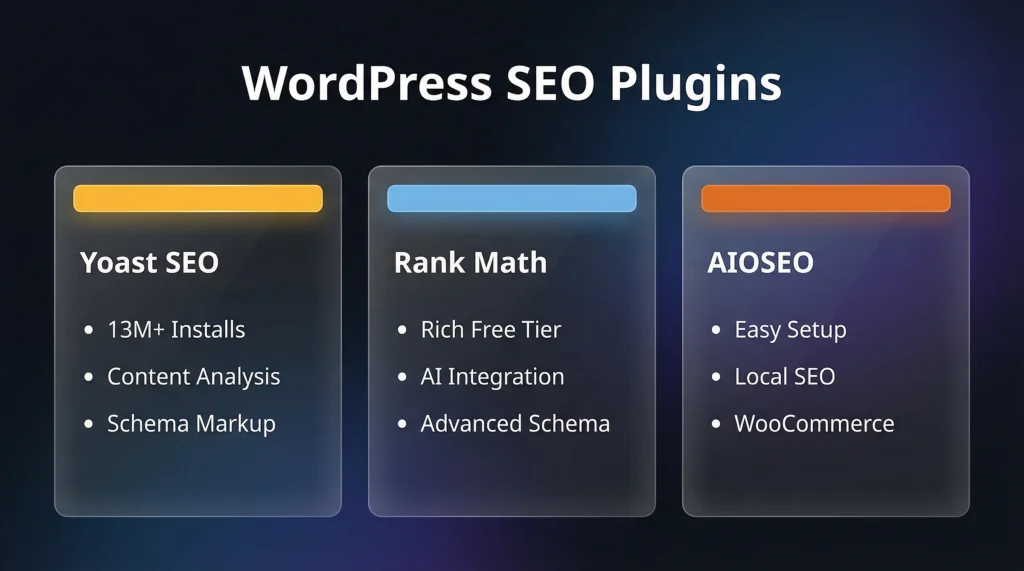
Different plugins focus on different areas.
Yoast SEO
Strengths:
- easy setup
- readability tools
- trusted reputation
Rank Math
Strengths:
- multiple built-in features
- flexible settings
- keyword analysis tools
All in One SEO
Strengths:
- beginner friendly interface
- business-focused features
SEOPress
Strengths:
- lightweight performance
- customization options
Slim SEO
Strengths:
- automated settings
- simplified management
Common Mistakes When Using SEO Plugins
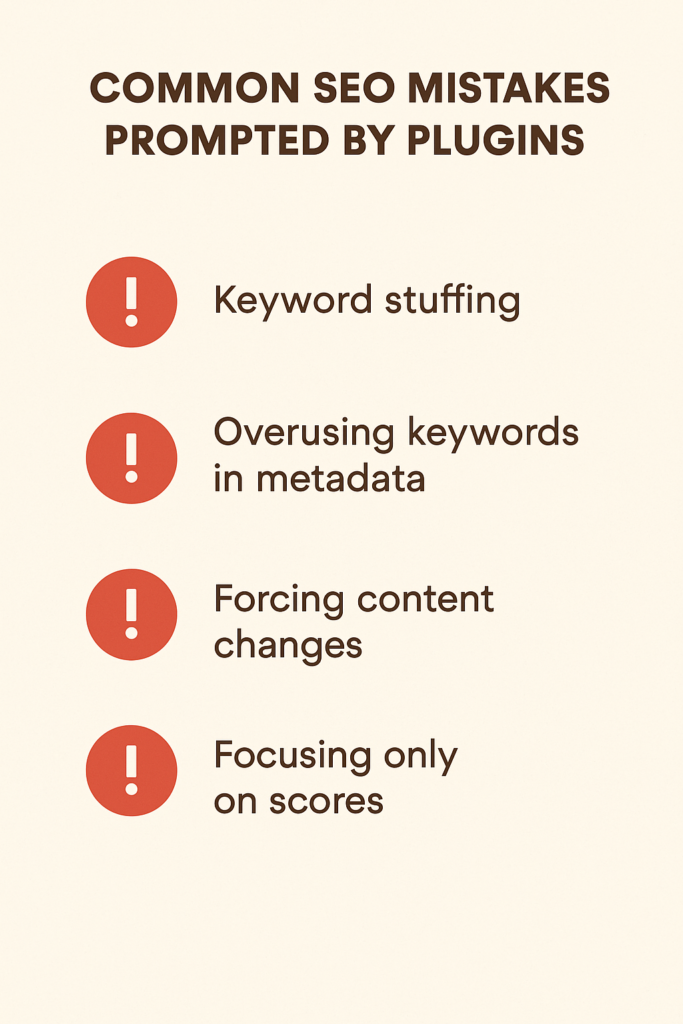
Installing an SEO plugin alone does not guarantee rankings.
Website owners often make mistakes such as:
- using multiple SEO plugins simultaneously
- ignoring content quality
- forgetting internal links
- overusing keywords
- leaving metadata incomplete
Optimization tools work best when combined with valuable content.
How to Choose the Right Plugin
Before selecting a plugin, consider:
Website goals
A blog and an e-commerce website may have different needs.
Experience level
Beginners often prefer simpler interfaces.
Features needed
Not every website requires advanced functions.
Performance impact
Lightweight plugins can reduce unnecessary load.
Final Thoughts
SEO plugins continue evolving and becoming more powerful.
The right tool depends on your website structure, content strategy, and optimization goals.
Rather than focusing only on the plugin itself, concentrate on creating useful content and maintaining a healthy website structure.
SEO tools support optimization efforts, but valuable content remains the foundation of long-term growth.
FAQs
Which SEO plugin is suitable for beginners?
Many beginners choose Yoast SEO because of its simple interface and guided recommendations.
Can I use multiple SEO plugins together?
Using multiple SEO plugins simultaneously can create conflicts and duplicate settings.
Do SEO plugins improve rankings automatically?
Plugins help with optimization, but rankings still depend on content quality and overall SEO strategy.
Is Rank Math useful for advanced users?
Rank Math includes several built-in features that many advanced users appreciate.
Do SEO plugins generate XML sitemaps?
Most modern SEO plugins include automatic sitemap generation features.