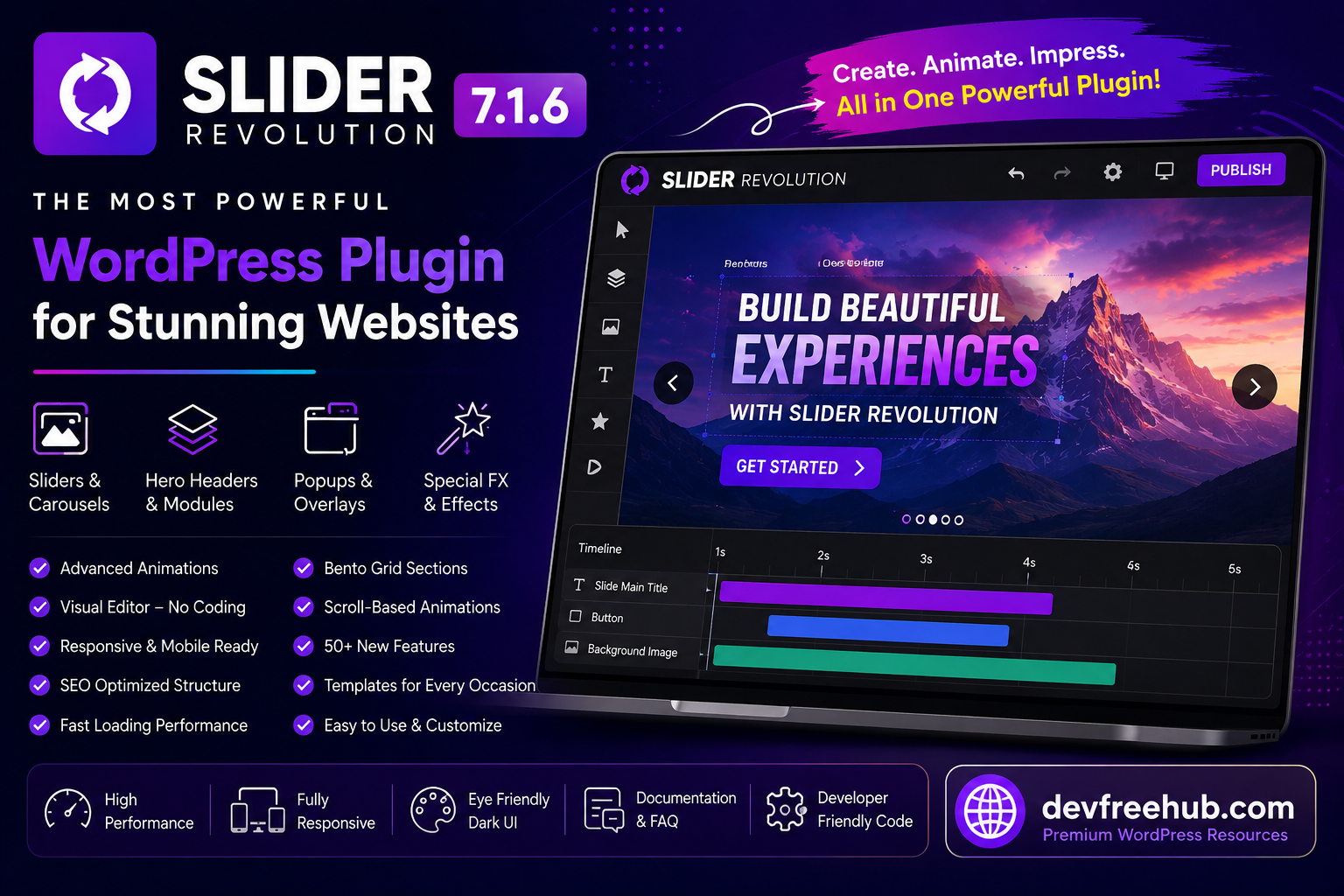

Modern websites need more than simple text and static images to capture attention. Businesses, bloggers, agencies, and online stores often use interactive visual sections to present products, services, announcements, and important content.
Slider Revolution 7.1.6 is a WordPress plugin built around visual content creation. It can be used to create sliders, carousels, hero sections, animated content, popups, and other interactive website elements.
Instead of requiring developers to manually code every visual section, the plugin provides a visual editing environment where users can build and customize content.
This guide explains what Slider Revolution 7.1.6 is, what it can be used for, and which features are worth understanding before adding it to a WordPress website.
What Is Slider Revolution 7.1.6?
Slider Revolution 7.1.6 is a WordPress visual content and animation plugin designed to help website owners create interactive layouts.
Although its name includes the word “Slider,” its functionality can go beyond traditional image sliders. Depending on how it is configured, it can be used for hero banners, content sections, carousels, animated presentations, popups, and other visual components.
This makes it useful for websites that want to present information in a more engaging format.
What Can You Create With Slider Revolution?
A major advantage of the plugin is the variety of content formats it can support.
You can use it as a foundation for creating:
- Image sliders
- Product showcases
- Hero sections
- Content blocks
- Carousels
- Promotional banners
- Animated presentations
- Popup modules
- Interactive website sections
- Visual landing-page elements
The best format depends on the purpose of the page.
For example, an online store might use an animated product showcase, while a business website could use a large hero section to introduce its main service.
Visual Editing Without Extensive Coding
Instead of manually writing HTML, CSS, and JavaScript for every animated component, users can work through a graphical editing environment.
This can make the process more accessible to WordPress users who have limited coding knowledge.
Developers can also benefit because reusable visual components can reduce the amount of repetitive front-end work required for certain projects.
Advanced Animation Controls
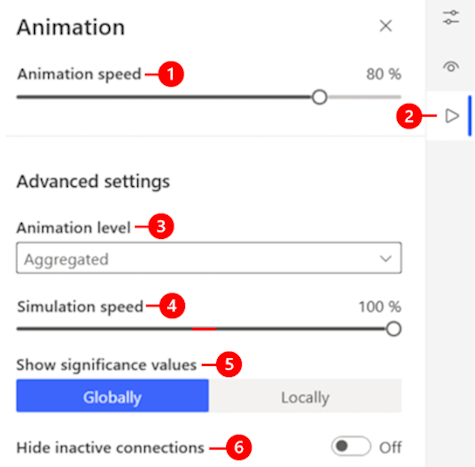
Animations can make a page feel more interactive when they are used carefully.
Slider Revolution provides controls for creating animated transitions and timeline-based effects. Elements can appear, move, fade, scale, or change based on configured animation sequences.
Timeline-based editing is particularly useful when several elements need to appear at different moments.
For example, a hero section could display a heading first, followed by supporting text and then a call-to-action button.
However, animations should always support the content rather than distract visitors.
Scroll-Based Effects
Modern websites frequently use scrolling interactions to create visual movement as users move through a page.
Scroll-based effects can connect animations to the visitor’s position on the page.
This can be useful for storytelling, product presentations, and visually rich landing pages.
Because excessive animation can affect usability and performance, these effects should be used selectively.
Sliders and Carousels
Traditional sliders remain useful when several related pieces of information need to occupy the same area.
For example, a website might use a slider for:
- Featured products
- Customer testimonials
- Promotional campaigns
- Portfolio projects
- Blog highlights
- Service categories
Carousels can provide a similar experience while allowing multiple items to be presented within a structured layout.
The key is to keep the content understandable and make navigation obvious for users.
Hero Sections
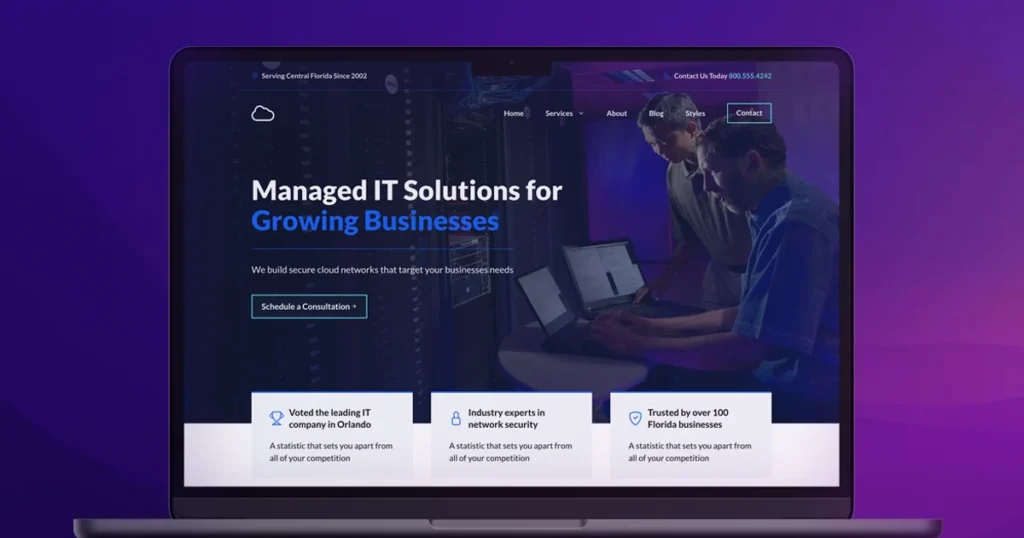
The first large section visitors see on a page can have a major role in communicating the website’s purpose.
Slider Revolution can be used to create visually rich hero sections containing combinations of text, images, buttons, videos, and animations.
A well-designed hero section should communicate the main message quickly.
For example, a SaaS website might use the section to introduce its software, explain one major benefit, and provide a clear action button.
Popup Modules
Slider Revolution can also be used to present certain modules as popup-style content.
Popups can be useful for announcements, promotional messages, newsletters, special offers, or other important information.
However, website owners should avoid displaying intrusive popups immediately after a visitor arrives.
A popup should have a clear purpose and should not make it difficult for users to access the main content.
Ready-Made Templates
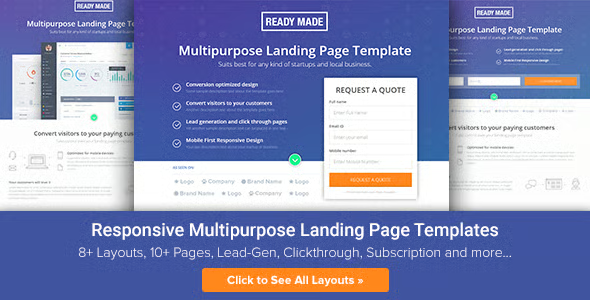
Starting with a blank canvas can take time.
Templates provide a starting structure that can then be customized according to the website’s branding and content.
Slider Revolution includes a selection of pre-designed templates and visual elements that can help users begin projects more quickly.
Instead of keeping a template unchanged, website owners should replace demo text, images, colors, and calls to action with content that is relevant to their own audience.
Animation Presets
Creating every animation from scratch can be time-consuming.
Animation presets can simplify the process by providing predefined movement and transition styles.
Users can start with an existing effect and adjust it according to their design requirements.
This approach can be useful when multiple elements need a consistent animation style.
Layer-Based Content
Interactive visual sections often contain multiple elements.
For example, one slide might include:
- Background image
- Heading
- Description
- Button
- Decorative graphics
- Additional visual elements
A layer-based editing approach allows these elements to be controlled separately.
This gives designers greater flexibility when creating complex visual compositions.
Responsive Website Design
A website needs to work properly on desktop computers, tablets, and smartphones.
A design that looks excellent on a large monitor may become difficult to use on a small screen if it is not adjusted properly.
When creating Slider Revolution modules, users should review how text, images, buttons, and animations behave at different screen sizes.
Pay particular attention to:
- Font sizes
- Button placement
- Image cropping
- Element spacing
- Animation behavior
- Touch interaction
Responsive testing should be performed before publishing the final design.
Search and Highlight Features
Interactive content can sometimes contain large amounts of information.
Search and highlighting functionality can help users locate specific content more efficiently when such features are appropriate for the module being created.
This can be useful for specialized interactive layouts where visitors need to find particular information instead of simply viewing a visual presentation.
WordPress Content Integration
Because Slider Revolution is designed for WordPress, it can be used within WordPress websites alongside other themes and plugins.
This makes it suitable for different types of websites, including:
- Business websites
- Portfolio sites
- E-commerce stores
- Agency websites
- Blogs
- Landing pages
- Product websites
Before using it on a production website, compatibility should be tested with the active WordPress theme and other major plugins.
Performance Considerations
Visual effects can improve a website’s appearance, but they can also increase the number of resources required to display a page.
Large images, videos, animations, fonts, and multiple visual modules may affect loading performance.
To maintain a good user experience, optimize images before uploading them, avoid unnecessary effects, and test important pages using performance tools.
It is also useful to check mobile performance because mobile visitors may have slower connections or less powerful devices.
Accessibility and User Experience
A visually impressive website should still be easy to use.
When creating animated content, make sure important information is available in readable text and that buttons and navigation controls are easy to identify.
Animations should not prevent visitors from understanding the content.
For important business information, avoid relying entirely on visual effects to communicate the message.
How Slider Revolution Can Help Website Design
The plugin can be useful when a website needs more engaging visual presentation without requiring every component to be developed manually.
A designer can combine images, text, buttons, animations, and other elements into a single visual module.
This can make product presentations and landing pages more dynamic.
However, the plugin should be used according to the website’s actual requirements. Adding animations simply because they are available can make a page unnecessarily complicated.
Is Slider Revolution Good for Every Website?
Not necessarily.
A simple blog or informational website may not need complex sliders or animation systems.
On the other hand, agencies, portfolios, product websites, and promotional landing pages may benefit more from interactive visual sections.
The right choice depends on the site’s goals, content, performance requirements, and design strategy.
Best Practices for Using Slider Revolution
Before publishing a Slider Revolution module, follow a few basic practices.
First, keep the main message clear. Visitors should understand the purpose of the section quickly.
Second, optimize images and videos to avoid unnecessary loading delays.
Third, test the module on different screen sizes.
Fourth, avoid excessive animation.
Finally, make sure every important button and link works correctly.
These simple steps can make a significant difference to the final user experience.
Final Thoughts
Slider Revolution 7.1.6 offers WordPress users a flexible way to create interactive visual content without manually coding every component.
Its capabilities extend beyond traditional sliders. Depending on the project, it can be used for hero sections, carousels, content modules, animated presentations, popup elements, and other website experiences.
The visual editing approach can be useful for both designers and developers, while templates and animation controls can speed up the creation process.
At the same time, performance and usability should remain priorities. A visually impressive module is only valuable when it loads efficiently, works across devices, and helps visitors understand the content.
For businesses and creators that need engaging visual sections on WordPress, Slider Revolution 7.1.6 can provide a flexible foundation for building more interactive website experiences.

FAQs
1. What is Slider Revolution 7.1.6?
Slider Revolution 7.1.6 is a WordPress plugin for creating interactive visual content such as sliders, carousels, hero sections, animated modules, and popup elements.
2. Can Slider Revolution be used without coding?
Yes. Its visual editing environment allows users to create many types of content without manually coding every visual component. Developers can also customize the output when required.
3. Can Slider Revolution create responsive designs?
Yes. Modules can be configured for different screen sizes, but users should test their designs on desktops, tablets, and smartphones before publishing them.
4. Does Slider Revolution only create image sliders?
No. Its functionality can extend beyond traditional sliders. It can be used for hero sections, carousels, content modules, animations, popups, and other interactive website elements.