

Learning a new programming language can open the door to exciting opportunities in software development. If you are interested in building fast, reliable, and efficient applications, Rust is a language worth exploring. It combines performance with strong memory-safety features, making it useful for systems programming, command-line tools, web services, and other demanding applications.
Rust has gained attention among developers because it helps prevent several common programming errors without relying on a traditional garbage collector. Its compiler checks how programs use memory and manage data, encouraging developers to write safer code.
However, beginners may initially find concepts such as ownership, borrowing, and lifetimes challenging. The good news is that these concepts become easier to understand when you practise them through small, practical examples.
In this guide, you will learn Rust programming from the basics, explore important language features, and create simple examples that demonstrate how Rust works. Whether you are completely new to programming or already familiar with another language, this tutorial will help you understand the fundamentals and take your first steps toward building Rust applications.
1. Understanding Rust Programming and Its Key Benefits
Rust is a modern, open-source programming language designed for performance, reliability, and memory safety. It is particularly popular in systems programming, where developers need direct control over resources without sacrificing application stability.
One of Rust’s most important characteristics is its memory-safety model. The compiler checks how data is accessed and managed, helping prevent issues such as invalid memory references and data races. Many of these checks happen during compilation rather than while the program is running.
Rust also provides several advantages:
- High performance: Rust programs can run efficiently because the language is compiled into native machine code.
- Memory safety: Ownership and borrowing rules help prevent many memory-related errors.
- Concurrency support: Rust’s type system helps developers write programs that safely perform multiple tasks.
- Modern development tools: Cargo provides a convenient way to manage projects, dependencies, builds, and tests.
- Open-source ecosystem: Developers can explore libraries and packages through the Rust community and its package registry.
Rust is used in areas such as operating systems, networking software, command-line applications, embedded development, and backend services.
For beginners, Rust offers an opportunity to understand important programming concepts while developing applications that prioritize reliability and performance.
2. How to Install Rust and Set Up Your Development Environment

Before writing your first Rust program, you need to install the compiler and development tools. The recommended installation method is rustup, the official Rust toolchain installer.
Rustup helps install Rust, manage toolchain versions, and keep your development environment updated.
Step 1: Download Rust
Visit the official Rust website at https://www.rust-lang.org/ and follow the installation instructions for your operating system.
On Windows, you can use the official rustup installer. On macOS and Linux, the website provides the appropriate installation command and guidance.
Step 2: Verify the Installation
After installation, open your terminal or command prompt and enter:
This command displays the installed Rust compiler version.
You can also check Cargo:
Cargo is Rust’s built-in package manager and build tool. It helps create projects, download dependencies, compile applications, and run tests.
Step 3: Create Your First Project
Use the following command to generate a new Rust project:
Move into the project directory:
Your project will contain a Cargo.toml configuration file and a src directory. The main application code is normally stored in src/main.rs.
Step 4: Run the Application
Execute your new project with:
Cargo will compile the application and run it. A newly created project displays a simple Hello, world! message.
You now have a working Rust development environment.
3. Understand Rust Variables, Data Types, and Mutability
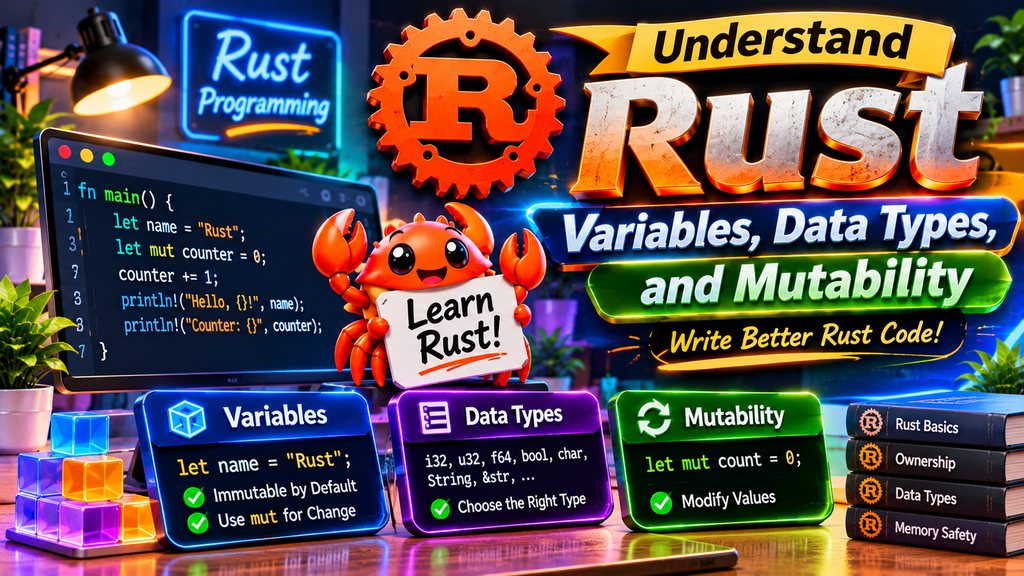
Variables are among the fundamental programming concepts beginners should learn when getting started with Rust.
They allow you to store information that your program can use later.
In Rust, the let keyword is used to create variables. They are immutable by default, so their assigned values cannot be modified unless you explicitly declare them as mutable.
Here is a basic example:
In this example, name stores text, while age stores an integer. The println! macro displays their values in the terminal.
Understanding Mutable Variables
Use mut in a variable declaration when you want to update its value later.
You’re using the free version of ChatGPT. Upgrade for advanced models, better memory, and higher-quality image creation.
Try Plus free
Without mut, Rust would report an error when you attempted to change the value.
Common Rust Data Types
Rust provides several built-in data types:
- i32: A signed 32-bit integer.
- u32: An unsigned 32-bit integer.
- f64: A 64-bit floating-point number.
- bool: A Boolean value containing true or false.
- char: A single Unicode character.
- String: An owned, growable text value.
- &str: A string slice, often used for borrowed text.
For example:
Understanding these types will help you store information correctly and avoid common programming mistakes.
4. Learn Rust Functions, Conditions, and Loops With Examples

Functions allow you to organize code into reusable sections. Instead of writing the same instructions repeatedly, you can create a function and call it whenever necessary.
A basic Rust function looks like this:
The fn keyword defines a function, while main is the starting point of a standard executable Rust program.
Functions With Parameters
Functions can also accept information through parameters.
Here, the function receives a string slice and uses it to create a personalized message.
Returning Values From Functions
A function can calculate something and return the result.
The -> i32 indicates the return type. Rust allows the final expression in a function to be returned without writing the return keyword.
Using Conditional Statements
Conditions help programs make decisions.
Working With Loops
Rust supports several ways to repeat instructions. A for loop is especially useful when working with a collection or a range of values.
This example prints numbers from 1 to 5. The ..= operator includes the ending value.
Functions, conditions, and loops are essential building blocks for creating practical Rust applications.
5. Understand Ownership, Borrowing, and References in Rust
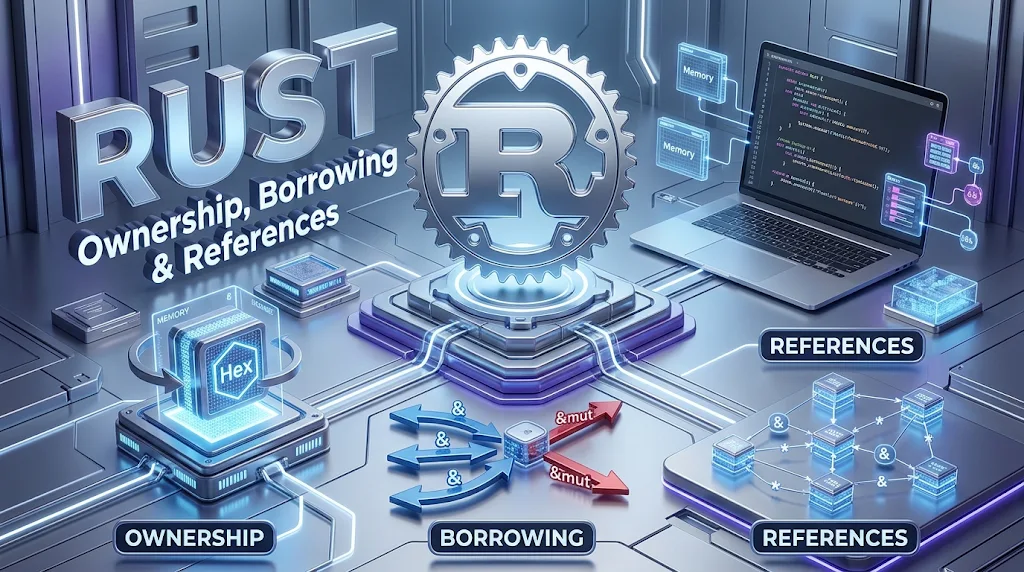
Ownership is one of the most important concepts in Rust. It determines how the language manages memory and helps prevent problems that can occur when multiple parts of a program access the same data incorrectly.
Rust follows three basic ownership rules:
- Each value has an owner.
- A value can have only one owner at a time.
- When the owner goes out of scope, Rust automatically releases the value’s resources when appropriate.
Consider this example:
In this example, ownership of the String moves from first_name to second_name. After the move, the original variable can no longer be used.
This prevents two variables from incorrectly managing the same owned allocation.
What Is Borrowing?
Borrowing allows a function or another part of your program to access data without taking ownership of it.
You can create a reference by using the & symbol.
The function receives a reference instead of taking ownership. As a result, username remains available after the function call.
Mutable References
Rust also supports mutable references, which allow data to be changed through a reference.
The &mut syntax creates a mutable reference, while *score accesses the value being referenced.
Rust restricts how mutable and immutable references can be used together. These rules help prevent conflicting access to data and are an important part of its memory-safety system.
6. Work With Structs, Enums, and Collections in Rust

As programs become larger, you need better ways to organize information. Rust provides structs, enums, and collections to help developers represent and manage different types of data.
Creating Structs
A struct allows you to group related values into one custom data type.
In this example, the User struct stores three related pieces of information. This approach makes it easier to manage data belonging to a particular user.
Understanding Enums
Enums allow you to define a type that can represent one of several possible variants.
The match expression checks which variant is present and executes the corresponding branch.
Using Collections
Rust includes useful collection types for storing groups of values.
A vector is a growable collection that stores elements of the same type.
The push method adds another element to the vector.
Other useful collections include HashMap, which stores key-value pairs, and String, which manages owned text. These tools make it easier to build applications that work with larger amounts of information.
7. Handle Errors and Build a Practical Rust Example
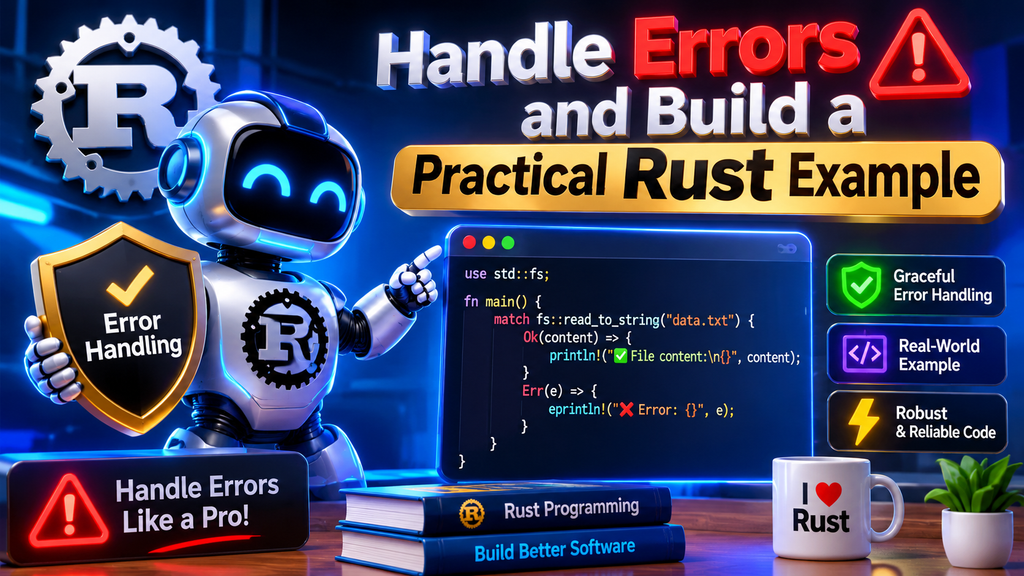
Real applications need to deal with unexpected situations. A file might not exist, a user might enter invalid information, or a network request might fail. Rust provides structured error-handling tools to help developers manage these situations.
Two important concepts are Option and Result.
Understanding Option
The Option type represents a value that may or may not exist. It contains either Some(value) or None.
This example returns a value when the supplied number is positive and None otherwise.
Understanding Result
The Result type is used when an operation may succeed or fail. It contains either Ok(value) or
For example, reading a file can fail if the file does not exist or cannot be accessed.
This program attempts to read notes.txt and handles both possible outcomes.
Build a Simple Rust Calculator
Now combine functions, variables, and conditions to create a small calculator.
This calculator supports addition, subtraction, multiplication, and division. It also checks for division by zero and returns None when an unsupported operation is supplied.
8. Frequently Asked Questions About Learning Rust Programming
Q1. Is Rust easy for beginners to learn?
Rust can be challenging at first because it introduces concepts such as ownership, borrowing, and lifetimes. However, beginners can learn it gradually by practising variables, functions, data types, and small projects before moving to advanced topics.
Q2. Is Rust a good programming language to learn in 2026?
Yes. Rust is a useful language for developers interested in systems programming, performance-focused applications, command-line tools, and reliable backend software. Its memory-safety features also make it valuable for projects where correctness matters.
Q3. Do I need to know C or C++ before learning Rust?
No. Previous experience with C or C++ is not required. Beginners can start with Rust directly. However, familiarity with basic programming concepts such as variables, functions, and loops can make the learning process easier.
Q4. Is Rust free to use?
Yes. Rust is an open-source programming language available at no cost. Its compiler, official tools, documentation, and community resources are accessible to developers without a paid language licence.
Q5. What is Cargo in Rust?
Cargo is Rust’s official package manager and build system. It helps developers create projects, manage external dependencies, compile applications, run tests, and organize development workflows.
Q6. What is ownership in Rust?
Ownership is Rust’s system for managing how values are accessed and how their resources are released. Each value has one owner, and ownership rules help prevent many memory-management errors.
Q7. What are borrowing and references in Rust?
Borrowing allows code to access data through references without taking ownership of it. References can be immutable or mutable, and Rust enforces rules to prevent unsafe access and conflicting modifications.
Q8. Can Rust be used for web development?
Yes. Rust can be used to develop backend services, APIs, and web applications. Developers can explore frameworks and libraries such as Axum and Actix Web to build server-side applications.
Q9. What is the best way to practise Rust programming?
Start with small programs such as calculators, number guessing games, command-line utilities, and file-reading tools. Gradually practise ownership, error handling, collections, and project organization. Building real applications is an effective way to strengthen your understanding.
Q10. How long does it take to learn Rust?
The learning time depends on your previous programming experience and the amount of time you practise. Basic syntax may take a few weeks to understand, while ownership, lifetimes, concurrency, and larger application development require more consistent practice.