

Images play an important role in digital communication. Whether you are creating content for social media, designing a website, preparing marketing materials, or sharing personal memories, image quality can significantly affect how your content is received. Blurry, pixelated, dark, or low-resolution pictures may fail to communicate the right message. This is where an image enhancer becomes useful.
An image enhancer is a digital tool designed to improve the visual quality and overall appearance of photographs.Modern enhancement tools use artificial intelligence (AI), image processing techniques, and machine learning to make photos clearer, sharper, and more visually appealing. Some tools can also increase image resolution, reduce unwanted noise, restore old photographs, and improve lighting.
You do not always need professional editing software or advanced photography skills to improve a picture. Many online image enhancement tools allow users to upload an image, select an enhancement option, and download an improved version within a few moments.
In this article, you will learn what an image enhancer is, how it works, its main features, benefits, practical uses, and how to choose the right tool for your requirements.
1. What Is an Image Enhancer?
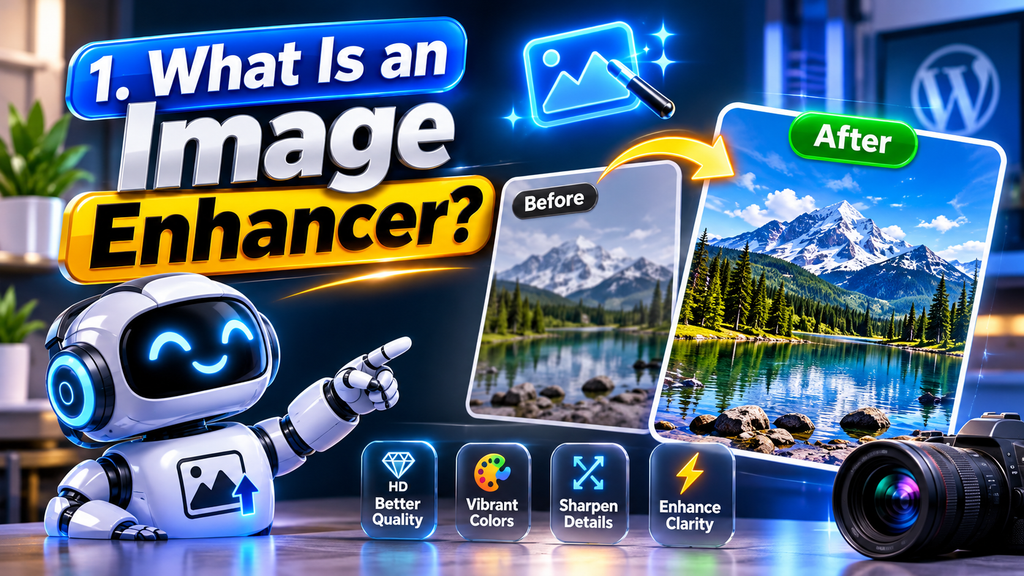
An image enhancer is an online or offline application designed to improve the visual quality of digital pictures. It modifies different image properties, such as sharpness, brightness, contrast, color balance, and resolution, to create a better-looking result.
Traditional photo editing usually requires users to adjust settings manually. In contrast, modern AI-powered image enhancers can automatically analyze a picture and identify areas that need improvement. Depending on the software, the tool may correct blurry details, reduce image noise, improve colors, and make certain objects more visible.
For example, imagine taking a photograph in a dark room. The picture may contain visible noise, unclear details, and poor lighting. An image enhancer can analyze the photograph and attempt to improve these issues automatically.
Image enhancement tools are useful for both beginners and experienced professionals. Beginners can improve their pictures without learning complicated editing techniques, while designers and photographers can use advanced features to speed up their workflows.
However, enhancement does not always recover the original details of a photograph. AI tools may generate or estimate missing visual information, so users should review the final result carefully, especially when accuracy is important.
2. How Does an AI Image Enhancer Work?

AI image enhancers use trained machine learning models to analyze visual information within a photograph. These models learn patterns from large collections of images and use that knowledge to predict how an improved image should look.
When you upload a photograph, the software examines its visual characteristics. It may identify blurry edges, compression artifacts, uneven lighting, low resolution, and other quality problems. The tool then applies suitable processing techniques to improve the image.
Common image enhancement processes include:
- Noise Reduction: Removes unwanted grain and visual disturbances from photographs.
- Image Sharpening: Makes edges and visible details appear clearer.
- Resolution Upscaling: Increases image dimensions while attempting to preserve visual quality.
- Color Correction: Adjusts color balance, saturation, and overall appearance.
- Brightness Adjustment: Improves photographs that appear too dark or too bright.
- Face Enhancement: Improves facial appearance and details in supported photographs.
Some AI tools process images through multiple stages to achieve better results. For example, a photograph may first undergo noise reduction, followed by sharpening and resolution enhancement.
The quality of the result depends on the original image, the enhancement model, and the selected settings. Different tools may produce different results from the same photograph.
3. Key Features of an Image Enhancer
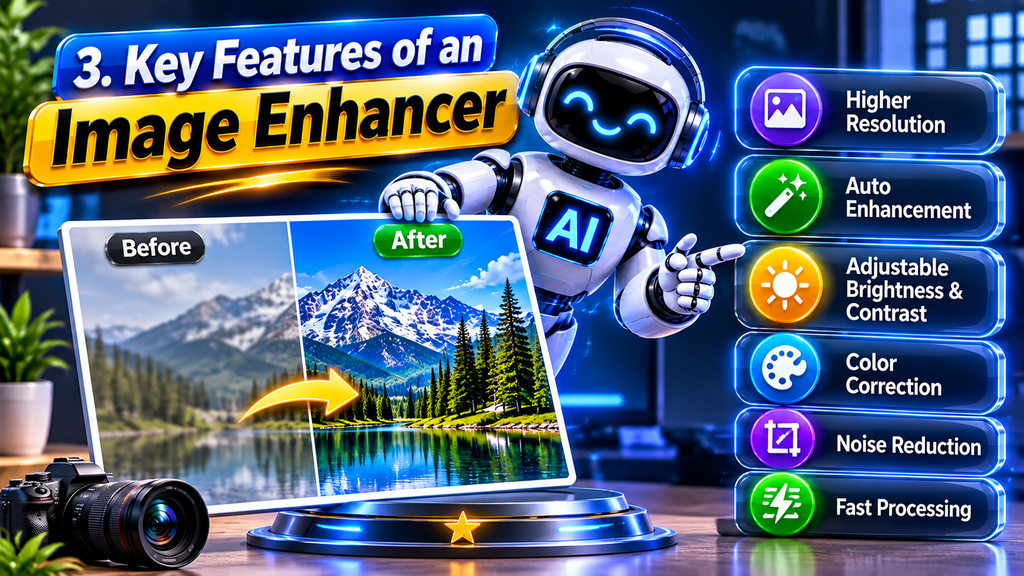
A useful image enhancer offers several features that help users improve photographs for different purposes. Understanding these features makes it easier to select a suitable tool.
AI Image Upscaling: Upscaling increases an image’s dimensions. Some advanced tools can enlarge pictures by two or four times while attempting to maintain clarity. This feature is particularly helpful when preparing images for larger displays or printed materials.
Blur Removal: Blurry photographs can appear unclear because of camera movement, missed focus, or low-quality source files. Enhancement tools can sharpen visible edges and improve perceived clarity, although severe blur may not be completely removable.
Noise Reduction: Images captured in low-light conditions often contain grain or unwanted visual patterns. Noise reduction helps create a smoother appearance while attempting to preserve important details.
Color Enhancement: Some photographs appear dull because of poor lighting or incorrect camera settings. Color enhancement adjusts saturation, contrast, and balance to produce a more attractive appearance.
Face Enhancement: Certain AI tools specialize in improving portraits. They may enhance facial sharpness, reduce visible noise, and improve details in supported images.
Old Photo Restoration: Restoration features can help improve faded, scratched, or damaged photographs. Some applications also offer colorization for black-and-white images.
Before selecting an enhancement tool, check which features are available in its free and paid versions.
4. Benefits of Using an Online Image Enhancer
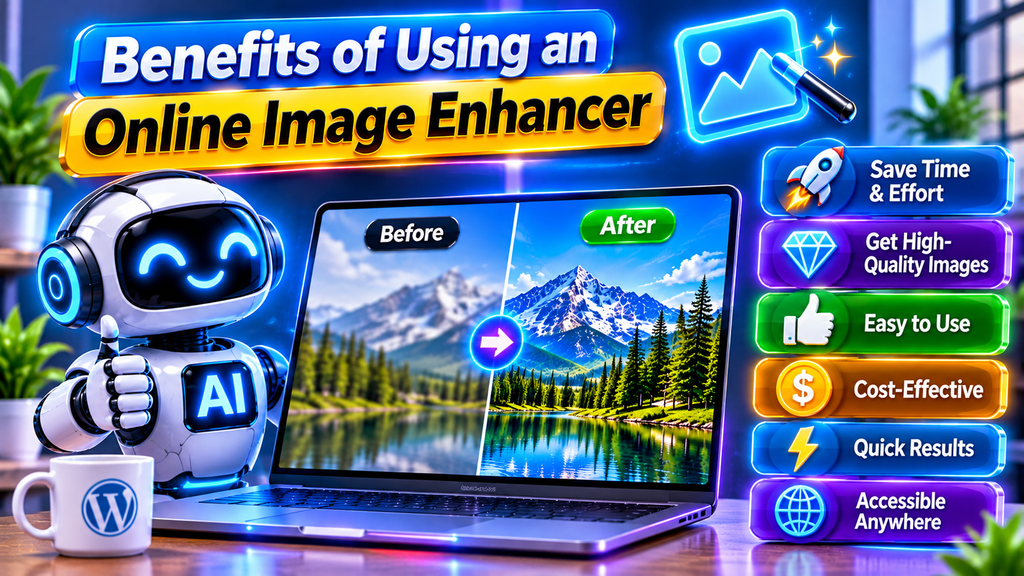
Online image enhancement tools offer several advantages for individuals, businesses, students, and content creators. Their main benefit is convenience: users can improve photographs without installing complicated editing applications.
Here are some important benefits:
- Saves Time: Automatic enhancement can reduce the need for repeated manual adjustments.
- Beginner-Friendly: Many tools provide simple interfaces that are easy to understand.
- Improves Visual Quality: Enhancement can make suitable images appear sharper, brighter, and more balanced.
- Supports Content Creation: Bloggers and social media creators can prepare more attractive visuals.
- Useful for E-Commerce: Online sellers can improve product photographs for their websites and stores.
- Helps Restore Memories: Restoration features can improve the appearance of older family photographs.
- Accessible Online: Browser-based tools can be used from supported devices without installing desktop software.
Another advantage is flexibility. You can use an image enhancer for personal photographs, business graphics, website images, presentations, and many other projects.
Nevertheless, free tools may have restrictions such as file-size limits, watermarks, daily usage limits, or restricted download resolutions. Always review these conditions before using a service regularly.
5. How to Enhance an Image Online Step by Step
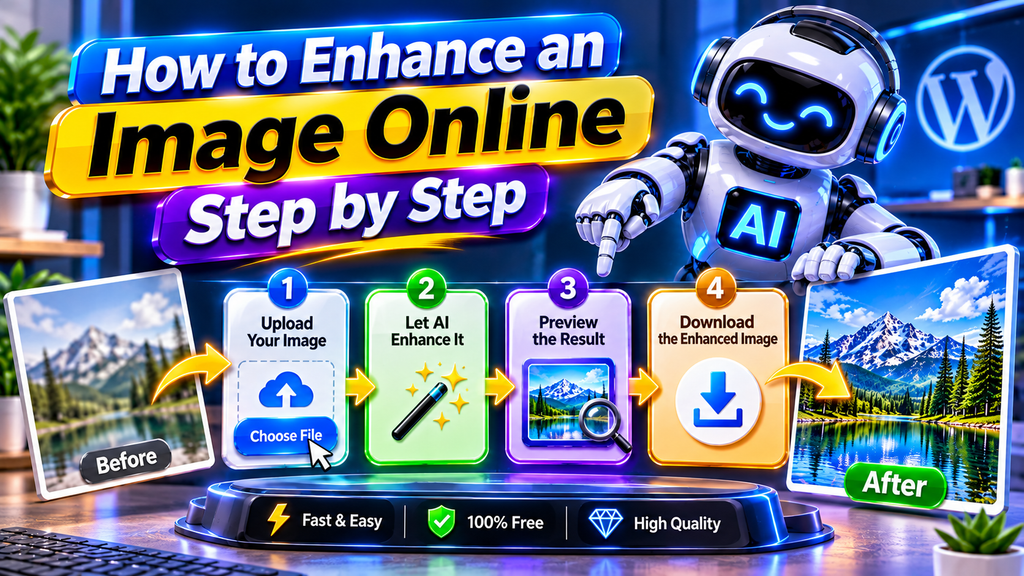
Enhancing a photograph online is usually a straightforward process. Although the exact interface varies between platforms, most online image enhancers follow similar steps.
Step 1: Select an Image
Choose the photograph you want to improve from your computer, tablet, or smartphone. For better results, use the highest-quality original file available.
Step 2: Open an Image Enhancer
Visit your preferred online enhancement platform. Check whether it supports your image format and provides the features you need.
Step 3: Upload Your Photograph
Use the upload option to select your image. Some platforms also support drag-and-drop functionality.
Step 4: Select Enhancement Settings
Choose the available options, such as image sharpening, noise reduction, face enhancement, or resolution upscaling. Some tools automatically apply their recommended settings.
Step 5: Preview the Result
Compare the enhanced photograph with the original version. Check whether important details look natural and whether the colors remain accurate.
Step 6: Download the Enhanced Image
If you are satisfied with the result, download the processed photograph. Select an appropriate file format and resolution according to your intended use.
For important projects, keep a copy of the original image. This allows you to compare different enhancement results without losing the source file.
6. Best Uses of Image Enhancement Technology
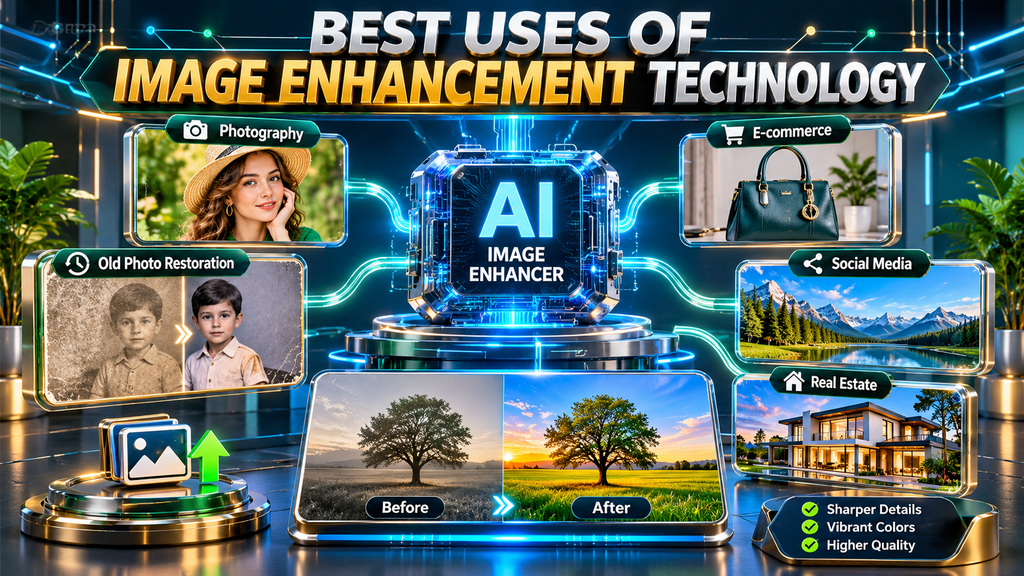
Image enhancement technology is useful across many industries because visual content is an important part of online communication. Different users can apply it to solve different image-quality problems.
Social Media Content: Content creators can improve photographs before publishing them on platforms such as Instagram, Facebook, and Pinterest. Clearer visuals can help make posts more professional.
E-Commerce Product Photography: Online stores depend on product images to communicate appearance and details. Image enhancement can improve lighting, sharpness, and overall presentation.
Website and Blog Images: Bloggers and website owners can prepare clearer images for articles, tutorials, and landing pages. Properly optimized image files can also help improve page-loading performance.
Personal Photography: Users can improve travel pictures, family photographs, portraits, and everyday mobile photos.
Graphic Design: Designers can enhance source images before using them in banners, promotional graphics, advertisements, and presentations.
Old Photograph Restoration: Families and photographers can use restoration tools to improve damaged or faded photographs.
For additional digital productivity resources, explore DevFreeHub and its collection of online tools and tutorials.
7. How to Choose the Right Image Enhancer

Not every image enhancer provides the same features or quality. Some platforms focus on quick automatic improvements, while others offer detailed controls for professional editing.
Consider these factors before choosing an image enhancement tool:
1. Image Quality: Select a platform that produces natural-looking results without excessive sharpening, artificial textures, or unusual colors.
2. Supported Formats: Check whether the tool supports common image formats such as JPG, JPEG, PNG, and WebP.
3. Resolution Options: If you need larger photographs, look for an upscaling feature that supports your required output dimensions.
4. Processing Speed: A good tool should process images within a reasonable amount of time, although speed may depend on file size and server availability.
5. Ease of Use: A simple interface is useful for beginners who want to enhance images without adjusting complicated settings.
6. Privacy and Security: Review the platform’s privacy policy, image storage practices, and file-deletion options before uploading personal or confidential photographs.
7. Pricing and Limitations: Compare free features, premium plans, watermark policies, and download restrictions.
The best image enhancer is not necessarily the one with the largest number of features. It is the one that consistently produces suitable results for your particular needs.
Conclusion
An image enhancer is a useful digital solution for improving photographs without requiring advanced editing knowledge. Modern AI-powered tools can help reduce noise, sharpen details, adjust colors, improve lighting, and increase image resolution. These capabilities make image enhancement valuable for bloggers, photographers, designers, online sellers, and everyday users.
Choosing the right tool depends on your image-quality requirements, preferred features, budget, and privacy expectations. Always compare the original and enhanced versions to ensure that the final photograph looks natural and retains important details.
Whether you want to improve a personal photograph, prepare product images for an online store, or create better visuals for a website, an image enhancer can make the editing process faster and more accessible.
Frequently Asked Questions (FAQs) About Image Enhancers
Q1. What is an image enhancer?
An image enhancer is a digital tool that improves the appearance of photographs by adjusting properties such as sharpness, brightness, contrast, colors, and resolution. Many modern tools use artificial intelligence to automate these improvements.
Q2. Can I enhance images online for free?
Yes, several online platforms provide free image enhancement features. However, free versions may include restrictions on image size, processing limits, download quality, or watermarks.
Q3. How does an AI image enhancer improve photo quality?
An AI image enhancer analyzes a photograph using trained machine learning models. It identifies visual issues and applies techniques such as sharpening, noise reduction, color correction, and resolution upscaling.
Q4. Can an image enhancer make blurry photos clear?
An image enhancer can improve some blurry photographs by sharpening edges and estimating missing details. However, severely blurred images may not become perfectly clear because the original information may be unavailable.
Q5. Does image enhancement increase resolution?
Some image enhancers include AI upscaling features that increase image dimensions. These tools attempt to create additional visual detail, but the resulting image may not contain the exact information found in a genuinely high-resolution photograph.
Q6. Is an online image enhancer safe to use?
Many online tools are suitable for ordinary image editing, but safety depends on the platform. Check its privacy policy and avoid uploading sensitive photographs to services you do not trust.
Q7. Can I enhance old photographs using AI?
Yes, some AI-powered tools offer old photo restoration. They can help reduce scratches, improve contrast, sharpen details, and sometimes add color to black-and-white photographs.
Q8. Which image formats are commonly supported?
Many image enhancement platforms support JPG, JPEG, and PNG files. Some advanced tools also accept WebP, TIFF, or other formats. Supported file types vary by platform.
Q9. Is an AI image enhancer better than manual editing?
AI enhancement is often faster and more convenient for automatic improvements. Manual editing provides greater control over individual adjustments. The better option depends on your experience and the type of result you want.
Q10. Can I use enhanced images for commercial purposes?
Commercial use depends on the image’s ownership, licensing terms, and the enhancement platform’s conditions. Improving a photograph does not automatically give you copyright ownership or commercial rights to the original image.