
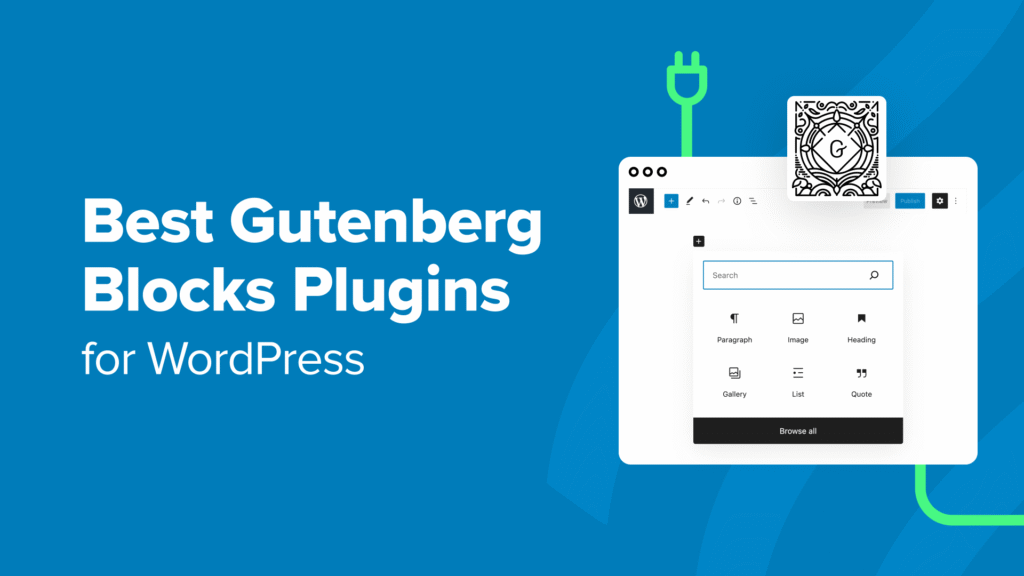
The WordPress Gutenberg editor changed how people build content inside WordPress. Instead of writing everything in one large text box, users can now create pages with blocks.
Each block handles a different part of content.
You can add headings, images, buttons, galleries, lists, columns, tables, and layouts without needing complex code.
For many website owners, the default block editor already works well.
But when you want more flexibility, better layouts, stronger content presentation, and improved workflow, native content plugins become useful.
In this guide, you will learn which Gutenberg editor WordPress native content plugins are worth installing, how they improve content creation, and how to choose the right ones for your site.
Why Native Content Plugins Matter

The default Gutenberg editor is clean and fast, but many websites need more than basic blocks.
A blog may need better call-to-action sections.
A business site may need feature boxes and pricing layouts.
A content-heavy website may need stronger formatting tools.
Native content plugins extend the editor without changing how Gutenberg works.
That is important because it keeps the editing experience familiar while adding useful flexibility.
Best Native Content Plugins for Gutenberg Editor WordPress
Not every plugin improves content quality.
Some add too many unnecessary blocks, which can make the editor heavy.
A good native content plugin should help you create better pages while keeping the workflow simple.
1. Spectra
Spectra is one of the most popular Gutenberg expansion plugins.
It adds useful blocks without making the editor feel complicated.
Helpful blocks include
- content containers
- call-to-action blocks
- testimonials
- pricing layouts
- icon lists
- advanced headings
Why users like it
It feels close to native Gutenberg while giving more design control.
It is especially useful for blogs, service pages, landing pages, and business websites.
2. Kadence Blocks
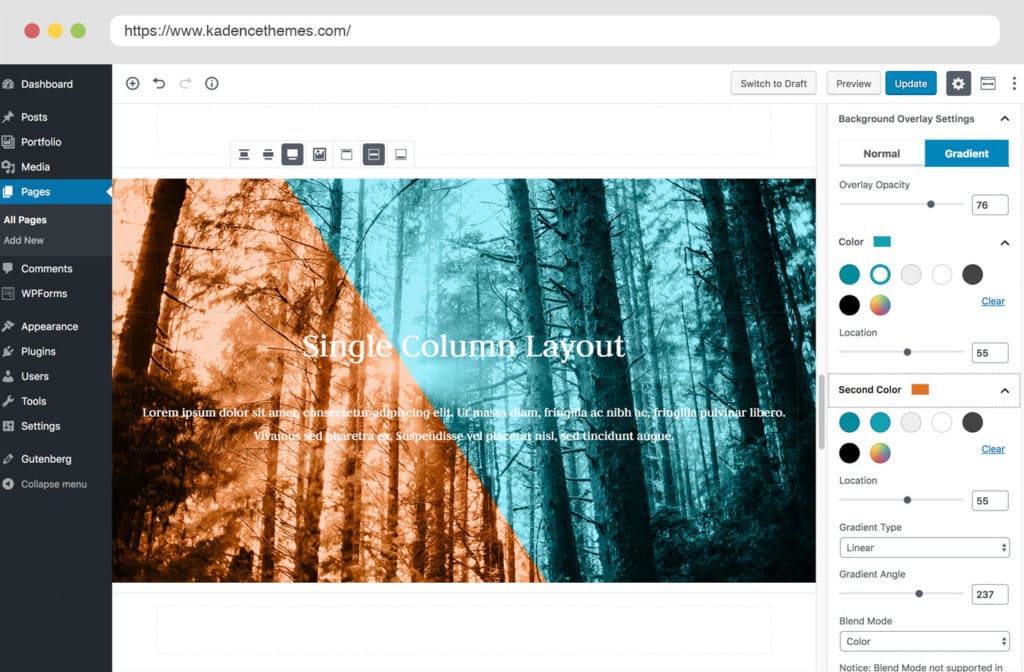
Kadence Blocks is known for flexible layout building.
It is useful when you want stronger structure without switching to heavy page builders.
Popular features
- row layouts
- advanced buttons
- accordions
- tabs
- information boxes
- responsive controls
Best for
Content creators who want cleaner page structure and flexible layout control.
3. GenerateBlocks
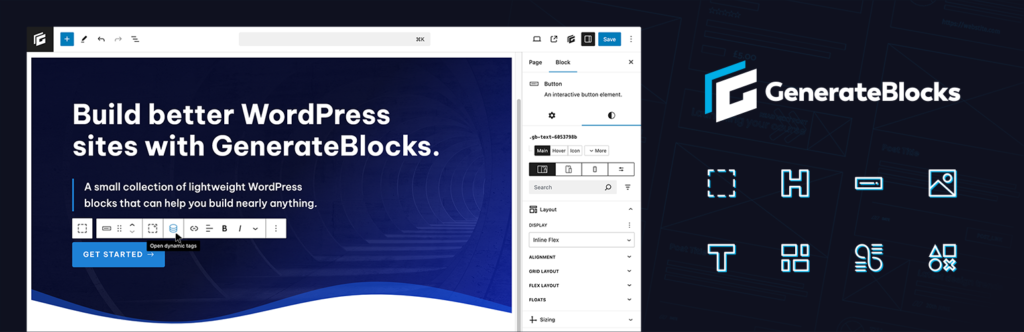
GenerateBlocks focuses on performance and simplicity.
It does not overload the editor with too many blocks.
Instead, it gives a few flexible building blocks that can create many layouts.
Why it stands out
- lightweight code
- fast page speed
- strong layout flexibility
- clean editor experience
This makes it attractive for websites where speed matters.
4. Stackable
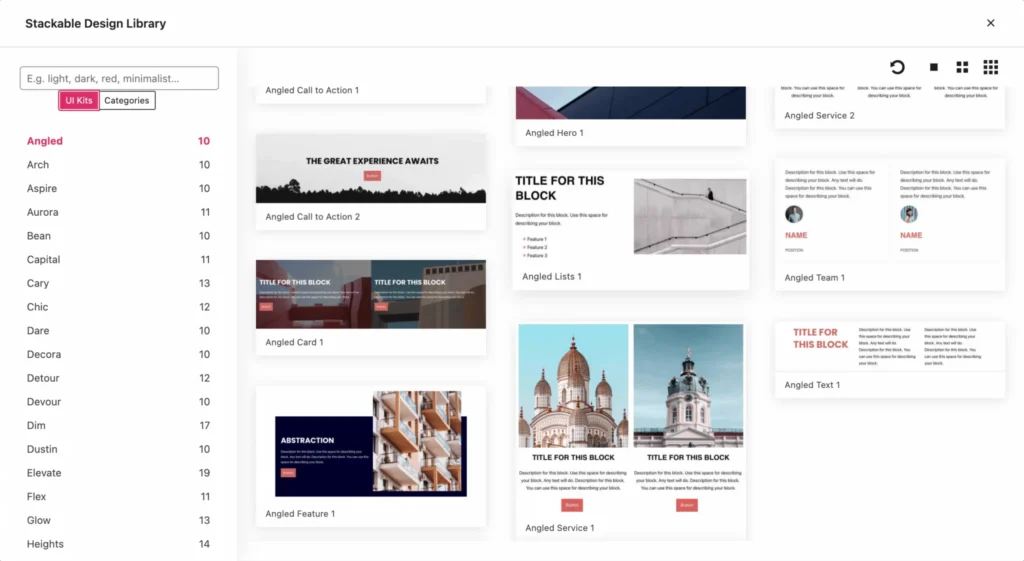
Stackable gives visually polished content blocks.
It is especially useful for marketers, agencies, and websites that want stronger presentation.
Useful blocks
- feature grids
- card layouts
- team sections
- separators
- testimonials
- visual containers
It works well when visual presentation matters.
Gutenberg Editor WordPress Guide: Native Content Plugins to Install
Choosing a plugin is not only about block quantity.
It is better to choose based on content needs.
For blogs
Look for plugins that improve readability, callouts, tables, and content flow.
For business websites
Choose plugins with pricing sections, service layouts, and call-to-action blocks.
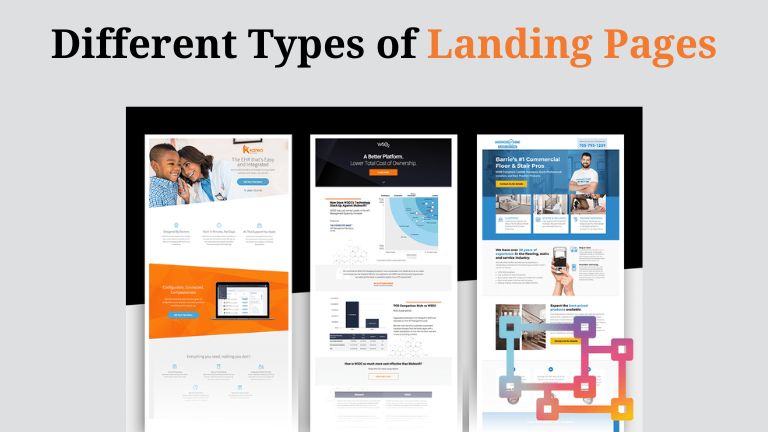
For landing pages
Look for flexible layout control, spacing options, and conversion-focused blocks.
For speed-focused websites
Choose lightweight plugins that avoid unnecessary code.
What Makes a Good Gutenberg Plugin?
A useful plugin should improve workflow, not create complexity.
Clean integration
The plugin should feel natural inside the editor.
Fast loading
Heavy plugins can slow both editing and front-end performance.
Useful block selection
More blocks does not always mean better value.
Stable updates
Reliable maintenance matters for long-term use.
Top Native Content Plugins to Install in Gutenberg Editor WordPress
Many users install too many block plugins at once.
That usually creates clutter.
A smarter approach is to install one strong plugin first.
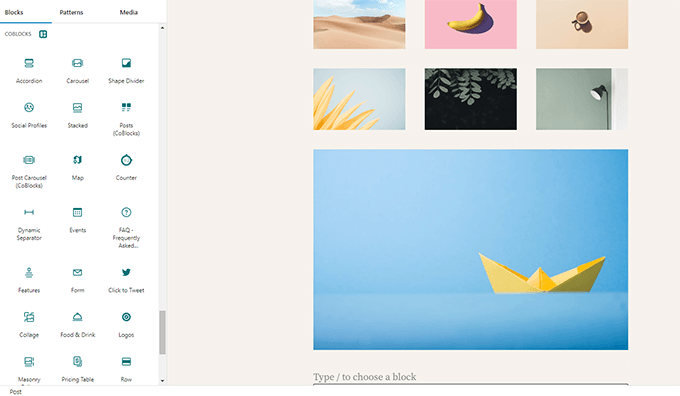
For most users, a practical starting point looks like this:
If you want flexibility
Choose Kadence Blocks
If you want lightweight performance
Choose GenerateBlocks
If you want design-focused blocks
Choose Stackable
If you want balanced everyday usability
Choose Spectra
That approach keeps the editor cleaner.
How Native Plugins Improve Content Quality

Better content is not only about writing.
Presentation also matters.
Native content plugins can help with:
Better readability
Structured sections make content easier to scan.
Clearer hierarchy
Better visual separation improves user understanding.
Improved engagement
Callouts, buttons, boxes, and content sections improve interaction.
Stronger content flow
Well-organized blocks guide readers more naturally.
These improvements can create a better user experience.
Common Mistakes to Avoid
Installing too many plugins
Too many block libraries often create overlap and confusion.
Choosing blocks instead of workflow
Pick tools that match how you work.
Ignoring performance
Visual design should not damage loading speed.
Over-designing simple pages
Content clarity usually matters more than visual complexity.
Which Plugin Should Beginners Start With?
For beginners, the best approach is simple.
Start with one plugin.
Learn how the blocks work.
Build a few pages.
Then decide if you need more.
Installing several plugins immediately often creates unnecessary complexity.
Final Thoughts
The Gutenberg editor WordPress native content plugins ecosystem continues to improve.
The right plugin can make content creation easier, faster, and more flexible.
The best choice depends on what kind of website you run.
For some users, lightweight performance matters most.
For others, layout flexibility or visual presentation may be more important.
A good rule is simple.
Start with one practical plugin, build real pages, and choose tools that improve user experience rather than adding unnecessary complexity.
FAQs
What are native content plugins in Gutenberg?
They are plugins that add extra blocks and layout tools directly inside the WordPress block editor.
Are Gutenberg plugins useful for beginners?
Yes. Many plugins are designed to extend the editor while keeping the workflow easy to understand.
Will block plugins slow down my website?
Some can. Lightweight plugins usually perform better than large block libraries.
Which Gutenberg plugin is best for speed?
GenerateBlocks is often preferred by users who care about performance.
Should I install multiple Gutenberg block plugins?
Usually it is better to start with one strong plugin instead of combining many overlapping block libraries.