
1. What Is Google Translate?
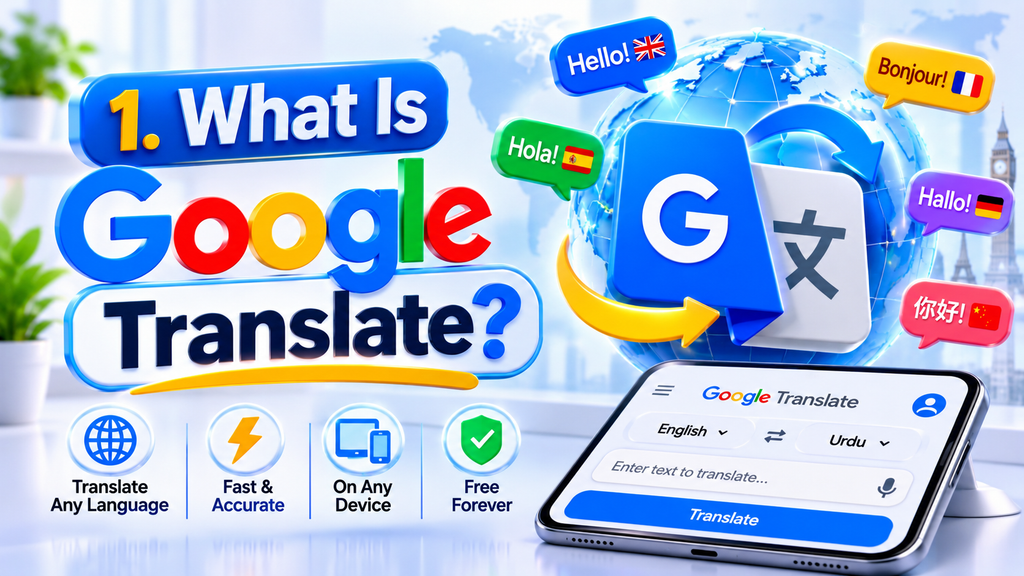
Google Translate is a web-based tool created by Google that helps people convert content between different languages. It helps users convert words, sentences, and other content from one language into another. Instead of manually searching for the meaning of every unfamiliar word, users can enter text and receive an automatically generated translation.
The service is accessible through the official website and mobile applications. Its features make it useful for everyday communication as well as different learning and professional activities.
For example, an English-speaking student can translate a Spanish paragraph to understand its general meaning. A traveller can use the mobile application to understand a restaurant menu, while an online reader can translate a webpage written in another language.
Google Translate supports several input methods, including:
- Typing or pasting written text.
- Speaking through a device microphone.
- Using a camera to recognise text in images.
- Handwriting characters on a supported device.
- Uploading supported documents through the web version.
The available languages and features can vary depending on the platform, device, and type of translation. Google continues to update its services, so users should check the official product information for current availability.
2. Main Features of Google Translate
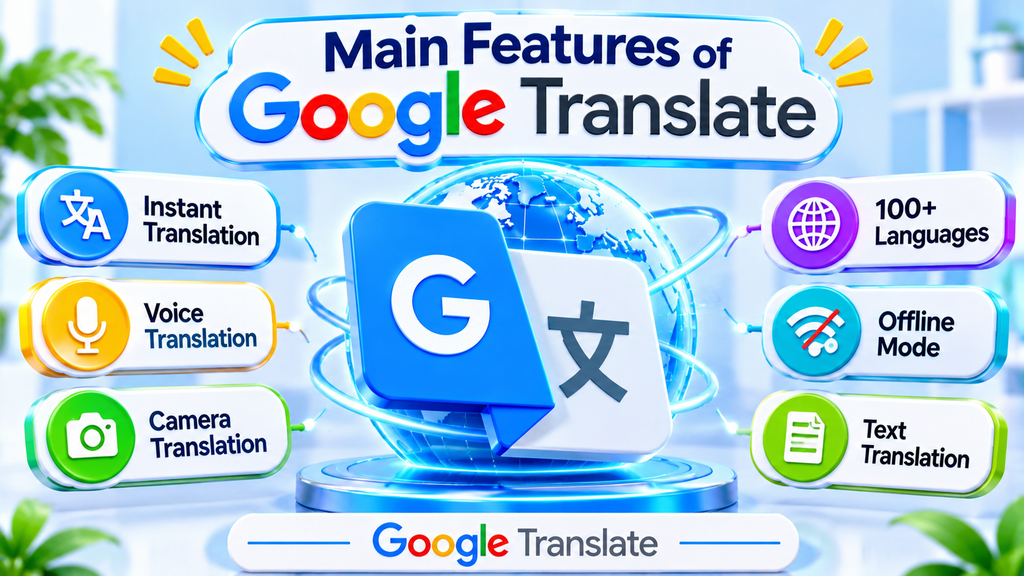
Google Translate offers several functions that go beyond basic word translation. These tools help people understand different types of content and communicate in situations where language differences might otherwise create difficulties.
Text Translation
Text translation is one of the simplest ways to use the service. Enter a word, phrase, or paragraph into the input field, select the source and target languages, and view the translated result.
Users can also allow the service to identify the original language automatically when they are unsure which language a text uses.
This feature is useful for understanding emails, messages, articles, short instructions, and unfamiliar expressions. For better results, provide complete sentences instead of isolated words whenever possible because additional context can help identify the intended meaning.
Voice and Conversation Translation
Voice translation allows users to speak into a supported device and receive a translated version of their speech. Conversation features can help two people communicate when they speak different languages.
For example, a visitor travelling abroad may use conversation mode to ask for directions or communicate a simple request. Both participants can select their languages and take turns speaking.
The quality of voice translation may depend on pronunciation, background noise, speaking speed, and language availability. Speaking clearly and using short sentences can make the experience more effective.
Camera and Image Translation
The camera feature helps users understand written content appearing in photographs or their surroundings. Depending on the device and supported language, users can point a camera at text or import an existing image for translation.
This can be helpful when reading:
- Restaurant menus.
- Street signs and public notices.
- Product packaging.
- Printed instructions.
- Travel information.
- Short notices and labels.
Clear images usually produce better results. Small fonts, unusual lettering, poor lighting, and blurry photographs can reduce recognition accuracy.
Handwriting Translation
Certain languages contain unique symbols and letters that are not easily accessible through a regular keyboard. The handwriting feature allows users to draw characters on a supported screen instead of typing them.
This option can be useful when entering unfamiliar writing systems or searching for the translation of a character that is difficult to type.
Document and Website Translation
Google Translate also provides document and website translation options through supported web experiences. Users can translate compatible documents or enter a webpage address to understand content in another language.
Document translation can be useful for reading reports, study materials, and other files. Website translation helps visitors understand foreign-language pages without manually copying every paragraph.
Google describes these capabilities on its official product website. <Cite refs={[“turn154694search0″,”turn154694search2”]}/>
3. How to Use Google Translate on a Computer and Mobile Device

Getting started with Google Translate is straightforward. The exact interface may vary depending on the browser, operating system, and application version, but the basic process is similar.
Using Google Translate on a Computer
Follow these steps to translate text through a web browser:
- Open the official website: https://translate.google.com/
- Select the language of the original text.
- Choose the language into which you want to translate it.
- Type or paste your content into the source text box.
- Review the translated result in the other panel.
- Copy the translation if you need to use it elsewhere.
If you do not know the source language, use the language detection option when available. For longer content, divide complicated material into meaningful sections so that you can review the results more easily.
Using Google Translate on a Smartphone
The mobile application offers translation options that are convenient when you are away from your computer.
A basic process is:
- Install Google Translate from the Google Play Store or Apple App Store.
- Open the application.
- Select your source and target languages.
- Enter the text you want to translate.
- Use the microphone for speech translation or the camera for supported image translation.
- Read and review the translated result.
Some functions require microphone or camera access. You can choose whether to grant optional permissions based on the features you intend to use.
Translating Text Without an Internet Connection
The mobile application supports offline translation for certain downloaded language packs. To prepare, open the language selection area and download the languages you expect to need.
After downloading the required language data, you may be able to translate supported text without an active internet connection. Offline availability and functionality can vary by language and device, so it is a good idea to test the feature before travelling.
4. Benefits of Using Google Translate

Google Translate can make everyday communication and information access easier. Although it cannot replace professional translation in every situation, it offers several practical advantages.
1. Convenient access: Users can access translation through a browser or mobile device without needing specialist software for basic tasks.
2. Multiple translation methods: Text, voice, camera, handwriting, and document features provide different ways to understand unfamiliar content.
3. Support for communication: Conversation and speech tools can help people exchange simple information when they do not share a common language.
4. Useful for travellers: Camera translation can help visitors understand signs, menus, labels, and other written information in unfamiliar places.
5. Helpful for students: Learners can check unfamiliar words, understand the general meaning of foreign-language passages, and compare expressions across languages.
6. Saves time: Translating a short message or paragraph can be quicker than searching for every word individually.
7. Offline options: Downloadable language packs can help users access certain translation features when internet connectivity is unavailable.
8. Easy to learn: The basic interface is straightforward, making it accessible to people with different levels of technical experience.
These advantages make Google Translate a practical everyday tool, especially when users need a quick understanding of unfamiliar content.
5. Limitations and Common Translation Mistakes

Despite its usefulness, Google Translate should not be treated as a perfect language expert. Automatic translation systems can misunderstand context, tone, idioms, and specialised terminology.
Here are some limitations to consider.
Context-related errors: A word may have several meanings. If the surrounding sentence is unclear, the translation may use an incorrect meaning.
Idioms and expressions: Everyday expressions, jokes, and cultural phrases do not always have direct translations. Translating them word for word can produce confusing results.
Grammar differences: Languages follow different sentence structures. A translated sentence may communicate the general idea but still sound unnatural.
Technical terminology: Medical, legal, scientific, and engineering documents often contain specialised vocabulary. A translation error in these areas can have serious consequences.
Pronunciation problems: Voice translation may struggle with unclear speech, strong background noise, accents, or fast conversations.
Image recognition issues: Blurry photographs, decorative fonts, handwritten notes, and small text can affect camera translation.
To reduce these problems, use complete sentences, check important terms, compare alternative meanings, and ask a fluent speaker to review content when accuracy is essential.
Never rely exclusively on automatic translation for medical instructions, legal agreements, immigration documents, or other high-stakes material. Use a qualified professional when an error could cause harm.
6. Practical Ways to Get More Accurate Translations
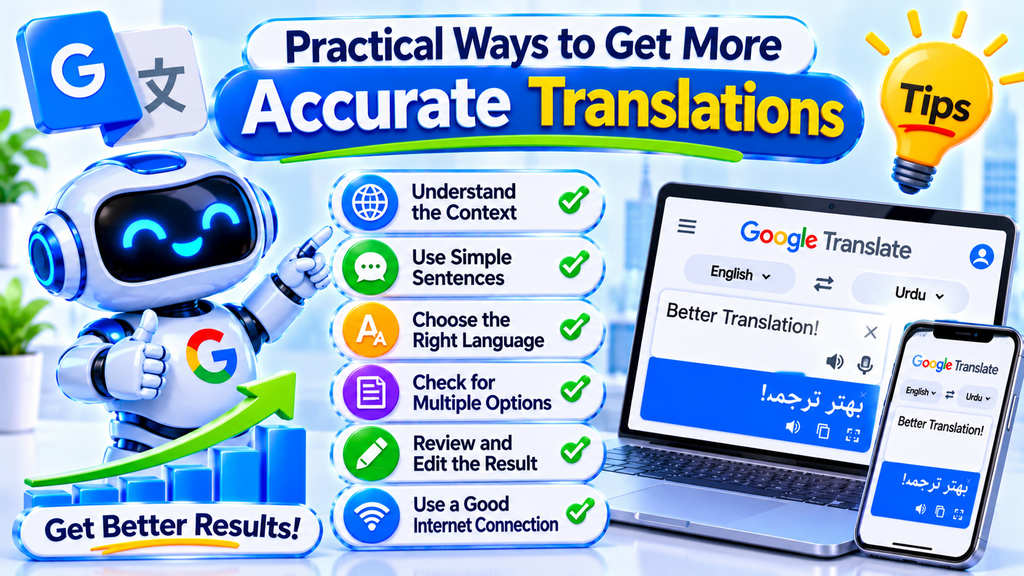
The quality of a translated result depends partly on the content you provide. A few simple habits can help you get clearer and more useful output.
Use complete sentences: Avoid entering disconnected words when the meaning depends on context. A full sentence provides more information about how a word is being used.
Check the selected languages: Make sure the source and target languages are correct before translating. Automatic language detection is useful, but it may not always identify short or similar-looking text correctly.
Avoid unnecessary slang: Informal expressions, regional slang, and jokes may not translate naturally. Use straightforward wording when accuracy matters.
Keep sentences clear: Long sentences with multiple clauses can be difficult to interpret. Breaking complicated ideas into shorter sentences may improve the result.
Review the translated text: Read the output carefully and check whether it communicates the same idea as the original. Pay special attention to names, dates, numbers, instructions, and technical terms.
Use back-translation carefully: You can translate the result back into the original language to identify possible changes in meaning. However, this does not prove that the translation is correct because the same system may repeat or introduce errors.
Check important translations with another source: For business, academic, or professional writing, compare the result with a trusted dictionary or consult a fluent speaker.
Protect private information: Avoid entering passwords, confidential business information, personal identification details, or sensitive documents into online services unless you have reviewed the applicable privacy terms and have permission to share the material.
These practices can help you use translation technology more responsibly and avoid common misunderstandings.
Conclusion
Google Translate is a convenient language tool that helps users understand written content, communicate with other people, and access information in different languages. Its text, voice, camera, handwriting, offline, document, and website translation options make it useful for students, travellers, professionals, and everyday internet users.
The service is especially helpful for quick translations and understanding the general meaning of unfamiliar content. However, automatic translation can still make mistakes, particularly when sentences contain cultural expressions, technical terms, or complicated ideas.
For the best results, provide clear text, select the correct languages, review the translated output, and use professional assistance when accuracy is essential. Treat Google Translate as a helpful communication aid rather than a complete replacement for human language expertise.
Ultimately, Google Translate can make information more accessible and help people communicate across language barriers when it is used thoughtfully and responsibly.
Frequently Asked Questions About Google Translate
1. What is Google Translate used for?
Google Translate is used to convert text, speech, images, and supported documents from one language into another. It helps users understand foreign-language content, communicate during travel, and access information across language barriers.
2. Is Google Translate free to use?
Google Translate offers free translation through its website and mobile application for ordinary users. Some features may have specific availability or technical requirements, so check Google’s official service information for details.
3. Can Google Translate work without an internet connection?
Yes, certain mobile translation features can work offline after users download supported language packs. Offline functionality is not identical for every language or feature, so download the required languages before losing internet access.
4. Can Google Translate translate spoken conversations?
Yes. The mobile application includes conversation-related features that help people communicate across supported languages. Results can depend on pronunciation, audio quality, and the languages being used.
5. Can I translate text from a photograph?
Yes. Supported camera and photo translation features can recognise written content in images and display a translation. Clear photographs generally produce better results than blurry or poorly lit images.
6. Does Google Translate support website translation?
Yes. Google provides a website translation option that can help users understand webpages written in other languages. Availability and the exact process may depend on the browser and current product experience.
7. Is Google Translate always accurate?
No. It can produce useful translations, but mistakes may occur with context, idioms, grammar, cultural expressions, and specialised terminology. Important content should be checked by a fluent speaker or qualified translator.
8. Can students use Google Translate for learning?
Yes. Students can use it to understand unfamiliar vocabulary, explore sentence meanings, and compare expressions between languages. However, they should also study grammar and context rather than depending entirely on automatic translations.
9. Can Google Translate convert entire documents?
Google Translate offers document translation for supported file types through its web experience. File size, format, and availability restrictions may apply. Users should review the translated document because formatting and meaning may not remain perfect.
10. Is Google Translate suitable for professional documents?
It can help users understand the general meaning of professional content, but it should not be the only translation method for important legal, medical, financial, or business documents. Professional review is recommended when accuracy and wording are critical.