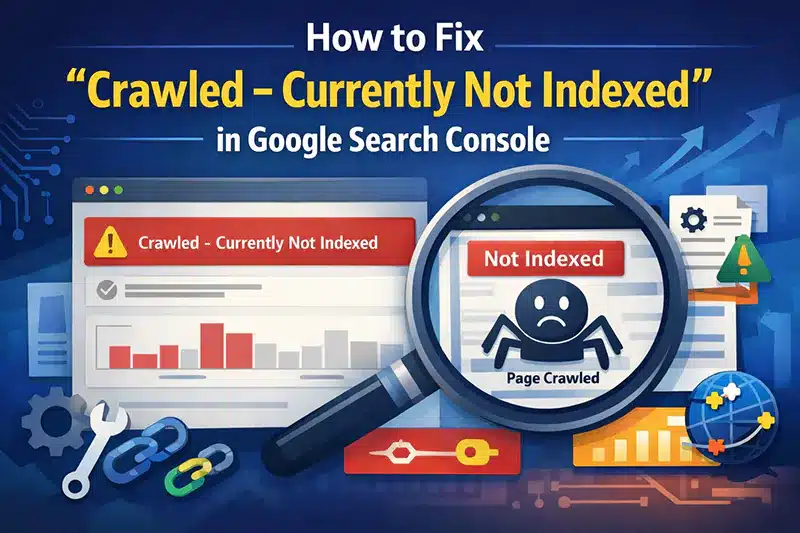

What Does “Crawled – Currently Not Indexed” Indicate?

The Crawled – Currently Not Indexed status appears in Google Search Console when Google has visited and crawled a webpage but has not added that page to its search index yet. This does not necessarily mean that your website has a serious technical problem.
Google decides which pages should be indexed based on several factors, including content quality, usefulness, originality, website structure, internal links, and overall search value. Sometimes Google crawls a page but delays indexing because it does not consider the page important enough at that moment.
If many important pages have this status, you should investigate the website and improve the pages before requesting indexing again.
What Causes Google to Crawl a Page Without Indexing It?
There can be several reasons behind this status. Understanding the possible causes is the first step toward solving the problem.
1. Thin or Low-Value Content

Pages with very little useful information may not provide enough value to usersGoogle can visit these pages without adding them to its search index.
Try to make every important page informative, useful, and relevant to its target keyword.
2. Duplicate or Similar Content
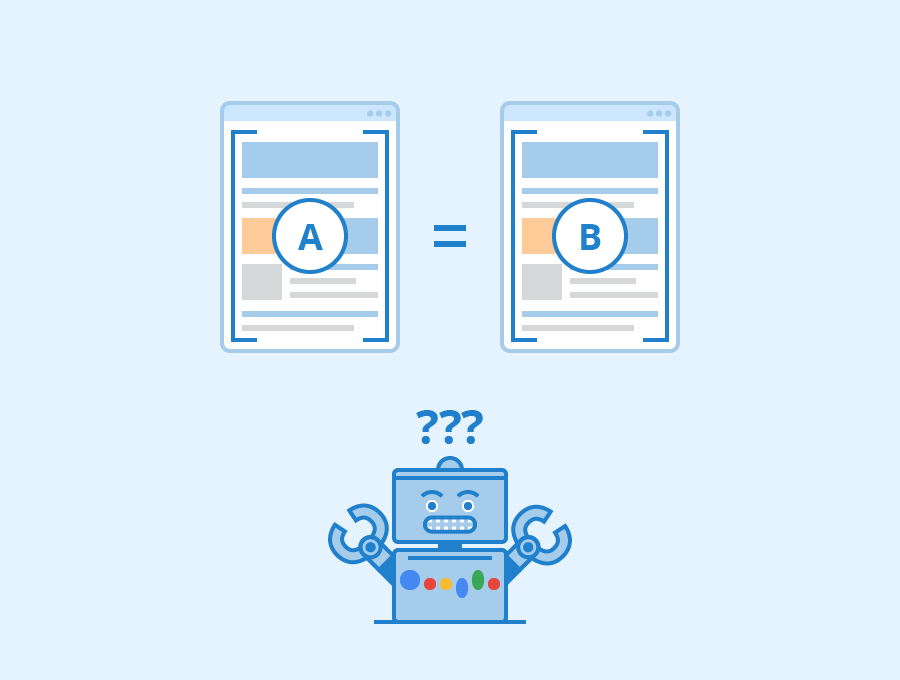
If several pages contain almost identical information, Google may choose one page instead of indexing every version.
Try not to publish several pages that are designed to satisfy the same search query or user need. t. Each page should have a clear purpose and provide something useful that other pages do not.
3. Weak Internal Linking
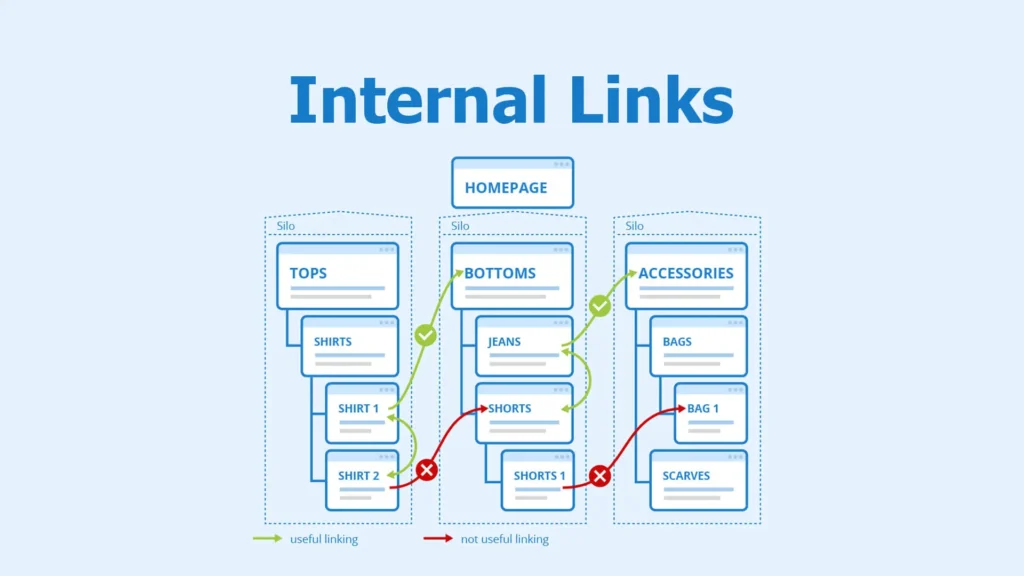
Internal links help Google understand the relationship between different pages on your website. A page with very few internal links may appear less important.
Link to the target page from other strong and relevant pages across your website
4. Poor Search Intent Match
Your content should answer what users are actually searching for. If a page If the content fails to meet what users are looking for, Google may choose not to include the page in its index.
Before publishing content, analyze the search results and understand what type of information users expect.
Steps to Get a Crawled Page Indexed by Google
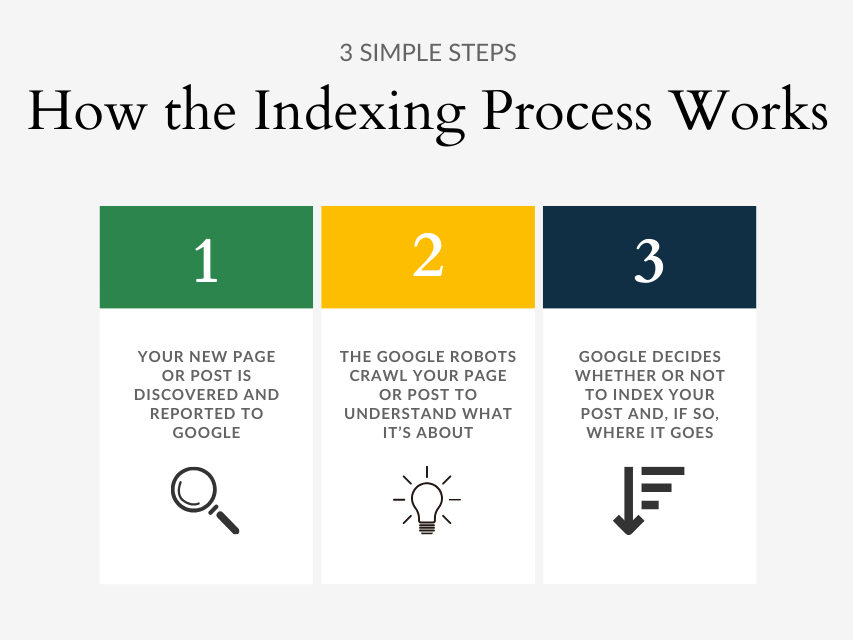
There is no single button that guarantees indexing. Focus on strengthening the page and overall website factors that show Google why the content is valuable
Improve the Content Quality

Review the page carefully and ask whether it provides enough useful information. Add original explanations, examples, helpful details, and answers to common questions.
Avoid adding unnecessary words simply to reach a specific word count. Quality and usefulness are more important than length.
Check the Page for Technical SEO Problems
Ensure that search engine crawlers can successfully access and read the webpage. . Check that it is not accidentally blocked by robots.txt and does not contain a noindex directive.
Also verify that the canonical URL points to the correct version of the page.
Add Internal Links
Add internal links to the affected URL from other related pages across your website. . Use descriptive anchor text that helps users and search engines understand the destination page.
A strong internal linking structure can also help Google discover important pages more efficiently.
Improve the Page Title and Heading
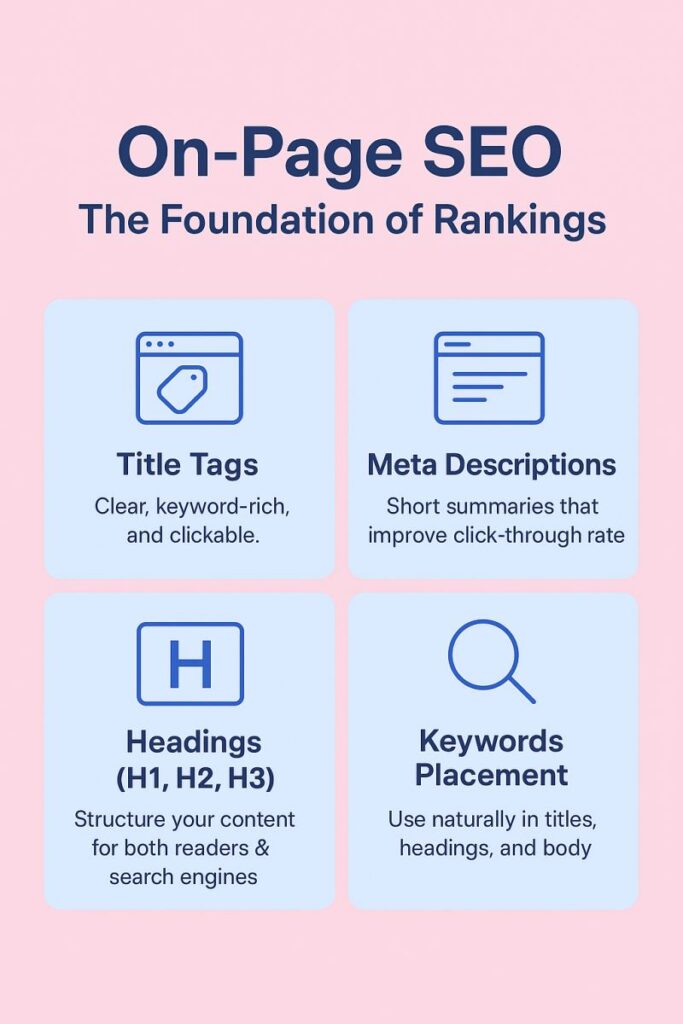
Your title should clearly describe the topic of the page. The main heading should also match the page’s purpose.
Avoid keyword stuffing. Use the primary keyword naturally and make the title useful and attractive to searchers.
Build Relevant Backlinks
Quality backlinks can help establish the authority and relevance of a webpage. However, backlinks should come from relevant and trustworthy websites rather than low-quality link networks.
Focus on earning links through useful content, genuine outreach, business listings where appropriate, and valuable resources.
Use Google Search Console
Once you have updated the page, go to Google Search Console and check the URL using its inspection feature.
Paste the URL into the inspection tool to verify that Google is able to reach and process the page. If the page is technically accessible and you have made meaningful improvements, you can use Request Indexing.
Remember that requesting indexing does not guarantee immediate inclusion in Google’s index.
Check Your Sitemap
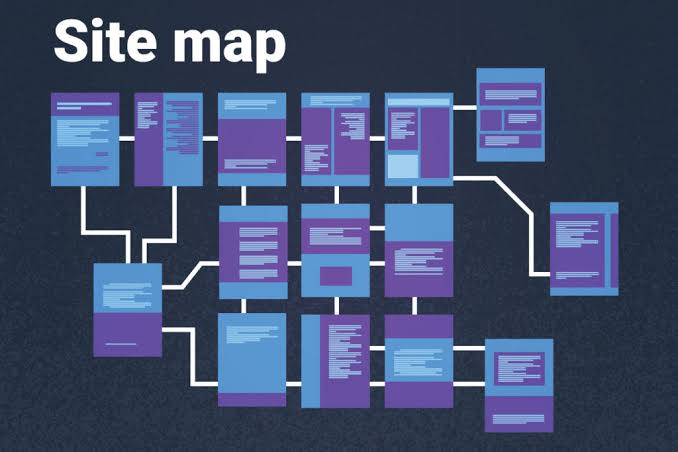
An XML sitemap makes it easier for search engines to find the key pages of your website. Make sure your sitemap contains the correct canonical URLs and is available to Google.
Remove unnecessary, duplicate, redirected, or non-indexable URLs from the sitemap where appropriate.
For larger websites, keeping the sitemap clean and organized can make it easier for search engines to understand which pages matter.
Improve Overall Website Quality
Sometimes the problem is not limited to one page. If a website contains many low-quality, duplicate, outdated, or unnecessary pages, Google may be more selective about indexing new content.
Review your website regularly. Improve important pages, remove unnecessary content, fix broken links, and create a logical site structure.
A website should be built primarily for users rather than simply creating pages to target every possible keyword.
How Long Does Indexing Take?

Google does not have a specific timeframe for adding a webpage to its index. Some pages may appear in the index relatively quickly, while others can take longer.
The Crawled – Currently Not Indexed message does not necessarily mean that your website has an indexing error. If the page is valuable and technically accessible, continue improving it and monitor its status.
Repeatedly requesting indexing without making improvements usually does not solve the underlying issue.
Common Mistakes to Avoid

One common mistake is creating several pages that provide almost the same information. This can make it difficult for search engines to determine which page should rank.
Another mistake is stuffing the target keyword into every paragraph. Write naturally and focus on answering the user’s question.
Avoid buying large numbers of poor-quality backlinks simply to force a page into Google’s index. Links from low-quality sources often offer minimal SEO benefit and may negatively affect your website’s search performance.
FAQs
Is “Crawled – Currently Not Indexed” an error?
Not necessarily.This status indicates that Google has visited the webpage but has not added it to its search index yet. If the page is important for your SEO goals, review and improve it before requesting indexing.
What Steps Can Help a Crawled Page Get Indexed?
Improve content quality, check technical SEO settings, strengthen internal links, review canonical tags, ensure the page is accessible, and then request indexing through Google Search Console.
Does Request Indexing guarantee indexing?
No. Requesting indexing asks Google to reconsider the URL, but Google ultimately decides whether and when the page should be indexed.
Should I delete a crawled but not indexed page?
Not automatically. If the page has a useful purpose and valuable content, improve it instead. Consider removing or consolidating it only when it is unnecessary, duplicate, or provides little value.
Can backlinks help indexing?
Relevant, high-quality backlinks can improve a page’s authority and discovery, but backlinks alone do not guarantee indexing.
Does word count affect indexing?
There is no specific word count that guarantees indexing. A shorter page can be indexed if it provides strong value, while a long page may remain unindexed if it is repetitive or unhelpful.
Final Thoughts
The Crawled – Currently Not Indexed Fix process is mainly about improving the quality, usefulness, accessibility, and importance of a webpage. Google may crawl a URL without immediately adding it to the index, and this can happen even when there is no major technical error.
Start by checking the content, search intent, internal links, canonical settings, robots directives, sitemap, and overall website quality. After making meaningful improvements, use Google Search Console to inspect the URL and request indexing.
Most importantly, focus on creating pages that genuinely help users. A useful page with a clear purpose has a much better chance of earning visibility in search results over time.