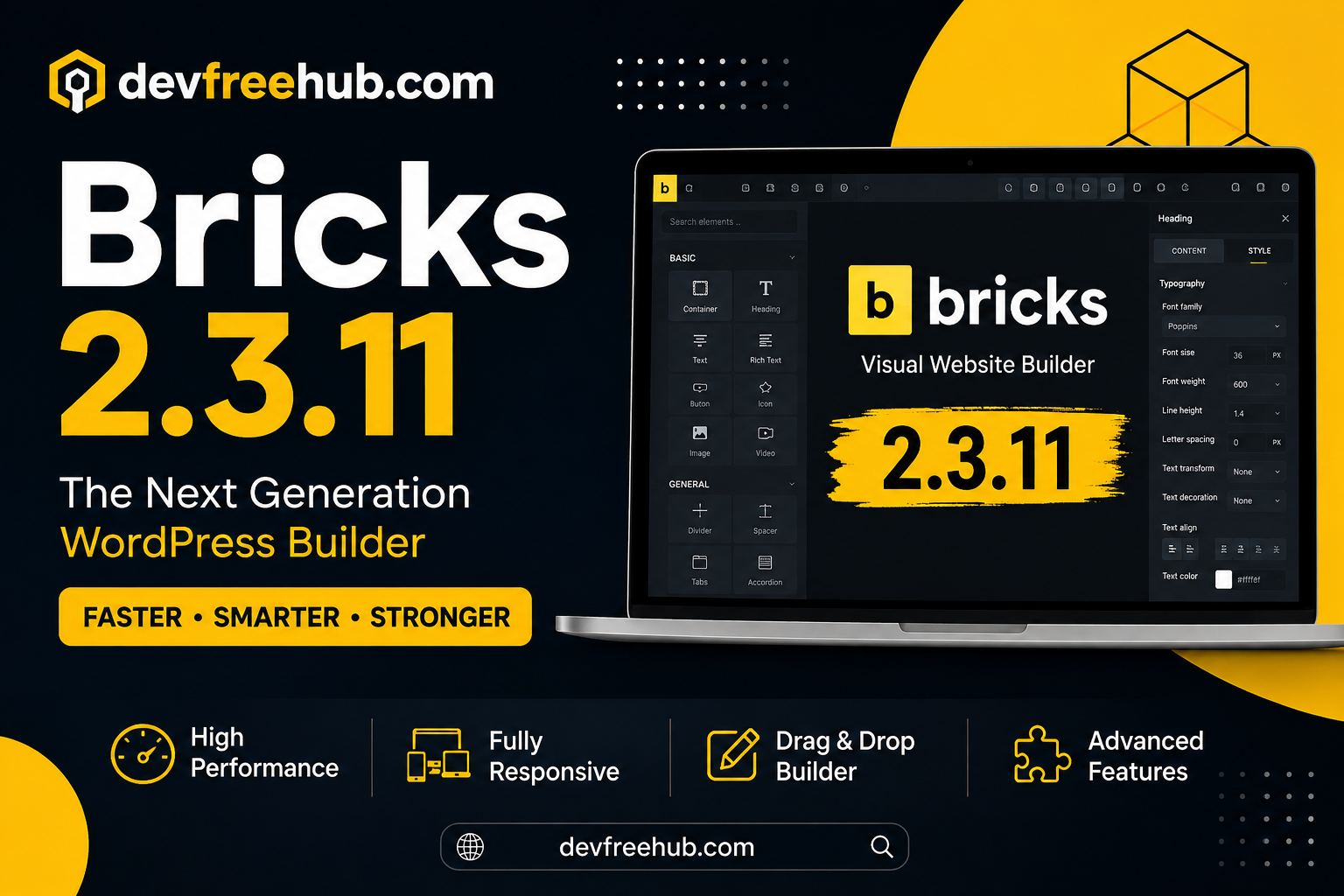

Building a WordPress website often involves choosing between traditional themes, page builders, custom development, and full site editing solutions. The right approach depends on how much control you need over the website’s structure, design, and content.
Bricks 2.3.11 is a visual website-building solution for WordPress that focuses on giving users detailed control over page layouts and site components. Instead of relying entirely on pre-designed pages, users can create and customize different parts of a website through a visual editing environment.
This guide explains what Bricks 2.3.11 is, how its main features work, and why it can be useful for WordPress website development.
What Is Bricks 2.3.11?
Bricks 2.3.11 is a WordPress visual site builder designed for creating and customizing websites through a visual interface.
The builder provides control over different website components, including pages, headers, footers, layouts, elements, and dynamic content.
This approach is useful for users who want more control than a traditional WordPress theme may provide.
Rather than treating the website as a collection of fixed templates, Bricks allows developers and designers to build layouts from individual components and customize their appearance.
Visual Website Editing
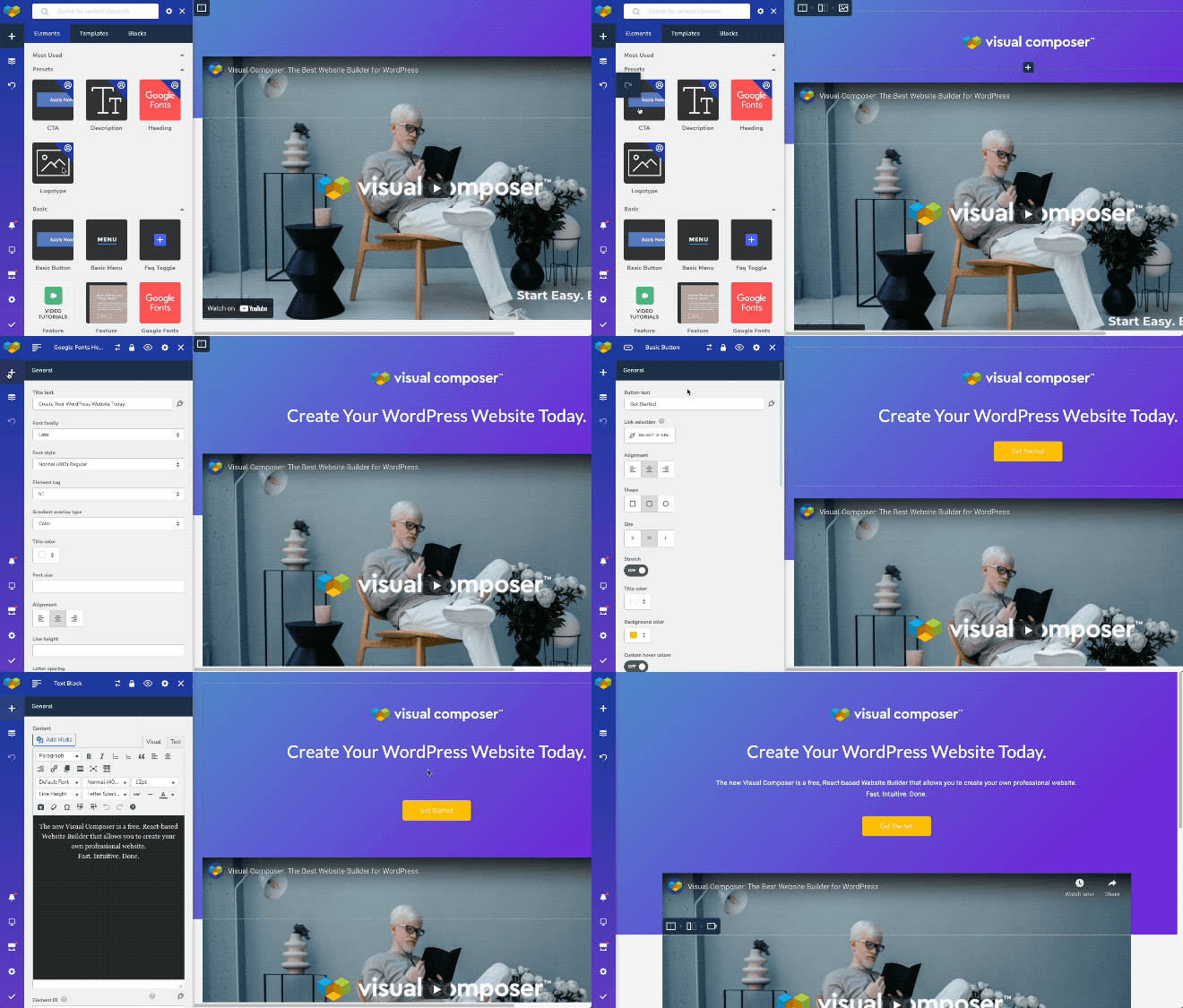
One of the main concepts behind Bricks is visual editing.
Instead of repeatedly switching between the WordPress backend and the front end to see changes, users can work within a visual builder and see how their layouts are developing.
This can make tasks such as adjusting:
- Spacing
- Typography
- Colors
- Sections
- Columns
- Buttons
- Images
- Containers
more convenient.
Visual editing can also shorten the design process because users can immediately see the result of their changes.
Full Site Editing Capabilities
Website design is not limited to the main content area.
A complete WordPress project also includes elements such as:
- Header
- Footer
- Navigation
- Templates
- Archive layouts
- Single post layouts
- Page structures
Bricks provides tools for building these areas within its visual environment.
This gives users greater control over the overall appearance of a website rather than restricting customization to individual pages.
Header and Footer Builder
Headers and footers are repeated components that appear throughout a website.
Bricks provides dedicated functionality for creating and customizing these areas.
For example, a business website might use a header containing:
Logo → Navigation → Services → Contact Button
A footer could include:
Company Information → Useful Links → Contact Details → Social Profiles
Creating these elements centrally can help maintain a consistent design across the website.
Structure View for Better Organization
As websites become more complex, managing individual elements can become difficult.
Bricks provides a structure-oriented view that helps users understand how elements are arranged within a page.
For example, a page might have:
Section
→ Container
→ Heading
→ Paragraph
→ Button
This type of hierarchy is useful because it allows designers and developers to identify where individual elements belong.
It can also make large pages easier to manage.
Dynamic Data
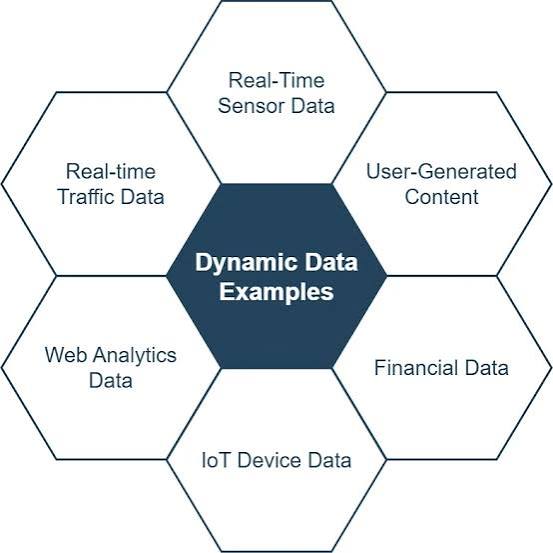
Dynamic content is particularly important for WordPress websites.
Instead of manually entering the same information on every page, dynamic data can pull information from WordPress content or custom fields.
For example, a website could have a template that automatically displays:
- Post title
- Featured image
- Author
- Publication date
- Custom fields
- Product information
This becomes especially valuable for websites with many similar pages.
An eCommerce website, directory, or content-heavy project can use dynamic templates to reduce repetitive work.
Custom Elements
Developers often need components that are not available in a standard builder.
Bricks allows users to create custom elements, giving developers additional flexibility.
Custom elements can be useful when building:
- Special buttons
- Custom content blocks
- Dynamic components
- Business-specific layouts
- Reusable website sections
This makes the builder more suitable for developers who need greater control over their projects.
Reusable Website Components
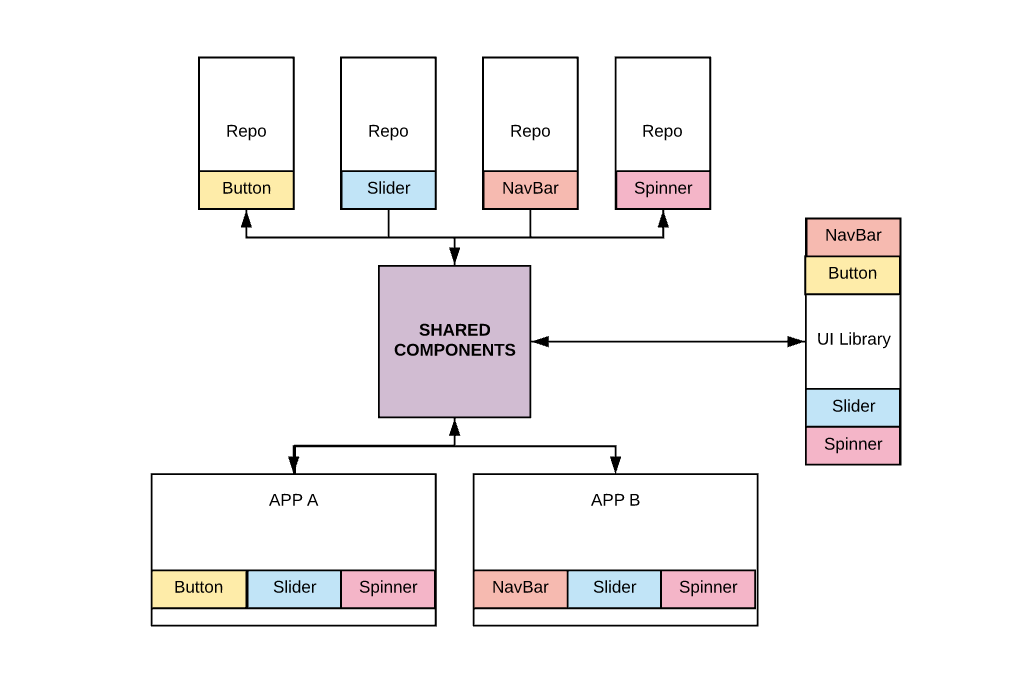
When working on multiple pages, repeatedly recreating the same design can waste time.
A visual builder becomes more useful when common sections can be saved and reused.
For example, a website might have a standard:
- Call-to-action section
- Contact block
- Testimonial area
- Pricing section
- Newsletter section
Creating a reusable component allows the same design to be used in different locations while maintaining consistency.
Responsive Website Design
A modern website needs to work across different devices.
Bricks provides responsive design controls that allow users to adjust layouts according to screen size.
This is important because desktop and mobile layouts often require different spacing, font sizes, column arrangements, and navigation behavior.
A responsive design workflow should test pages on:
- Desktop
- Tablet
- Mobile
Simply making a page smaller is not always enough. Content hierarchy and usability also need to be considered.
Undo and Redo Controls
Design changes sometimes do not produce the expected result.
Undo and redo functionality makes experimentation safer because users can reverse recent changes without manually recreating the previous layout.
This is particularly useful during:
- Design revisions
- Layout testing
- Client changes
- Typography adjustments
- Responsive optimization
For large website projects, revision controls can reduce the risk of losing previous work.
Revision Management
Website development is an iterative process.
A page may go through several versions before reaching its final design.
Revision functionality can help users review previous states and recover earlier versions when necessary.
This becomes useful when making major changes to existing pages.
However, website backups should still be maintained separately. Revision history should not be treated as a complete backup strategy.
Keyboard Shortcuts
Experienced users often want to work faster.
Keyboard shortcuts can reduce the need to repeatedly navigate through menus and controls.
For designers who spend many hours inside a visual builder, shortcuts can make common actions more efficient.
This is a small feature, but it can have a meaningful effect on workflow speed over time.
Searchable Controls
Website builders can contain a large number of settings.
Finding a particular control manually can become frustrating when working on complex layouts.
Searchable controls make it easier to locate settings related to specific design or layout requirements.
This can be particularly useful for experienced users who already know which option they want to change.
Page Management
Large websites may contain dozens or hundreds of pages.
Managing those pages requires a clear workflow.
Bricks provides page management capabilities that help users work with different website layouts and content structures.
For agencies and developers, organized page management can make client projects easier to maintain.
Translation and RTL Support
Websites targeting international audiences may require multiple languages.
Bricks supports translation workflows and right-to-left layouts.
RTL support can be important for languages that use right-to-left writing systems.
When creating multilingual websites, developers should also consider SEO requirements such as:
- Translated URLs
- Language-specific metadata
- Hreflang
- Internal links
- Duplicate content control
A builder can support the design, but multilingual SEO still requires proper technical implementation.
Hover State Styling
Interactive design elements can improve the user experience when used carefully.
Bricks allows users to configure hover states for suitable elements.
For example, a button can visually change when a visitor moves the cursor over it.
Hover effects can be useful for:
- Buttons
- Navigation links
- Cards
- Images
- Interactive components
However, effects should not interfere with accessibility or make important information difficult to use.
Previewing Website Changes
Before publishing a design, it is useful to preview how the page will appear.
Bricks provides preview functionality that helps users review their work during the design process.
A proper review should include:
- Desktop layout
- Mobile layout
- Navigation
- Forms
- Buttons
- Images
- Content spacing
- Loading performance
This helps catch design problems before visitors encounter them.
Is Bricks 2.3.11 Good for SEO?
A website builder can provide a strong foundation for SEO, but the builder itself does not guarantee search rankings.
For an SEO-friendly WordPress website, you still need to work on:
- Keyword research
- Search intent
- Content quality
- Metadata
- Internal linking
- Technical SEO
- Schema
- Image optimization
- Page speed
- Mobile usability
One advantage of a flexible builder is that developers can create clean, structured layouts without being restricted to a fixed design.
However, excessive elements, animations, scripts, or poorly optimized media can negatively affect performance. Therefore, customization should always be balanced with speed and usability.
Who Should Use Bricks 2.3.11?
Bricks can be useful for several types of WordPress users.
WordPress Developers
Developers can benefit from custom elements, reusable components, dynamic data, and detailed layout control.
Freelancers
Freelancers building different websites for clients can use the flexible structure to create custom designs.
Agencies
Agencies can establish reusable design systems and build websites for different industries.
Advanced WordPress Users
Users who want more control over their layouts may prefer a visual builder with extensive customization options.
Business Website Owners
Businesses can use it to create professional pages without needing to manually code every visual component.
Bricks 2.3.11 for Custom WordPress Projects
One of the strongest reasons to consider a flexible builder is the ability to move beyond generic website designs.
A custom project might require a unique:
- Homepage
- Service layout
- Pricing section
- Product template
- Blog design
- Header
- Footer
- Landing page
A component-based visual workflow can make these requirements easier to manage.
This is especially useful when the website needs to look different from standard template-based WordPress sites.
Final Thoughts
Bricks 2.3.11 provides a visual approach to WordPress website development with features focused on layout control, dynamic data, reusable components, responsive design, custom elements, and full-site customization.
Its structure-oriented workflow can be useful for both designers and developers who want greater control over how WordPress websites are built.
However, a website builder should always be viewed as a development tool rather than a complete solution for SEO or performance. The final result depends on how the website is structured, how content is created, how resources are optimized, and how well the site serves its visitors.
For WordPress projects that require flexible layouts and a high degree of customization, Bricks 2.3.11 can provide a strong foundation for building a tailored website.
FAQs
1. What is Bricks 2.3.11?
Bricks 2.3.11 is a visual website builder for WordPress that allows users to create and customize pages, templates, headers, footers, and other website components.
2. Is Bricks 2.3.11 suitable for beginners?
It can be used by beginners, but users who understand basic WordPress concepts, layouts, and responsive design may find it easier to take advantage of its more advanced capabilities.
3. Does Bricks 2.3.11 support dynamic content?
Yes. Its dynamic data functionality can be used to display information from WordPress content and other supported data sources within templates and layouts.
4. Can developers create custom elements with Bricks?
Yes. Bricks provides functionality for creating custom elements, which can be useful when standard builder components do not meet a project’s requirements.
5. Is Bricks 2.3.11 good for SEO?
Bricks can provide a useful foundation for SEO-friendly WordPress websites, but rankings still depend on content, technical SEO, performance, search intent, internal linking, and other optimization factors.