
Introduction
Video content has become an important part of websites, social media, marketing campaigns, education, and entertainment. Whether you want to create YouTube videos, short-form content, tutorials, advertisements, or professional projects, the right editing software can make the process much easier.
The Best Video Editing Software depends on your experience, project requirements, computer hardware, and budget. Some programs are designed for beginners who want simple editing tools, while others provide advanced features for professional filmmakers and content creators.
In this guide, we will look at important features to consider and explore several popular options for different types of users.
What Should You Look for in Video Editing Software?
Before choosing an editor, consider how you plan to use it. A good program should provide the tools you actually need without making the editing process unnecessarily complicated.
Important features include:
- Easy-to-use editing interface
- Video trimming and cutting
- Audio editing
- Transitions and effects
- Text and title tools
- Color correction
- Multiple video tracks
- Export options for different platforms
- Support for high-resolution video
- Performance suitable for your computer
Beginners may prefer a simple interface, while experienced editors often need advanced control over audio, color, effects, and timelines.
1. Adobe Premiere Pro
Adobe Premiere Pro is widely used for professional video production. It offers a powerful timeline-based editing environment with extensive tools for video, audio, effects, transitions, and color adjustments.
It can be suitable for YouTubers, marketing professionals, production teams, and filmmakers who need detailed control over their projects.
One advantage of Premiere Pro is its large ecosystem of compatible tools and extensions. However, its extensive features can take time to learn, especially for someone completely new to video editing.
2. DaVinci Resolve
DaVinci Resolve is another strong choice for people looking for advanced editing capabilities. It combines video editing, color correction, visual effects, motion graphics, and audio production within one application.
Its color-grading capabilities are particularly well known among professional editors. At the same time, its free version provides many useful features, making it attractive to users who want powerful editing tools without immediately paying for premium software.
Because the application offers many advanced functions, beginners may need some time to become comfortable with the interface.
3. Final Cut Pro
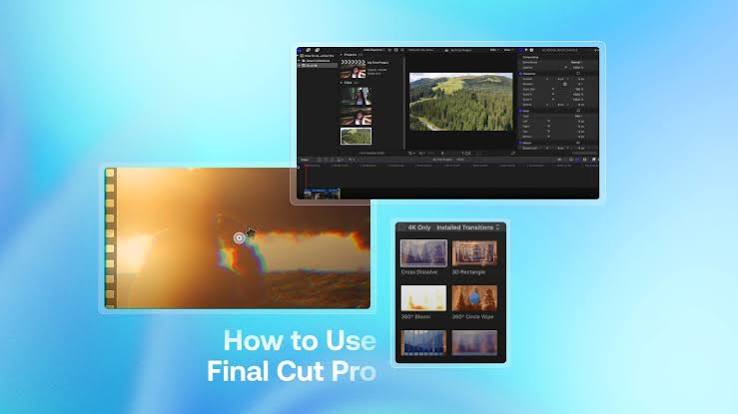
Final Cut Pro is designed for Apple computers and is popular among Mac-based video editors. Its interface is optimized for efficient editing and supports professional workflows.
The software provides tools for organizing media, editing footage, adding effects, adjusting colors, and producing high-quality exports.
For users who already work within the Apple ecosystem, Final Cut Pro can be a convenient choice. Its performance can also make it suitable for demanding video projects.
4. CapCut
CapCut has become popular among social media creators because of its straightforward editing workflow. It provides tools for trimming clips, adding captions, applying effects, adjusting audio, and creating short-form videos.
It is especially useful for TikTok, Instagram Reels, YouTube Shorts, and other social platforms.
Beginners can usually start editing quickly without learning a complicated professional timeline. However, users working on highly complex production projects may eventually require software with deeper professional controls.
5. Adobe Premiere Elements
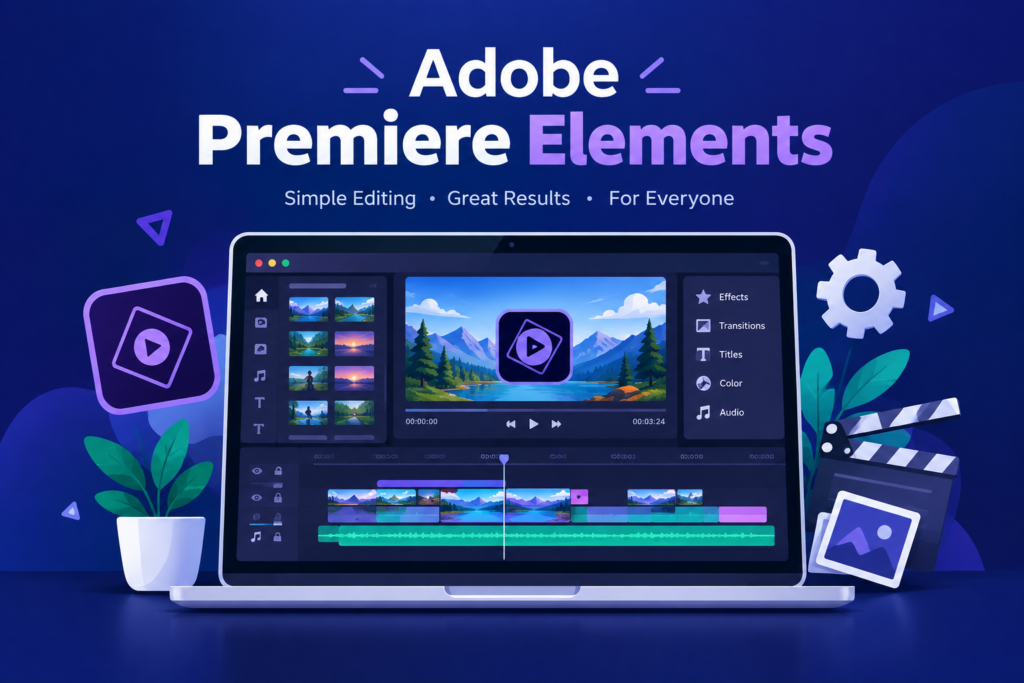
Adobe Premiere Elements is aimed more toward casual users and beginners than professional editors. It simplifies many common editing tasks and provides guided options for users who are still learning.
It can be useful for family videos, basic YouTube projects, travel videos, and simple creative work.
The main advantage is its beginner-friendly approach. Users who do not need the advanced workflow of professional editing applications may find it easier to manage.
6. iMovie
For Apple users who want a simple editing solution, iMovie is a practical option. It provides basic tools for combining clips, trimming footage, adding titles, transitions, music, and other elements.
It is particularly suitable for people who are beginning their video editing journey.
Although iMovie does not provide the extensive professional controls found in advanced editors, it can be enough for simple personal and social media projects.
Free vs Paid Video Editing Software
Choosing between free and paid software depends on your goals.
Free editors can be an excellent starting point for beginners. They often include essential editing features and allow users to learn fundamental skills before investing money in professional tools.
Paid applications generally provide more advanced features, professional workflows, specialized effects, better integration with other creative applications, or additional support.
You should not choose software simply because it has the highest price. Instead, select an editor that matches your current needs and expected workload.
Best Video Editing Software for Beginners
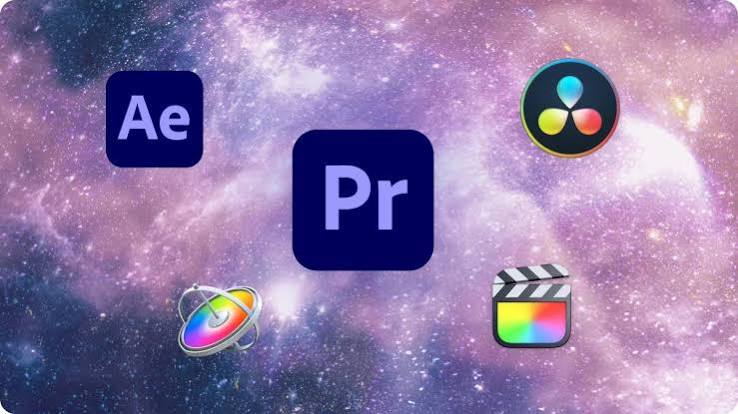
Beginners should prioritize simplicity. Learning video editing already involves understanding timelines, clips, audio, transitions, and export settings, so a complicated interface can make the process frustrating.
CapCut, iMovie, and beginner-focused editing applications can be good starting points. Once you become comfortable with basic editing, you can move to advanced software such as DaVinci Resolve or Premiere Pro.
The best approach is to learn essential skills first instead of trying to master every feature immediately.
Best Video Editing Software for Professionals
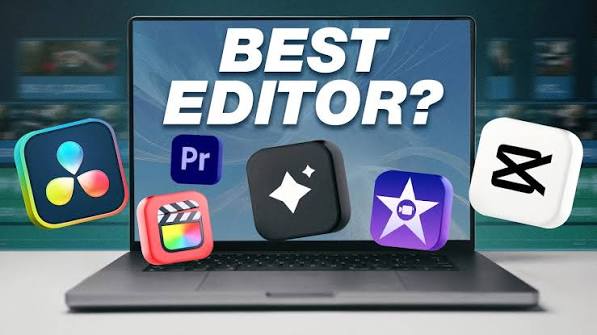
Professional editors usually need more control over their projects. Features such as advanced color grading, multi-track editing, audio mixing, visual effects, media management, and high-quality export options become increasingly important.
DaVinci Resolve, Adobe Premiere Pro, and Final Cut Pro are strong choices for demanding workflows. The best option will depend on your operating system, project type, hardware, and personal editing preferences.
How to Choose the Right Video Editor
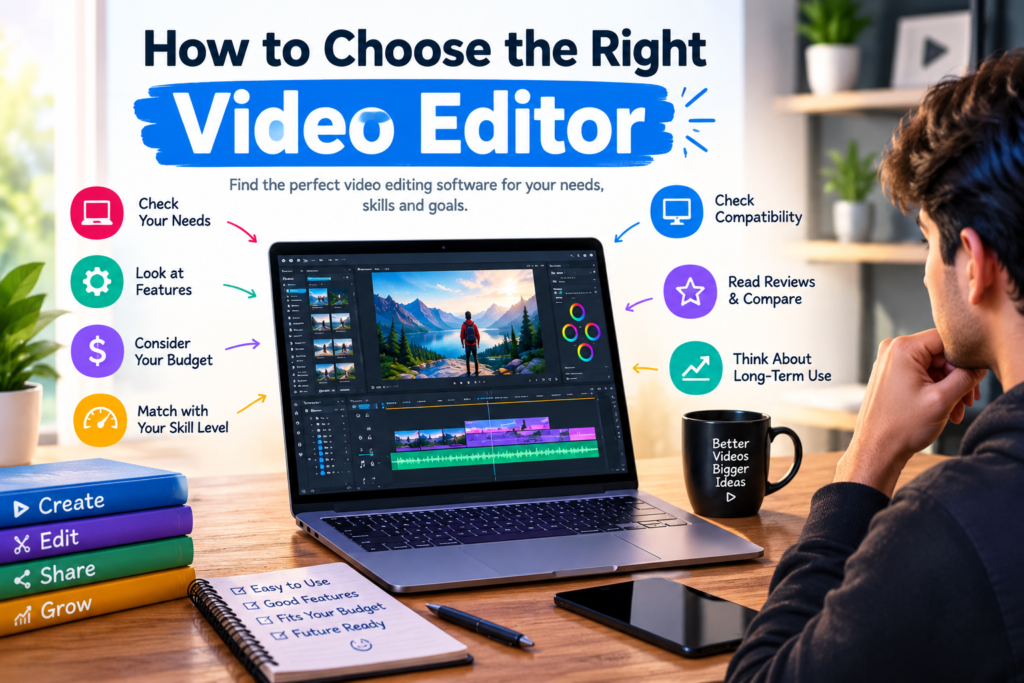
Start by identifying the type of videos you want to create. A person making short social media clips may need very different tools from someone producing documentaries or commercial videos.
Next, check whether the software works well on your computer. Advanced editing applications can require significant processing power, memory, and storage.
Finally, consider your budget and learning level. If you are new to editing, starting with a free or simple tool can help you build skills before moving toward professional software.
Conclusion
The Best Video Editing Software is not the same for everyone. Beginners may benefit from simple applications that make basic editing easy, while experienced creators may need professional tools with advanced color, audio, effects, and timeline controls.
Adobe Premiere Pro, DaVinci Resolve, Final Cut Pro, CapCut, Premiere Elements, and iMovie each serve different types of users.
Before making your choice, consider your editing experience, computer capabilities, project requirements, and budget. Choosing software that fits your actual needs will help you create better videos while making the editing process more efficient.
FAQs
What is the best video editing software for beginners?
CapCut, iMovie, and other beginner-friendly editors can be good starting points because they provide common editing features without an overly complicated workflow.
Which video editing software is best for professionals?
Adobe Premiere Pro, DaVinci Resolve, and Final Cut Pro are among the options commonly suited to professional editing workflows.
Is free video editing software good enough?
Yes. Free editors can provide enough features for social media videos, basic YouTube content, tutorials, and personal projects.
What video editing software is best for YouTube?
The best option depends on your experience and video style. Beginners can start with simpler tools, while creators producing complex videos may prefer professional software.
Can I edit 4K videos with video editing software?
Yes, many modern editing applications support 4K footage. However, smooth 4K editing also depends heavily on your computer’s processor, RAM, graphics hardware, and storage speed.