
Choosing the right programming font can make a noticeable difference in your everyday coding experience. Developers spend hours reading code, reviewing syntax, debugging errors, and working with different programming languages. A font that displays characters clearly can make these tasks more comfortable and help you distinguish important symbols while navigating large code files.
However, not every attractive font is suitable for programming. Some typefaces look stylish but make similar characters difficult to recognize. Others offer useful features such as programming ligatures, adjustable font weights, and multiple character styles. The ideal choice should balance readability, appearance, and compatibility with your preferred development tools.
In this guide, we explore the best programming fonts for developers, including free and open-source options for different coding preferences. You will learn what makes a coding font useful, how popular choices compare, and how to select and configure a font for your editor or terminal.
Whether you are a beginner learning your first programming language or an experienced developer managing complex projects, this guide will help you find a font that suits your workflow.
1. Why Choosing the Right Programming Font Matters
A programming font is more than a visual detail in your development environment. It affects how source code appears on your screen and how comfortably you can read it during long working sessions.
Unlike ordinary text, programming languages contain many symbols, brackets, numbers, punctuation marks, and similar-looking characters. A small visual difference can change the meaning of a statement or make an error harder to notice. A well-designed coding font helps present these elements in a clear and consistent way.
One important feature is character distinction. For example, the number zero (0), uppercase letter O, lowercase l, uppercase I, and number one (1) should be easy to recognize. If these characters look almost identical, reading variable names, passwords, identifiers, and code expressions can become unnecessarily difficult.
Spacing is another important consideration.In monospaced fonts, every letter, number, and symbol is given an equal amount of horizontal space.
This keeps code columns aligned and makes indentation, tables, and terminal output easier to follow.
The right font will not automatically make someone a faster programmer or eliminate coding mistakes. However, a readable typeface can create a more comfortable workspace and make source code easier to scan.
2. Important Features to Look for in a Coding Font
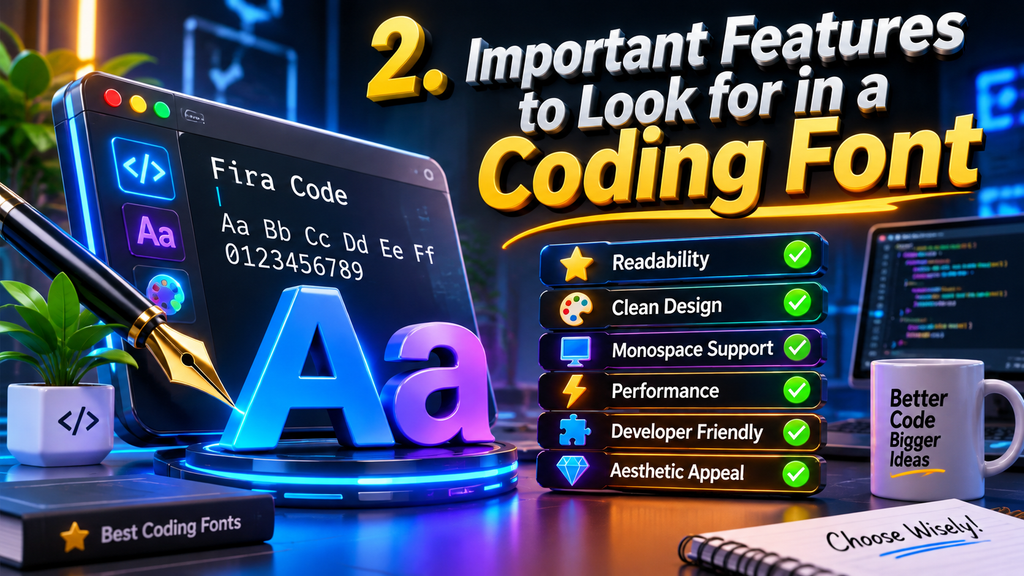
Before downloading a new typeface, consider the features that matter most for your programming environment. A good coding font should support clear character recognition, balanced spacing, and reliable rendering across your preferred applications.
Clear character shapes: Choose a font that makes similar characters visually different. Pay particular attention to 0, O, 1, l, and I. Distinct punctuation marks are equally important because developers frequently work with braces, brackets, quotation marks, commas, and semicolons.
Monospaced spacing: A monospaced design gives every character the same width. This is particularly useful for source code because it keeps indentation and alignment consistent. Most developers prefer monospaced fonts for editors and terminal applications.
Programming ligatures: Some fonts combine common character sequences into specially designed symbols. For example, operators such as !=, =>, and >= may appear as connected visual shapes. These features are optional, and developers can enable or disable them depending on their preferences.
Multiple font weights: Regular, medium, and bold styles can provide flexibility when adjusting code appearance. Variable fonts may offer even more control over weight and width.
Comfortable readability: Look for balanced letter proportions, clear punctuation, and appropriate spacing. A font that looks excellent in a screenshot may not feel comfortable when used for several hours.
Editor compatibility: Check whether your preferred IDE, code editor, and terminal support the font’s features. Ligatures and stylistic settings may require additional configuration.
3. Best Programming Fonts for Developers in 2026

There are many coding fonts available, but some stand out because of their design, flexibility, and developer-focused features. Here are six options worth considering.
1. JetBrains Mono
JetBrains Mono is a popular choice designed specifically for developers. It features tall lowercase characters, distinctive symbols, and optional programming ligatures. Its design makes commonly confused characters easier to recognize, which is useful when working with long code files.
The font includes multiple weights and matching italic styles. It is available at no cost and distributed under the SIL Open Font License 1.1.
Best for: Developers looking for a balanced, professional coding font for everyday use.
2. Fira Code
Fira Code is a monospaced programming font known for its extensive ligature support. It visually combines common operator sequences, including arrows, comparison operators, and other frequently used combinations.
One useful detail is that ligatures change only how code appears on the screen. The underlying source code remains unchanged, so copying and editing the original characters works normally.
Fira Code is freely available and comes in multiple font-weight styles.
However, ligatures must be supported and enabled in the application being used.
Best for: Programmers who enjoy visual ligatures and want a distinctive coding experience.
3. Cascadia Code
Cascadia Code is a Microsoft-developed monospaced font created with modern development environments in mind. It is particularly suitable for developers who regularly use Windows Terminal, PowerShell, and Visual Studio Code.
The family includes different versions, such as Cascadia Code and Cascadia Mono. The standard Code version supports programming ligatures, while Cascadia Mono provides a version without them. Certain builds also include additional symbols for terminal customization.
Best for: Windows developers and users who want a clean terminal-friendly font.
4. Source Code Pro
Adobe created Source Code Pro, a monospaced font specifically designed for coding and development environments.
It offers a straightforward appearance that keeps attention on the source code rather than decorative letter shapes.
The font includes several weights and italic styles, making it suitable for different editor themes and display preferences. Its conventional design can be especially appealing to developers who prefer seeing programming operators exactly as they are typed rather than as combined ligatures.
Best for: Developers who prefer a simple, traditional, and professional coding font.
5. IBM Plex Mono
IBM Plex Mono is part of the IBM Plex type family. It combines a technical appearance with distinctive letterforms and consistent spacing. Its design works well for code editors, documentation, and terminal applications.
Unlike fonts that focus heavily on programming ligatures, IBM Plex Mono offers a more traditional presentation. This can be helpful for developers who want to recognize every individual character in an expression.
Best for: Programmers who prefer a classic appearance and a consistent typography system.
6. Monaspace
Monaspace is a modern font superfamily developed through GitHub Next. It includes five coordinated typefaces with different visual personalities and variable font options.
One interesting feature is its support for coding ligatures and stylistic variations. Developers can customize certain characters and adjust font properties to create a more personalized coding environment.
Because Monaspace includes multiple related families, it provides more visual flexibility than a single-style font.
Best for: Developers who enjoy customization, variable typography, and modern coding interfaces.
4. Programming Font Comparison: Which One Should You Choose?
Comparing popular fonts side by side makes it easier to understand their strengths and select an option that matches your needs.
| Font | Main advantage | Ligatures | Best suited for |
| JetBrains Mono | Clear character design | Yes | Everyday coding |
| Fira Code | Extensive operator ligatures | Yes | Ligature fans |
| Cascadia Code | Terminal-focused design | Yes | Windows users |
| Source Code Pro | Traditional appearance | No | Simple code layouts |
| IBM Plex Mono | Technical typography | No | Classic styling |
| Monaspace | Customization and variable styles | Yes | Flexible setups |
There is no single font that works best for every developer. JetBrains Mono is a strong starting point if you want an all-around coding font. Fira Code is worth trying if you prefer ligatures, while Cascadia Code is a natural option for Windows-based workflows.
If you want a straightforward appearance without ligatures, consider Source Code Pro or IBM Plex Mono. Developers interested in experimenting with different letterforms and font settings may enjoy Monaspace.
The best approach is to install two or three options and compare them inside your actual editor. Look at the same code sample in each font rather than choosing based only on promotional images.
5. How to Choose a Programming Font for Your Workflow
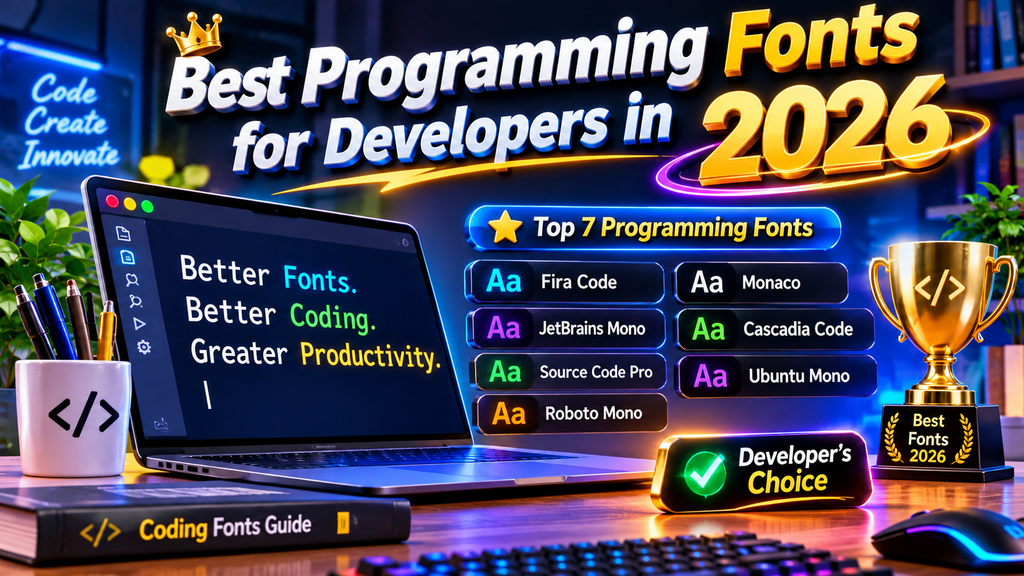
Your ideal coding font depends on the type of work you perform, the tools you use, and your personal reading preferences. A font that works well for one developer may feel distracting to another.
For web developers: If you work with JavaScript, HTML, CSS, and TypeScript, choose a font that displays brackets, quotation marks, operators, and indentation clearly. JetBrains Mono and Fira Code are useful options to test.
For Python developers: Python code relies heavily on indentation, punctuation, and readable expressions. A balanced monospaced font can make nested blocks and long statements easier to follow.
For terminal users: Developers who spend significant time in command-line environments should check how a font displays terminal symbols, Unicode characters, and command output. Cascadia Code is particularly relevant to Windows Terminal users.
For compact screens: If you work on a laptop or a smaller monitor, consider a font with balanced proportions that allows you to view enough code without making the text too small. Iosevka is another option worth exploring if compact layouts are important.
For long coding sessions: Prioritize comfortable character shapes, appropriate font size, and line spacing. A readable font is more useful than one selected only for its appearance.
Remember that your operating system, monitor resolution, editor rendering engine, and display scaling can all influence how a font looks. Always test your selection in the environment where you actually write code.
6. How to Install and Configure a Programming Font

After selecting a font, the next step is to install it and configure your development environment. Most modern coding fonts are available in downloadable packages from their official websites or repositories.
Step 1: Download the font
Visit the official project website or repository and download the appropriate font package. Check the available file formats and licensing information before using the font in commercial projects.
Step 2: Install it on your computer
On Windows, extract the downloaded package if necessary, right-click the font file, and select the installation option. On macOS, open the font file using Font Book and install it. Linux users can place font files in a suitable local font directory and refresh the font cache when required.
Step 3: Open your code editor
Launch your preferred editor, such as Visual Studio Code, and navigate to its font settings. Find the font family option and enter the installed font’s exact family name.
Step 4: Adjust font size and line height
Start with a comfortable font size and modify line spacing until your code is easy to read. The ideal settings depend on your monitor and personal preferences.
Step 5: Enable or disable ligatures
If your selected font supports ligatures, check whether your editor allows you to enable them. In Visual Studio Code, you can configure the setting in the settings.json file:
This is an example configuration. You can replace JetBrains Mono with another installed font and change the size or line height to suit your screen.
If ligatures do not appear, verify that the font supports them and that your editor has the relevant feature enabled. Not every application handles OpenType features in the same way.
7. Common Mistakes to Avoid When Selecting Coding Fonts
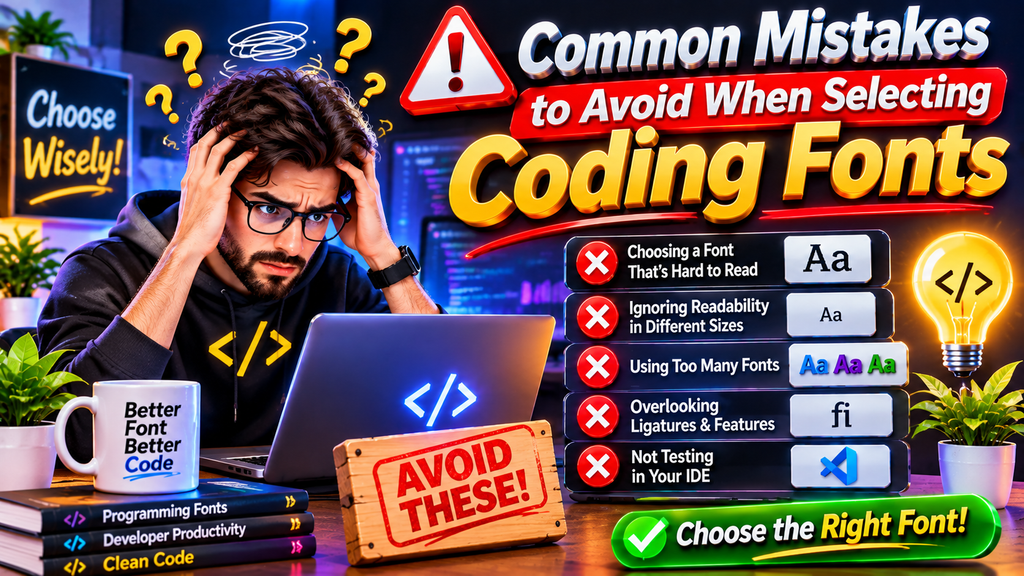
Choosing a programming font based only on appearance can lead to an uncomfortable development setup. Before making a permanent change, avoid these common mistakes.
Choosing style over readability: A decorative font may look attractive, but unclear characters can make code harder to understand. Always examine numbers, letters, and punctuation before deciding.
Ignoring character differences: Similar-looking symbols can create confusion in variable names and expressions. Test characters such as 0, O, 1, l, and I before installing a font.
Assuming ligatures are necessary: Ligatures are a personal preference, not a requirement for programming. Some developers enjoy the connected symbols, while others prefer seeing every character separately.
Using an extremely small font size: Reducing font size to fit more code on the screen can make reading uncomfortable. Adjust editor panels, display scaling, and line spacing before making text unnecessarily small.
Forgetting application compatibility: A font may support a particular feature, but your editor or terminal might not display it correctly. Test the font in all the applications where you plan to use it.
Downloading fonts from unknown websites: Prefer official font repositories and trusted distribution sources. This helps you avoid modified or incorrectly packaged files and makes it easier to review licensing terms.
8. Frequently Asked Questions About Programming Fonts
Q1. What is the best programming font for developers?
JetBrains Mono is a strong all-around choice because it combines a coding-focused design, distinctive characters, multiple weights, and optional ligatures. However, the best font depends on your preferences and development environment.
Q2. Are programming fonts different from regular fonts?
Yes. Programming fonts are generally designed with code readability in mind. They often use monospaced spacing and distinctive character shapes to make punctuation, numbers, and similar-looking letters easier to identify.
Q3. Which coding fonts are free to use?
JetBrains Mono, Fira Code, Cascadia Code, Source Code Pro, IBM Plex Mono, and Monaspace are available through free or open-source distributions. Always review the specific licence before redistributing or modifying font files.
Q4. What is a monospaced font?
A monospaced font gives every character the same horizontal width. This keeps code columns aligned and makes indentation and terminal output easier to read.
Q5. What are programming ligatures?
Programming ligatures are visual combinations of multiple characters into a single designed symbol. For example, sequences such as => or != may appear connected without changing the actual source code.
Q6. Is Fira Code better than JetBrains Mono?
Neither is universally better. Fira Code is a good choice for developers who enjoy extensive programming ligatures. JetBrains Mono offers a balanced design with distinctive characters and a polished appearance. Testing both in your editor is the best way to decide.
Q7. Which programming font is best for Visual Studio Code?
JetBrains Mono, Fira Code, Cascadia Code, and Monaspace are all worth trying in Visual Studio Code. The right option depends on whether you prefer traditional characters, ligatures, or additional customization.
Q8. Can I use programming fonts in commercial projects?
Many popular coding fonts are released under open-source licences that allow commercial use. However, the exact permissions depend on the individual font licence. Check the official licence before including a font in a product or distributing it.
Q9. Do programming fonts improve coding speed?
A font does not automatically make someone code faster. However, clear characters and comfortable spacing may make source code easier to read and review. The practical benefit depends on the individual developer and their working environment.
Q10. How do I change the font in Visual Studio Code?
Open Visual Studio Code settings, search for Editor: Font Family, and enter the name of your installed font. You can also edit editor.fontFamily in the settings.json file. Restarting the editor may help if the font does not appear immediately.
Final Thoughts
The best programming font is the one that makes your code comfortable to read and fits naturally into your development workflow. JetBrains Mono is a reliable starting point, Fira Code is worth considering for ligatures, and Cascadia Code is a practical option for Windows users. Source Code Pro, IBM Plex Mono, and Monaspace provide additional choices for different visual preferences.
Instead of choosing a font simply because it looks popular, test a few options with your own projects. Compare character clarity, spacing, punctuation, and editor compatibility before settling on one. A thoughtful font choice can make your development environment feel more organized, consistent, and comfortable every day.