
Introduction

Artificial intelligence has changed the way developers create software and write code. In the past, programmers had to spend hours searching documentation, finding bugs, writing repetitive code, and testing applications. Today, AI-powered coding assistants can help make many of these tasks faster and easier.
The Best AI Coding Tools can support developers during different stages of software development. These tools can suggest code, explain programming concepts, identify possible errors, generate functions, and help developers understand unfamiliar codebases. They are useful for beginners who are learning programming as well as experienced developers working on larger projects.
AI coding tools are not designed to completely replace programmers. Instead, they work as intelligent assistants that can improve productivity and reduce time spent on repetitive tasks. Developers still need programming knowledge, logical thinking, and proper testing to create reliable software.
In this article, we will explore the benefits, features, and important considerations when choosing the best AI tools for coding.
How AI Coding Tools Help Developers
AI coding assistants use machine learning and language models to understand code and natural-language instructions. A developer can describe what they want to build, and an AI tool may provide suggestions or generate a starting point.
One important advantage is faster code creation. For example, developers often write similar structures repeatedly when building applications. AI can help generate boilerplate code and common functions, allowing programmers to focus more on the unique parts of a project.
AI tools can also assist with debugging. When code produces an error, an AI assistant may explain the possible cause and suggest areas that should be reviewed. This can save time, especially when developers are working with a new programming language or framework.
Another useful feature is code explanation. Large projects can contain thousands of lines of code, making them difficult to understand. AI can summarize functions and explain what specific sections are intended to do.
However, developers should always review AI-generated code. Suggestions may contain mistakes, security problems, or code that does not match the requirements of a project.
Important Features to Look for in AI Coding Tools
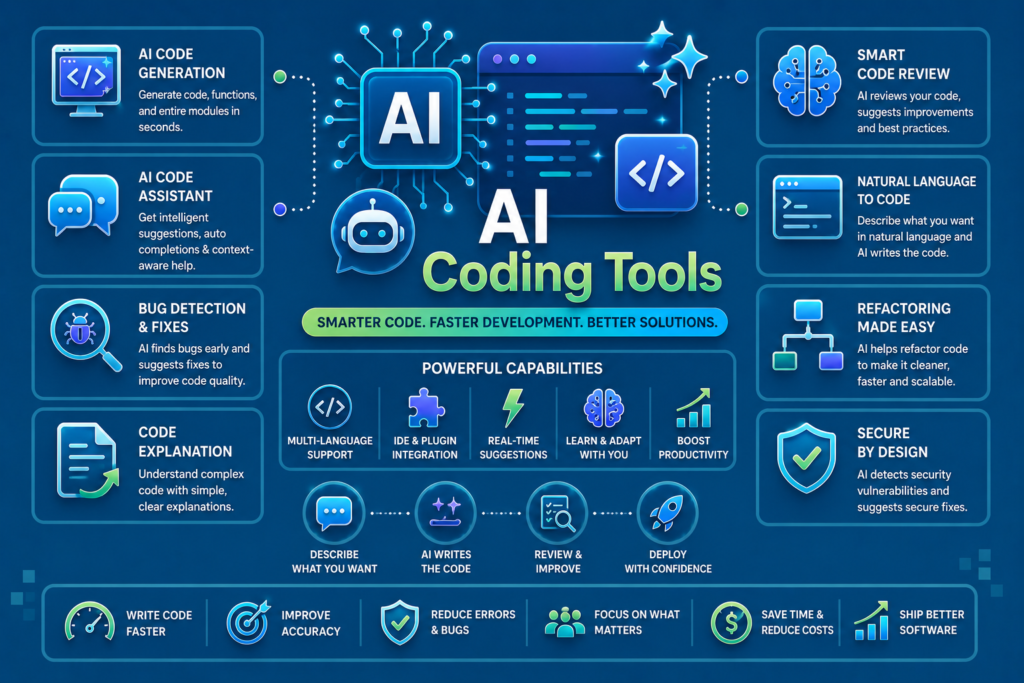
When comparing the Best AI Coding Tools, developers should consider several important features.
Code Suggestions
A good coding assistant should provide useful suggestions while developers write code. Context-aware suggestions can help complete functions and reduce repetitive typing.
Multiple Programming Languages
Developers may work with languages such as Python, JavaScript, Java, C++, PHP, or others. An AI coding tool that supports multiple languages can be more flexible.
Debugging Assistance
Finding errors is an important part of programming. AI tools that help explain error messages and identify possible problems can improve the development process.
Code Explanation
Code explanation is especially useful for students and developers working with unfamiliar projects. AI can break down complicated logic into simpler language.
IDE Integration
Many developers prefer tools that work directly inside their code editor or integrated development environment. This makes the AI assistant easier to access while coding.
Security and Privacy

Developers should also consider how their code and data are handled. Sensitive business projects may require additional privacy controls. It is important to understand a tool’s policies before sharing private code.
Popular Types of AI Coding Assistants
There are several categories of AI tools designed for programming.
AI Code Completion Tools
These tools suggest the next part of a line or function while a developer is typing. They can improve speed and reduce repetitive work.
AI Chat Assistants for Developers
Chat-based AI tools allow developers to ask programming questions in natural language. Users can request explanations, examples, debugging ideas, or help understanding algorithms.
AI Debugging Tools
Debugging-focused assistants help developers analyze errors and identify possible causes. They can also suggest changes that may solve a problem.
AI Code Review Tools
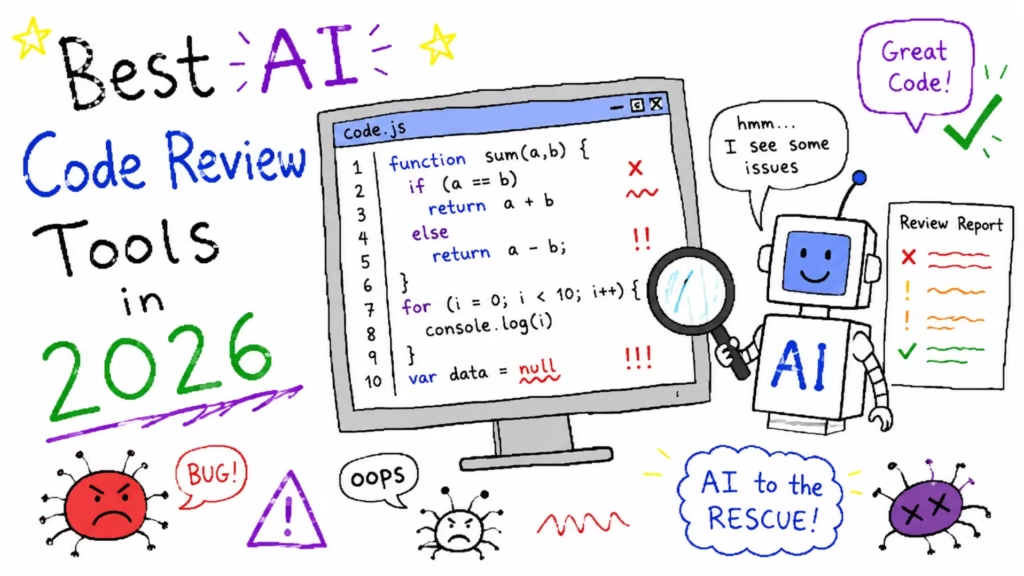
Some AI systems can help review code for readability, possible bugs, and coding patterns. Human review is still important, but AI can provide an additional layer of assistance.
Benefits of Using AI for Coding
Using AI in software development offers several benefits.
First, it can improve productivity. Developers can spend less time writing repetitive code and more time solving important problems.
Second, AI can support learning. Beginners can ask questions and receive explanations about programming concepts. For example, a student learning Python may ask an AI assistant to explain loops, functions, or object-oriented programming.
Third, AI can help developers work with unfamiliar technologies. A programmer who understands one language may use an AI assistant to better understand syntax and concepts in another language.
AI can also improve documentation. Developers can use AI to create summaries and explain the purpose of functions. Clear documentation makes projects easier to maintain.
Despite these benefits, AI should be treated as an assistant rather than an automatic solution. Developers should test all important code and understand how it works.
Challenges and Limitations of AI Coding Tools
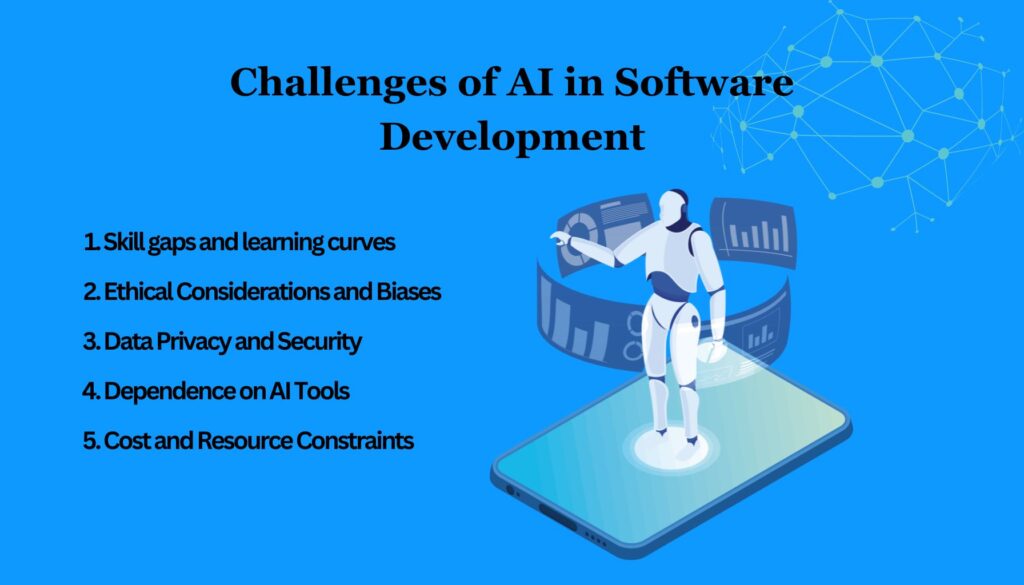
Although AI coding assistants are useful, they have limitations.
AI-generated code may not always be correct. Sometimes a suggestion looks convincing but contains logical errors. This is why testing remains essential.
Security is another concern. Developers should carefully review code that handles passwords, user information, payments, authentication, or other sensitive systems.
AI may also provide outdated approaches or recommendations that do not match the latest version of a programming framework. Developers should check official documentation when accuracy is important.
Over-reliance on AI can also slow down learning. Beginners should practice solving problems independently instead of copying every generated answer. Understanding programming fundamentals remains important for long-term success.
How to Choose the Best AI Coding Tool
Choosing from the Best AI Coding Tools depends on your individual needs.
Beginners may prefer a tool that provides clear explanations and educational support. Professional developers may prioritize advanced code completion and integration with their existing development environment.
You should also consider the programming languages you use most often. Make sure the tool supports your preferred technologies and workflows.
Another factor is pricing. Some tools offer free plans with limited features, while others require subscriptions for advanced capabilities. Comparing features can help you select the right option.
Privacy should also be considered, especially when working with private projects. Always understand what information is shared with an AI service.
The Future of AI in Software Development

AI is likely to become an even more common part of software development. Future coding assistants may offer better understanding of large projects, improved debugging, and stronger collaboration features.
Developers may increasingly use AI to automate repetitive tasks, generate documentation, and explore different solutions to programming problems. However, human developers will continue to play an important role.
Software development requires creativity, critical thinking, communication, and understanding of real-world requirements. AI can assist with coding, but developers are responsible for making final decisions and ensuring software works correctly.
The best approach is to combine programming knowledge with AI assistance. Developers who understand both coding fundamentals and AI tools may be able to work more efficiently while maintaining control over their projects.
Conclusion
The Best AI Coding Tools can make programming faster, easier, and more productive. They can assist with code suggestions, debugging, explanations, documentation, and repetitive tasks.
However, AI-generated code should always be reviewed and tested. Developers should understand the logic behind their applications and avoid relying completely on automated suggestions.
Whether you are a beginner learning your first programming language or an experienced developer managing complex software, AI coding assistants can be valuable tools when used responsibly. By selecting the right tool and combining it with strong programming skills, developers can improve their workflow and focus more on building useful and innovative software.
FAQs About Best AI Coding Tools
1. What are AI coding tools?
AI coding tools are software applications that use artificial intelligence to help developers write, explain, debug, and improve code.
2. Are AI coding tools useful for beginners?
Yes. AI coding assistants can explain programming concepts and provide examples, but beginners should still practice coding and learn the fundamentals.
3. Can AI completely replace programmers?
No. AI can assist with many coding tasks, but human developers are still needed for decision-making, problem-solving, testing, and understanding project requirements.
4. Is AI-generated code always correct?
No. AI-generated code can contain errors or security issues. Developers should always review and test the code before using it in a project.
5. How do I choose the best AI coding tool?
Consider your programming language, development environment, required features, privacy needs, learning goals, and budget when choosing an AI coding assistant.