
What Is an AI Browser?
An AI browser is a web browser that integrates artificial intelligence into the browsing experience. Instead of simply displaying websites, an AI-powered browser can help users understand pages, summarize information, answer questions, organize content, and in some cases perform tasks across websites.
Traditional browsers mainly act as a gateway to the internet. AI browsers add an intelligent assistant that can work with the information users are already viewing. Depending on the browser, users may be able to ask questions about an open webpage, compare information across tabs, rewrite text, or complete certain browsing tasks.
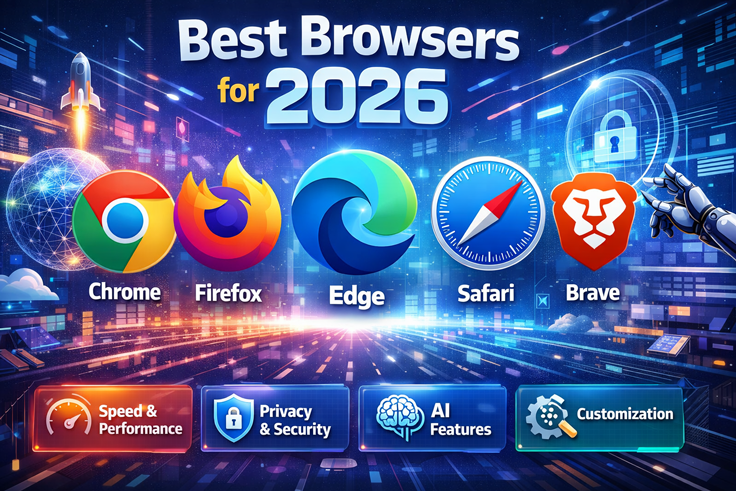
The AI browser category has expanded quickly in 2026, with options such as Perplexity Comet, Brave with Leo, Microsoft Edge with Copilot, Dia, and Opera Neon offering different approaches to AI-assisted browsing.
Why Are AI Browsers Becoming Popular?
People often open multiple tabs when researching a topic, writing content, comparing products, or learning something new. Switching between tabs and manually collecting information can take considerable time.
AI browsers are designed to reduce some of this work. An integrated assistant can help summarize a page, explain difficult information, or answer questions based on the content being viewed.
For example, instead of reading a long article from beginning to end, you could ask the browser to identify its main points. You could then ask follow-up questions to understand specific sections.
This makes AI browsers particularly useful for students, researchers, content creators, marketers, and professionals who spend significant amounts of time online.
Best AI Browser Options in 2026
There is no single browser that provides exactly the same experience for everyone. Different browsers focus on different features and workflows.
1. Perplexity Comet

Perplexity Comet is an AI-focused browser built around research and AI-assisted browsing. Its assistant can work with webpages and help users understand information without requiring them to constantly copy and paste content into a separate AI tool.
Comet is particularly relevant for research-heavy browsing because its AI experience is closely connected with Perplexity’s search and answer system. Current 2026 comparisons describe it as a browser designed for research, summaries, and multi-step web tasks.
Users can use an AI assistant to:
- Summarize webpages
- Ask questions about information
- Research multiple sources
- Organize information
- Assist with certain online tasks
2. Brave with Leo
Brave combines its privacy-focused browser with an integrated AI assistant called Leo. Users can ask Leo questions directly from the browser and use it to summarize webpages, analyze text, translate information, and generate content.
One notable feature is that Brave says Leo does not retain or share chats for additional model training, and an account is not required to use the assistant.
This can make Brave an interesting option for people who want AI assistance while paying attention to privacy.
3. Microsoft Edge with Copilot
Microsoft Edge integrates Microsoft’s Copilot AI experience directly into the browser. This approach is useful for people who already use Microsoft services and want AI assistance without installing a completely separate browser.
Depending on the available features and region, users can use AI to summarize information, work with webpage content, and assist with everyday browsing activities. Current comparisons identify Edge with Copilot as an option particularly suited to users already working within the Microsoft ecosystem.
4. Dia
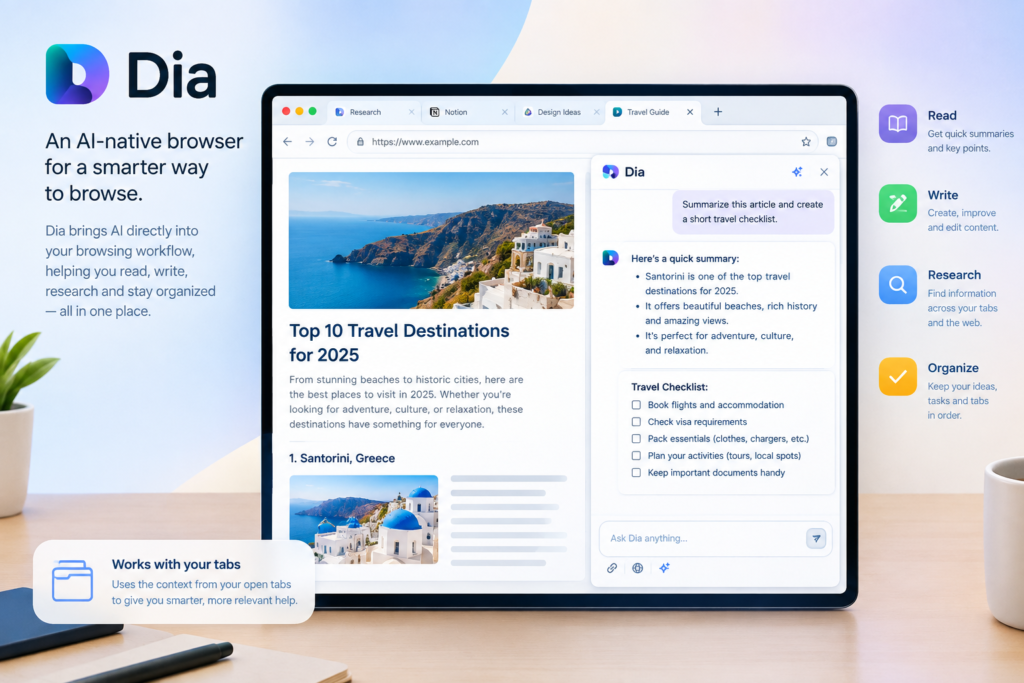
Dia is an AI-native browser designed around AI assistance during everyday browsing. It focuses on using context from webpages and tabs to help with activities such as reading, writing, research, and organization.
Instead of treating AI as a completely separate application, Dia places the assistant directly into the browsing workflow. This can be useful for people who regularly work with many tabs and need help understanding or creating information.
5. Opera Neon

Opera Neon represents a more agent-focused approach to browsing. AI agents can potentially assist with multi-step online activities rather than simply answering questions.
This type of browser is part of a broader shift toward agentic browsing, where AI can interact with websites and perform actions on behalf of users. However, users should carefully review actions before allowing an AI agent to interact with sensitive accounts or personal information.
Important Features to Look For in an AI Browser

When choosing an AI browser, consider more than just the name of the AI model. Look at the features that match your actual browsing habits.
AI Page Summarization
A useful AI browser should be able to understand webpage content and provide concise summaries. This can save time when dealing with lengthy articles, reports, or documentation.
Cross-Tab Understanding
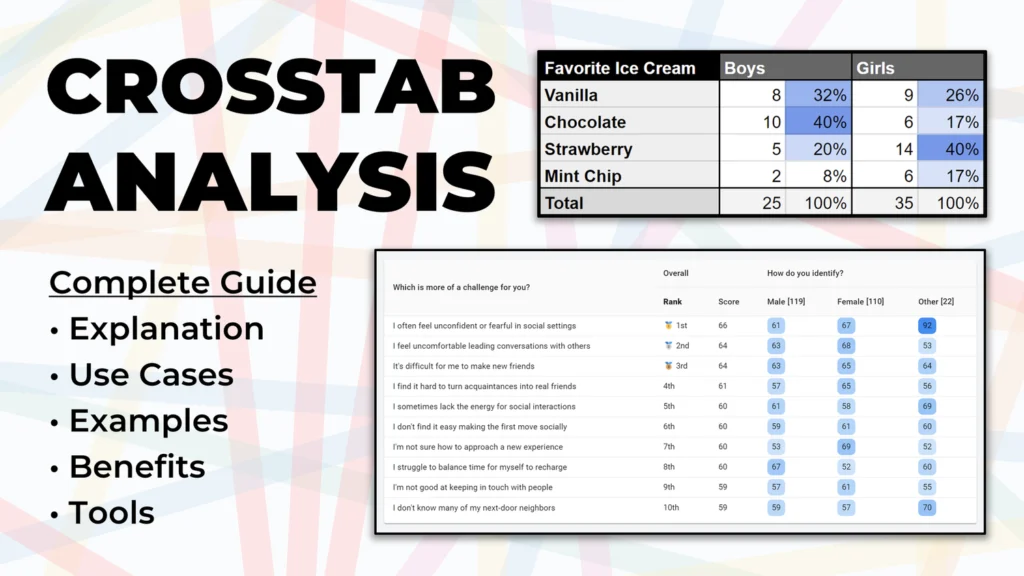
Some AI browsers can work with information from multiple open tabs. This can be helpful when comparing sources or researching a complicated subject.
Writing Assistance
AI-powered writing features can help users rewrite sentences, summarize information, create drafts, or improve the clarity of text.
Research Support

For research, look for features such as source citations, multi-page analysis, summaries, and follow-up questions.
Privacy Controls
Privacy is especially important when an AI assistant can access webpage content. Check what information is processed, whether conversations are stored, and whether an account is required.
Automation

Some newer AI browsers can perform actions across websites. While automation can save time, users should understand what the AI is allowed to access before giving it control over important accounts.
Benefits of Using an AI Browser

AI browsers can provide several practical benefits.
Faster research: Users can quickly summarize information instead of manually reading every page.
Better productivity: Writing, searching, and organizing information can become easier when AI is integrated directly into the browser.
Less tab switching: An integrated assistant can reduce the need to move information between a browser and a separate AI chatbot.
Simpler learning: Difficult concepts can be explained using follow-up questions based on the webpage being viewed.
Task assistance: Some agentic browsers can perform selected multi-step actions, although users should supervise these activities.
Are AI Browsers Safe to Use?

AI browsers can be useful, but they also introduce new privacy and security considerations. An AI assistant that can read webpages or interact with websites may encounter malicious instructions embedded in online content.
Brave has specifically highlighted indirect prompt injection as a security challenge for agentic browsing.
For this reason, avoid giving an AI browser unnecessary access to sensitive accounts or confidential information. Review important actions before allowing an AI agent to complete them.
Users should also check the browser’s privacy policy and understand how browsing data and AI conversations are handled.
How to Choose the Best AI Browser
Start by identifying what you actually need from the browser.
If your main activity is research, look for strong search, summarization, and citation features.
If you care strongly about privacy, examine the browser’s data-handling policies and available privacy controls.
If you spend most of your time in Microsoft services, Edge with Copilot may fit naturally into your existing workflow.
If you want AI-native browsing, dedicated options such as Comet or Dia may be worth exploring.
If you want automation, investigate which websites the browser can interact with and what permissions it requires.
The right choice depends on your workflow rather than simply selecting a browser because it has an AI label.
Final Thoughts
AI browsers are changing the traditional browsing experience by bringing artificial intelligence closer to search, research, writing, and online tasks. Instead of using a browser only to open websites, users can increasingly interact with information through natural-language questions and AI assistance.
Options such as Perplexity Comet, Brave with Leo, Microsoft Edge with Copilot, Dia, and Opera Neon demonstrate different approaches to AI-powered browsing.
Before choosing one, consider its features, platform support, privacy practices, automation capabilities, and how well it matches your daily needs. As AI browsing continues to develop, these tools are likely to become an increasingly important part of how people interact with the web.
FAQs
1. What is the best AI browser?
The answer depends on your needs. AI browsers differ in research, privacy, writing, automation, and platform features, so users should compare them according to their specific workflow.
2. What can an AI browser do?
An AI browser can summarize webpages, answer questions, analyze information, assist with writing, translate content, and sometimes perform online tasks.
3. Are AI browsers free?
Some AI browsers offer free versions, while others provide additional features through paid plans. Pricing and features can change, so check the browser’s current official information before subscribing.
4. Is an AI browser better than Chrome?
Not necessarily for every user. AI browsers provide additional AI-focused capabilities, while traditional browsers may offer familiar interfaces, extensions, and established workflows.
5. Are AI browsers safe?
They can be used safely with appropriate precautions, but AI-powered automation introduces additional security considerations. Avoid giving AI agents unnecessary access to sensitive accounts and review important actions carefully.