
Introduction

Creating a blog post is just the first step. To attract visitors through search engines, your content should be properly optimized for both search visibility and readers.
A proper SEO checklist for blog posts can help you review important elements before and after publishing.
SEO does not mean adding keywords everywhere. It involves creating useful content, organizing information clearly, improving page experience, and helping search engines understand what your page is about.
This checklist covers the main areas you should review when preparing a blog post for search visibility.
1. Choose a Relevant Keyword
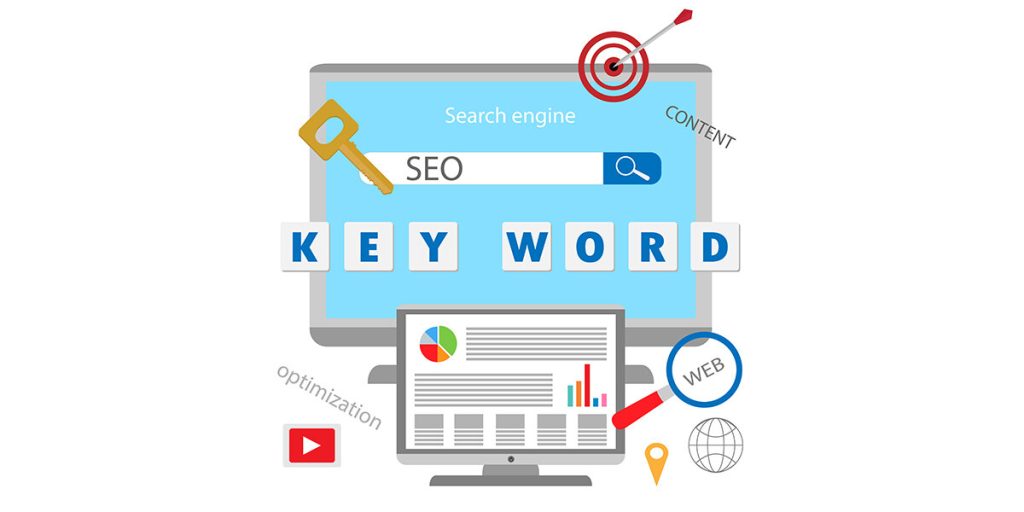
Choose a main keyword that accurately reflects your article’s subject and aligns with your website and audience’s needs. Then use keyword research to find related terms and common questions that can strengthen your content.
Consider search volume, competition, relevance, and search intent when selecting your target keyword.
Avoid choosing keywords simply because they have high search volume. A relevant keyword that matches your content can be more useful than an unrelated high-volume term.
2. Understand Search Intent
Before creating your article, understand what readers want to find when they search for your chosen keyword. Search intent can be categorized as informational, commercial, navigational, or transactional.
Your content should satisfy the purpose behind the search.
For example, someone searching for “SEO checklist for blog posts” will likely expect practical steps and recommendations rather than a page that only promotes an SEO service.
Understanding intent helps you create content that answers the user’s actual needs.
3. Create an SEO-Friendly Title
Your title should clearly describe the topic of the article and encourage readers to click.
Include your primary keyword naturally when appropriate. Keep the title readable instead of filling it with multiple keywords.
A useful title tells readers what they can expect from the article. Avoid misleading headlines that promise information the page does not provide.
4. Write a Useful Meta Description

A meta description gives searchers a brief summary of your webpage. Although it does not guarantee higher rankings, a clear description can help users understand what your page offers.
Write a unique description for each important blog post. Include the main topic naturally and explain the benefit or information readers can find on the page.
Avoid creating descriptions that simply repeat the title.
5. Use Clear Headings

Organize your article with descriptive headings and subheadings. A logical heading structure makes your content easier to scan and understand.
Your main page title should clearly identify the topic, while secondary headings should divide the article into useful sections.
Do not add headings just to insert keywords. Each heading should help readers understand the information that follows.
6. Optimize the URL
Create a short and descriptive URL that clearly communicates the subject of the page.
Remove unnecessary words, numbers, and complicated parameters when they are not needed. When relevant, add the primary topic or target keyword to the page URL.
For example:
Good: /seo-checklist-blog-posts/
Less useful: /page123?id=84729
A simple URL is easier for users to recognize and share.
7. Create Helpful Content
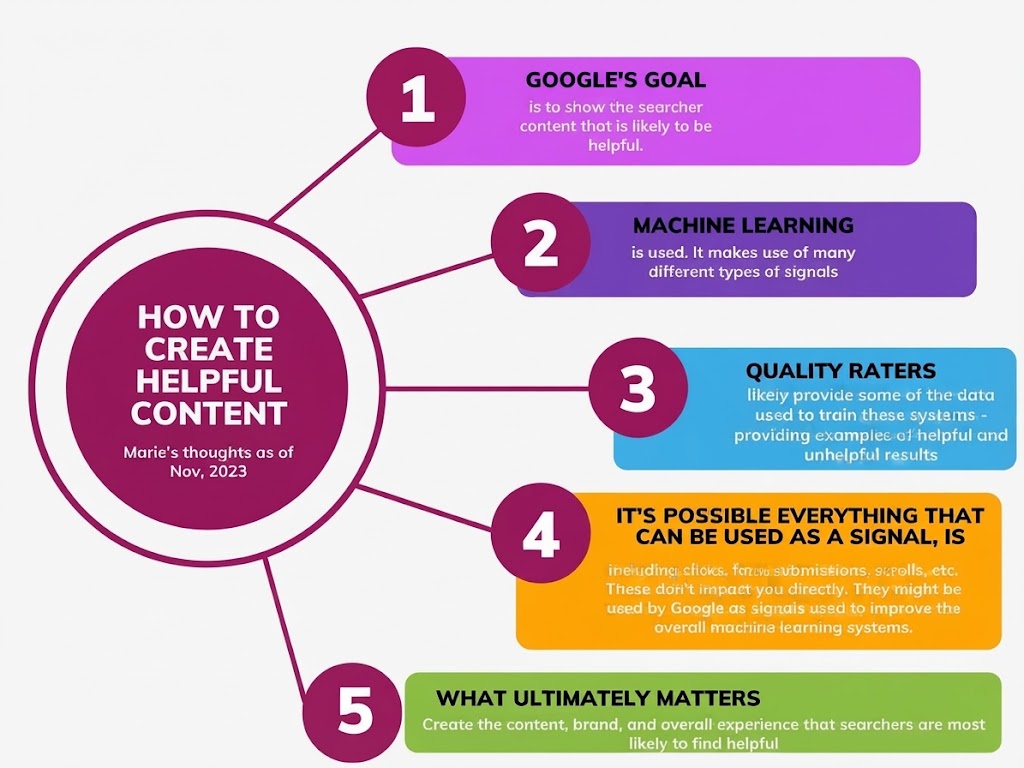
Content quality should remain a major priority. Your article should provide useful information, answer important questions, and offer practical value.
Avoid writing primarily to reach a specific word count. A longer article is not automatically better if it contains unnecessary information.
Research the topic carefully and organize your points in a logical order. Add examples, explanations, and relevant details where they improve the reader’s understanding.
8. Add Internal Links
Internal links help connect your blog post to other related pages across your website.
Link to related articles, category pages, product pages, or useful guides where appropriate.It allows visitors to find additional useful information while making it easier to move around your website.
Use descriptive anchor text that tells readers what they can expect from the linked page.
9. Include Relevant External Links
External links can be useful when you need to reference reliable information or provide additional resources.
Link to trustworthy and relevant sources when they genuinely help readers.Do not add external links merely to increase the total number of links within your article.
The purpose should always be to provide additional value or supporting information.
10. Optimize Images

Images can make blog posts more engaging and easier to understand. Large or improperly optimized images may slow down your webpage and negatively impact its performance.
Compress images before uploading them and use suitable file formats. Give image files descriptive names instead of using generic names such as IMG001.jpg.
Add meaningful alt text when it helps describe the image for users who cannot see it.
11. Make the Article Mobile-Friendly
Many people access websites through smartphones, so your blog should work properly on smaller screens.
Check whether text is easy to read, buttons are usable, images fit the screen, and visitors can navigate the page without difficulty.
A responsive design can provide a better experience across different devices.
12. Improve Page Speed
Page performance can affect the user experience.Pages that load slowly can cause visitors to leave before they have a chance to read the content.
Review large images, unnecessary scripts, excessive plugins, and other elements that may affect loading performance.
Use reliable performance tools to find areas of your website that may need optimization.
13. Add Relevant FAQs
Frequently asked questions can make your article more useful by addressing common concerns related to the topic.
Select questions that directly relate to the topic and provide genuine value to your readers.
Provide direct and accurate answers rather than adding questions only for SEO purposes.
If you use FAQ structured data, make sure it accurately represents the visible content on the page.
14. Check for Broken Links

Before publishing, test your internal and external links.Broken or inactive links can make it harder for visitors to navigate your website and may lead to a frustrating browsing experience.
Review older articles occasionally as well because external websites may change their URLs or remove pages over time.
Update or replace any links that are no longer active.
15. Proofread Before Publishing
Review your article carefully before making it public.Review the article for grammar, spelling, formatting, headings, links, images, and accuracy before publishing.
Make sure the introduction matches the article and that every section contributes useful information.
A final review can help catch mistakes that may otherwise reduce the quality of the page.
16. Monitor Search Performance
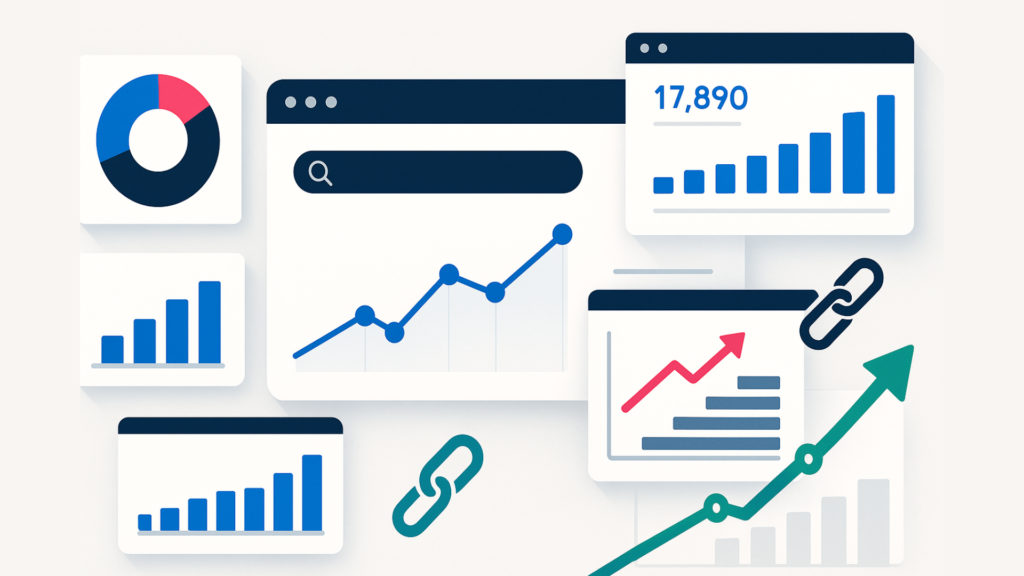
SEO does not end after publication. Monitor how your article performs over time.
Search performance tools can show information such as impressions, clicks, queries, and average positions. Use this data to understand how people are discovering your content.
If an article receives impressions but few clicks, you may want to review its title and meta description. If it receives little search visibility, consider whether the content fully addresses the target topic and search intent.
Quick SEO Checklist
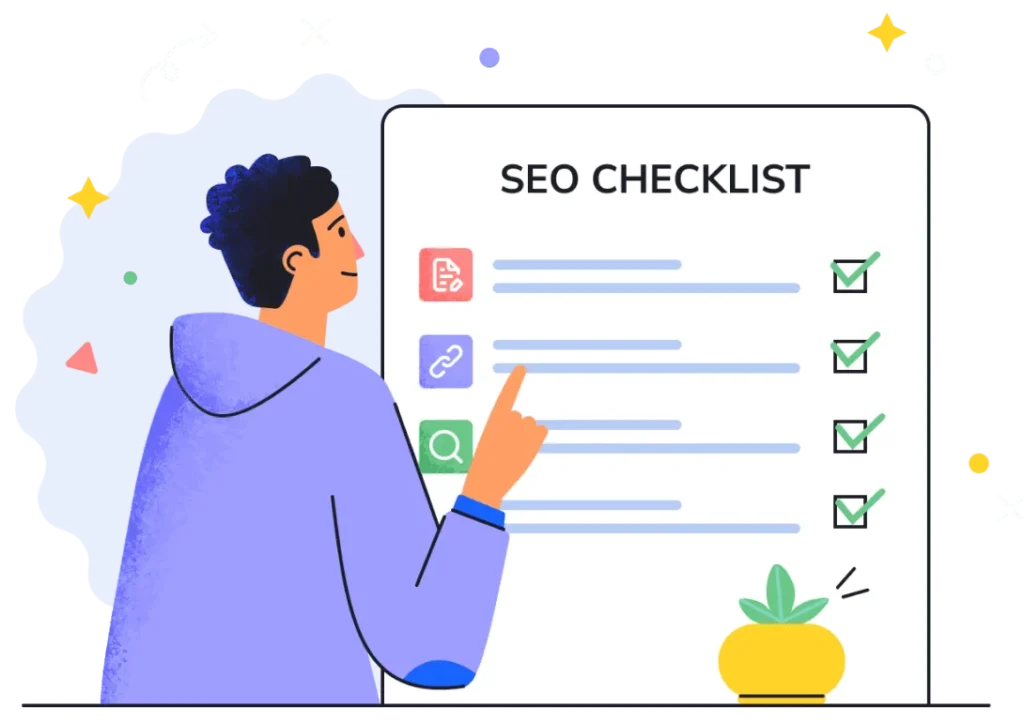
Before publishing a blog post, review these points:
- Choose a relevant primary keyword.
- Understand the search intent.
- Create a clear SEO-friendly title.
- Write a useful meta description.
- Use logical headings.
- Keep the URL simple and descriptive.
- Provide original and helpful content.
- Add relevant internal links.
- Use trustworthy external references when useful.
- Optimize images and alt text.
- Check mobile usability.
- Improve page loading performance.
- Add relevant FAQs.
- Test links for errors.
- Proofread the complete article.
- Monitor performance after publishing.
Conclusion
A consistent SEO checklist for blog posts can help you avoid common optimization mistakes and create a better experience for both readers and search engines.
Focus on useful content, relevant keywords, clear organization, internal linking, optimized images, mobile usability, and technical quality. After publishing, continue monitoring your results and update the article when necessary.
SEO is an ongoing process rather than a one-time task. By following a practical checklist for every article, you can create a more organized and search-friendly blog over time.
FAQs
What is an SEO checklist for blog posts?
It is a list of SEO elements you can review before and after publishing a blog post, including keywords, titles, headings, links, images, URLs, and page performance.
How important is keyword research for blog SEO?
Keyword research helps you understand what people search for and can help you choose relevant topics and terms for your content.
Should every blog post have a meta description?
A unique and useful meta description is recommended for important pages because it gives searchers a short summary of the page.
How many keywords should I use in a blog post?
There is no fixed keyword number. Use relevant terms naturally while focusing primarily on creating useful and readable content.
Are internal links important for blog SEO?
Yes. Relevant internal links can help users discover related content and make it easier to navigate your website.
Should I update old blog posts?
Yes, when the information has become outdated or the article can be improved. Updating useful content can help keep it accurate and valuable for readers.