
Introduction

Shopify makes it easy to build and manage an online store, but having a beautiful website is not enough. Your store also needs to load quickly and provide a smooth browsing experience. Slow pages can make visitors leave before they view products, while a fast store can make navigation easier and improve the overall shopping experience.
Shopify speed optimization involves improving different parts of a store so that pages load efficiently on desktop and mobile devices. Images, apps, themes, scripts, videos, and other website elements can all affect performance.
In this guide, you will learn practical ways to improve Shopify store speed without making the website difficult to manage.
Why Shopify Store Speed Matters
Website speed is important because online shoppers usually expect pages to respond quickly. When a product page takes too long to load, visitors may become frustrated and leave the store.
Website loading speed can also influence the way visitors browse and engage with your site.
. A faster store can make it easier for customers to browse collections, open product pages, add items to the cart, and complete checkout.
Mobile performance is especially important because many customers visit online stores using smartphones. A store that works well on desktop but loads slowly on mobile can lose potential customers.
1. Optimize Product Images

Oversized image files can often contribute to slower page loading times.
Shopify stores often contain product photos, banners, collection images, and promotional graphics.
Before uploading images, reduce unnecessary file size while maintaining good visual quality. Avoid uploading extremely large images when a smaller version is sufficient.
You should also use appropriate image formats and dimensions. Product images should be large enough to display clearly but not unnecessarily larger than their actual display area.
Good image optimization can reduce page weight and help pages load more efficiently.
2. Remove Unnecessary Shopify Apps
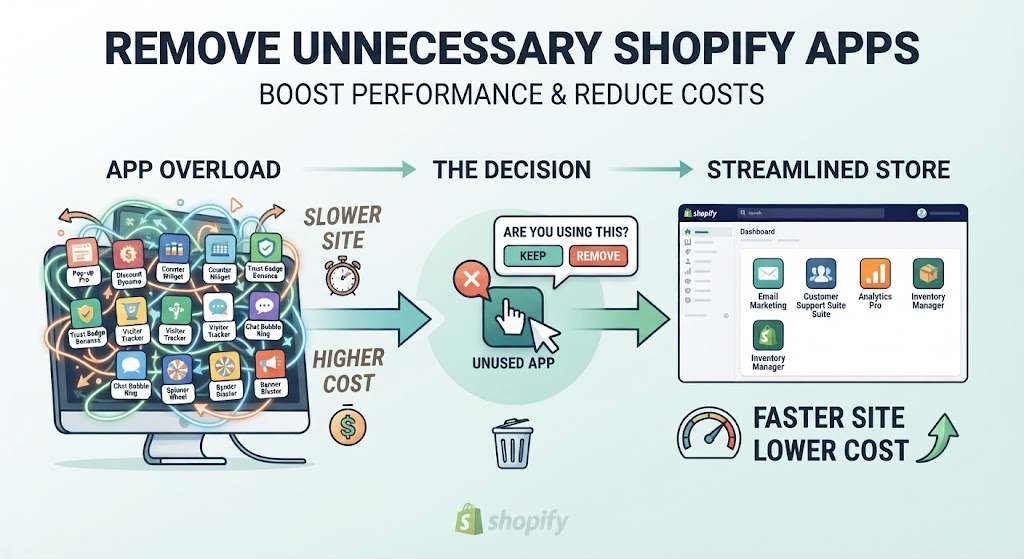
Shopify apps can add useful features such as reviews, popups, marketing tools, analytics, and product recommendations. However, installing too many apps can increase the amount of code and scripts loaded by your store.
Review your installed apps regularly. If an app is no longer being used, consider removing it.
You should also check whether multiple apps perform similar functions. Keeping only the tools your store actually needs can help reduce unnecessary resources.
3. Choose a Lightweight Theme

Your Shopify theme has a major influence on store performance. Some themes include many animations, sliders, effects, scripts, and customization options.
A theme with unnecessary features may require more resources to load.
When selecting or updating a theme, focus on clean design, responsive layouts, and performance. You do not need dozens of visual effects to create a professional online store.
A simple theme that loads efficiently can provide a better experience than a heavily customized design.
4. Reduce Unnecessary Popups and Animations

Popups can be useful for email collection, discounts, and announcements, but excessive popups can make a store feel slow or difficult to use.
Animations can also require additional browser resources. If your homepage contains multiple sliders, videos, animated sections, and moving elements, consider whether every feature is necessary.
Keep important content visible and minimize decorative elements that do not provide real value.
5. Improve Mobile Performance
Shopify stores should be optimized for smartphones because mobile visitors can experience different performance compared with desktop users.
Check your homepage, product pages, collection pages, menus, and checkout experience on mobile devices.
Pay particular attention to large banners, videos, images, popups, and complicated sections. These features may use additional data and processing power, particularly on mobile networks.
A clean mobile layout can make navigation easier and help visitors reach products faster.
6. Optimize Your Homepage

The homepage is often one of the most resource-heavy pages in an online store. Store owners may add banners, featured products, testimonials, videos, collections, promotional sections, and other elements.
Instead of adding everything to one page, prioritize the content that matters most.
For example, you can display your main offer, important categories, popular products, and a clear call to action. Remove sections that provide little value.
A simpler homepage can improve both usability and loading performance.
7. Avoid Excessive Custom Code

Custom Liquid, JavaScript, and CSS can help customize a Shopify store, but poorly written or unnecessary code can affect performance.
If you have added custom scripts over time, review them and remove code that is no longer needed.
It is also useful to avoid adding external scripts simply because they look interesting.Each extra resource may have an impact on the overall loading performance of a webpage.
Keep your store’s code organized and use custom code only when it serves a clear purpose.
8. Optimize Third-Party Scripts

Marketing platforms, analytics tools, chat widgets, review systems, tracking tools, and other services may load external scripts.
While these tools provide useful features, using too many external services can add extra load to your store’s pages.
Review the services connected to your Shopify store and determine which ones are essential. Remove unnecessary integrations and avoid adding multiple tools for the same task.
9. Check Your Shopify Speed Regularly
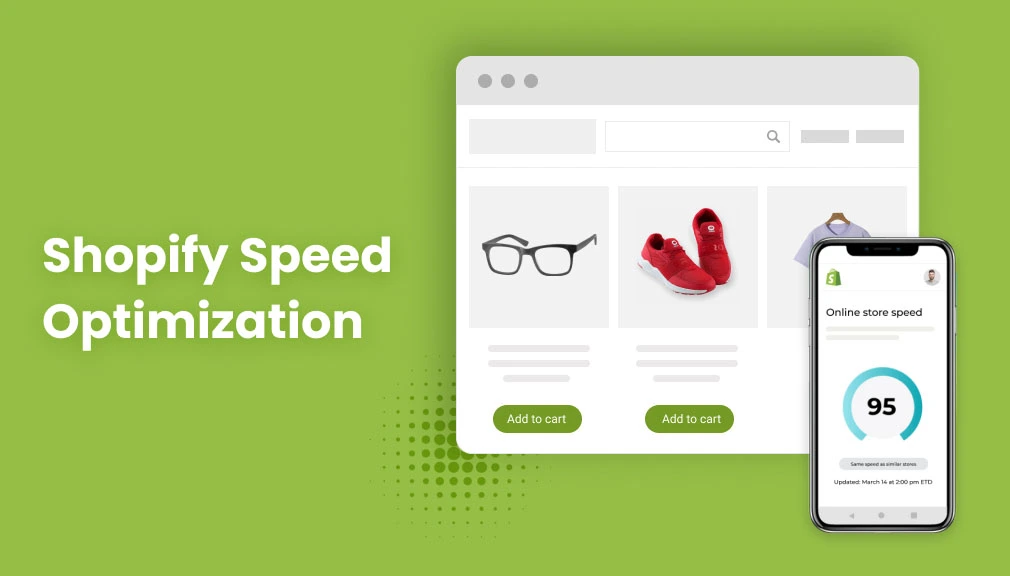
Speed optimization is not a one-time task. Your store can become slower after adding new products, apps, scripts, images, or theme customizations.
Use page speed testing tools regularly to evaluate and track your website’s performance.
. Test important pages such as:
- Homepage
- Product pages
- Collection pages
- Blog pages
- Landing pages
Monitor your performance results regularly and look into any significant changes in page speed.
10. Focus on User Experience
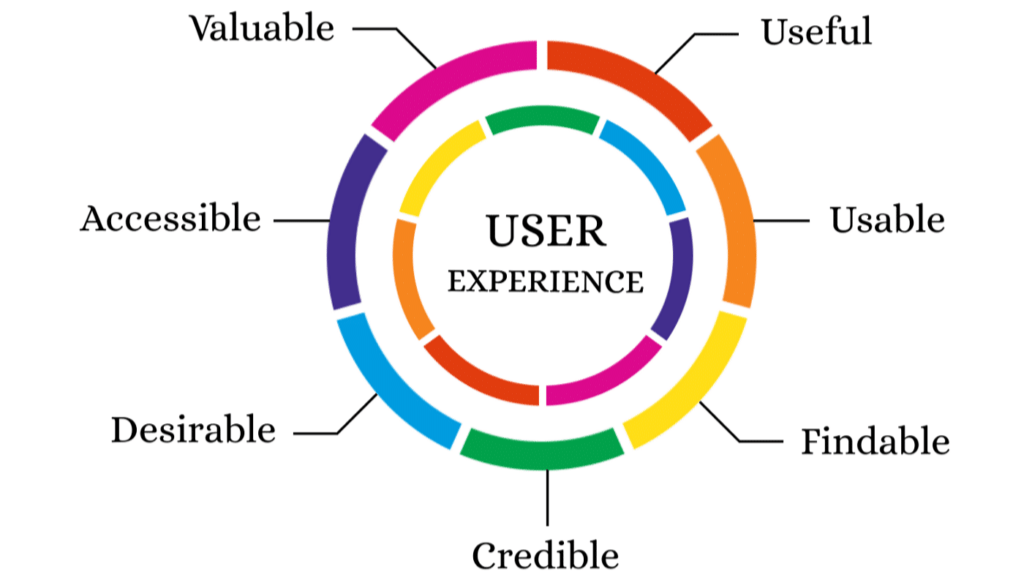
A fast website should also provide visitors with a smooth, simple, and convenient browsing experience.
A website should load quickly while still offering simple and effortless navigation.
Make sure customers can quickly find products, understand product information, select options, and reach the cart.
Do not remove essential website features simply to achieve faster loading speeds.
The goal is to create a balance between performance, design, functionality, and customer experience.
Benefits of Shopify Speed Optimization
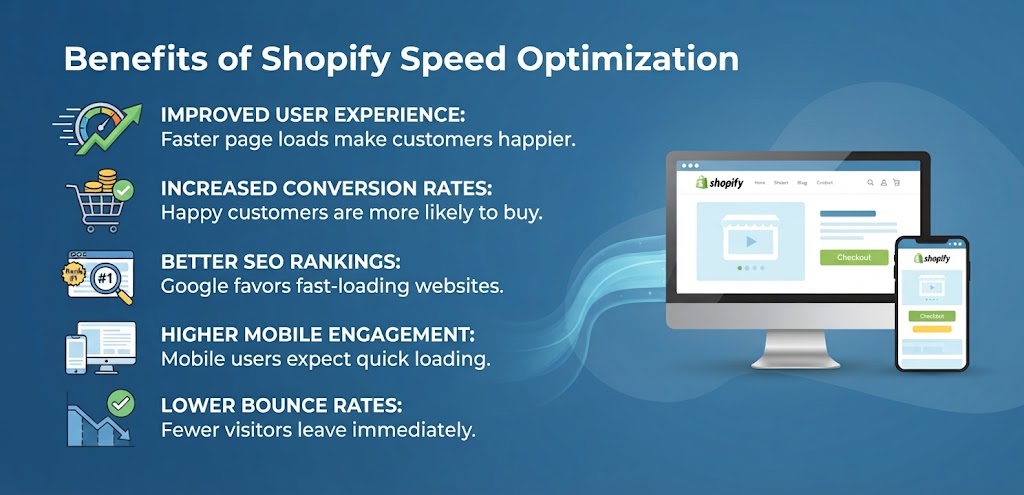
Enhancing your Shopify store’s speed can bring a range of valuable advantages.
Visitors can browse products more comfortably, especially when using mobile devices.
A faster website can also reduce frustration and create a smoother shopping journey. Better performance may support engagement and conversions, although actual results depend on many factors such as product quality, pricing, trust, traffic source, and user intent.
Speed optimization can also support technical SEO because search engines consider page experience and performance-related signals as part of their broader evaluation.
Shopify Speed Optimization Checklist

Before considering your store optimized, review this checklist:
- Compress large images
- Use suitable image dimensions
- Remove unused Shopify apps
- Choose a lightweight theme
- Reduce unnecessary animations
- Limit excessive popups
- Review third-party scripts
- Remove unnecessary custom code
- Optimize mobile pages
- Test important URLs regularly
- Keep the homepage focused
- Monitor performance after major changes
Conclusion
Shopify Speed Optimization is an important part of maintaining a successful online store. Large images, unnecessary apps, third-party scripts, complex themes, and excessive design elements can all contribute to slower pages.
Start with the biggest performance problems instead of changing everything at once. Optimize images, remove unused apps, simplify heavy sections, review custom code, and test your store regularly.
The objective is not simply to achieve a high speed score. The real goal is to create a Shopify store that loads efficiently, works smoothly on mobile devices, and gives customers an easy shopping experience.
FAQs
1. What is Shopify Speed Optimization?
Shopify Speed Optimization is the process of improving a Shopify store’s performance so pages can load more efficiently and provide a smoother user experience.
2. Do Shopify apps slow down a store?
Some apps can add scripts or other resources that may affect performance. Removing unused or unnecessary apps can help reduce extra resources.
3. How can I make my Shopify store faster?
Start by optimizing images, removing unnecessary apps, using a lightweight theme, reducing third-party scripts, and reviewing custom code.
4. Does image size affect Shopify speed?
Yes. Very large image files require more data to load. Optimizing image dimensions and file sizes can help reduce page weight.
5. Is Shopify speed important for SEO?
Website performance is one part of the broader page experience and technical SEO picture. However, SEO results depend on many other factors as well.
6. Should I remove all Shopify apps?
No. Remove apps that are unnecessary or no longer used, but keep tools that provide important functionality for your business.
7. Is mobile speed important for Shopify stores?
Yes. Many online shoppers use smartphones, so your store should provide a smooth experience on mobile devices as well as desktop computers.