
The internet has become an essential part of daily life. People use online services for shopping, banking, communication, education, entertainment, and work. While these digital conveniences make life easier, they also increase the amount of personal information shared across websites and applications. Every click, search, and login leaves behind digital data that can be collected, analyzed, or even misused.
Learning how to protect online privacy is no longer optional. In 2026, cybercriminals continue to develop more advanced techniques for stealing personal information, while companies collect large amounts of user data for advertising and analytics. Protecting your digital identity requires more than simply installing antivirus software. It involves building smart online habits and using trusted security tools.
This guide explains practical methods to improve your online privacy and reduce the chances of exposing sensitive information.
What Is Online Privacy?
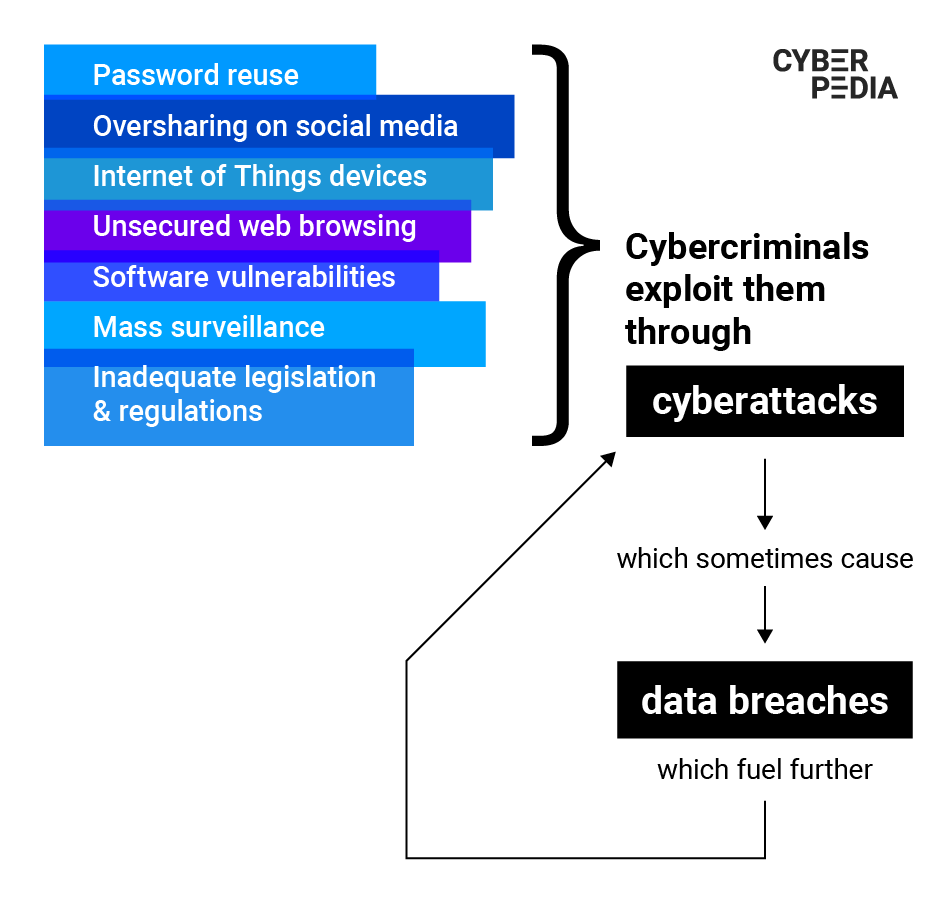
Online privacy refers to your ability to control how your personal information is collected, stored, shared, and used on the internet. This information includes your name, email address, passwords, browsing history, financial details, location, and online activity.
Every website and application requests some level of personal information. While many services use this data to improve user experience, others may collect more information than necessary. Understanding what you share online helps you make better privacy decisions.
Maintaining online privacy allows you to browse the internet with greater confidence while reducing unnecessary exposure of personal information.
Why Online Privacy Matters More Than Ever

Technology has evolved rapidly over the past few years. Cloud computing, artificial intelligence, connected devices, and smart applications have made digital services faster and more convenient. However, these innovations also create additional opportunities for cyber threats.
Without proper privacy protection, users may face several risks, including:
- Identity theft
- Financial fraud
- Account hacking
- Data breaches
- Tracking by advertisers
- Phishing attacks
- Social engineering scams
- Unauthorized data collection
Taking simple preventive measures today can help avoid serious problems in the future.
Common Online Privacy Risks
Before improving your privacy, it is important to understand the most common threats.
Weak Passwords
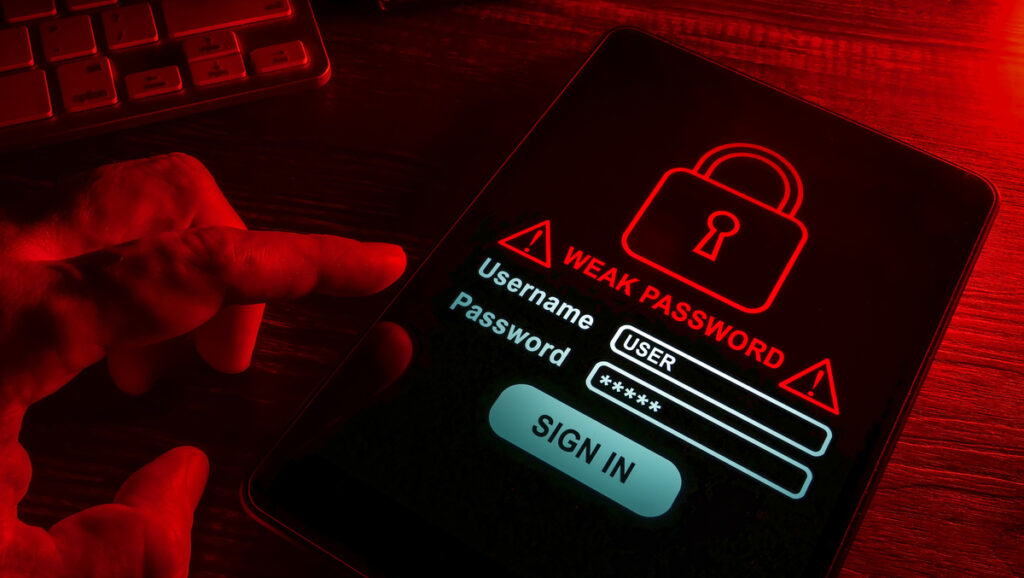
Many people continue using simple passwords across multiple accounts. If one account becomes compromised, attackers often attempt to access other accounts using the same credentials.
Public Wi-Fi Networks
Free public Wi-Fi can be convenient, but unsecured networks may allow attackers to intercept internet traffic. Sensitive activities such as online banking should be avoided when using public connections.
Phishing Emails
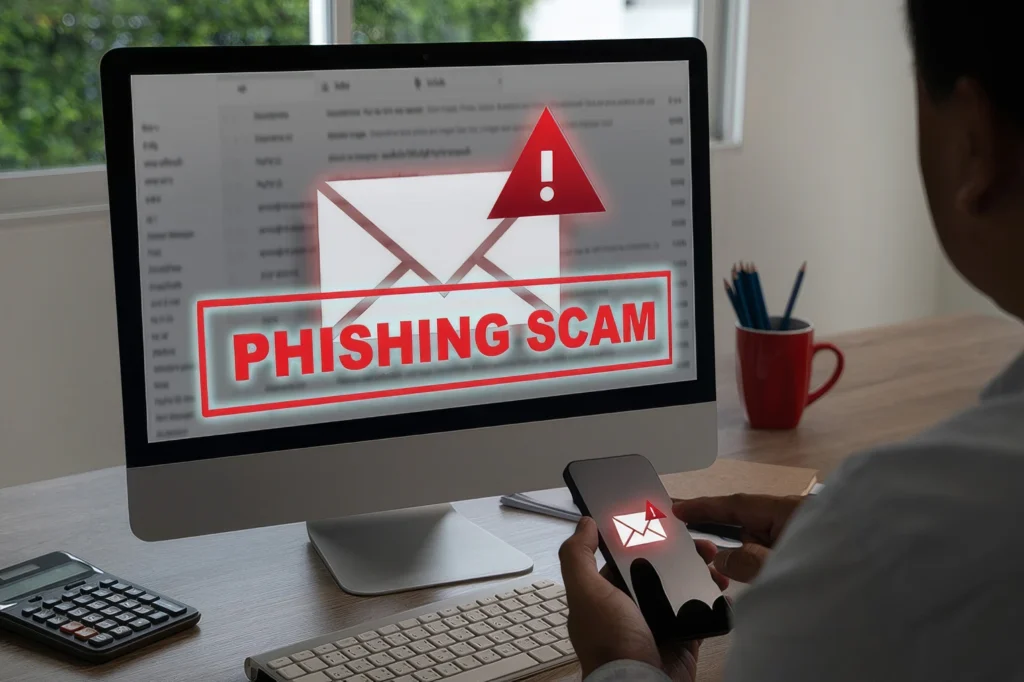
Cybercriminals frequently send fake emails pretending to represent trusted companies. These messages encourage users to reveal passwords, financial information, or verification codes.
Excessive App Permissions
Many mobile applications request access to contacts, cameras, microphones, locations, and storage even when these permissions are unnecessary.
Reviewing app permissions regularly helps reduce unnecessary data sharing.
Social Media Oversharing
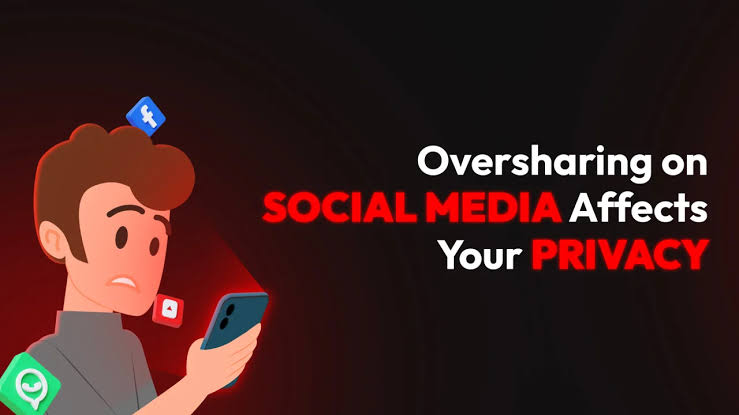
Sharing personal details such as birthdays, addresses, travel plans, or workplace information can provide valuable information to cybercriminals.
Limiting public information makes identity theft more difficult.
How to Protect Online Privacy in 2026
Improving online privacy does not require expensive software. Small changes can significantly improve your digital security.
Use Strong and Unique Passwords
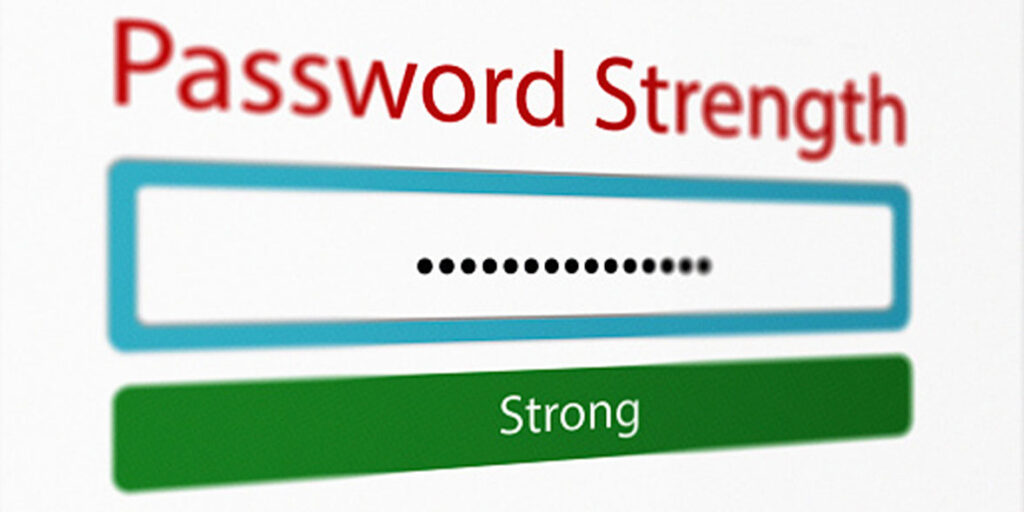
Every account should have a different password containing uppercase letters, lowercase letters, numbers, and symbols.
Avoid using:
- Birth dates
- Phone numbers
- Family names
- Common words
A password manager can securely generate and store complex passwords for multiple accounts.
Enable Two-Factor Authentication
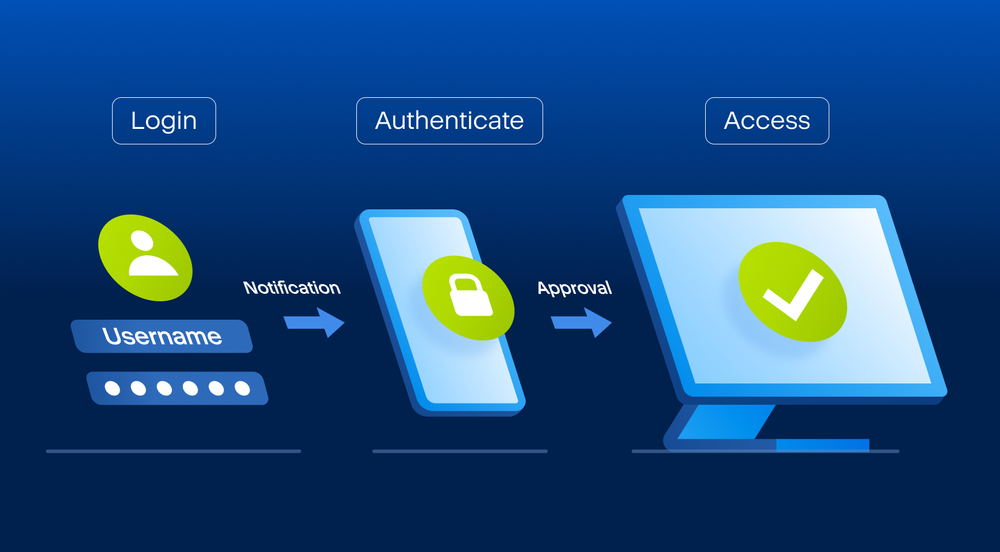
Two-factor authentication (2FA) adds another security layer after entering your password.
Even if someone discovers your password, they still need the second verification method before accessing your account.
Many popular services now support:
- Authentication apps
- Security keys
- Verification codes
- Biometric authentication
This simple feature dramatically improves account security.
Browse with Secure Websites
Always verify that websites use HTTPS encryption before entering personal information.
A secure website typically displays:
- HTTPS in the address bar
- A padlock icon
- Valid security certificates
Encrypted connections help protect your information during transmission.
Keep Software Updated
Software updates often include important security patches.
Always update:
- Operating systems
- Browsers
- Mobile apps
- Antivirus software
- Password managers
Ignoring updates leaves devices vulnerable to known security flaws.
Limit Personal Information Sharing
Not every website requires complete personal information.
Whenever possible:
- Skip optional profile details.
- Hide your phone number.
- Avoid posting your exact location.
- Remove outdated online accounts.
Reducing your digital footprint decreases unnecessary exposure.
Review Privacy Settings
Most online platforms provide privacy controls that allow users to manage data collection and account visibility.
Regularly review settings for:
- Social media accounts
- Google account
- Microsoft account
- Apple ID
- Browsers
- Mobile devices
Adjusting these settings helps limit how much information companies collect.
Best Privacy Tools in 2026
Using the right privacy tools can strengthen your online security and reduce the amount of personal data exposed to third parties. While good browsing habits are essential, reliable tools provide an extra layer of protection.
Use a Trusted VPN
A Virtual Private Network (VPN) encrypts your internet connection, making it more difficult for others to monitor your online activity. A VPN is especially useful when using public Wi-Fi because it helps secure your data from unauthorized access.
When selecting a VPN, look for features such as:
- Strong encryption
- No-log policy
- Fast connection speeds
- Global server locations
- Kill switch protection
A trustworthy VPN improves privacy without significantly affecting browsing performance.
Choose a Privacy-Focused Browser
Not every web browser offers the same level of privacy. Some browsers include built-in tracking protection that limits how advertisers collect your browsing information.
A privacy-focused browser can help by:
- Blocking tracking cookies
- Preventing browser fingerprinting
- Improving website security
- Reducing targeted advertising
Keeping your browser updated also ensures you receive the latest security improvements.
Install Privacy Extensions
Browser extensions can provide additional protection while browsing.
Useful privacy extensions can:
- Block advertisements
- Prevent website tracking
- Detect malicious websites
- Force encrypted HTTPS connections
- Control cookie permissions
However, install extensions only from trusted developers to avoid introducing new security risks.
Protect Your Privacy on Social Media
Social media platforms encourage users to share personal information, but oversharing can expose unnecessary details to strangers or cybercriminals.
To improve privacy:
- Keep your profile private whenever possible.
- Limit who can view your posts.
- Avoid sharing your home address or phone number.
- Disable location sharing unless needed.
- Accept friend requests only from people you know.
- Review your privacy settings regularly.
Being selective about what you share reduces the chances of identity theft and online scams.
Secure Your Mobile Devices
Smartphones contain emails, photos, passwords, banking apps, and personal documents. Protecting your mobile device is just as important as securing your computer.
Follow these best practices:
- Enable fingerprint or facial recognition.
- Use a strong screen lock PIN.
- Install updates as soon as they become available.
- Download apps only from official stores.
- Remove apps you no longer use.
- Review app permissions regularly.
These simple habits help protect sensitive information stored on your device.
Stay Safe While Shopping Online
Online shopping continues to grow, making it a popular target for scammers.
Before making a purchase:
- Shop only from reputable websites.
- Verify secure payment pages.
- Avoid clicking links in suspicious emails.
- Use secure payment methods.
- Monitor your bank statements regularly.
Safe shopping habits reduce the risk of financial fraud and payment theft.
Protect Your Email Account
Email is often the gateway to your online accounts. If someone gains access to your email, they may be able to reset passwords for other services.
To secure your email:
- Use a unique password.
- Enable two-factor authentication.
- Avoid opening unknown attachments.
- Verify suspicious emails before responding.
- Delete phishing messages immediately.
A well-protected email account strengthens the security of your entire digital identity.
Common Online Privacy Mistakes
Many people unknowingly weaken their privacy through everyday habits.
Avoid these common mistakes:
- Reusing the same password on multiple websites.
- Ignoring software updates.
- Clicking unknown links.
- Connecting to unsecured public Wi-Fi.
- Granting unnecessary app permissions.
- Sharing excessive personal information online.
- Using outdated browsers.
- Ignoring account security alerts.
Recognizing these mistakes makes it easier to build safer online habits.
The Future of Online Privacy
As artificial intelligence, cloud computing, and smart devices continue to evolve, protecting personal information will become even more important. Governments are introducing stronger privacy regulations, while technology companies are improving security features to give users more control over their data.
At the same time, cybercriminals continue to develop more sophisticated attacks. This means individuals must remain informed about emerging threats and regularly update their privacy practices.
Developing strong digital habits today will help create a safer online experience in the years ahead.
Final Thoughts
Learning how to protect online privacy is one of the most valuable digital skills in 2026. Every online activity, from browsing websites to using social media and online banking, involves sharing information that deserves protection.
Fortunately, improving your privacy does not require advanced technical knowledge. Strong passwords, two-factor authentication, secure browsing, trusted privacy tools, regular software updates, and careful sharing habits can significantly reduce your exposure to online threats.
By staying informed and following these practical strategies, you can enjoy the benefits of the internet while maintaining greater control over your personal information and digital identity.
Frequently Asked Questions (FAQs)
1. Why is online privacy important in 2026?
Online privacy protects your personal information from cybercriminals, identity theft, data breaches, and unauthorized tracking while giving you greater control over your digital life.
2. What is the easiest way to improve online privacy?
Using strong passwords, enabling two-factor authentication, updating your software, and reviewing privacy settings are some of the simplest and most effective ways to enhance online privacy.
3. Does a VPN completely protect my privacy?
A VPN improves privacy by encrypting your internet connection, but it should be combined with safe browsing habits, secure passwords, and updated software for stronger overall protection.
4. How often should I review my privacy settings?
It is recommended to review your privacy settings every few months or whenever a platform introduces new features or policy changes.
5. What information should I avoid sharing online?
Avoid publicly sharing sensitive information such as your home address, phone number, financial details, passwords, identification documents, travel plans, or other personal data that could be misused.