
Introduction

SEO Internal Linking is one of the most effective on-page SEO techniques for improving website visibility in search engines. Internal links create connections between different pages on the same website, making it easier for visitors to navigate and helping search engines find and understand your content more efficiently. t. A well-planned internal linking strategy improves website structure, distributes page authority, and increases the chances of ranking higher on search engine results pages.
Many website owners focus only on creating new articles but ignore internal linking. Even high-quality content may struggle to rank if search engines cannot easily understand the relationship between different pages. By using internal links correctly, you can strengthen your entire website instead of relying on individual pages.
This guide explains everything you need to know about SEO internal linking, including its benefits, best practices, common mistakes, and How to Create a Strong Internal Linking Strategy that supports long-term SEO growth.
What Is SEO Internal Linking?
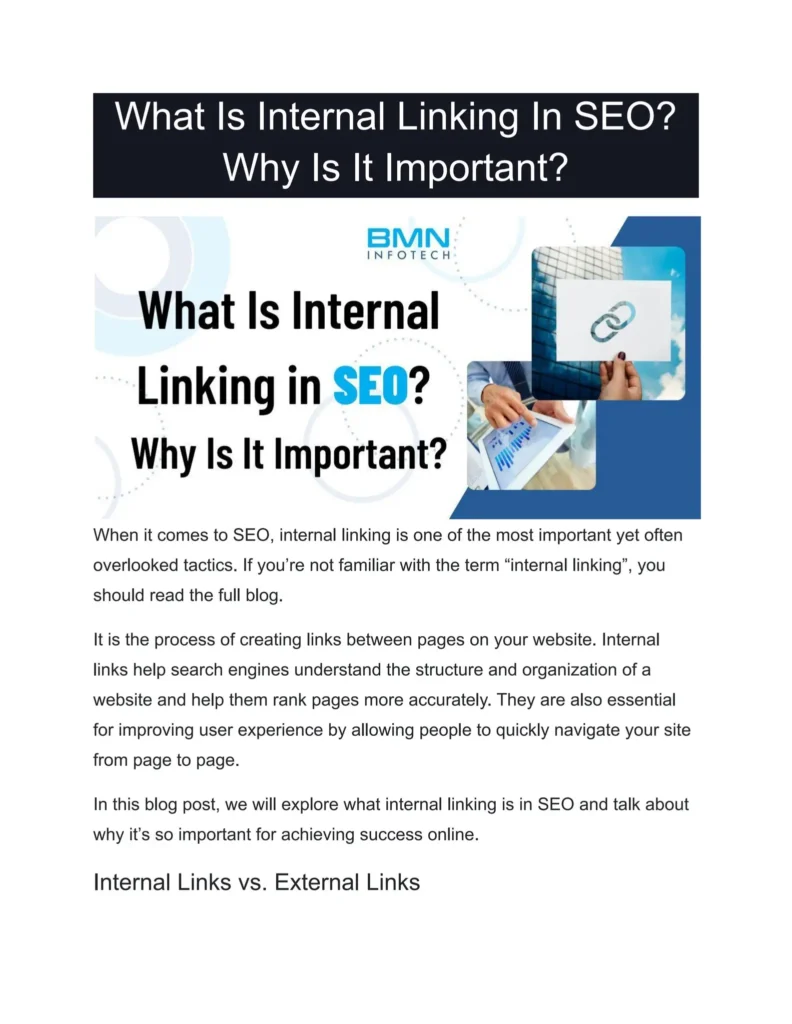
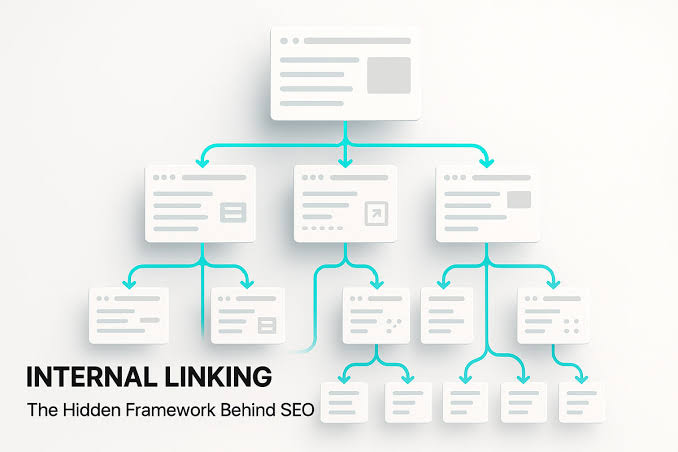
Internal linking in SEO involves creating links between related pages on the same website to improve navigation and help search engines understand the site’s structure. . nternal links make it easier for users to move through your website and help search engines discover, crawl, and interpret your pages more effectively
For example, if you publish an article about keyword research, you can naturally link it to another article about on-page SEO or technical SEO.
Unlike external links that point to different websites, internal links keep users on your own website and encourage them to explore additional content.Why SEO Internal Linking Is Important
Internal linking provides many SEO advantages that contribute to better rankings.
Improves Website Crawling
Internal links help search engine crawlers find and index new pages across a website. Without proper links, some pages may remain hidden and take longer to be indexed.
Distributes Page Authority
Pages with strong authority can pass value to other important pages through internal links. This improves the ranking potential of newer or less authoritative pages.
Enhances User Experience
Visitors can easily find related articles without searching again. This creates a smooth browsing experience and encourages users to spend more time on your website.
Reduces Bounce Rate
When readers find useful related content, they continue exploring instead of leaving after reading a single page.
Supports Content Organization

Internal links help search engines understand the relationship between different topics and organize your website into clear content categories.
H2: Best Practices for SEO Internal Linking
Creating internal links is simple, but using them correctly makes a significant difference.
Use Relevant Anchor Text
The clickable text should clearly describe the destination page. Instead of generic phrases like “Click Here,” use descriptive keywords that match the topic.
Link to Relevant Pages
Link pages only when they are genuinely relevant and provide useful context for readers.
Unplanned internal links may reduce clarity, making it harder for users and search engines to understand your website’s structure.
Keep a Logical Website Structure
Organize your content into categories and subcategories so visitors can easily navigate through related topics.
Link Important Pages Frequently
Your most valuable pages should receive internal links from multiple relevant articles to increase their visibility.
Update Older Articles
Whenever you publish new content, revisit older posts and add links to the latest article where appropriate.
Common Internal Linking Mistakes
Common internal linking mistakes can negatively affect SEO, even when website owners are unaware of them
Adding Too Many Links
A page filled with excessive links may confuse readers and lessen the impact of individual links.
Using Irrelevant Anchor Text

Good anchor text should accurately reflect the content of the destination page rather than relying on unnecessary or repetitive keywords.
Ignoring Older Content
Many older articles have built up authority over time, but they are not always linked to newly published content. . Updating them with fresh internal links keeps them valuable.
Creating Orphan Pages
Pages without internal links are difficult for search engines to find and index.
Linking Only to the Homepage
Many websites repeatedly link only to their homepage instead of supporting important category and article pages.
Simple Steps to Build a Strong Internal Linking Strategy
A successful internal linking strategy begins with organizing your content into related topics.
Start by identifying your main categories. Then create supporting articles that explain different aspects of each category. Connect these articles naturally using descriptive anchor text.
After publishing new content, revisit your existing pages to connect them with useful and relevant internal links whenever possible.
Regular website audits help identify broken links, orphan pages, and pages that need additional internal links.
A consistent strategy ensures every important page receives enough internal link support over time.
Internal Linking and User Experience
Internal linking is not only an SEO technique but also an important part of website usability.
Visitors appreciate websites that help them discover useful information without unnecessary searching. When users spend more time reading related content, search engines recognize positive engagement signals.
Helpful navigation builds trust, increases page views, and improves the overall experience for every visitor.
Tips to Improve Internal Linking
- Connect related articles naturally.
- Use clear and descriptive anchor text.
- Avoid keyword stuffing.
- Link to high-value pages regularly.
- Review internal links every few months.
- Fix broken links immediately.
- Refresh existing posts with relevant links that point to your newest content.
- Create topic clusters around important keywords.
- Keep website navigation simple.
- Focus on user value before SEO.
Conclusion
Internal linking is a simple yet powerful SEO technique that can help improve your website’s search engine rankings.
A carefully organized internal linking system helps search engines explore your website efficiently, strengthens the visibility of important pages, and creates a smoother browsing experience for visitors.
Instead of treating every article as separate content, connect your pages strategically to build a strong website structure. When implemented correctly, internal linking can improve page indexing, drive consistent organic traffic, and boost the overall effectiveness of your SEO efforts.
Consistent internal linking, combined with high-quality content and proper on-page optimization, provides a solid foundation for long-term search engine success.
FAQs
What is SEO internal linking?
SEO internal linking is the process of connecting pages within the same website to improve navigation and search engine crawling.
Why are internal links important for SEO?
They help search engines discover pages, distribute authority, improve user experience, and increase ranking potential.
How many internal links should I add?
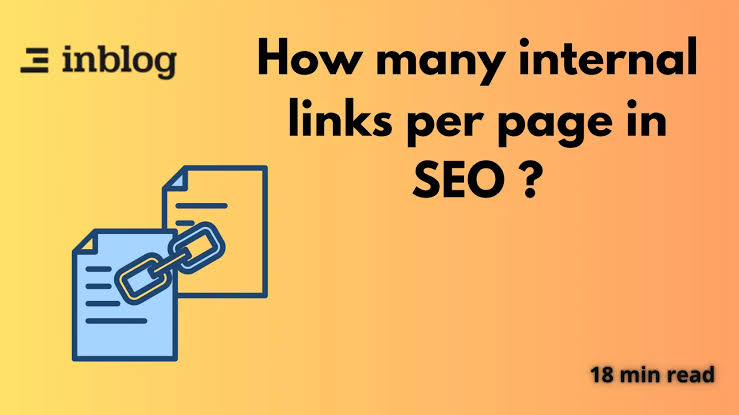
Use only as many links as are naturally useful for readers. Focus on relevance instead of quantity.
Does internal linking help new pages rank?
Yes. Links from authoritative pages can help new pages get indexed faster and improve their visibility.
Should every page have internal links?
Yes. Every important page should both receive and provide relevant internal links to maintain a healthy website structure.