
Managing user experience is an important part of running a successful WordPress website. When visitors log in, sending them to the most relevant page can improve navigation, increase engagement, and help users access important content more quickly.
By default, WordPress often redirects users to the dashboard after login. While this behavior works for administrators, it may not be ideal for members, customers, students, subscribers, or other user types.
Creating custom login redirects allows website owners to guide users directly to the pages they need most.
In this guide, you will learn why login redirects matter, how they work, and the most effective ways to implement them in WordPress.
What Is a Login Redirect in WordPress?
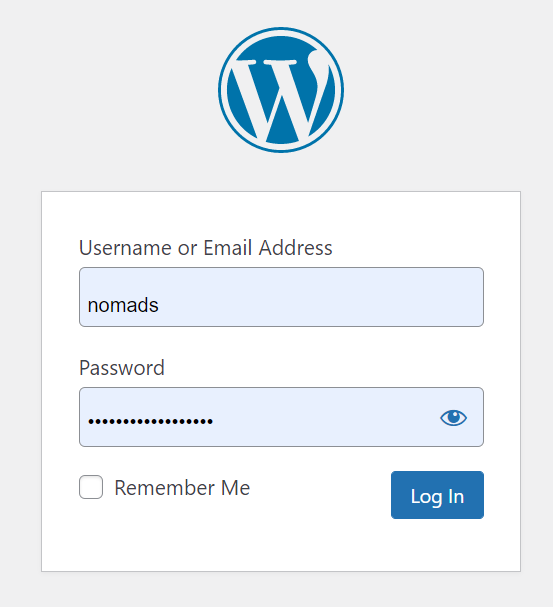
A login redirect determines where a user lands immediately after signing in.
Instead of sending everyone to the same location, WordPress can direct users to specific pages based on:
- user roles
- membership levels
- customer accounts
- learning portals
- custom requirements
This create a smooth and more personalize experience.
Why Redirect Users After Login?
Custom redirects provide several advantages.
Better User Experience
Users can access relevant content immediately after authentication without searching through menus.
Improved Navigation
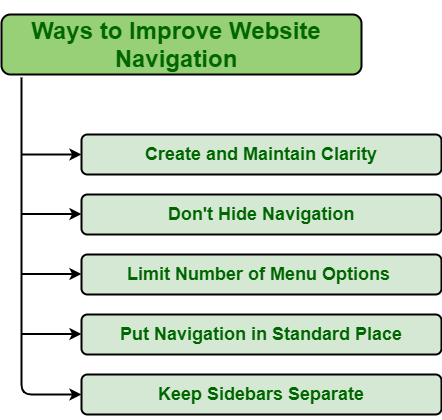
Redirects reduce unnecessary clicks and simplify website navigation.
Increased Engagement

Sending users directly to important content can encourage additional interaction.
Enhanced Workflow
Businesses and membership websites often use redirects to streamline user activities.
Common Login Redirect Examples
Different websites require different redirect strategies.
Examples include:
Membership Websites
Members can be redirected to:
- account dashboards
- exclusive content areas
- subscription management pages
Online Stores
Customers may be directed to:
- account pages
- order history sections
- special promotions
Learning Platforms
Students can access:
- course dashboards
- lesson libraries
- learning resources
Community Websites
Users can be redirected to:
- profile pages
- discussion forums
- community dashboards
Understanding User Roles
WordPress includes several user roles by default.
Common roles include:
- Administrator
- Editor
- Author
- Contributor
- Subscriber
Each role has different permissions and responsibilities.
Custom redirects can be configured based on these user roles.
For example:
Administrators may access the dashboard while subscribers are directed to a members-only area.
Methods to Create Login Redirects
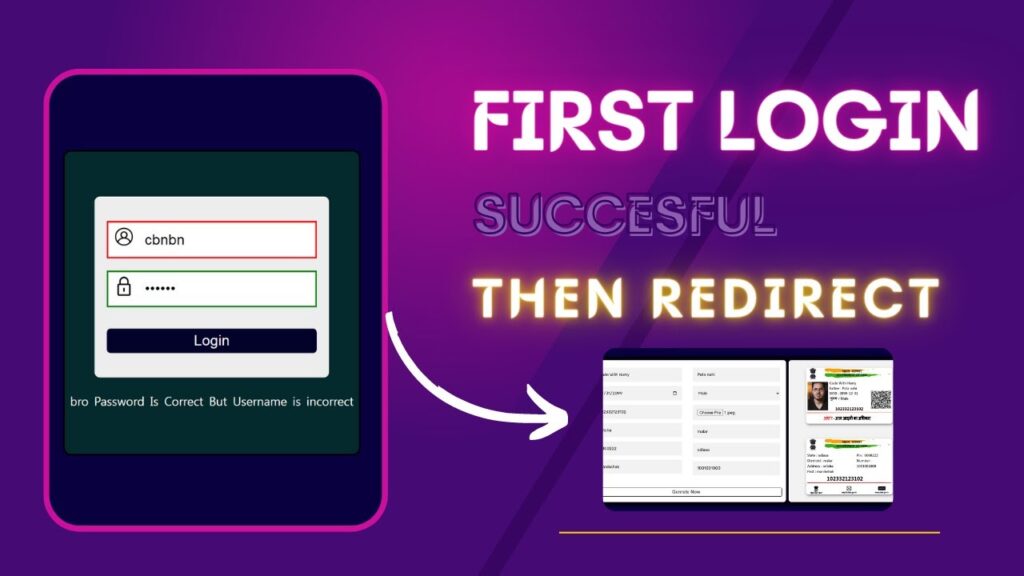
Several approaches can be used to implement custom redirects.
Using a WordPress Plugin
Many websites owner choose plugins because they provideing a user friendly interface.
Advantages include:
- simple configuration
- role-based redirects
- no advanced coding required
Plugins are often suitable for beginners and non-technical users.
Using Custom Code
Developers frequently use custom code to create advanced redirect rules.
Benefits include:
- greater flexibility
- custom logic
- improved control
Custom solution can be tailored to specific business requirement.
Redirecting Users Based on Roles
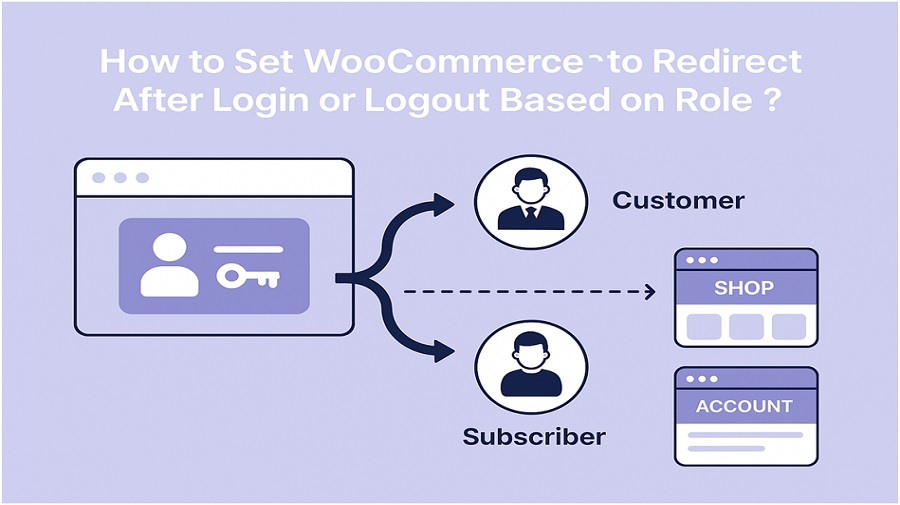
Role-based redirection remains one of the most popular methods.
Examples:
Administrators
Administrators typically require access to the WordPress dashboard.
Subscribers
Subscriber often benefits from being redirect to account pages or protect content.
Customers
E-commerce users may prefer direct access to order management areas.
Students
Educational websites often send students directly to learning dashboards.
This approach creates a more personalized user experience.
Best Practices for Login Redirects
Implementing redirects correctly can improve usability.
Keep Navigation Simple
Redirect users to pages that match their goals.
Avoid sending visitors through unnecessary steps.
Test Redirect Rules
Always verify that redirects function correctly for different user roles.
Testing helps prevent navigation issues.
Avoid Redirect Loops
A redirect loop occurs when users become trapped between multiple pages.
Carefully review redirect settings before publishing changes.
Maintain Mobile Compatibility
Many users access websites from mobile devices.
Ensure redirected pages perform well across different screen sizes.
Common Problems and Solutions
Website owners occasionally encounter issues while configuring redirects.
Redirect Not Working
Possible causes include:
- plugin conflicts
- caching issues
- incorrect settings
Testing in a private browser window can help identify the problem.
Users Reaching the Wrong Page
Review role assignments and redirect rules to ensure accuracy.
Conflicting Redirect Rules
Multiple plugins may create competing redirect instructions.
Reducing unnecessary plugins can help simplify troubleshooting.
SEO Considerations
Although login redirects primarily affect user experience, they can indirectly support SEO goals.
Benefits include:
- improved engagement
- better navigation
- reduced confusion
- enhanced user satisfaction
Search engine often favor website that provideing positive user experience.
Future Trends in WordPress User Management
As WordPress websites become more sophisticated, user personalization continues to grow.
Future developments may include:
- AI-powered personalization
- behavior-based redirects
- advanced membership experiences
- dynamic user journeys
These innovations may help websites deliver more relevant experiences for visitors.
Final Thoughts
Redirecting users to custom pages after login is a practical way to improve website usability and streamline navigation.
Whether managing a membership platform, online store, educational website, or business portal, custom redirects can help users reach important content faster.
By understanding user roles, implementing appropriate redirect rules, and testing configurations carefully, website owners can create a smoother and more efficient login experience.
FAQs
How can users be redirected to a specific page after WordPress login?
Website owners can use plugins or custom code to send users to designated pages after authentication.
Can different user roles have different redirect destinations?
Yes. WordPress allows role-based redirects for administrators, subscribers, customers, and other user types.
Why are login redirects useful?
They improve navigation, reduce unnecessary clicks, and help users access important content quickly.
Can login redirects affect SEO?
Indirectly, improved user experience and engagement may contribute to better website performance.
What causes WordPress login redirects to fail?
Common causes include plugin conflicts, caching issues, incorrect redirect rules, or configuration errors.