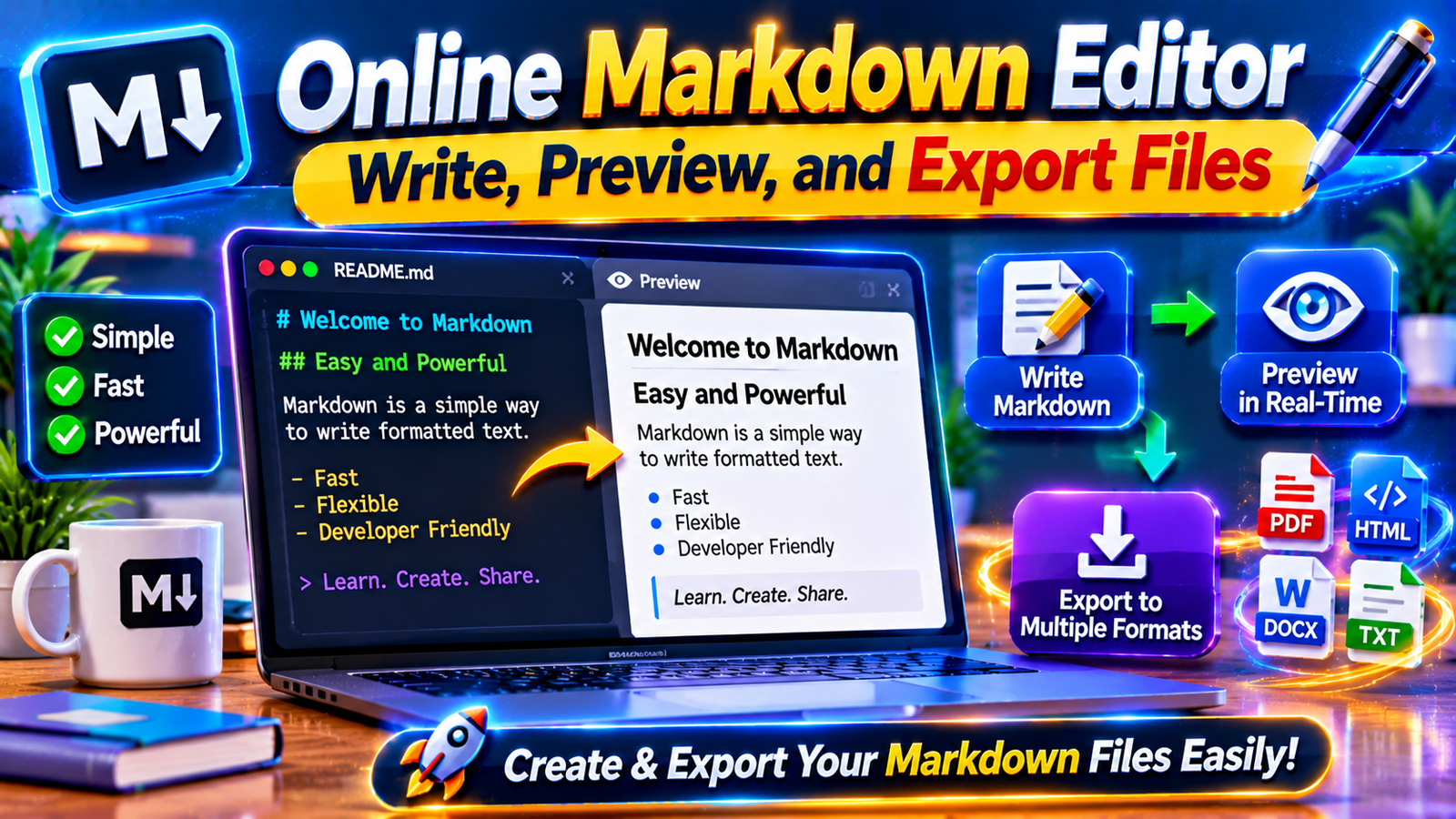

Writing and formatting digital documents has become an essential part of modern work. Developers, bloggers, students, technical writers, and content creators regularly prepare documentation, website content, notes, and project descriptions. However, traditional text editors do not always provide the flexibility required for writing structured documents efficiently. This is where an online Markdown editor becomes useful.
An online Markdown editor is a browser-based writing tool that allows users to create and format documents using simple text-based commands. Instead of manually adjusting fonts, sizes, and paragraph styles, users can apply Markdown syntax to organize their content. Many editors also provide a live preview, allowing writers to see how their documents will appear after formatting.
These tools are particularly useful for creating README files, technical documentation, blog posts, project notes, and website content. Most browser-based editors work without requiring complicated software installation, making them accessible from different devices.
Whether you are a beginner learning Markdown or an experienced developer managing documentation, choosing the right editor can improve your writing workflow. This guide explains how an online Markdown editor works, its important features, popular tools, practical applications, and tips for getting better results.
1. What Is an Online Markdown Editor?

An online Markdown editor is a web-based application that allows users to write, edit, and format Markdown documents directly through an internet browser.It relies on simple formatting symbols to transform plain text into well-organized and readable documents.Markdown is commonly used for creating headings, paragraphs, links, images, lists, quotations, and code blocks. Instead of relying on complex formatting menus, writers use recognizable characters to organize their documents.
For example, adding a hash symbol before a sentence creates a heading, while placing two asterisks around selected words makes them bold.
Here are some basic Markdown examples:
Creating a heading:
Making text bold or italic:
Creating a list:
Adding a hyperlink:
A Markdown editor processes these commands and displays the resulting formatted content. Many online tools provide two separate areas: one for writing the original Markdown and another for viewing the rendered document.
The main advantage is simplicity. Users can create structured documents without spending unnecessary time adjusting formatting manually.
Markdown is also widely used in software development because its files are lightweight, readable, and compatible with version control systems. Developers frequently use it for project documentation, installation instructions, and GitHub README files.
2. How Does an Online Markdown Editor Work?

An online Markdown editor works by converting Markdown syntax into formatted content that users can preview and sometimes export into other document formats.
Although individual tools may have different interfaces, most follow a similar process.
Step 1: Open the Editor
Visit an online Markdown editing website using a modern browser. Many tools allow users to begin writing without creating an account or downloading software.
Step 2: Enter Your Markdown Text
Type your content into the editing area. You can write normal paragraphs and add Markdown commands wherever formatting is required.
Step 3: Apply Formatting Syntax
Use symbols to create headings, lists, links, images, quotations, and code blocks. Some editors also provide toolbar buttons that automatically insert the required Markdown syntax.
Step 4: Preview the Document
A live preview feature displays the formatted version of your content. This helps identify formatting problems while you are writing instead of discovering them after publishing.
Step 5: Edit and Improve Your Content
Review the document, correct mistakes, reorganize sections, and adjust formatting as needed.
Step 6: Save or Export Your Work
Depending on the editor, you may download the original Markdown file or export the finished document as HTML, PDF, or another supported format.
Some tools process everything locally inside the browser, while others provide cloud storage or sharing features. Therefore, saving and privacy options can differ between services.
A good editor should make writing straightforward and provide a reliable way to preserve your work.
3. Important Features of a Good Online Markdown Editor

Not every Markdown editor provides the same functionality. Some offer only basic text formatting, while advanced tools include document management, code highlighting, diagrams, and multiple export options.
Before choosing a tool, consider the following features.
Live Preview
Live preview is one of the most useful features of a Markdown editor.
It displays the formatted document while you are writing, allowing you to check headings, paragraphs, lists, and other elements immediately.
This reduces the need to repeatedly export or open documents in another application.
Syntax Highlighting
Syntax highlighting makes Markdown commands and code blocks easier to recognize.
It is particularly useful for developers who include programming examples in their documentation.
File Import and Export
A useful online Markdown editor should provide convenient options for opening and saving documents.
Common supported file types include:
- .md files
- .markdown files
- .txt files
- HTML documents, where supported
Export options may include HTML, PDF, Word, or plain text, depending on the application.
Table Support
Tables present information in a clear, structured format using rows and columns.
As this conversation gets longer, ChatGPT may lose track of details from earlier in the chat. Upgrade for more context in every conversation.
Upgrade to Plus
For example:
This feature is helpful for documentation, comparisons, tutorials, and technical reports.
Code Block Formatting
Developers often include programming examples in Markdown documents.
Fenced code blocks help separate code from normal paragraphs and can support language-specific syntax highlighting.
Auto-Save and Document Management
Some editors automatically preserve changes in browser storage or cloud accounts.
Multiple-document management, search, folders, and backup options can also make longer writing projects easier to organize.
Mobile Compatibility
A responsive editor should work properly on smartphones, tablets, and desktop computers.
Mobile-friendly interfaces make it easier to edit short documents when a computer is unavailable.
4. Best Online Markdown Editors to Try in 2026
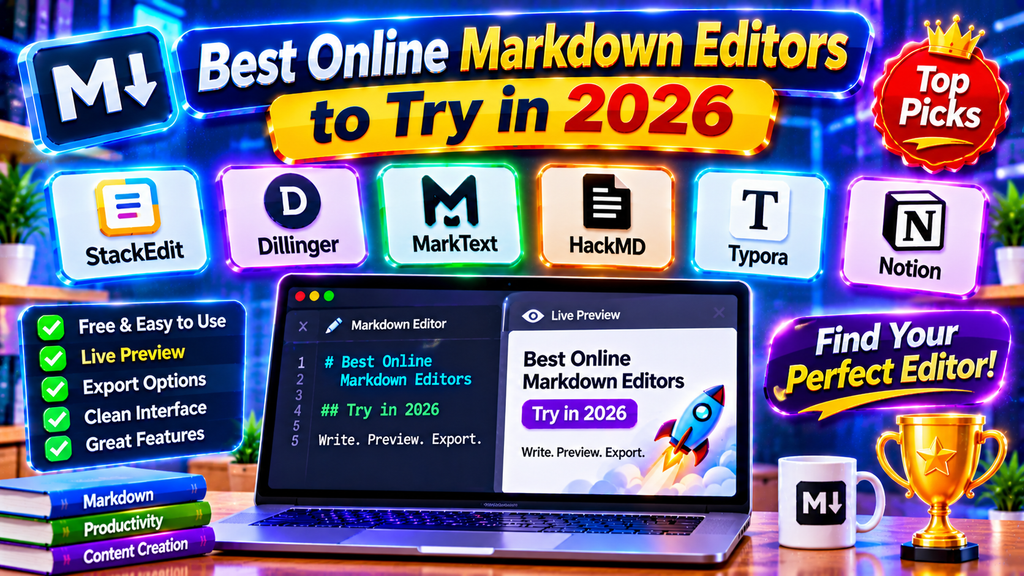
Several online tools offer Markdown writing and preview functionality. Their features and intended audiences differ, so the right option depends on your requirements.
1. Markdown.org
Markdown.org provides Markdown learning resources and browser-based tools. It is useful for beginners who want to understand Markdown syntax while exploring related editing and conversion utilities.
Its resources cover headings, formatting, lists, links, images, tables, and other Markdown features.
Website: https://markdown.org/
2. Markdown Editor Preview
Markdown Editor Preview provides a straightforward writing interface with a live formatted preview.
It supports features such as GitHub Flavored Markdown, code highlighting, tables, task lists, and mathematical expressions.
The service also explains that documents remain in browser storage rather than being uploaded to its server.
Website: https://www.markdowneditorpreview.com/
3. Dillinger
Dillinger is a browser-based Markdown editor designed for writing and previewing documents. It has been known for its split editing interface and document export capabilities.
Before relying on any cloud integration or export feature, check its current availability and service documentation.
Website: https://dillinger.io/
4. StackEdit
StackEdit is a Markdown editor known for its writing interface and support for structured documents.
It has offered features such as live preview, Markdown formatting, and document synchronization options.
It can be useful for writers who prefer working with longer Markdown documents and additional editing tools.
Website: https://stackedit.io/
5. Visual Studio Code
Visual Studio Code is primarily a code editor rather than a dedicated online Markdown website, but it provides built-in Markdown editing and preview functionality.
Users can create .md files, edit their content, and open a rendered preview alongside the original document.
This makes it a useful option for developers who already use VS Code for programming and project documentation.
Website: https://code.visualstudio.com/
The best approach is to compare available features before selecting an editor. Beginners may prefer a simple browser-based tool, while developers managing large projects may benefit from more advanced editing environments.
5. Practical Uses of an Online Markdown Editor

Markdown editors are useful in many situations because the format is simple, portable, and suitable for structured writing.
Creating README Files
Developers use Markdown to prepare README files that explain how software projects work.
A README document may include installation instructions, project descriptions, usage examples, dependencies, and contribution guidelines.
Markdown makes these documents easier to organize and maintain.
Writing Technical Documentation
Technical writers can use Markdown to create tutorials, software manuals, troubleshooting guides, and product documentation.
Its simple formatting syntax helps maintain consistent document structures.
Preparing Blog Posts
Bloggers can write article drafts in Markdown before transferring them to their content management systems.
Headings, links, lists, and quotations can be organized without complicated formatting steps.
Taking Personal Notes
Students and professionals can use Markdown for meeting notes, study materials, project plans, and daily records.
Because Markdown files are plain text, they can be opened using many different applications.
Managing Software Projects
Development teams often use Markdown for documentation stored alongside source code.
This allows team members to update instructions and project information while maintaining changes through version control.
Creating Educational Resources
Teachers and students can prepare study guides, programming examples, assignments, and learning materials using Markdown.
Its readable structure makes it suitable for sharing technical and educational information.
Writing Website Content
Website owners can prepare structured content using Markdown and convert it into HTML through compatible publishing systems.
This can simplify the process of maintaining articles and documentation.
6. Benefits, Limitations, and Privacy Considerations
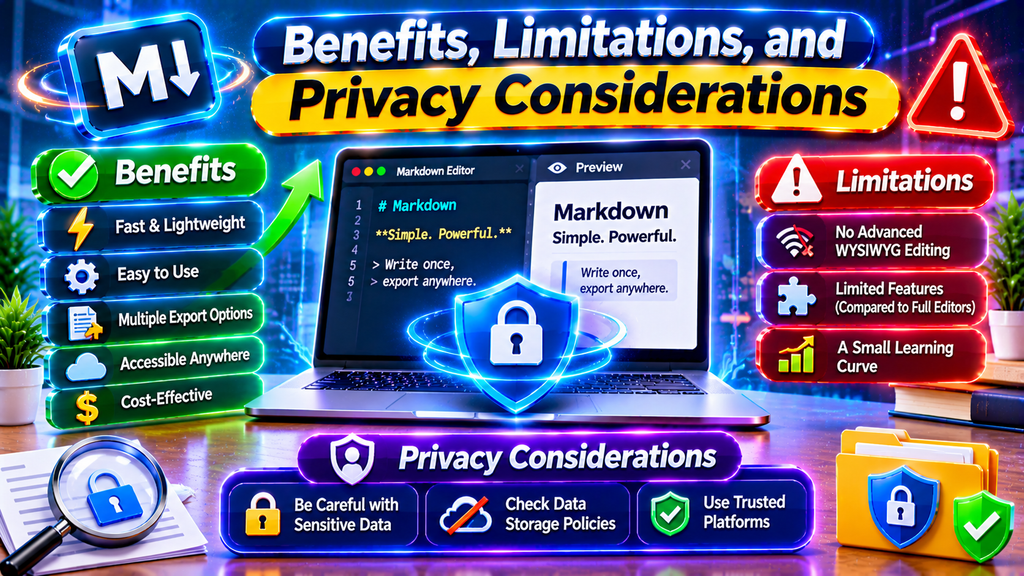
An online Markdown editor offers several advantages, but understanding its limitations is equally important.
Benefits of Using Markdown Editors
Easy Formatting: Markdown syntax is simple to learn and does not require advanced formatting knowledge.
Browser Accessibility: Many editors can be opened directly through a browser without installing additional software.
Portable Documents: Markdown files are generally lightweight plain-text documents that can be opened in different compatible applications.
Improved Productivity: Live preview and keyboard shortcuts can make writing and editing faster.
Developer-Friendly: Markdown works particularly well for software documentation and project notes.
Multiple Export Options: Some tools support conversion into HTML, PDF, Word, or other formats.
Limitations to Consider
Markdown is not designed to replace every advanced word-processing application.
Documents requiring complicated page layouts, extensive typography controls, or highly customized designs may be easier to prepare using dedicated publishing software.
Another limitation is that Markdown extensions are not always supported equally across different applications. A table, diagram, or special formatting feature may appear differently depending on the Markdown processor.
Online editors can also depend on browser functionality and internet connectivity, although some applications support offline use after loading.
Privacy and Document Security
Privacy is important when choosing an online writing tool.
Some editors process documents locally within the browser, while others may offer cloud synchronization or online storage.
Before writing sensitive information, review the service’s privacy policy and understand where documents are stored.
Consider these safety practices:
- Avoid entering passwords or confidential business information into unfamiliar editors.
- Check whether documents are uploaded to external servers.
- Use secure websites with HTTPS.
- Save important documents as local backups.
- Review sharing permissions before generating public document links.
A privacy-conscious editor should clearly explain how it handles user content and what storage options are available.
Conclusion
An online Markdown editor is a practical solution for anyone who wants to create organized documents without dealing with complicated formatting processes. Its simple syntax, readable structure, and preview functionality make it useful for developers, students, bloggers, and technical writers.
From preparing README files and technical documentation to writing articles and managing personal notes, Markdown provides a flexible way to organize information. Different online editors offer different capabilities, so comparing live preview, file support, export options, privacy, and mobile compatibility can help you make a better decision.
If you are new to Markdown, start with basic formatting commands and gradually explore advanced features such as tables, code blocks, and document conversion. Choosing an editor that matches your workflow can make writing more efficient and help you manage documents with greater confidence.
Frequently Asked Questions About Online Markdown Editors
1. What is an online Markdown editor?
An online Markdown editor is a browser-based application that allows users to write and format documents using Markdown syntax. Many tools also provide live previews and options to export documents into different formats.
2. Is an online Markdown editor free?
Many online Markdown editors offer free access to basic writing and formatting features. Some provide additional paid services, cloud storage, advanced integrations, or premium functionality.
3. Do I need to install software to use a Markdown editor?
No. Most browser-based Markdown editors work directly through a compatible web browser. However, desktop Markdown applications may require installation.
4. Can I preview Markdown while writing?
Yes. Many Markdown editors include a live preview feature that displays the formatted document as you type. This helps users identify formatting problems immediately.
5. Can I convert Markdown files into PDF?
Some Markdown editors provide PDF export functionality directly. Others allow users to export HTML and use the browser’s print option to save the document as a PDF.
6. What is a Markdown file extension?
The most common Markdown file extensions are .md and .markdown. These extensions identify documents written using Markdown syntax.
7. Can beginners use an online Markdown editor?
Yes. Markdown is relatively easy to learn because it uses simple characters for common formatting tasks. Beginners can start with headings, bold text, lists, links, and paragraphs.
8. Which online Markdown editor is best for developers?
The best choice depends on the developer’s workflow. Browser-based editors are convenient for quick documentation, while Visual Studio Code offers Markdown editing and preview features within a broader development environment.
9. Is an online Markdown editor safe for private documents?
Safety depends on the specific service. Some editors process documents locally, while others provide online storage or synchronization. Review privacy policies and avoid submitting confidential information to services you do not trust.
10. Can I use a Markdown editor on my mobile phone?
Yes. Many browser-based Markdown editors work on smartphones and tablets. However, the editing experience depends on the interface, screen size, and supported features of the selected tool.