
Understanding the Google Page Experience Update in Website owners often focus heavily on content, keywords, and backlinks. Those things still matter, but search visibility is also influenced by how visitors experience your website after they arrive.
That is where the Google Page Experience update becomes important.
Many site owners have heard the term, but not everyone fully understands what it means or how it affects rankings.
This guide explains the update in practical language. You will learn what page experience means, why it matters, and what actions can improve your website.
What Is the Google Page Experience Update?
The Page Experience update is a ranking signal that helps Google evaluate how users experience a page beyond just content relevance.
In simple terms, Google wants pages that are not only useful but also pleasant to use.
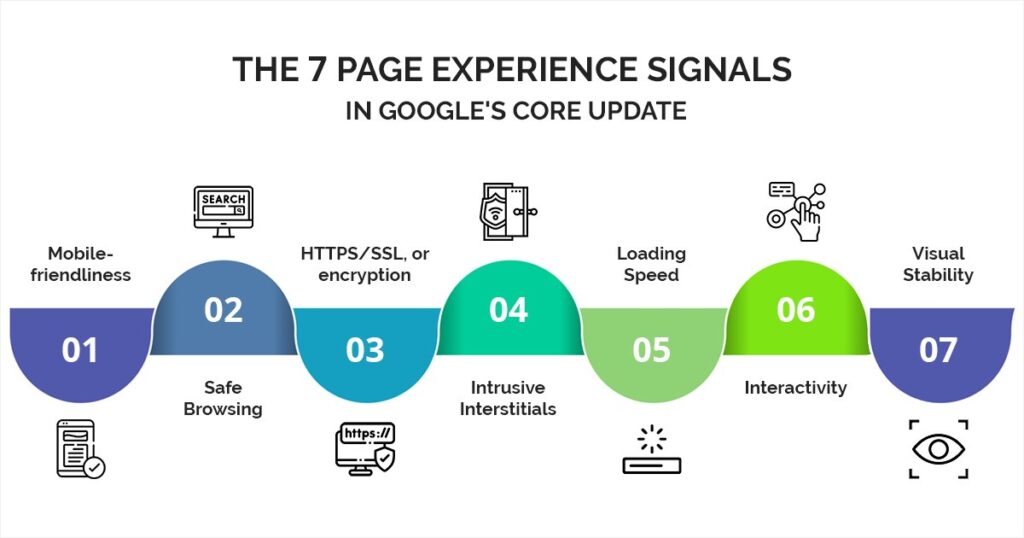
That includes things like:
- fast loading
- stable layout
- mobile usability
- safe browsing
- secure connections
The update does not replace content quality. Instead, it adds another layer of evaluation.
A page with helpful information can still perform better when the user experience is also strong.
Why Did Google Introduce It?
Search engines want users to have a good experience after clicking a result.
A page may contain excellent information, but if it loads slowly, jumps around while loading, or feels difficult to use on mobile, visitors often leave quickly.
The Page Experience update encourages websites to think about usability, not only content.
That is useful for both search engines and users.

What Signals Are Included in Page Experience?
Page experience is made up of several signals.
Core Web Vitals
These are among the most discussed elements.
They focus on real user interaction.
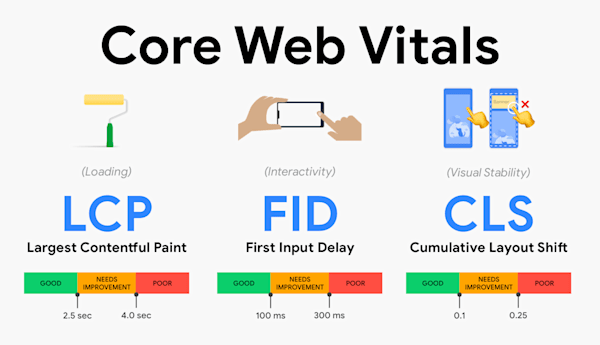
Loading speed
How quickly the main content becomes visible.
Interactivity
How fast a page responds when users interact with it.
Visual stability
Whether the page shifts unexpectedly while loading.
Unexpected movement can be frustrating.
For instance, a visitor may tap an element while the page is still loading, and shifting content can cause a different item to appear in that spot.
That creates a poor experience.
Mobile usability
A page should work properly on phones and smaller screens.
Users should not need to zoom excessively or struggle with tap targets.
HTTPS security
Secure connections help protect visitors and improve trust.
Safe browsing
Pages should not contain harmful or deceptive elements.

Does Page Experience Directly Control Rankings?
Not entirely.
Content relevance still matters strongly.
A highly relevant page can rank well even if its page experience is not perfect.
However, when two pages provide similar value, stronger user experience can become an advantage.
That is why it should be seen as an important supporting factor rather than the only ranking factor.
Why Page Experience Matters for Website Owners
Many website owners think only about search engines.
But page experience also affects visitors directly.
Better experience can help with:
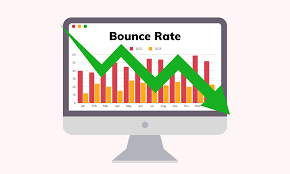
Lower bounce rates
Users are less likely to leave immediately.
Better engagement
Visitors stay longer and explore more pages.
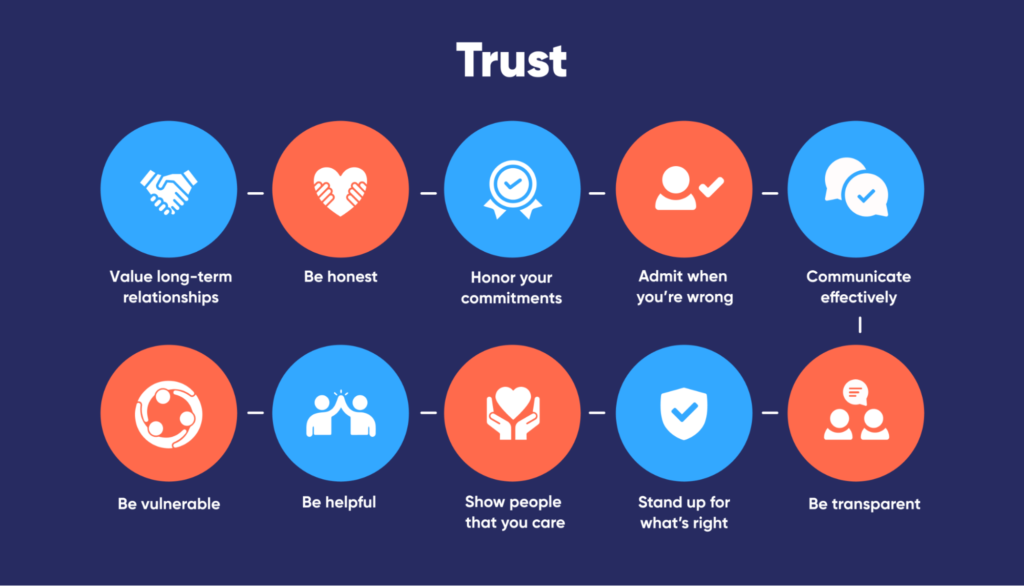
Improved trust
A fast and stable page feels more reliable.
Better conversions
Whether you want sales, leads, or subscriptions, user experience often matters.
Beyond search visibility, a smoother page experience can also help improve engagement, trust, and overall business performance.
Common Problems That Hurt Page Experience
Some issues appear frequently.
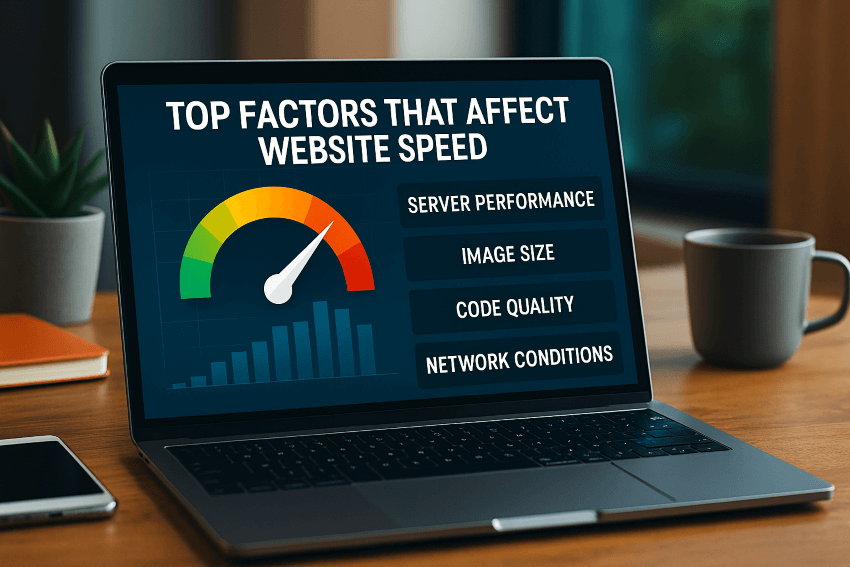
Large unoptimized images
Heavy files often slow down loading.
Too many plugins
Extra scripts can reduce performance.
Layout shifts
Images, ads, and delayed content can cause movement.
Poor mobile formatting
Desktop-first layouts often create mobile usability issues.

Slow hosting
Server performance affects page speed.
How to Check Your Website
You do not need to guess.
There are practical ways to review performance.
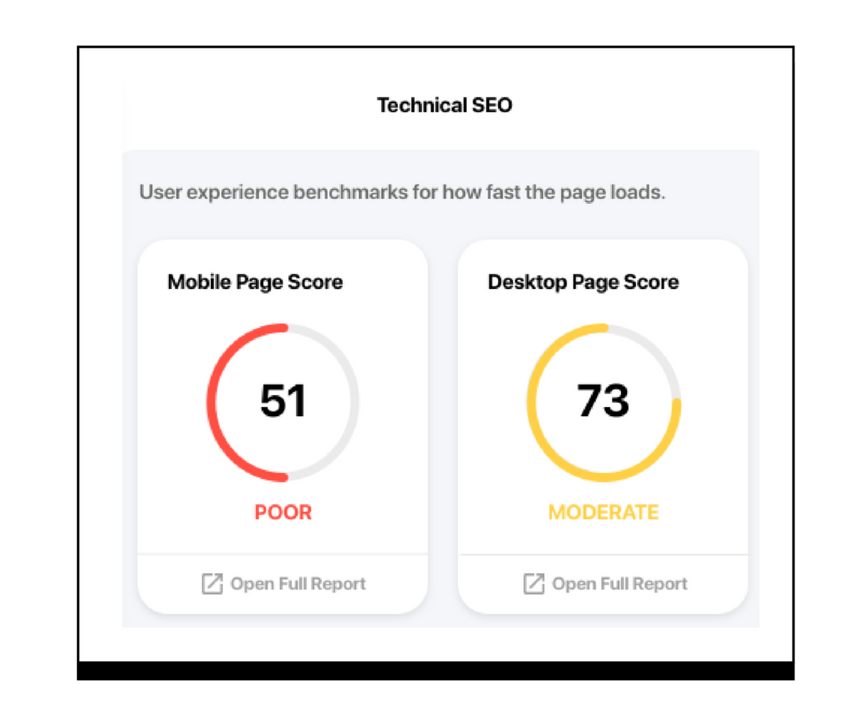
Use Google PageSpeed Insights
This tool shows loading data and improvement suggestions.
Test on mobile devices
Real-world checks often reveal usability problems.
Review image loading
Large media files are common performance issues.

Check layout stability
Watch whether elements jump while loading.
Practical Ways to Improve Page Experience
Improvement often comes from small practical changes.
Compress images
Oversized image files often add extra weight to a page and can slow down loading performance.
Use properly sized files before uploading.
Reduce unnecessary plugins
Too many plugins can create heavy front-end loading.
Keep only useful ones.
Use good hosting
Server quality affects loading speed.
A strong hosting environment helps overall performance.
Minimize heavy scripts
Third-party tools, popups, and tracking code can slow pages.

Optimize mobile layout
On mobile devices, page elements should remain easy to tap, read, and navigate without awkward spacing or layout issues.
Prevent layout shifts
Reserve space for images and media elements.
That helps maintain visual stability.
Does Page Experience Affect Every Website?
Yes, but not equally.
For example:
- news websites
- blogs
- ecommerce stores
- business websites
- service pages
All can benefit.
However, improvement priorities may differ.
A blog may focus more on readability.
An ecommerce site may care more about mobile speed and conversion flow.
Should Small Websites Care About It?
Absolutely.
Small websites often have fewer technical layers, which means improvements can sometimes be implemented faster.
A clean lightweight site often has an advantage over bloated complex websites.
Is Content Still More Important?
Yes.
A fast page with weak content will not automatically rank.
Google still needs relevant, useful, and helpful information.
The strongest approach combines:
- good content
- strong relevance
- useful structure
- positive page experience
That combination tends to work best.
What Website Owners Should Focus On First
not try to fix everything at one.
Start with the highest-impact areas.
First priority
Check loading speed.
Second priority
Improve mobile usability.
Third priority
Reduce layout movement.
Fourth priority
Remove unnecessary technical weight.
Small improvements often create meaningful results.
Common Misunderstanding
A common misunderstanding is thinking page experience is a quick ranking trick.
It is not.
It is part of building a better website.
That mindset matters.
A site designed for users usually creates stronger long-term performance.
Final Thoughts
The Google Page Experience update is about more than algorithms.
It reflects a simple idea: useful pages should also feel good to use.
Fast loading, stable layout, mobile usability, and safe browsing all contribute to better visitor experience.
For website owners, that means page experience should be treated as part of overall site quality.
You do not need perfection.
You need practical improvements that make the site better for real users.
That is often where long-term SEO value comes from.
FAQs
What is the Google Page Experience update?
It is a ranking signal that evaluates how users experience a webpage in terms of speed, usability, stability, and security.
Does page experience replace content quality?
No. Content relevance remains very important.
Are Core Web Vitals part of page experience?
Yes. They are one of the major components.
Can page experience help SEO?
Yes. It can strengthen rankings when content quality is already competitive.
What should I improve first?
Start with loading speed, mobile usability, and layout stability.