
Introduction

A website’s URL is more than just an address that helps visitors reach a page. A well-planned SEO URL structure can make your website easier to understand for both users and search engines. Clear URLs can communicate what a page is about and make links easier to read, share, and remember.
Poorly structured URLs may contain unnecessary numbers, symbols, long strings, or confusing parameters. This can make navigation harder and create an unorganized website structure. Creating clean and descriptive URLs from the beginning can help you maintain a better website as it grows.
What Is an SEO URL Structure?
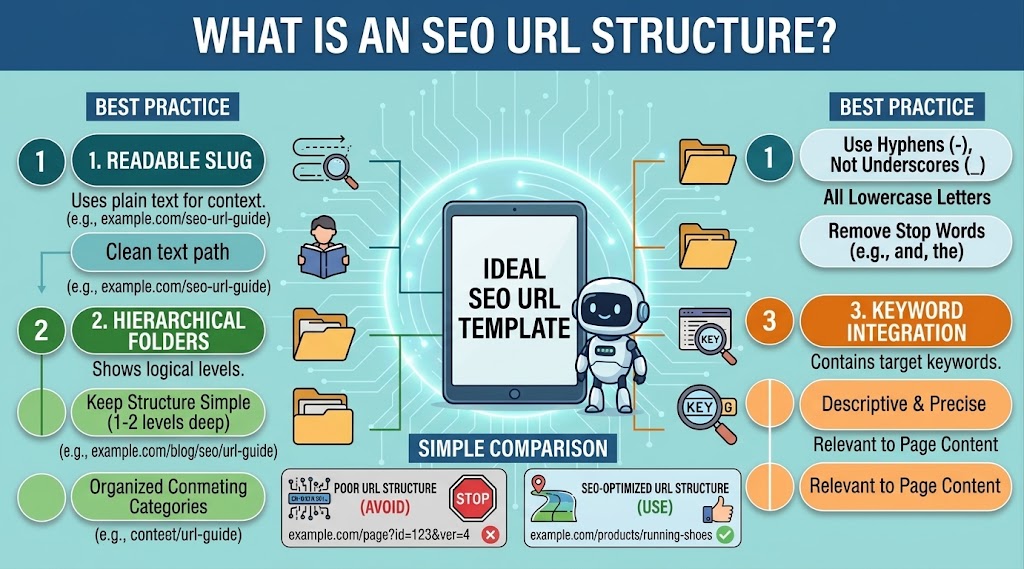
An SEO URL structure is the way website addresses are organized so they are clear, descriptive, and easy for search engines and users to understand.
For example, a clean URL might look like:
https://example.com/seo-url-structure
A less useful URL could look like:
https://example.com/page?id=8472
The first example gives visitors an immediate idea about the page topic. A good URL does not need to contain every detail about a page. It should simply provide useful information in a short and understandable format.
Why URL Structure Matters for SEO
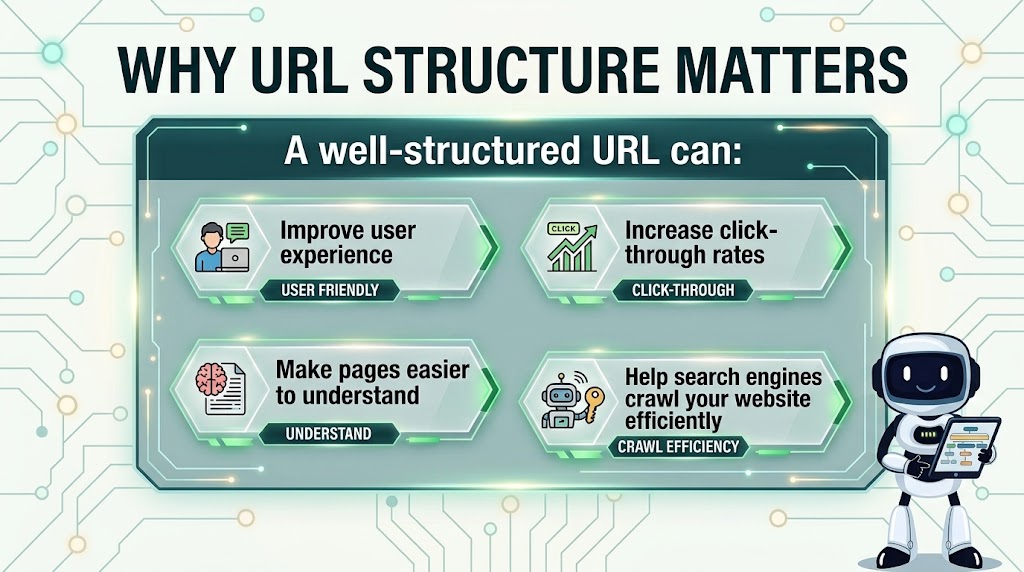
URLs are one part of a website’s overall SEO structure. Search engines use many signals to understand and organize webpages, while users also rely on URLs when deciding where a link may lead.
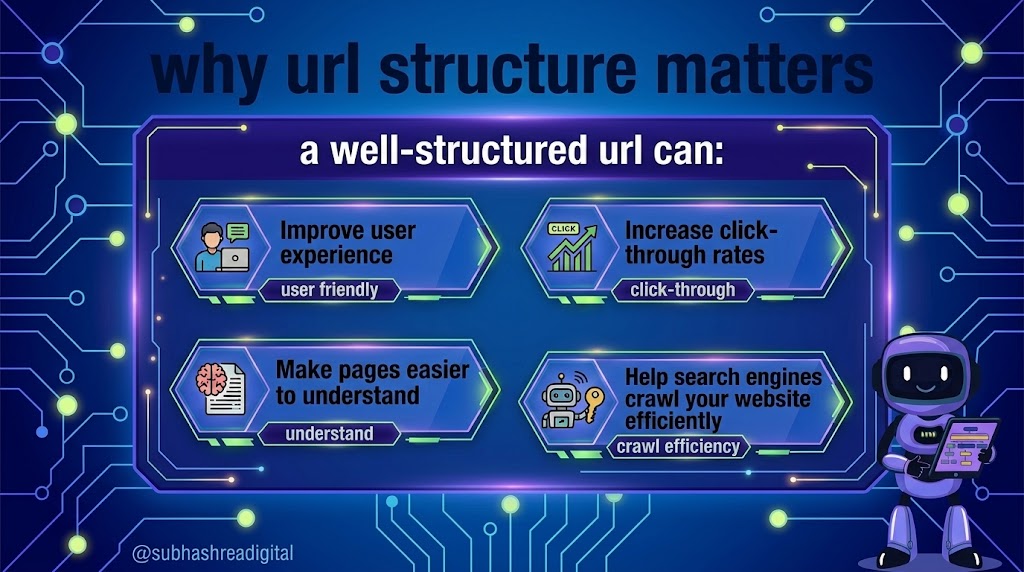
A clear URL structure can provide several benefits:
- Makes pages easier to understand
- Improves website organization
- Creates a better user experience
- Makes links easier to share
- Helps search engines understand page topics
- Supports logical internal linking
- Makes website management easier
A good URL alone will not guarantee higher rankings, but it contributes to a technically organized and user-friendly website.
1. Keep URLs Short and Descriptive
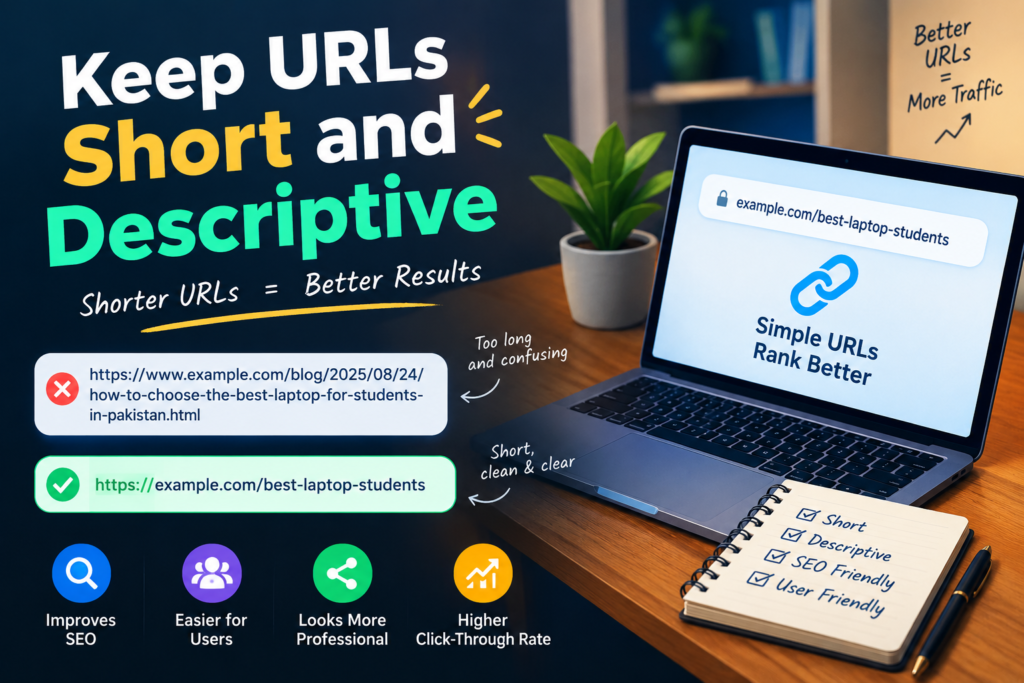
Short URLs are generally easier to read and remember. Instead of creating a long address containing unnecessary words, focus on the main topic of the page.
For example:
example.com/best-seo-tools/
is easier to understand than a URL containing a long sentence or multiple unnecessary terms.
A shorter URL is not automatically better, but removing unnecessary words can make the address cleaner.
2. Use the Main Keyword Naturally
Including the primary topic in a URL can help communicate what the page is about. If your page targets the keyword “SEO URL Structure,” a suitable URL could be:
example.com/seo-url-structure/
Avoid forcing multiple keywords into the URL. Keyword stuffing can make URLs look unnatural and difficult to read.
The goal should be clarity rather than adding as many keywords as possible.
3. Use Hyphens Between Words
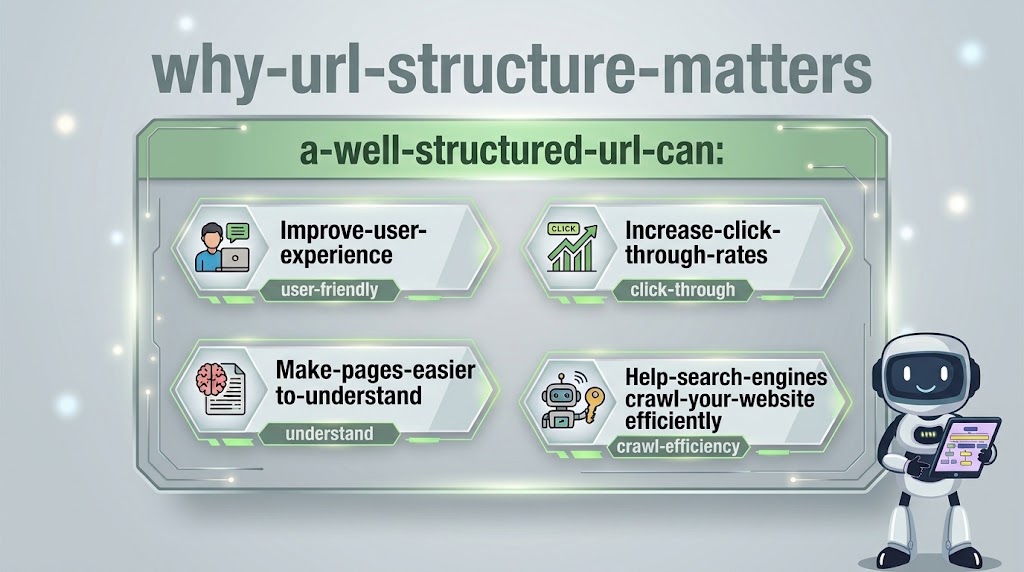
Hyphens are commonly used to separate words in readable URLs.
For example:
example.com/seo-url-guide/
is easier to read than:
example.com/seourlguide/
Avoid using unnecessary underscores or combining multiple words together. A consistent separator makes URLs easier for users to understand.
4. Use Lowercase Letters
Keeping URLs in lowercase is a simple way to maintain consistency.
For example:
example.com/seo-tips/
is preferable to creating different versions such as:
example.com/SEO-Tips/
On some servers, uppercase and lowercase URLs can potentially be treated as different addresses. Consistent lowercase URLs can therefore help prevent unnecessary URL variations.
5. Avoid Unnecessary Numbers and Symbols
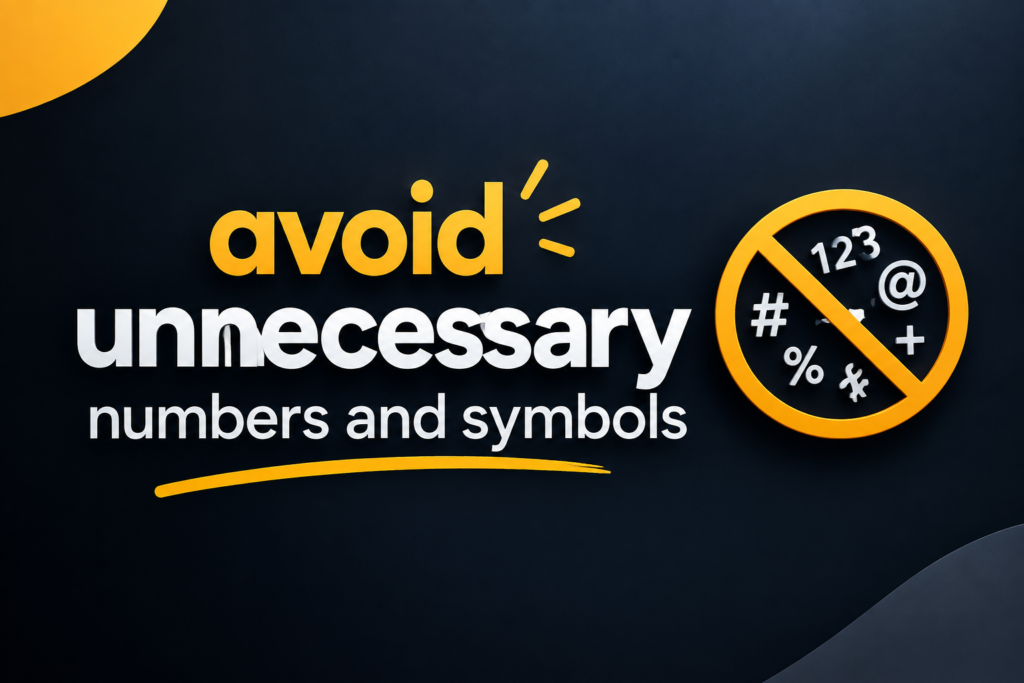
Random numbers and complicated symbols can make URLs difficult to understand.
Instead of:
example.com/article/123456/
consider:
example.com/seo-url-structure/
Descriptive URLs provide more context than random identification numbers. However, certain websites may naturally require numbers or parameters, so they should not be removed when they are technically necessary.
6. Create a Logical URL Hierarchy
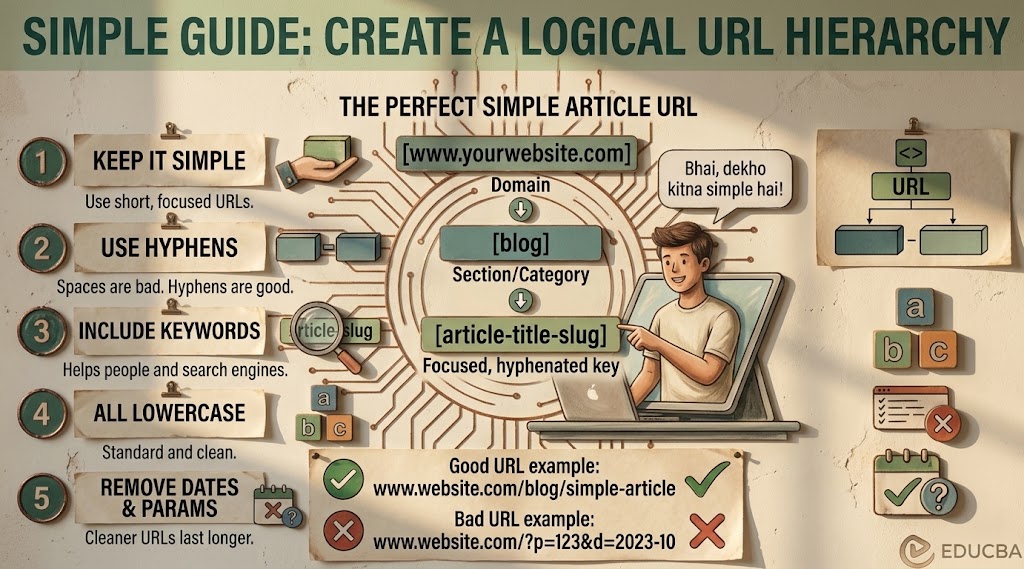
Your URL structure should reflect the organization of your website where appropriate.
For example:
example.com/blog/seo/seo-url-structure/
can communicate that the page belongs to a blog and a particular topic category.
However, avoid creating unnecessarily deep URL structures. Visitors should not have to navigate through many levels before reaching useful content.
A simple hierarchy can make your website easier to manage and understand.
7. Avoid Changing URLs Frequently
Once a page has been published and potentially discovered by search engines or linked from other websites, changing its URL can create problems.
Changing URLs may result in broken links or users reaching an old address. If you genuinely need to change a URL, use an appropriate redirect from the old URL to the new one and update important internal links.
For this reason, think carefully about your URL structure before publishing large amounts of content.
8. Avoid Keyword Stuffing
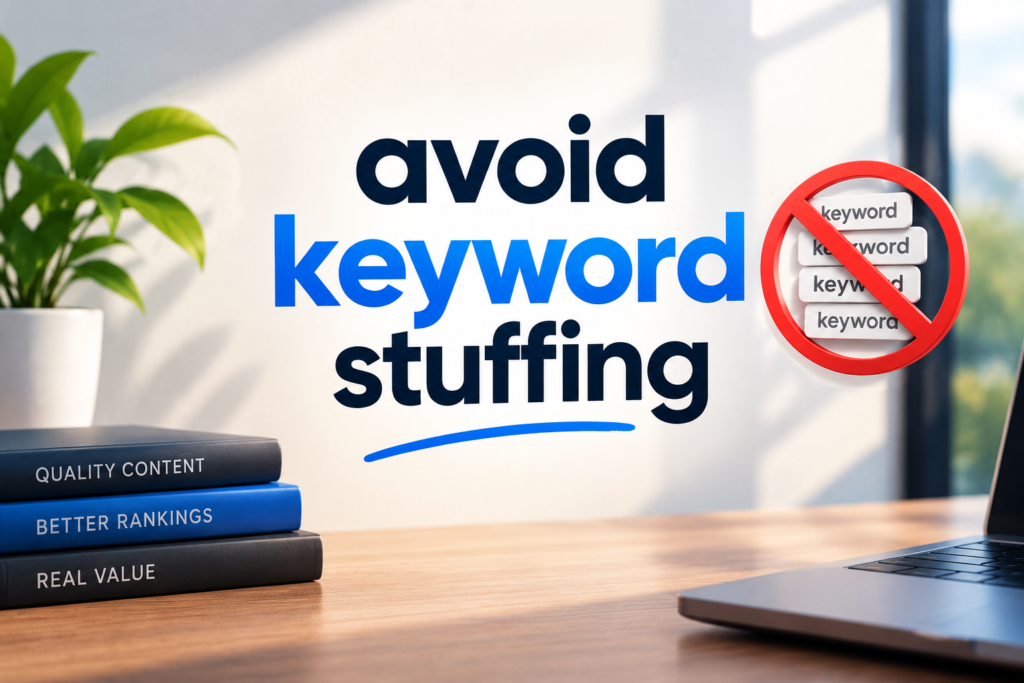
Adding the same keyword repeatedly does not make a URL more SEO-friendly.
For example, a URL such as:
example.com/seo-url-structure-seo-url-seo/
looks unnatural and provides little additional value.
A cleaner option is:
example.com/seo-url-structure/
Use the main topic once when it fits naturally. Focus on creating URLs that are useful to people rather than trying to manipulate search engines.
9. Keep URL Structures Consistent
Consistency is important when managing a growing website. Decide how you want to organize posts, categories, products, and other pages before publishing large amounts of content.
For example, if blog articles use:
example.com/blog/article-name/
try to follow the same pattern for similar content.
A consistent system makes it easier to maintain internal links, create content, and troubleshoot technical SEO issues.
10. Handle Duplicate URLs Carefully
A website can sometimes make the same content accessible through multiple URLs. This can create unnecessary duplication and make website management more complicated.
Check your website for URL variations and use appropriate canonicalization or redirects where necessary.
Avoid creating multiple pages that provide almost identical information unless there is a genuine reason for having separate pages.
SEO URL Structure for WordPress
WordPress makes it relatively easy to create readable URLs. In the WordPress dashboard, you can normally find permalink options under Settings → Permalinks.
The Post name structure is commonly used for websites because it creates simple URLs based on the page or post title.
For example:
example.com/seo-url-structure/
After changing permalink settings, test your website carefully. Make sure important pages and posts still open correctly and that internal links are working.
Common URL Mistakes to Avoid
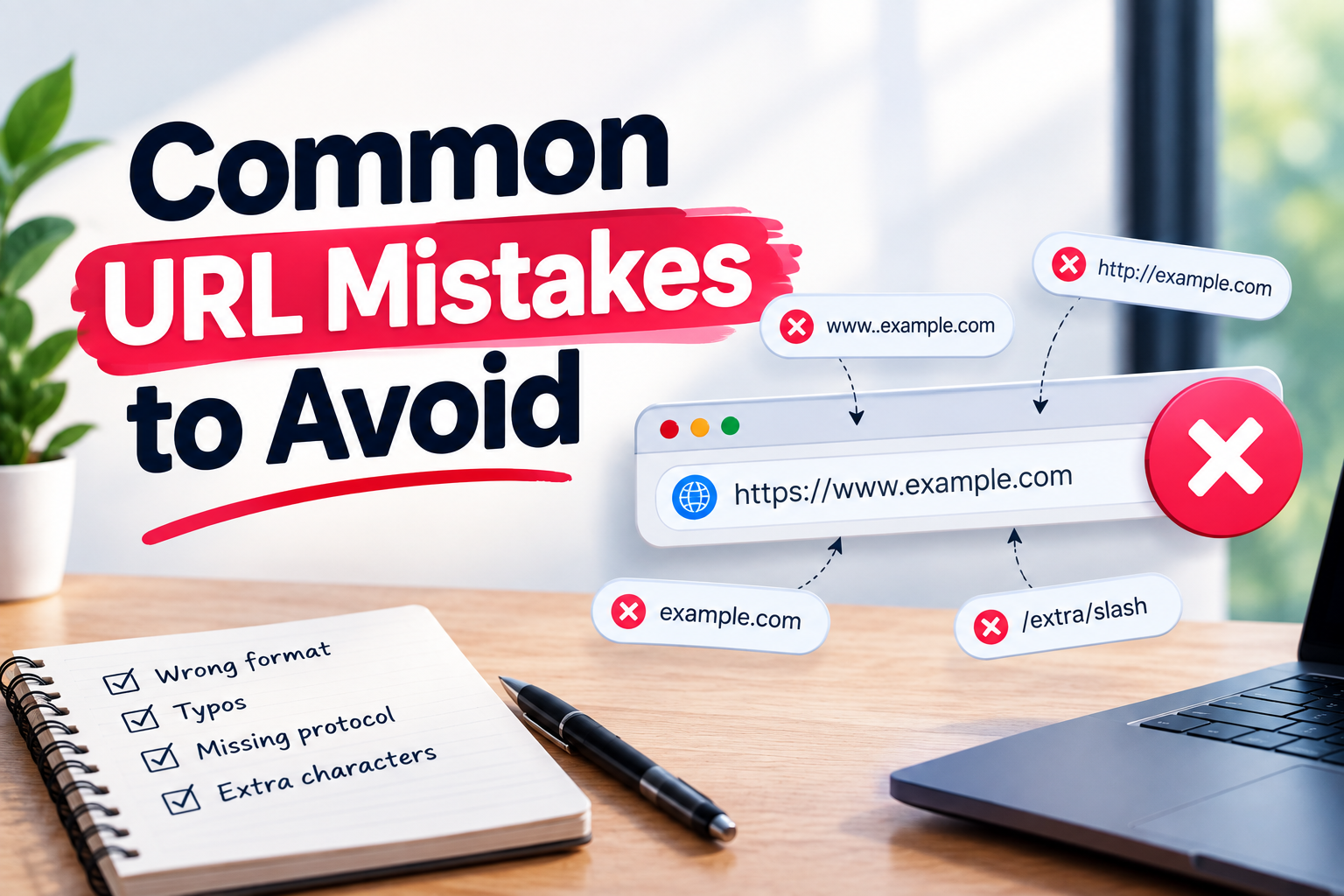
Some common URL problems include:
- Using extremely long URLs
- Adding unnecessary words
- Using random numbers
- Changing URLs without redirects
- Repeating keywords excessively
- Creating too many URL levels
- Using inconsistent structures
- Allowing unnecessary duplicate URLs
- Ignoring broken links after URL changes
Avoiding these mistakes can help maintain a cleaner website architecture.
How to Create an SEO-Friendly URL
Creating an SEO-friendly URL does not need to be complicated. Before publishing a page, ask yourself whether the URL clearly explains what visitors will find.
A simple process is:
- Identify the main topic of the page.
- Choose a short descriptive phrase.
- Include the primary keyword naturally when appropriate.
- Separate words with hyphens.
- Remove unnecessary words and symbols.
- Keep the URL lowercase.
- Maintain the same structure across similar pages.
- Avoid changing the URL after publication unless necessary.
Conclusion
A well-planned SEO URL Structure can improve website organization, readability, navigation, and technical SEO management. The best URLs are usually simple, descriptive, consistent, and focused on the page’s main topic.
Use meaningful words, avoid unnecessary complexity, and create a logical structure that can continue working as your website grows. Remember that URLs are only one part of SEO. High-quality content, useful internal linking, technical performance, search intent, and a good user experience are also important.
By following these URL practices from the beginning, you can build a website that is easier for both visitors and search engines to understand.
Frequently Asked Questions
1. What is an SEO-friendly URL?
An SEO-friendly URL is a clear, descriptive web address that is easy for users and search engines to understand.
2. Should a URL contain keywords?
A URL can include the primary keyword when it fits naturally. Avoid adding multiple keywords unnecessarily.
3. Are shorter URLs better for SEO?
Short URLs are often easier to read, share, and understand. However, clarity is more important than making a URL extremely short.
4. Should URLs use hyphens?
Yes. Hyphens are a clear way to separate words in URLs and improve readability.
5. Can changing a URL hurt SEO?
Changing an established URL can cause broken links and other issues. If a URL must be changed, use an appropriate redirect and update internal links.
6. What permalink structure is good for WordPress?
For many WordPress websites, the Post name structure provides simple and readable URLs. The best choice can depend on the site’s content and requirements.
7. Should URLs use uppercase letters?
Using lowercase URLs consistently is generally recommended because it helps maintain a uniform URL structure and can avoid case-related URL variations.