
Website speed has become an important part of running a successful WordPress website. Visitors expect pages to load quickly, while website owners need a reliable way to improve performance without spending hours changing technical settings.
A slow website can affect the user experience, engagement, and potentially business results. Images, scripts, stylesheets, database queries, third-party services, and hosting configuration can all contribute to loading delays.
WP Rocket 3.23.1.1 is a WordPress performance and caching plugin designed to simplify many of the optimization tasks that can otherwise require technical configuration. It combines caching, file optimization, lazy loading, database cleanup, and other performance features within one WordPress plugin.
This guide explains what WP Rocket does, how its major features work, and what website owners should understand before using it.
What Is WP Rocket 3.23.1.1?

WP Rocket 3.23.1.1 is a WordPress caching and performance optimization plugin. Its purpose is to help websites deliver pages more efficiently by reducing unnecessary processing and optimizing how different website resources are handled.
Caching is one of its main functions.
Normally, when a visitor opens a WordPress page, the server may need to process PHP code, communicate with the database, load plugins, and generate the requested page. Caching keeps a ready-to-use copy of a webpage, allowing future visitors to access the content with less processing from the server.
WP Rocket combines this caching approach with several additional optimization features.
Why WordPress Caching Matters
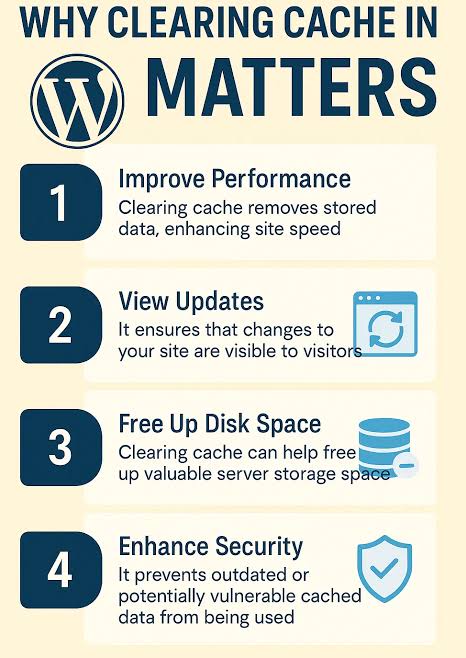
WordPress websites are dynamic. When a visitor requests a page, different components may need to work together before the final page is delivered.
A caching system can reduce some of this repeated work.
For example, if a page does not change frequently, serving a cached version can reduce the amount of processing required for every visitor.
This can help improve loading performance and reduce server workload, particularly on websites that receive regular traffic.
Caching is not a replacement for good hosting or optimized content, but it can be an important part of an overall WordPress performance strategy.
Page Caching
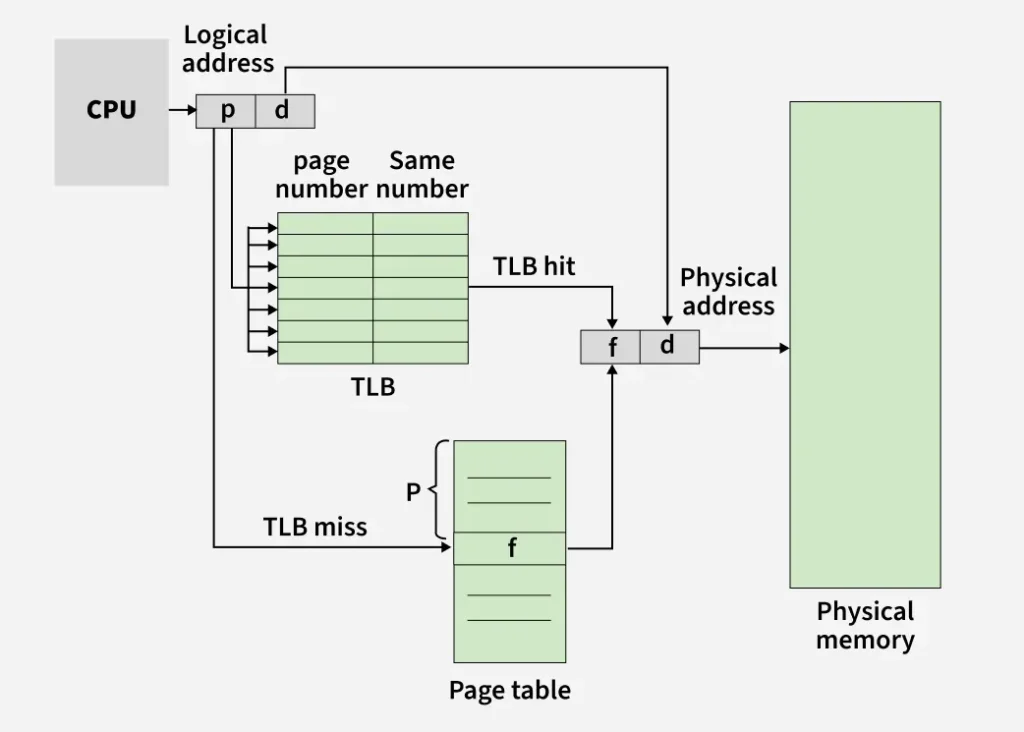
Page caching is one of the core functions of WP Rocket.
When a cacheable page is generated, the plugin can store a static version that can be delivered more quickly when another visitor requests the same content.
This can reduce the need for WordPress to repeatedly generate the same page from scratch.
For content websites, blogs, and many business websites, page caching can provide a useful performance improvement.
However, dynamic pages such as shopping carts, account areas, or checkout pages often require special handling because their content can change for individual visitors.
Cache Preloading
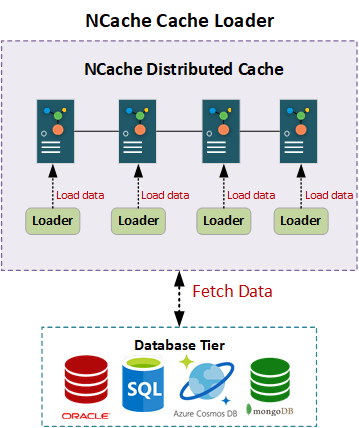
A cache is most useful when important pages already have cached versions available.
WP Rocket provides cache preloading functionality that can help generate cached content after certain changes or events.
This can reduce situations where the first visitor after a cache refresh has to wait while a page is generated.
Cache preloading can be particularly useful for websites where maintaining consistently fast page delivery is important.
Sitemap-Based Cache Preloading

A website’s XML sitemap contains URLs that search engines can discover.
Sitemap-based preloading can use these URLs as a source for warming the cache.
Instead of waiting for visitors to open every page first, the system can work through relevant URLs and prepare cached versions.
This can be useful for larger content websites where many important pages need to remain available in the cache.
GZIP Compression
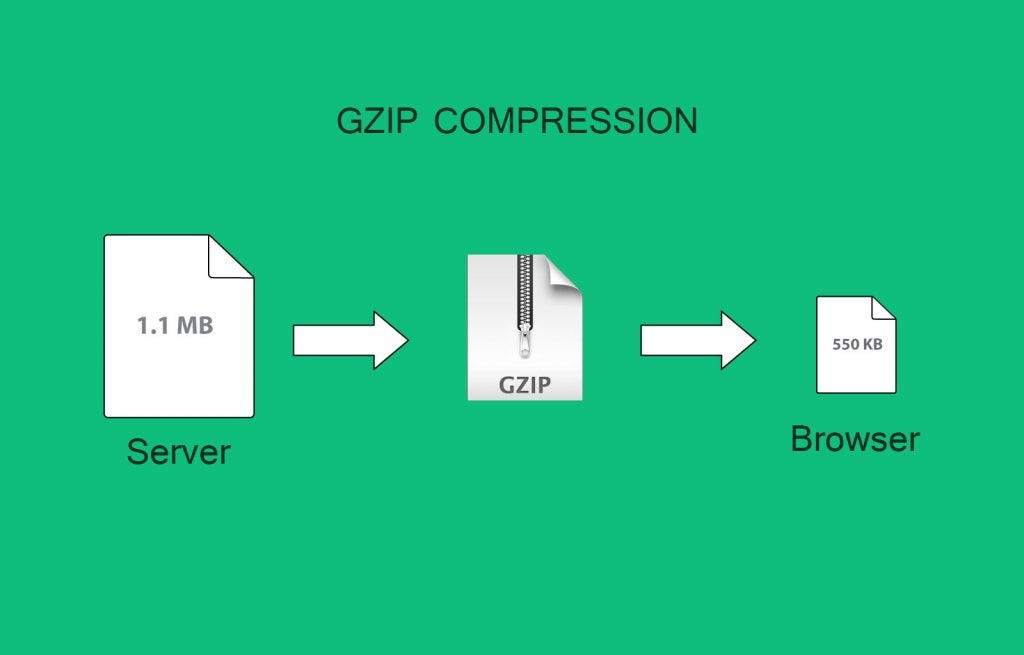
Website files can contain HTML, CSS, JavaScript, and other resources that need to be transferred between the server and visitor’s browser.
WP Rocket supports performance-related compression configuration, including GZIP in supported environments.
Smaller transferred resources can help reduce network transfer time, especially for visitors using slower connections.
Compression works best as part of a broader optimization strategy rather than being treated as the only solution for a slow website.
Browser Caching
Browsers can store certain website resources locally.
When a visitor returns to the same website, resources that have not changed may be loaded from the browser cache rather than downloaded again.
This can reduce repeated network requests and improve the experience for returning visitors.
Browser caching is particularly useful for static resources that remain unchanged for longer periods.
CSS and JavaScript Optimization
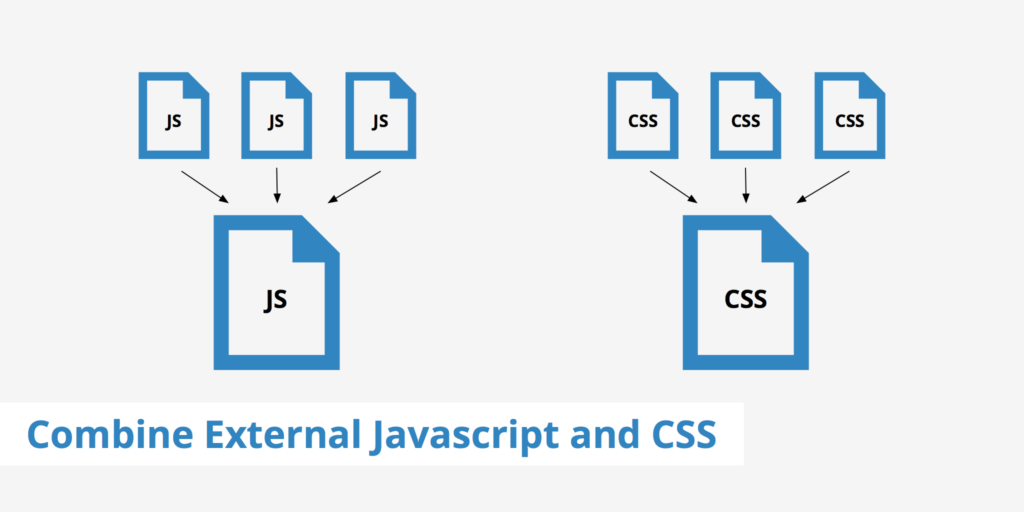
CSS controls the visual appearance of a website, while JavaScript adds interactive functionality.
Large or poorly optimized files can increase page loading time.
WP Rocket provides options for optimizing these resources, including minification and other loading-related controls.
Minification removes unnecessary characters from code files without changing their intended functionality.
The plugin can also provide options for delaying or deferring JavaScript execution.
These settings can improve loading behavior, but they should be tested carefully because some WordPress themes and plugins depend on specific scripts loading in a particular order.
Lazy Loading
Images and videos can consume significant amounts of bandwidth.
Loading every image immediately can increase the amount of data required when a visitor first opens a page.
Lazy loading changes this behavior by allowing certain media resources to load closer to the point where they become relevant to the visitor.
For example, an image near the bottom of a long article may not need to load immediately when the visitor first opens the page.
Lazy loading can therefore reduce unnecessary initial resource loading.
Google Fonts Optimization
External fonts can generate additional browser requests.
WP Rocket provides options that can help optimize font loading and reduce unnecessary requests in supported configurations.
However, font performance also depends on how the website is designed and which fonts are actually required.
Using a reasonable number of font families and weights can help keep typography efficient.
Database Optimization
Over time, a WordPress database can accumulate unnecessary information.
Examples can include old revisions, temporary data, trashed content, and other database records that are no longer required.
Database optimization tools can help clean selected types of unnecessary data.
Before performing database cleanup, website owners should maintain a reliable backup. Database changes should always be handled carefully because important website information is stored there.
CDN Integration
A Content Delivery Network, commonly called a CDN, distributes static website resources across servers in different geographic locations.
When a visitor requests a resource, it may be delivered from a server closer to that visitor.
This can be particularly useful for websites serving audiences across multiple countries.
WP Rocket can work alongside supported CDN configurations, allowing website owners to combine caching and content delivery strategies.
A CDN does not automatically fix every performance problem. Server response time, image size, code quality, and website architecture still matter.
Cloudflare Compatibility
Cloudflare is widely used for CDN, DNS, security, and performance-related services.
WP Rocket provides compatibility with Cloudflare in supported setups.
Using these technologies together can allow website owners to manage caching and optimization while also taking advantage of Cloudflare’s network and services.
Correct configuration is important because overlapping cache systems can sometimes create unexpected behavior.
Mobile Performance
A website that performs well on a desktop computer may still have problems on mobile devices.
Mobile visitors may use slower networks or less powerful hardware, making efficient resource loading especially important.
WP Rocket provides performance options that can contribute to a better mobile experience.
However, mobile performance also depends on responsive design, image dimensions, theme code, plugins, hosting, and third-party scripts.
Website owners should test actual mobile page performance rather than relying only on plugin settings.
WooCommerce Websites
Online stores have different performance requirements from ordinary blogs.
WooCommerce pages may contain dynamic information such as cart contents, customer details, checkout information, and product availability.
Caching must therefore be configured carefully.
A performance plugin can help optimize static resources and cache suitable pages while excluding areas that should remain dynamic.
Store owners should always test product pages, cart functionality, checkout, account pages, and payment-related features after changing caching settings.
WordPress Multisite Support
Some organizations use WordPress Multisite to manage multiple websites from one WordPress installation.
Performance optimization in a Multisite environment can be more complex because different sites may have different plugins, themes, content, and traffic patterns.
Compatibility with Multisite can make a caching solution more useful for administrators managing several websites.
Each site should still be tested individually after major configuration changes.
Multilingual Website Compatibility
Multilingual WordPress websites can contain multiple versions of pages and content.
Caching must work correctly with the site’s language structure so visitors receive the appropriate version of a page.
WP Rocket can be used with multilingual WordPress environments when properly configured.
After enabling caching, website owners should test language switching, menus, translated pages, forms, and other important elements.
Import and Export Settings
Performance settings can take time to configure.
Import and export functionality can make it easier to transfer or reuse configuration settings between suitable WordPress environments.
This can be helpful for developers and agencies working on multiple websites with similar technical requirements.
However, settings should not be copied blindly. Different websites can have different themes, plugins, hosting environments, and functionality.
Quick Setup and Ease of Use
One reason caching plugins are popular is that website owners do not always want to manually configure every server and performance setting.
WP Rocket provides a dashboard where many optimization features can be managed from WordPress.
This makes it accessible to users who understand basic WordPress administration but may not want to work directly with complex server configuration.
Even with a simple interface, advanced optimization settings should be enabled gradually and tested after each major change.
How WP Rocket Can Help SEO
Website speed and user experience are important parts of modern website optimization.
A faster website can provide a better experience for visitors, particularly on mobile devices.
WP Rocket itself does not guarantee higher Google rankings. SEO depends on many factors, including content quality, relevance, technical accessibility, links, user experience, and search intent.
However, improving website performance can support a broader SEO strategy.
After configuring WP Rocket, website owners should monitor their performance using tools such as Google PageSpeed Insights and Google Search Console.
Best Practices Before Using WP Rocket
Before changing caching or optimization settings, create a complete website backup.
Then enable important features gradually.
After each significant change, test:
- Homepage
- Blog posts
- Contact forms
- Navigation
- Mobile layout
- Images
- JavaScript functionality
- WooCommerce cart
- Checkout
- Login pages
- Multilingual features
If a website suddenly breaks after enabling an optimization option, disable the most recent setting and identify the conflicting resource.
Final Thoughts
WP Rocket 3.23.1.1 provides a broad collection of WordPress performance features focused on caching, resource optimization, lazy loading, database cleanup, and efficient content delivery.
Its page caching and preload functionality can help reduce repeated server processing, while compression and browser caching can reduce unnecessary data transfers. Features such as lazy loading, JavaScript optimization, database cleanup, CDN support, and font optimization provide additional ways to improve website performance.
The most important point is that no single plugin can solve every speed problem. Hosting quality, website design, image sizes, plugins, themes, third-party scripts, and server configuration all influence performance.
For the best results, use WP Rocket as part of a complete optimization strategy, test changes carefully, and measure performance before and after configuration.
FAQs
1. What is WP Rocket 3.23.1.1?
WP Rocket 3.23.1.1 is a WordPress caching and performance optimization plugin that provides tools for page caching, resource optimization, lazy loading, database cleanup, and other speed-related improvements.
2. Can WP Rocket improve WordPress website speed?
WP Rocket can improve performance by caching pages and optimizing how certain website resources are delivered. The actual improvement depends on the website’s hosting, theme, plugins, content, and existing performance issues.
3. Does WP Rocket work with WooCommerce?
Yes, WP Rocket is designed to work with WooCommerce websites, but dynamic areas such as carts, checkout, and account pages require appropriate caching behavior and should be tested after configuration.
4. Does WP Rocket replace a CDN?
No. A caching plugin and CDN perform different functions. WP Rocket can work with supported CDN configurations, while a CDN distributes static resources through a network of servers.
5. Can WP Rocket help with Core Web Vitals?
WP Rocket provides several optimization features that can contribute to better performance metrics, such as caching, lazy loading, and JavaScript optimization. However, Core Web Vitals depend on the complete website and should be measured after optimization.