
Managing a WordPress website involves more than publishing pages and installing plugins. Website owners also need a reliable way to protect their files, databases, media, settings, and other important information. A failed update, hosting problem, server issue, or accidental change can create serious problems if there is no recent backup available.
Duplicator Pro 4.6.8 is designed to help WordPress users handle website backups and migrations from one place. Instead of moving website files and database information manually, users can package their website and transfer it to another location when needed.
This makes the plugin useful for website owners, developers, agencies, and anyone who regularly works with WordPress installations.
What Is Duplicator Pro 4.6.8?
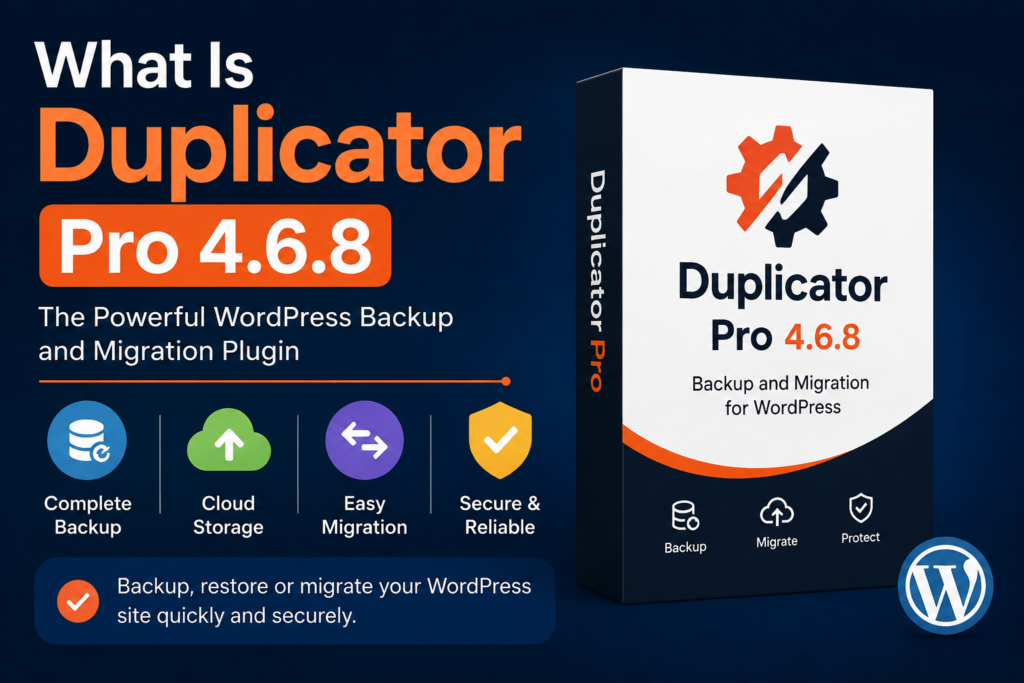
Duplicator Pro 4.6.8 is a WordPress backup and migration solution that can package important website data into a transferable backup. The package can then be used for moving, restoring, or duplicating a WordPress website.
A WordPress installation contains multiple components, including files, media, themes, plugins, and database information. Moving these components manually can take considerable time and may lead to configuration or URL-related problems.
Duplicator Pro simplifies this process by providing tools for creating website packages and transferring them to another WordPress environment.
WordPress Backup Management
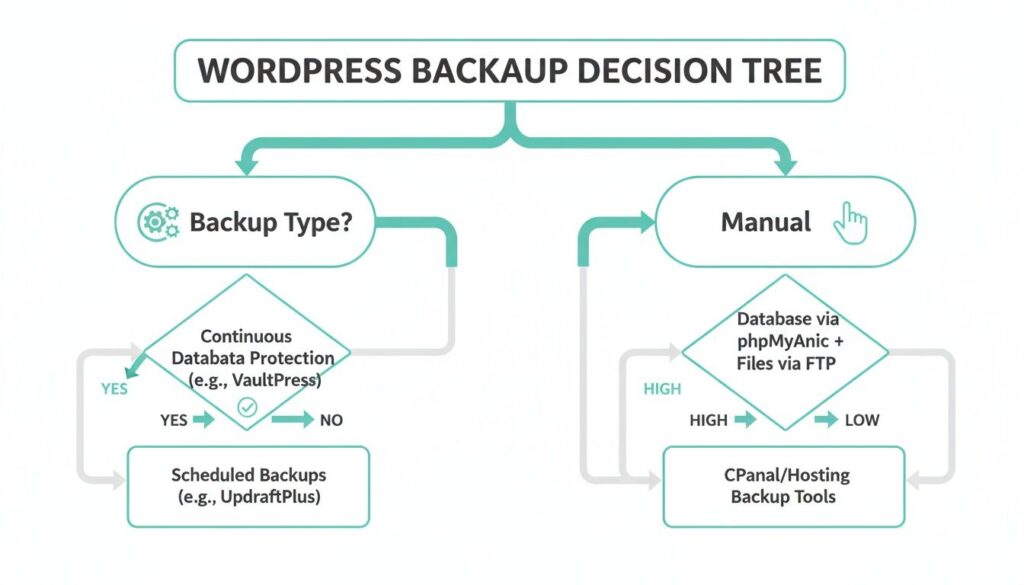
One of the main purposes of Duplicator Pro is website backup management. Regular backups give website owners a recovery option when something goes wrong.
For example, a plugin update may create a conflict with the active theme. A developer may accidentally remove important content. A hosting problem could also make website files temporarily unavailable.
With a suitable backup system, users can restore an earlier version instead of rebuilding the website from scratch.
The plugin can also help users manage how many backups are retained. This is useful when storage space is limited because old packages can gradually consume local or cloud storage.
Scheduled Backups
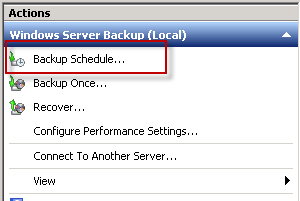
Creating backups manually every time can be easy to forget. Scheduled backup functionality helps automate this routine.
Website owners can configure recurring backup tasks so important website data is saved at selected intervals. The exact schedule should depend on how frequently the website changes.
For example, a website that receives new orders or content every day may require more frequent backups than a simple website that changes only once a month.
Automated backups reduce dependence on manual processes and create a more consistent backup routine.
Custom Backup Selection
Not every backup needs to contain exactly the same information. Duplicator Pro provides options for selecting the data that should be included in a package.
Depending on the task, users may want to work with the complete website or focus on particular components.
This type of flexibility can be useful for developers who need a database-focused backup, media-related files, or a customized package for a specific migration project.
Selective backups can also help reduce unnecessary data when a complete website package is not required.
Cloud Storage Options
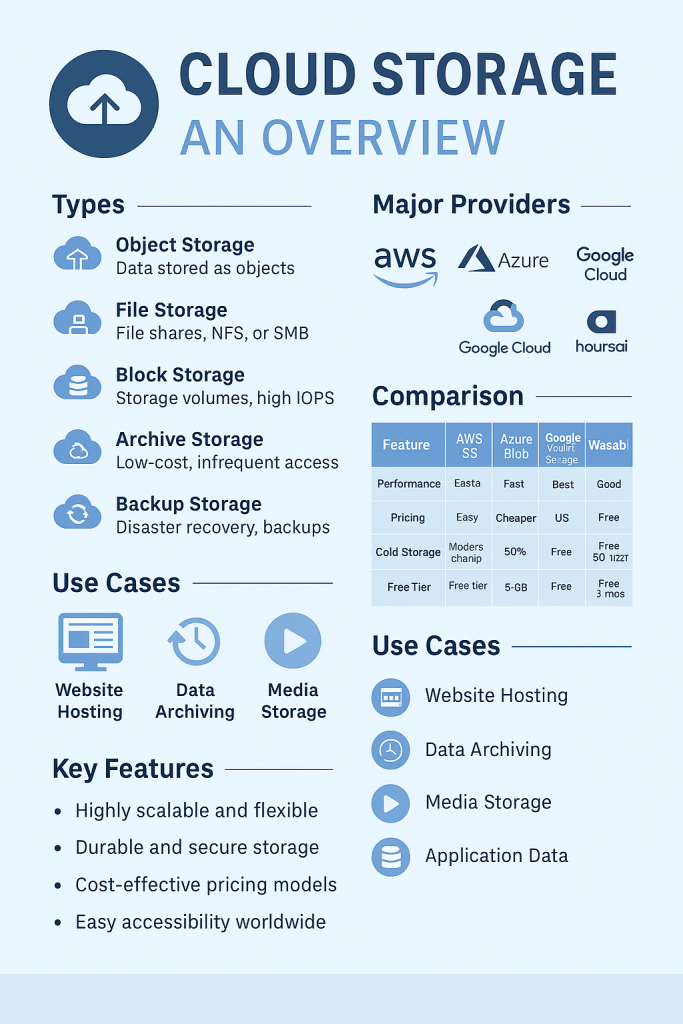
Keeping every backup on the same server can create a risk. If the hosting account experiences a major problem, locally stored backups may become difficult to access.
For this reason, external storage can provide an additional layer of protection. Duplicator Pro supports integrations with several cloud and remote storage services, depending on the available configuration.
Users can send backup packages to services such as Google Drive, Dropbox, OneDrive, Amazon S3, FTP destinations, and compatible storage environments.
Storing backups away from the primary website can make recovery planning more reliable.
WordPress Website Migration
Moving a WordPress website to a new hosting provider can involve several technical steps. Traditionally, users may need to download website files, export a database, upload everything to the new server, configure database settings, and update URLs.
Duplicator Pro aims to simplify this workflow.
A website can be packaged and transferred to a new environment, allowing users to avoid many repetitive manual operations. This can be especially useful when moving a complete website from one hosting account to another.
The migration process should still be planned carefully, especially for business websites where downtime can affect visitors and customers.
Migration Wizard
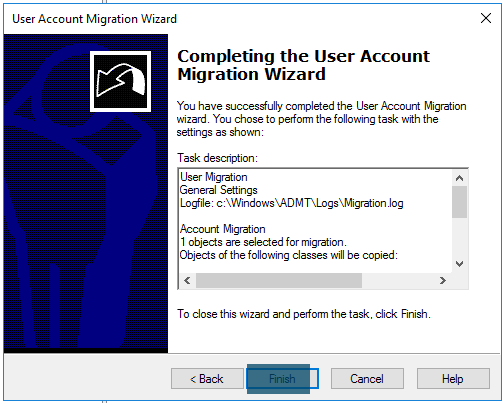
The migration workflow is one of the useful areas of Duplicator Pro. A guided migration process can make website transfers easier for users who do not want to manage every file and database operation manually.
Before starting a migration, it is important to create a reliable backup and verify the destination hosting environment.
Users should also check PHP versions, WordPress requirements, database access, domain configuration, SSL, and available storage before transferring a website.
Good preparation can prevent many common migration problems.
Large WordPress Websites
Large websites can be more difficult to migrate than small WordPress installations. They may contain thousands of media files, large databases, multiple plugins, and complex configurations.
A backup and migration tool needs to handle these different components efficiently.
Duplicator Pro includes features intended to support larger WordPress websites and more advanced migration scenarios. However, server resources still matter. Hosting limits, PHP settings, execution time, available memory, and storage can affect how smoothly a large package is created or restored.
WordPress Multisite Support
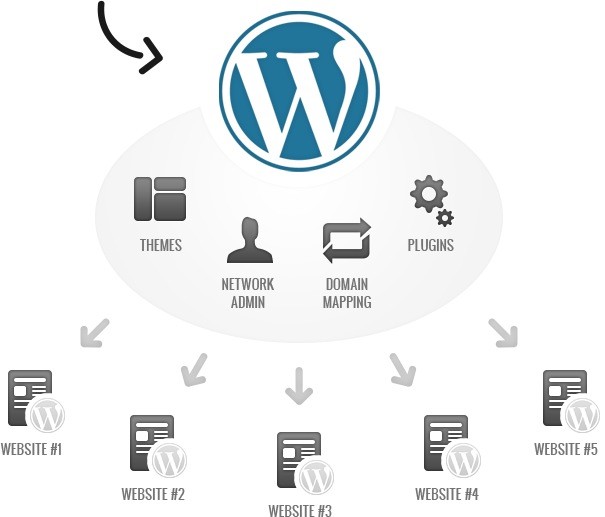
WordPress Multisite allows multiple websites to operate within a single WordPress installation.
Managing backups or migrations in a Multisite environment can be more complicated than working with a standard single-site installation.
Duplicator Pro includes Multisite-related functionality that can help administrators work with network websites. This can be useful for organizations, developers, and agencies managing several WordPress sites under one installation.
Before making changes to a Multisite network, administrators should always verify the backup and restoration strategy.
Recovery Points and Rollbacks
Website updates do not always go according to plan. A new plugin version, theme modification, or WordPress update can sometimes cause unexpected behavior.
Recovery functionality provides a way to return to a previously working state.
Instead of trouble shooting every changing immediately, a website owner may be able to restore a known good version. This can reduce downtime and make maintain less stressfull.
Recovery points are particularly useful before major updates or significant website changes.
Server-to-Server Transfers
Traditional migration methods often require users to download a backup to their computer before uploading it to another server.
Server-to-server functionality can reduce this extra step in supported environments. A package can be transferred using a remote location or URL, which may save time when dealing with larger websites.
This can be especially useful for developers who regularly move websites between hosting environments.
Search and Replace During Migration
Changing a website’s domain or URL is one of the important tasks during migration.
For example, a website may move from a temporary development domain to its production domain. If old URLs remain inside the database, images, internal links, scripts, or other resources may not work correctly.
Search-and-replace functionality can help update old references to the new URL. This reduces the need to manually edit database records and can make the migration process more efficient.
Users should still review the website after migration to confirm that links, images, forms, and important functionality work correctly.
Email Notifications
Backup systems are more useful when website owners know whether scheduled tasks are working successfully.
Email notifications can help provide information about backup-related events, errors, or situations that require attention.
For businesses and agencies managing several websites, these notifications can make it easier to identify problems without checking every website manually.
Backup Security
Website backups may contain sensitive information, including database content, configuration details, user information, and other website data.
Therefore, backup security should be treated as an important part of website management.
Users should protect backup files, limit access to storage locations, and avoid leaving sensitive packages publicly accessible. Encryption and secure storage practices can provide additional protection where supported.
A backup is only useful if it can be safely accessed when needed.
Who Can Benefit From Duplicator Pro?
Duplicator Pro can be useful for several types of WordPress users.
Website owners can use it to establish a regular backup routine.
Developers can use migration and packaging features while moving websites between development and production environments.
Agencies managing multiple client websites can benefit from repeatable backup and migration workflows.
WooCommerce users can also benefit from having a reliable backup strategy because online stores may contain frequently changing products, orders, customer information, and other important data.
Final Thoughts
Duplicator Pro 4.6.8 brings together several tools for WordPress backup, migration, storage, and recovery. Its features can reduce the amount of manual work involved in protecting and transferring WordPress websites.
Scheduled backups help maintain a consistent backup routine, while cloud storage provides an option for keeping copies away from the main hosting server. Migration tools can simplify website transfers, and recovery features can help users return to a previous working version when problems occur.
However, no backup plugin should replace a complete website maintenance strategy. Users should regularly test backups, protect stored packages, monitor available storage, and verify migrated websites after every major transfer.
For WordPress users who frequently create backups or move websites between hosting environments, Duplicator Pro 4.6.8 can be a practical solution for organizing these important tasks.
FAQs
1. What is Duplicator Pro 4.6.8 used for?
Duplicator Pro 4.6.8 is designed for WordPress website backups, migrations, package creation, recovery, and transferring website data between supported environments.
2. Can Duplicator Pro migrate a WordPress website?
Yes. Duplicator Pro provides migration tools intended to help users transfer WordPress websites to another hosting environment or location with fewer manual steps.
3. Does Duplicator Pro support cloud backup storage?
Yes. Depending on the available configuration, Duplicator Pro supports remote and cloud storage options such as Google Drive, Dropbox, OneDrive, Amazon S3, and FTP.
4. Is Duplicator Pro useful for large WordPress websites?
It can be useful for larger WordPress installations, but the success of a large backup or migration also depends on hosting resources, server configuration, database size, and available storage.
5. Why should I create backups before updating WordPress?
A backup provides a recovery option if an update causes a plugin conflict, theme problem, data issue, or unexpected website error. It allows you to return to a previous working version when necessary.